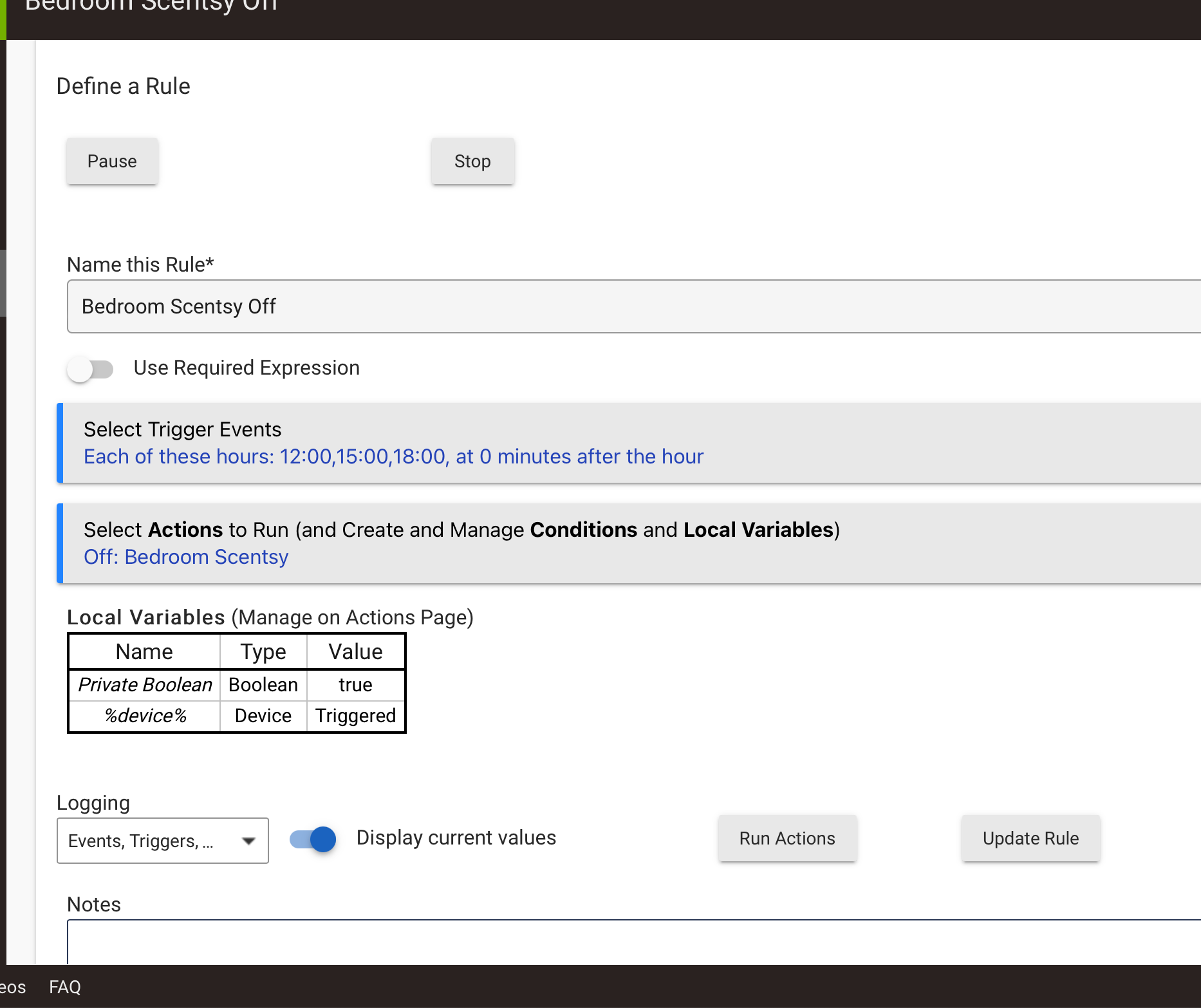
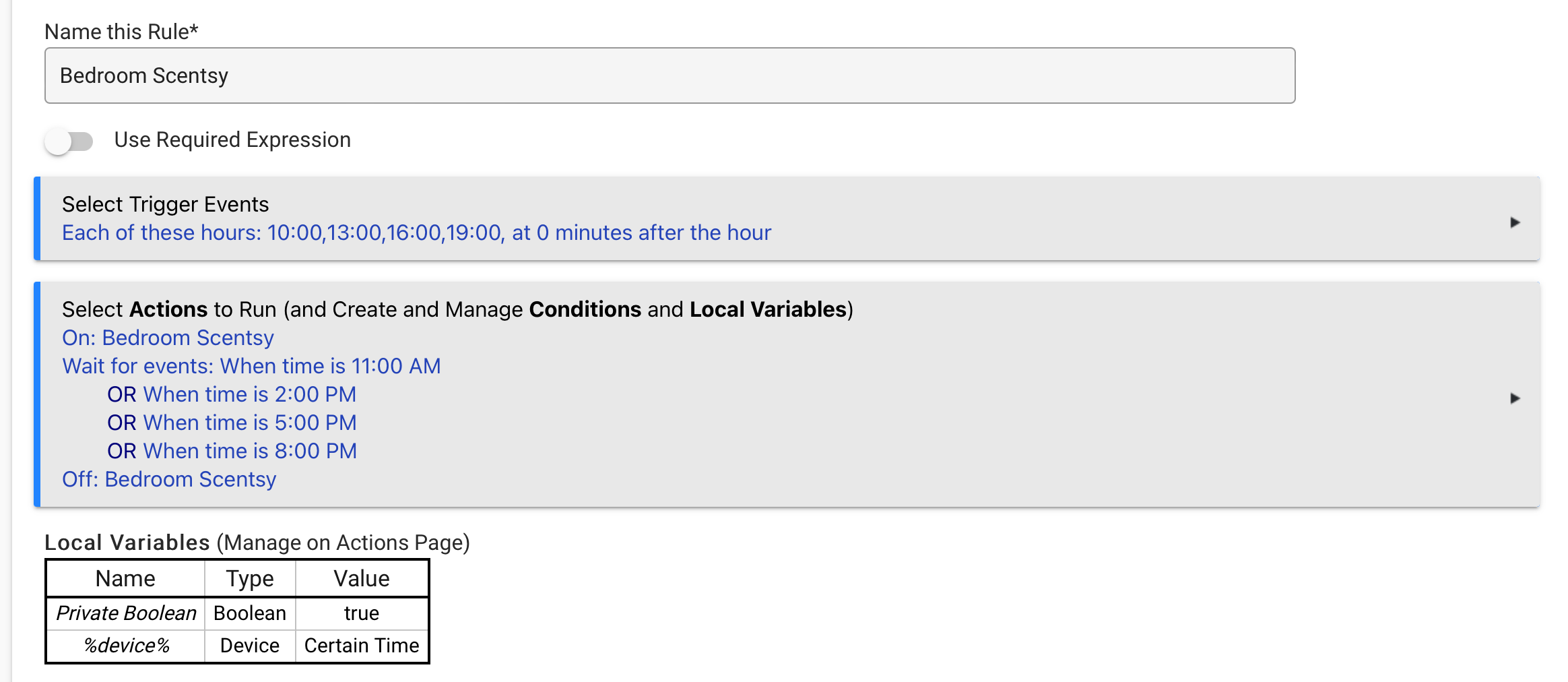
So I have a few rules I setup for my wife, she has Scentsy units in a few different locations, I put in smart plugs to setup a routine to control them on a schedule.
I am looking to cleanup some of my apps under Rule machine, with these Scentsy units I want them to turn on every so often, but how do I add a line to the rule that tells it to turn off?
my goal is to not have an On rule and a corresponding Off rule.
You could always disable your current rules and create the new one from scratch. That gives the option to re-enable the old rules if the new one doesn't work the way you'd like.
That said, the ELSE option will not show up until you have the IF statement in there. Without the IF statement, the ELSE would be non-sensical.
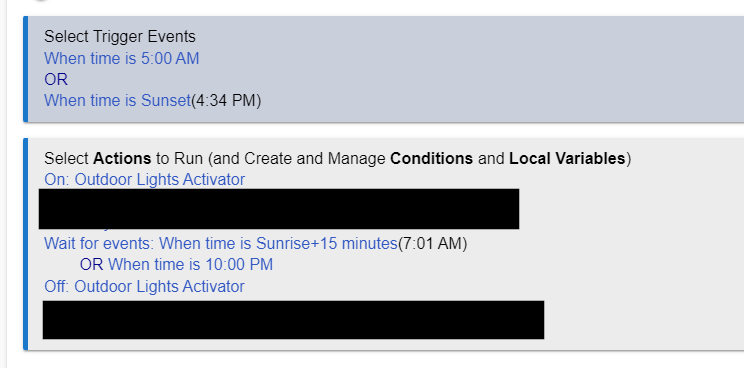
The If/Else is one way of doing it, and here is another way that I came up with. You use the trigger for the ON, and then a Wait for the OFF. You have it wait for the proper time then turn off, also in your case it looks like you always run it for an hour so you could just have it delay 1hr then turn off. I think this is the simplest solution without using complex logic.
I had some extra commands in there I blocked out to avoid confusion. Just replace the "wait for events" with a delay for 1 hour.
Here is my new rule, not the variable times I need in the rule so that the candle unit doesnt run for hours on end. I am assuming this will work as planned.
Trigger Events:
Each of these hours:  1100, 1400, 1700 at 0 minutes after the hour

Actions to Run:
ON: Scentsy
Wait for event: --> elapsed time:  1:00:00
OFF: Scentsy
Yes that is what I was eluding to since you are always running it for an hour. Its a little less complicated to maintain if you want to change the start times.
This looks to be exactly what I need, the previous rule I created didn't work because its always looking for the other times in the list, with this I can simply tell it to wait one hour and then turn off.