I am switching over to HE from ST. I'm moving things over slowly, so far so good. Today, when trying to include a UltraPro ZW4008 wall switch I had my first problem. The message on the screen said it timed out and did not include the device. The device was excluded from ST and a factory reset was confirmed by 5 flashes of the blue led on the device.
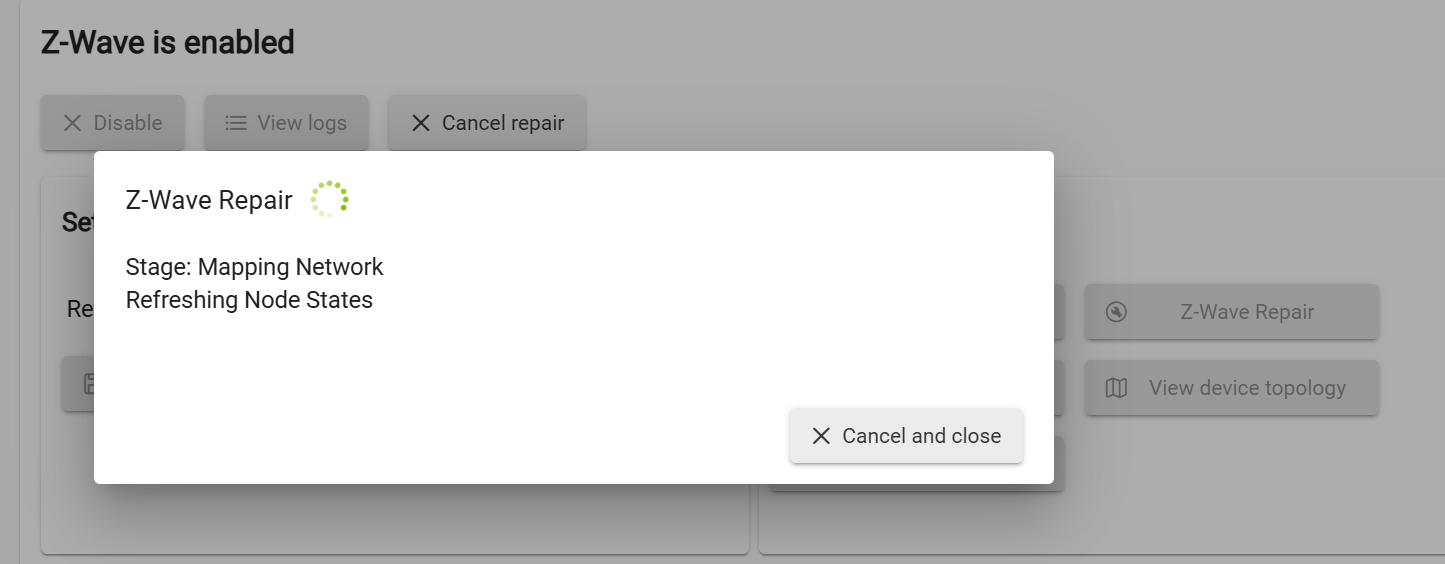
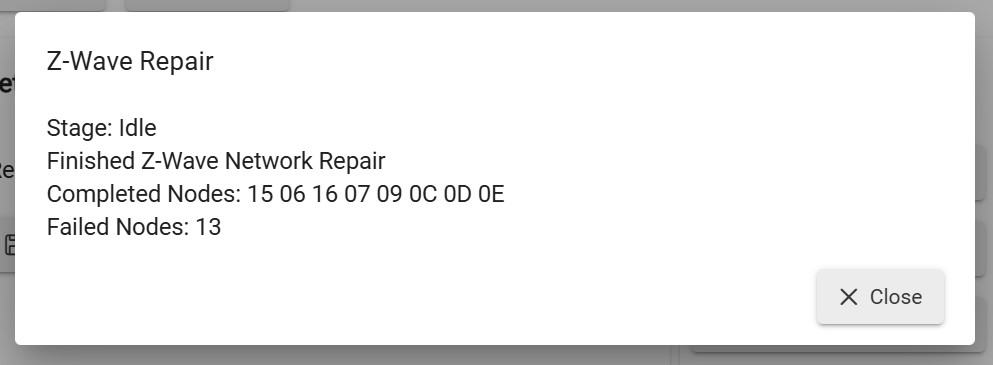
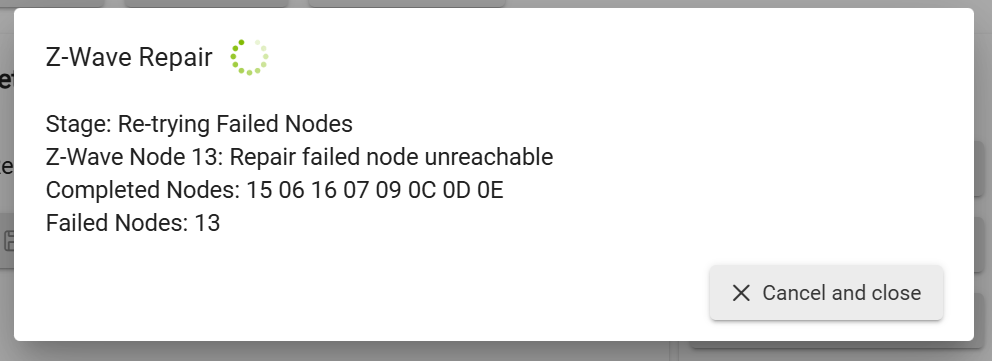
I attemped a Z Wave repair and it returned Node 13 failed. I also noticed this at the end of the list, but the device does not appear in the devices list. How can I get rid of whatever this is?
I just switched from ST to HE about 2 weeks ago and had the same issue on a couple GE/UltraPro switches. Even though I had excluded them from ST I ended up having to exclude them in HE again after the first pairing failed.
It doesn't show up under devices, but on the ZWave details page ( I assume this is the database). All of the devices I added ARE showing up on the devices page and are working. I have to assume this was created when one of 2 devices was added today. Now how to get rid of it...
You probably need to power that device down and hit repair or refresh (I forget which one but someone will advise) until you get a 'remove' button, then click that.
The problem is I don't know which device it is. This is the entire line on the ZWave details page. Notice it has a DISCOVER button which none of the others have.
Hmm I'll back out and await one of the more experienced regulars to advise....It has a route so maybe it's not a 'ghost'. Sometimes shutting down the hub from the menu, unplugging for 30 secs will sort things out. You could try that and maybe the device will then appear in the device page