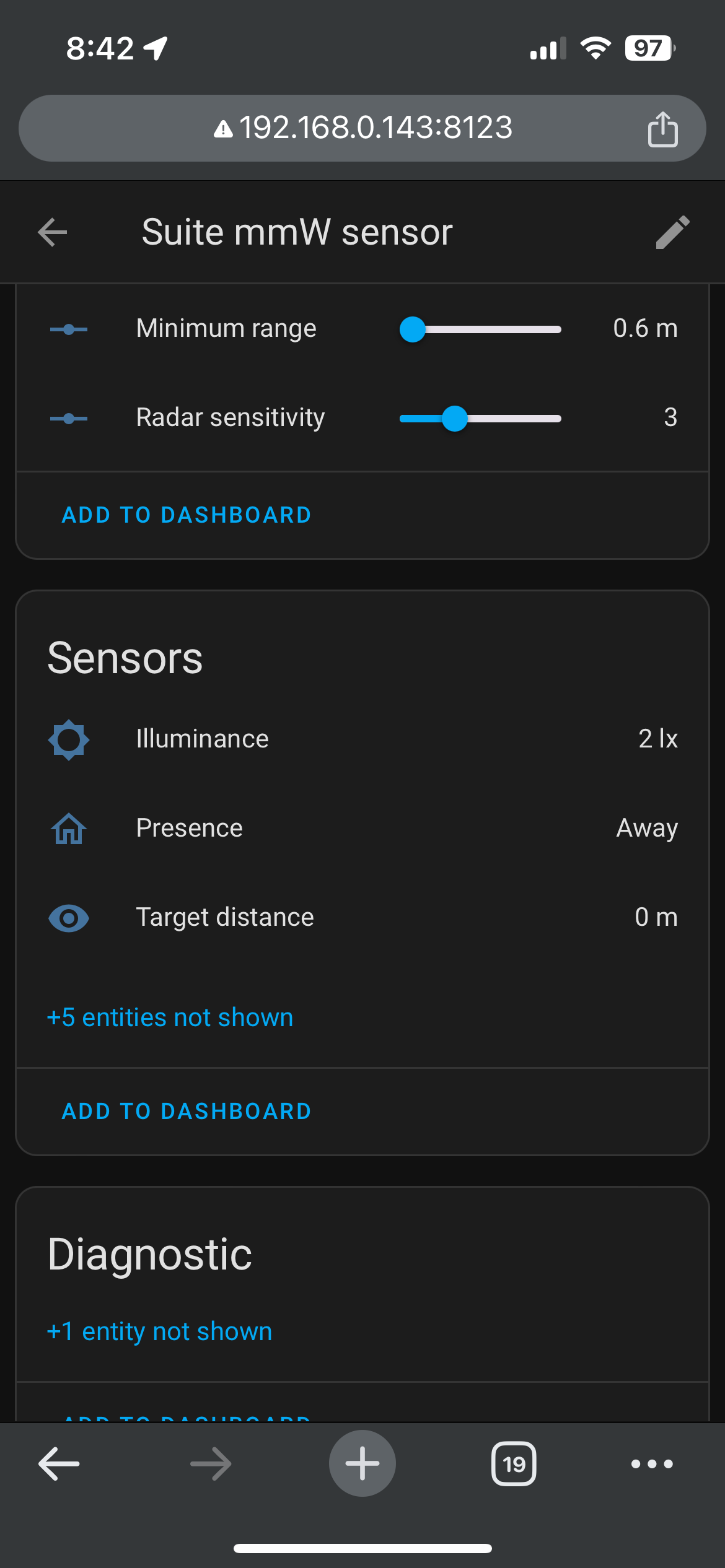
I am trying to use my Tuya Human mmWave Sensors paired using Z2M in Home Assistant in HE using the Home Assistant Device Bridge. However, I am not 100% sure I am picking the correct entity(ies). I thought I was supposed to use an entity like sensor.basement_presence_sensor_motion_state but it's output isn't appropriate for a standard motion sensor. I am also trying to use binary_sensor.basement_presence_sensor_presence and that one at least outputs Home/Away but it never shows up in my device list under the Home Assistant Device Bridge device even after triggering them multiple times.
Has anyone successfully done this? My other option is Node Red and a virtual Omni Sensor.
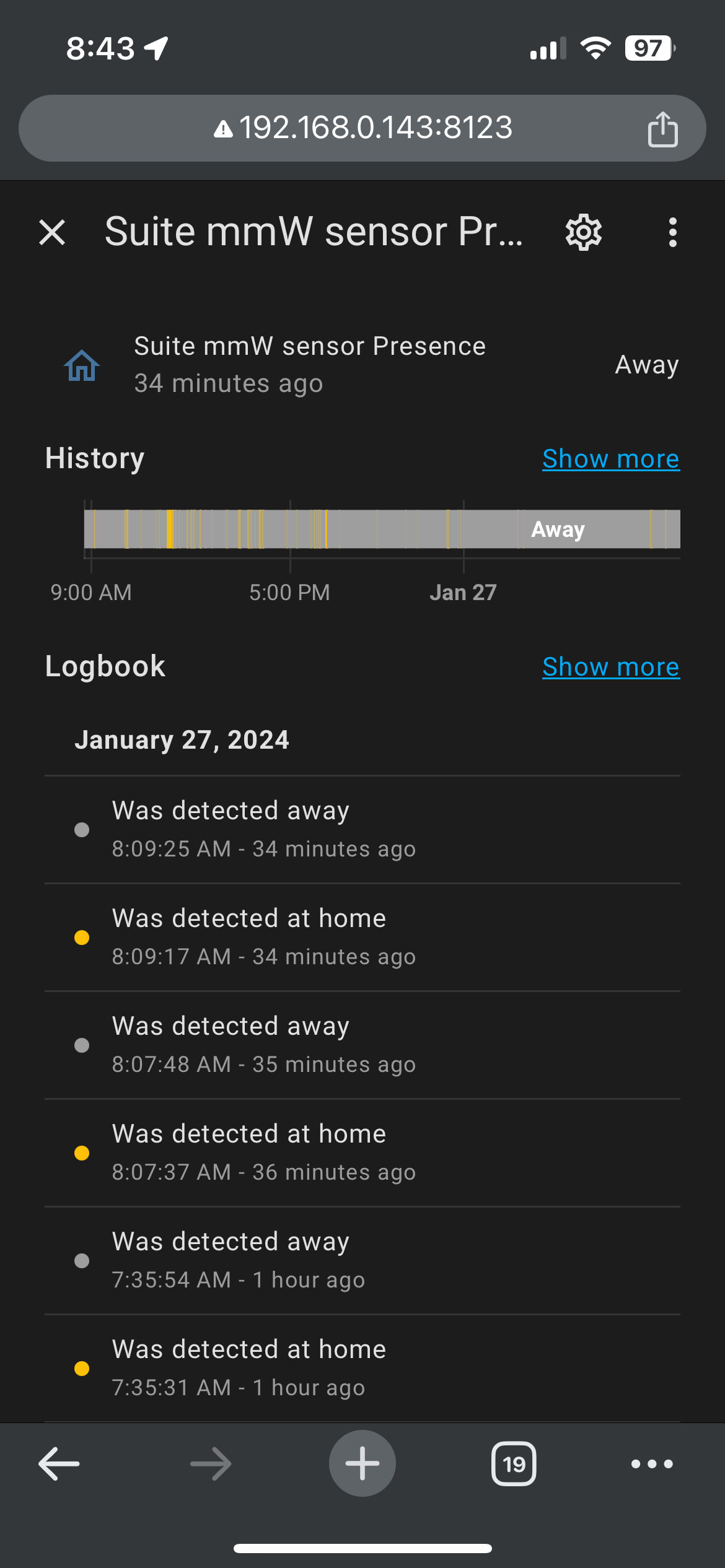
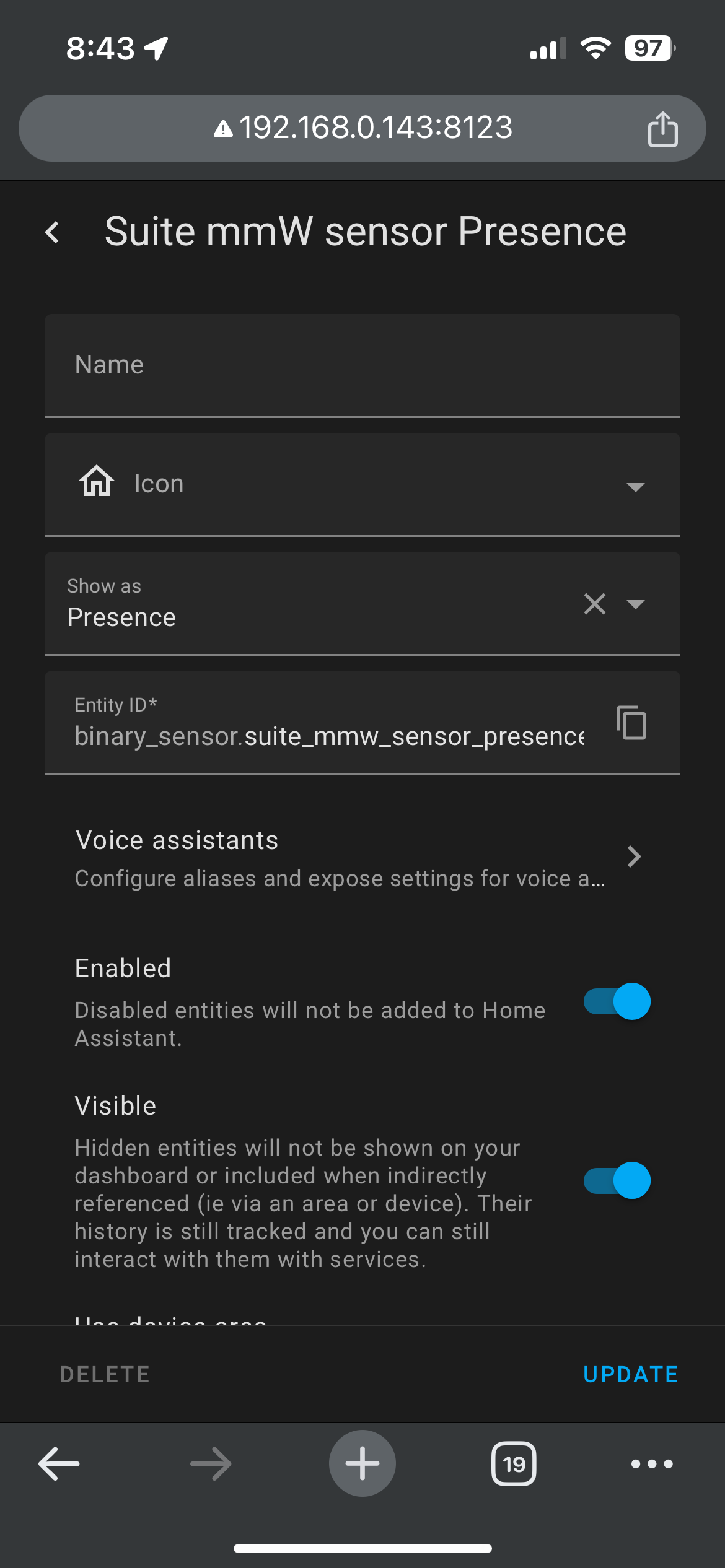
Obviously, you should first ensure it’s indicating occupancy in HA. Open the device in HA and select the presence attribute, then select the gear icon at the top right. This will show you the entity name to select on HE.
I hope you got this working. I was considering this device. Got it and once I downloaded the custom driver through Package Manager, and discovered in that you can select this particular device. It has been working nicely.
As long as we don't have to worry about the "waves" rearranging our cells or some such.