System Info:
- Hub Model: C-8 Pro
- Platform Version: [e.g., 2.3.9.197 - check your
Settings > Hub Details]
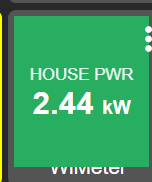
The Goal: I am developing a custom driver for the WiMeter Energy Monitor and attempting to create a "Live Status" dashboard tile. My goal is a tile that is 100% "full bleed" (filling the entire square with color) and has no text label at the bottom.
The Challenges:
- Grey Borders: The standard Hubitat Dashboard applies padding to all tiles, creating a grey border around my HTML
<div>even if I set width/height to 100%. - Device Labels: The "Attribute" tile template insists on showing the device name at the bottom, overlapping my custom UI.
The Workaround (My Current Solution): I have found a working solution using what I call "Nuclear CSS" and a label trick, but I wanted to share it and ask if there is a cleaner, native way to achieve this without "hacks."
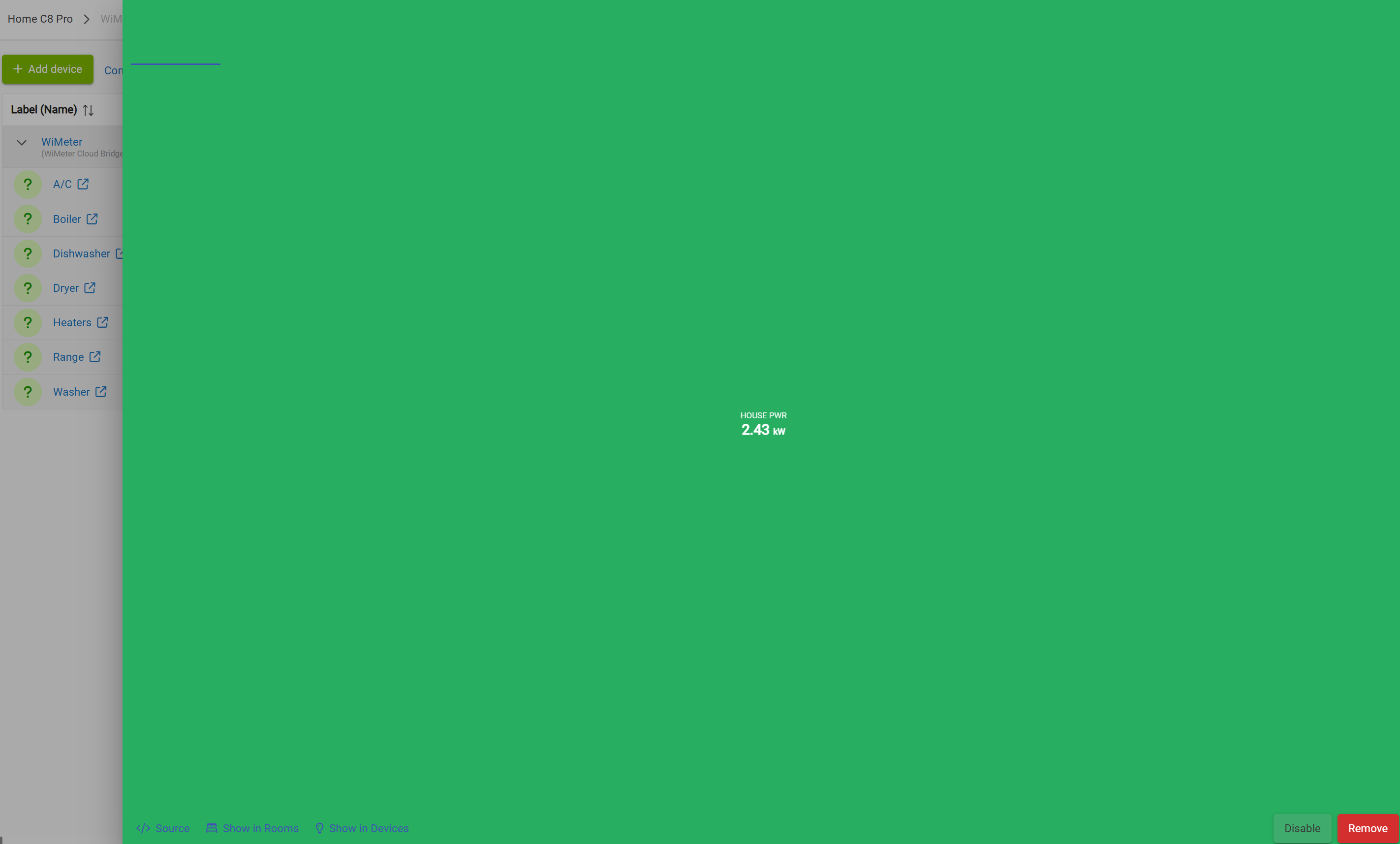
1. Fixing the Grey Border (CSS): Using position: absolute works for the Dashboard but breaks the Device Details page (the HTML expands to cover the whole admin screen). Instead, I am using negative margins to "eat" the dashboard padding.
Code Snippet:
// "Nuclear" CSS to force the card to cover dashboard padding
    // Note: widths > 100% and negative margins are required to eat the border
    def tileHtml = """
    <div style='
        width: 120% !important;
        height: 120% !important;
        margin-top: -10% !important;
        margin-left: -10% !important;
        background-color: ${cardColor};
        color: white;
        display: flex;
        flex-direction: column;
        align-items: center;
        justify-content: center;
        border-radius: 15px;
    '>
        <div style='font-size:0.8rem; opacity:0.9;'>HOUSE PWR</div>
        <div style='font-size:1.5rem; font-weight:bold;'>${powerVal} <span style='font-size:0.6em'>kW</span></div>
    </div>
    """
2. Removing the Device Label: Some tile templates do not offer a "Hide Label" checkbox, or it doesn't work for Attribute tiles. Nothing works... I could not find a way to get rid of device label (can see it at the bottom of tile screenshot)
3. Caching Issues: New custom attributes (like html_tile) fail to appear in the Dashboard attribute dropdown.
- Fix: I am hijacking the standard
apiStatusattribute to carry the HTML payload, which guarantees it appears in the list.
The Question: Has anyone found a supported CSS class or a driver capability that removes the standard tile padding natively?
Screenshots: