No, 3 would just be the value Home is passing in, not under the control of the driver at that point (is the slider all the way up/down?). That being said, 3 would still be pretty red, maybe reddish orange, in most bulbs...
And sent through Apple Home it's sending hue 0 but I still don't get red. Interesting that the log entries are formatted different.

That's not home passing it on in my first screen cap. That's me going into the device on Hubitat and telling it to change it to red. And "3" is more of a yellow orange, not close to red, with these bulbs at least.
Where? The device detail page doesn't let you choose "red," just color values (natively HSL but the picker UI can vary by OS, and some might include names that aren't under the control of the hub--but it's not clear if it's this or some app).
Yes it does. This is directly in the UI on my habitat, not through some other app. You can even see it's setting hue to 3 when I choose red from the color chart.
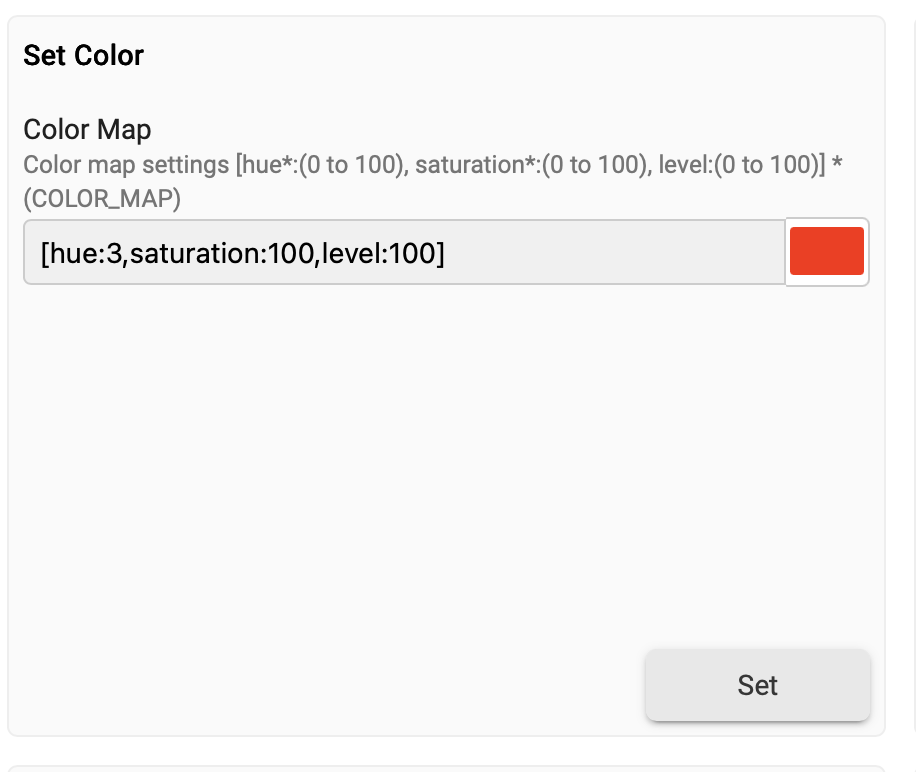
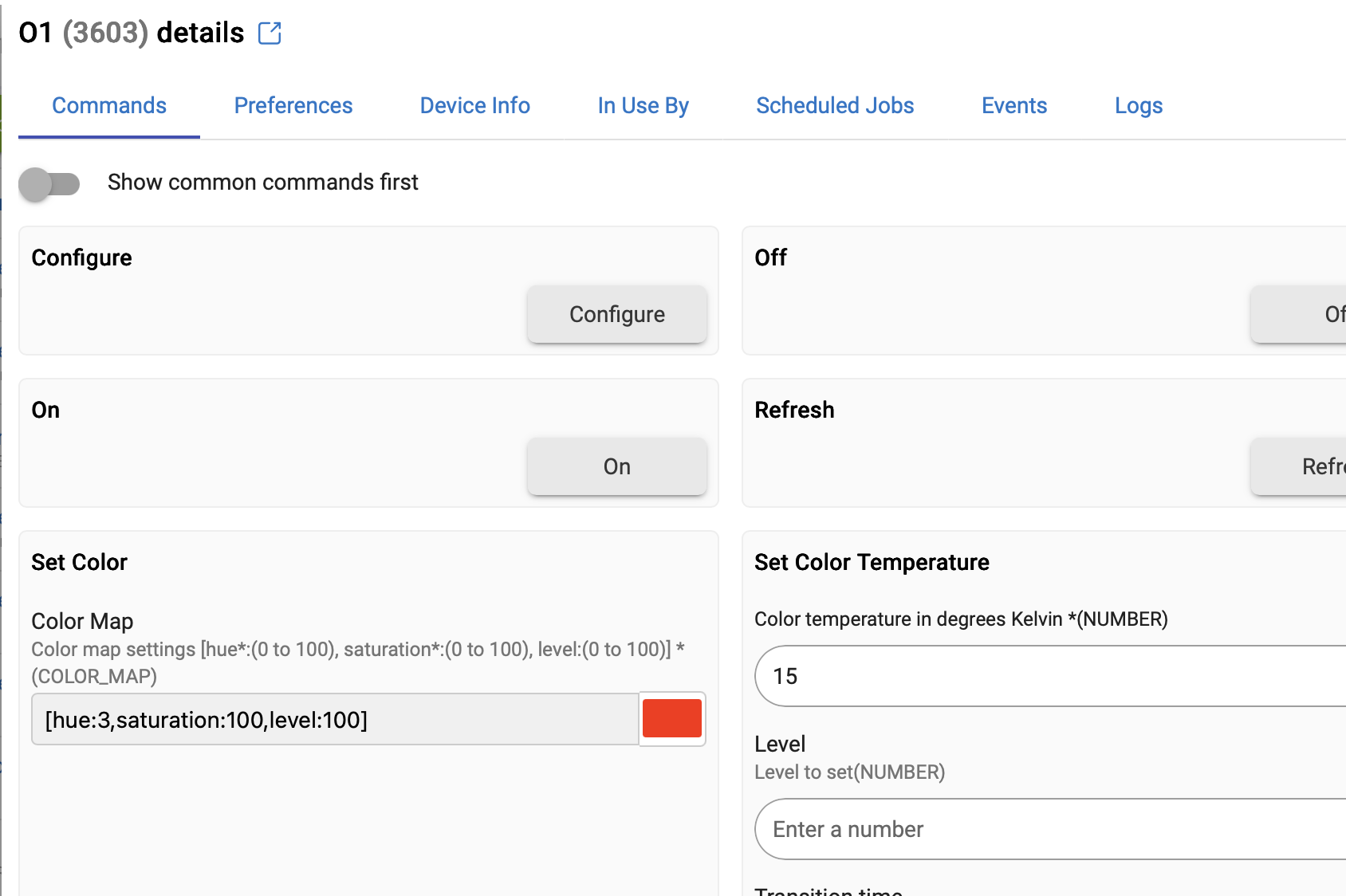
No, we are really talking about the same thing. You aren't literally choosing "red," like from a named list (unless you left off something); you are choosing HSB values, or perhaps something that gets converted to them. The ones you see after selection are, as I mentioned above, the ones that really matter, and at this point, this is not under control of the driver. However, for whatever reason, the values you are choosing in the color picker, perhaps originating from a different color model, are getting converted to the values you see in your screenshot. If your OS/browser lets you use HSB/HSV (note: not HSL) values directly, that would minimize the conversion necessary and would probably get you closer to 0, or you could just use "Set Hue" directly. The color picker, as I mentioned, will depend on your browser/OS.
What happens here also isn't going to affect Apple Home, which (between Home and the integration app) will ultimately also need to convert to HSB; this is why I was wondering above what it was sending when you found unexpected colors. It sounds like none of the logs you provided were from this, but it would also be good to see.
Starting with the device is also good, but it seems like you're happy if you can make it send 0 for hue? (And that you should be able to test manually, as it sounds like you did.)
1 Like
I'm literally choosing the color red by clicking on the color red. It should set the hue, saturation and brightness accordingly and it's not. Not sure how you can't see clicking on the color red is setting the hue to 3...
And again, this is not though Apple Home, leave that out of the equation. This is in the Hubitat UI.
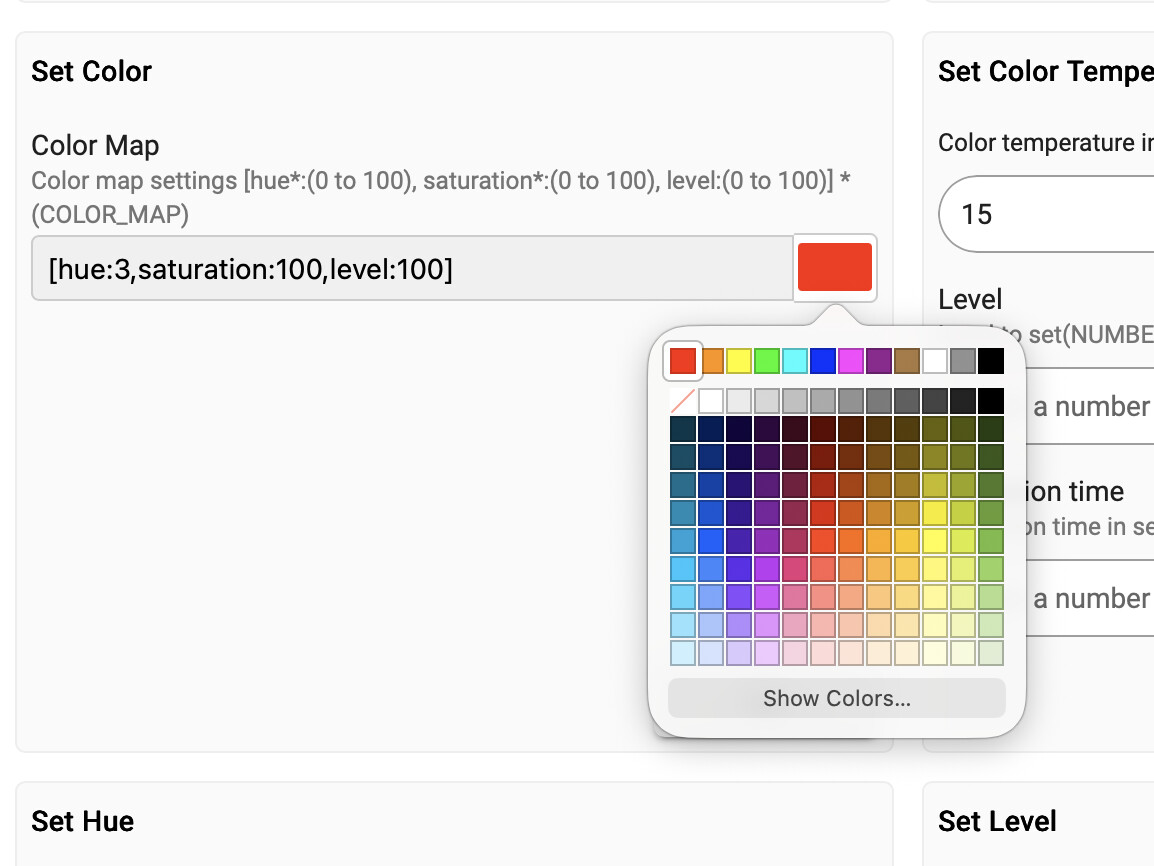
I understand what you are saying; I'm just saying whatever values in whatever color model your OS/browser is using is getting converted to HSV values where H is 3 (which is often still red, though not the reddest red...). And as I said, if you want a hue value of 0 and want to use the color picker from "Set Color" to get there (and it's not the only method to do so), you'll need to find some other way to do that, possibly this:
That, again, is not under control of the driver.
I not only know this but stated it myself above; however, you also started with an Apple Home problem, and if you've verified that the actual values you expect (e.g., hue 0) are working as you expect, you've narrowed down the source of problem, which was my intention in suggesting the admin UI in the first place. While there, you simply found another issue that you are having trouble getting the values you expect (something else that can be looked into...).
1 Like
Let me put this simply for you...
If I go into the Hubitat GUI and choose one of my Hue bulbs, go into properties -> color map -choose red then click set, I get red.
If I go into the Home app and choose one of my Hue bulbs and choose Red for its color map I get, you guessed it, red.
If I go into the Hubitat GUI and choose one of these Third Reality bulbs, go into properties -> color map -> choose red then click set I get some crap color that isn't close to red.
If I go into the Home app and choose one of these Third Reality bulbs and choose Red for its color map I get, you guessed it, NOT RED.
It has nothing to do with what browser I use, I've tried 3 (Safari, Chrome and Firefox).
If I click on red I expect RED.
Simple enough?
It was not clear from the above that you were executing the command (nor is it still, but I assume by "set" you mean you were clicking "Set Color"). That affects things a bit, as it would normally -- at least after a few seconds -- show you values that the device reported back after the command.
That's under control of the device (and sort of the driver but generally just standard reporting of what the device says). What still isn't clear is whether you get the same results when you choose a hue of 0 via any of these means; I'd again suggest avoiding "Set Color" since it can be difficult to get the HSV values the hub ultimately uses via that method ("Set Hue" would be more direct), but it can still work. I don't see any screenshots above where you sent 0, but that should be possible somehow -- there is no truncation happening in the driver, so something else must be getting in the way.
The information about what values Home is sending to the command in the first place would still be good to know, at least one you want to troubleshoot that aspect.
Please remember to also follow the Community Guidelines for respectful discussion.
1 Like
OMG, really? It was crystal clear. You don't see the big fat SET button in the Set Color area?? Of course I'm clicking on that!! Geez....
I haven't posted here in years and now I remember why. People want to blame the user and not the product... And want to harp on things, Home, when you've told them a few times now that's not part of the equation.
I now regret posting in the first place.
1 Like
Just because the button is there doesn't mean you clicked it.  Not clicking it isn't as weird as it sounds, as there could also be issues converting from the color picker to the HSB values (which all happens before the command is sent, and, while it has since been clarified, it wasn't clear at which point the claim was being made that any differences were happening.)
I am going to dip out of this conversation, but you should have the tools to troubleshoot on your own if you decide to keep going. Good luck!
1 Like
Thanks for the insult.
It seems you did not read my post, as this is not an insult but rather can be an entirely reasonable thing to (not do), reasons for which I highlighted above. Apologies if this was misinterpreted.
It seems this has gone off course. If you are able to identify a specific problem with the integration, driver, or device, based on the troubleshooting tools you have been pointed to above, please start a new topic with the specific information (raw HSB values would be most relevant, without any UI issues as a distraction). The Govee discussion can be continued in the linked topic.
1 Like

