Thermostat Scheduler - can't change FAN mode once set

I have Thermostat Scheduler adjusting a Thermostat Controller. It seems once the fan mode is set, it can't be changed under modes without deleting the mode and reconfiguring it.

image

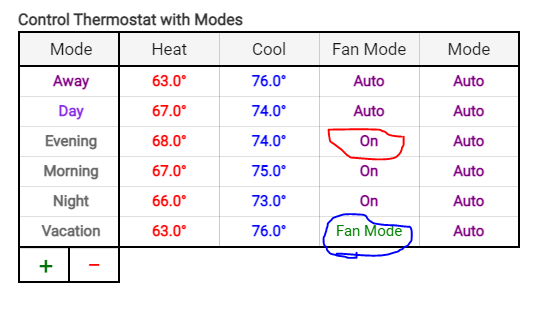
In the photo clicking on the red circle 'ON' or the AUTO above it does nothing. But clicking on the Blue circled "Fan Mode" pulls up the selection box below this chart to adjust it.

I'm not seeing an issue with this. Do you only have On and Auto? If so, it toggles between them once selected, with no pull-down.

I do only have On/Auto. But it doesn't toggle. They are all set on Auto now. If I click auto, auto stays. Even if I click "update" or done and come back in...stays Auto.

I can delete the mode and recreate with what I want. The first time when it says "Fan Mode" in green it pulls up the selection box.
image

What browser is this?

Chrome, I just tried in Edge, same thing.

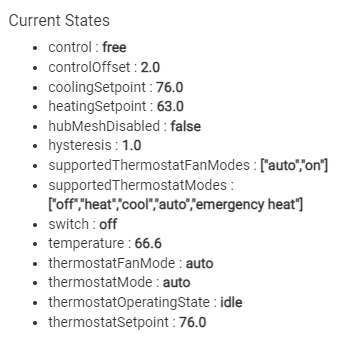
Please post a screenshot of the Current States from the thermostat device page.

image

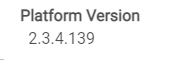
Thanks, that's as it should be. And you're on relatively recent release, right?

image

1 Like

I figured this out. I was testing with Periods and you are using modes. I will get this fixed.

Turns out to be caused by a typo. Fix will be forthcoming....

2 Likes

This topic was automatically closed 365 days after the last reply. New replies are no longer allowed.