Hub model (C-8) and its platform version 2.5.2.135
I switched to ZWaveJS as soon as I updated my hub to v2.5.2, hoping to unlock some features that this hub never had before. I had to interrupt the interviewing process because it was trying to reach a device that had been disabled. I had to pull it out of the shelf, power it up, exclude, even then the interview process would get stuck on interviewing 15/20 devices. Then I initiated the interview process again and seems to have completed.
Next day I noticed that none of my lights switch to the right brightness, they all get stuck at 1-5% (as per settings on the switches themselves), meaning no apps that control day-night brightness work.
I use Zooz ZEN72 and ZEN77 primarily. AFAIK, they do not support pre-staging, so the approch was to turn them on at 1%, and the app would bring the brightness per current mode (100% day, 50% evening). Using Room Lighting for that purpose and it had been working with ZIP ZWave.
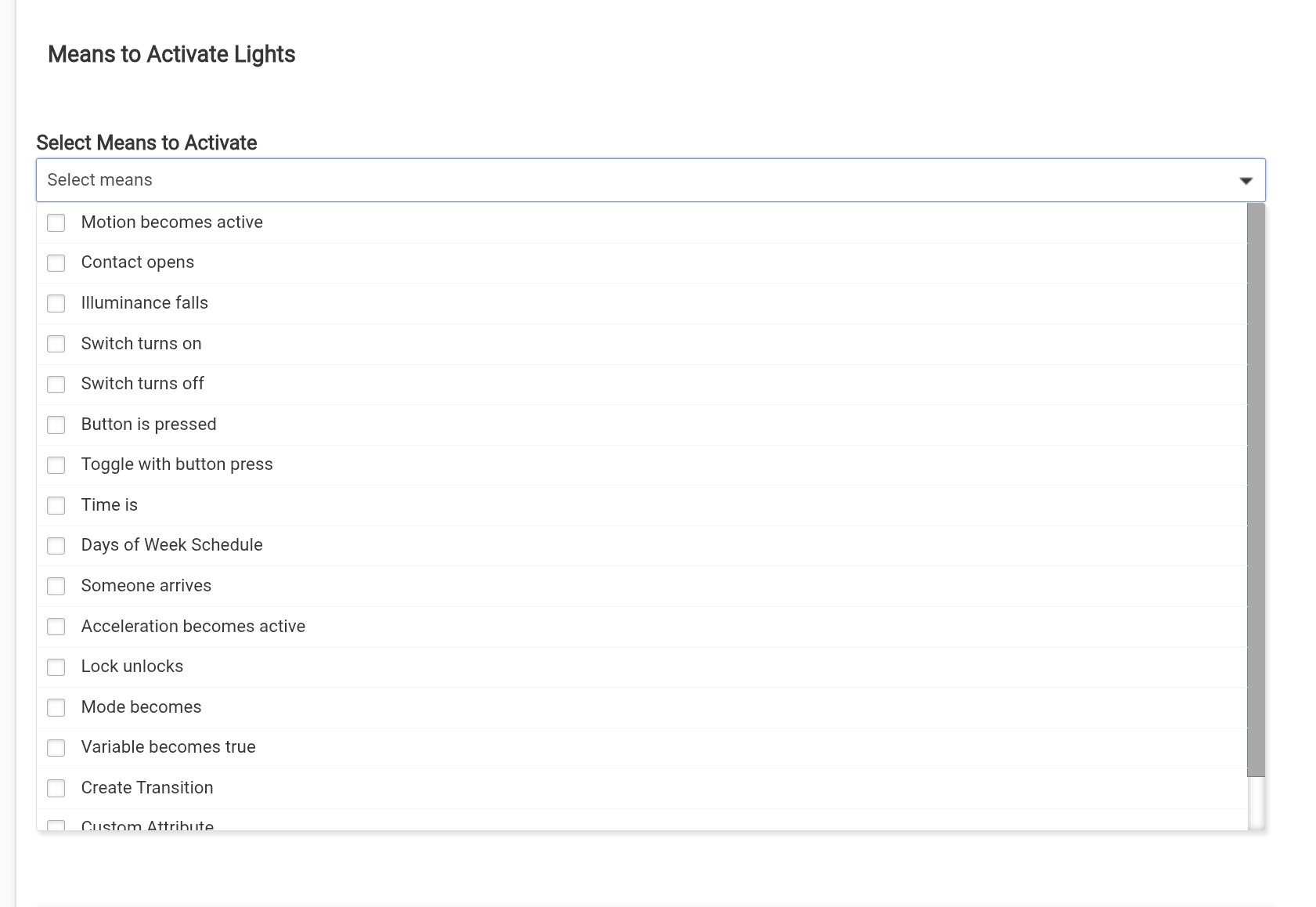
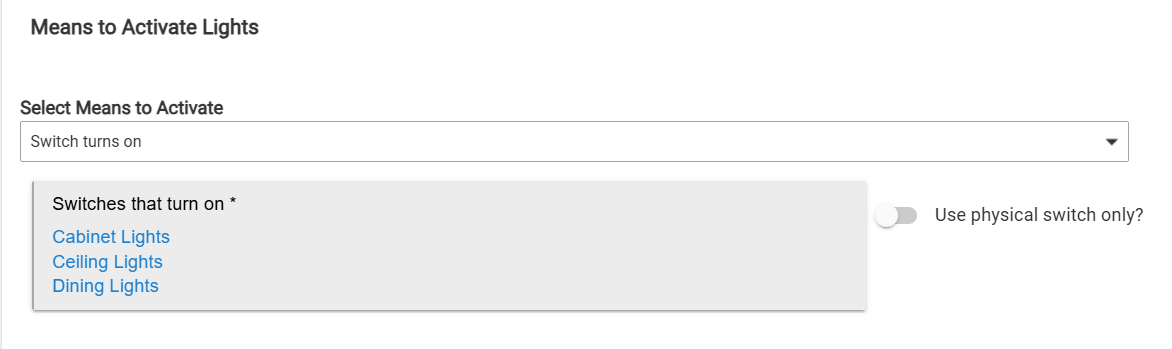
Was trying to enable logging and debug logging but all it said in the logs that Light turned on, Light turned off - nothing useful. Tried to toggle "Physical only" in Means to activate lights - no help.
Was trying to attach an exported app but this forum does not accept txt files.
Is there any way to make room lighting work or my best course of action to return to an old backup or even to ZIP ZWave? Thanks
Trying to power off. I usually restarted it in the past.
As soon as powered back up I received a notification "Hub load is severe." - never seen it before.
Powering it off didn't help. I used to manually Activate all those apps because they didn't work after a reboot, it was a huge PITA but at least I had to do it once per reboot. Now they don't work even after activating manually. I guess I'll have to switch back to ZIP
But yeah, switching to Legacy ZWave restored functionality of Room Lighting apps. Does it mean with current automations I cannot use ZWaveJS? Or should we expect some fixes to restore that functionality?
switch back to zip. Shut down and unplug for at least 1 minute (simply rebooting DOES NOT clear the radio) Once that is done, reboot with a database rebuild. Now check each and every one of your devices. If you have confirmed that ALL z-wave devices work, shutdown and unplug power once again for 1 minute and power back up. Now switch to JS. At worst you will see some battery devices being interviewed. On those battery devices, simply push their pairing button once to wake them up and the interview process will be completed.
I just wanted to let you know that it should work for you. I have a bunch of Zen light switches with Zen72's included and they all work great with Zwave-JS. Most likely something got out of sync when you were going through the process. I do something similar to what are doing.
Unfortunately, those did not help me, executed in the above exact sequence. One thing I noticed differently, is that this time there was no interview process after I switched to ZWaveJS. But the devices are responsive - I can turn them on and off, set levels. I went checked about 5 devices that are tied to Room Lighting level adjustment per mode - only 1 app worked. Not sure the issue, seems like a racing condition or something
OK, update. When I uncheck "Physical only" the app starts working. That is a trade-off for me. For example, when I set a level from Home Assistant to 40% (without touching the actual toggle) - the app will fight the level to what it is supposed to be per Hubitat Mode. That is the whole purpose of the "Physical only" toggle.
I just noticed, I lost 1 dimmer - it doesn't respond to any commands, nor status updates. The dimmer itself works physically. I tried Refresh and Rebuild route, also Configure from the device page, and killed power to it. Any idea how to bring the device back to the network? It's Zooz ZEN72. The status is
Some devices in rare circumstances need a full reboot (pull power to the device even if it's a switch and then power back up. can be accomplished at the breaker level) and in some rarer conditions a full reset and re pairing.
I guess I fit in those even rarer conditions when I had to force kick out my dimmer (it wouldn't even exclude gracefully). Had to reconfigure all my automations related to that dimmer. I have 2 questions remaining:
Is there any way to respect Physical Only setting and have the app working? With that setting ON the app works on ZIP ZWave but not on ZWaveJS. A lot of my Hubitat-based and HASS-based automations turn on the lights at the wrong level because Room Lighting overrides the level. I also tried Means to Activate Lights "Button 1 pressed" instead of "Switch turns on" and that did not work for some reason.
It has been an annoyance for quite a while. Every time a hub is rebooted or updated or power lost - all room lighting apps stop working. They "catch up" on some switches if you cycle the switch on-off several times, on some of them you'd have to go to the app and hit Activate, and then turn the light off. Can I make those apps work right away after the hub reboots? Or some sort of script that cycles them all, preferably without turning on every single light? Or my approach to set every light to 1% and update the brightness by mode is fundamentally wrong and there is a better one?
In my case I have not found that the "Physical" parameter works reliably - I get "physical" light switch activation events in light switches' device Events tab when all the activations have been digital.
That explains it. I was not picking switch as a means to activate since I only used motion for automation. It just works when I press the physical switch and I have it set the level by modes.
Sorry - so are you saying above that you tried it and the Physical option works for you, RL triggeres if you press the light switch, doesn't if the switch is triggered digitally?
I have never used the "physical" as a means to trigger. NOTE: Mine are Inovelli. But, I set the levels by mode, and use motion as an activation trigger in Room Lighting. I have never had the level not set correctly for the current mode when I just use the switch (not using it as activation, just turning it on). I do have the option to "adjust lights on mode changes" selected. I don't know if that matters.
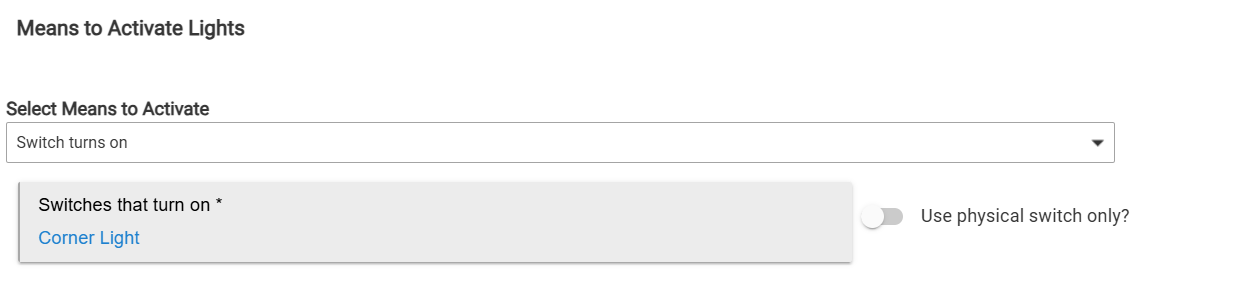
It is in Room Lighting app in Means to Activate Lights and Means to Turn Off Lights sections there is a toggle called "Use physical switch only?" just like danabw pointed.
I have never seen the word "physical" in my Hubitat logs and most of the time the automations worked based on that toggle.
Not sure how to explain this in technical terms. When I first wrote this post, no room lighting automations worked if the "physical" toggle was ON, I disabled them to get the basics working, then I re-enabled the toggle to see what happens and the automation started working just like in ZIP ZWave. So, I toggled it ON for all my lights, just to learn that it doesn't work on all the dimmers. Some started working after enabling the "physical" toggle, and then later stopped working.
It's almost like there is some sync delay, when I enable a certain feature, it doesn't apply right away. What is the proper way to test changes on an app? I usually change something, then click Update, then Done with Room Lights, so that going back-and-forth in between browser pages doesn't break things.
Usually it has a RUN ACTIONS button. I would log in on a PC, open one live log window and then open the rm app in another window then start with the activator and start watching the live logs.