I want to monitor CO2 levels in my home and am looking for a CO2 sensor (NDIR-type) that can connect to hubitat (zigbee/zwave?). And most importantly hubitat needs to have driver support (generic is okay).
On amazon, the co2 ndir ones I've found either use wifi or bluetooth. I guess wifi is a 'maybe' if there is an hubitat app for the integration. As for bluetooth, I have read about something like an ESP32 bluetooth proxy for integration to homekit (don't use it), but seems like too much work.
The Ecowitt weather station integration with Hubitat is very good, they have an air quality sensor. Might be more complex than what you are looking for.
I'm was a bit hesitant on the ecowitt since it depends on the support of a specific home-grown driver than something directly supported by hubitat. And I'm only interested for indoors and not all the outdoors stuff supported by ecowitt. But this does seem like the best solution so far so I'm going to try it.
For the gateway unit, any preferences between GW1100 and GW2000 aside from the additional ethernet option on the latter?
Can I avoid getting a display unit for the ecowitt and just get by with a hubitat dashboard?
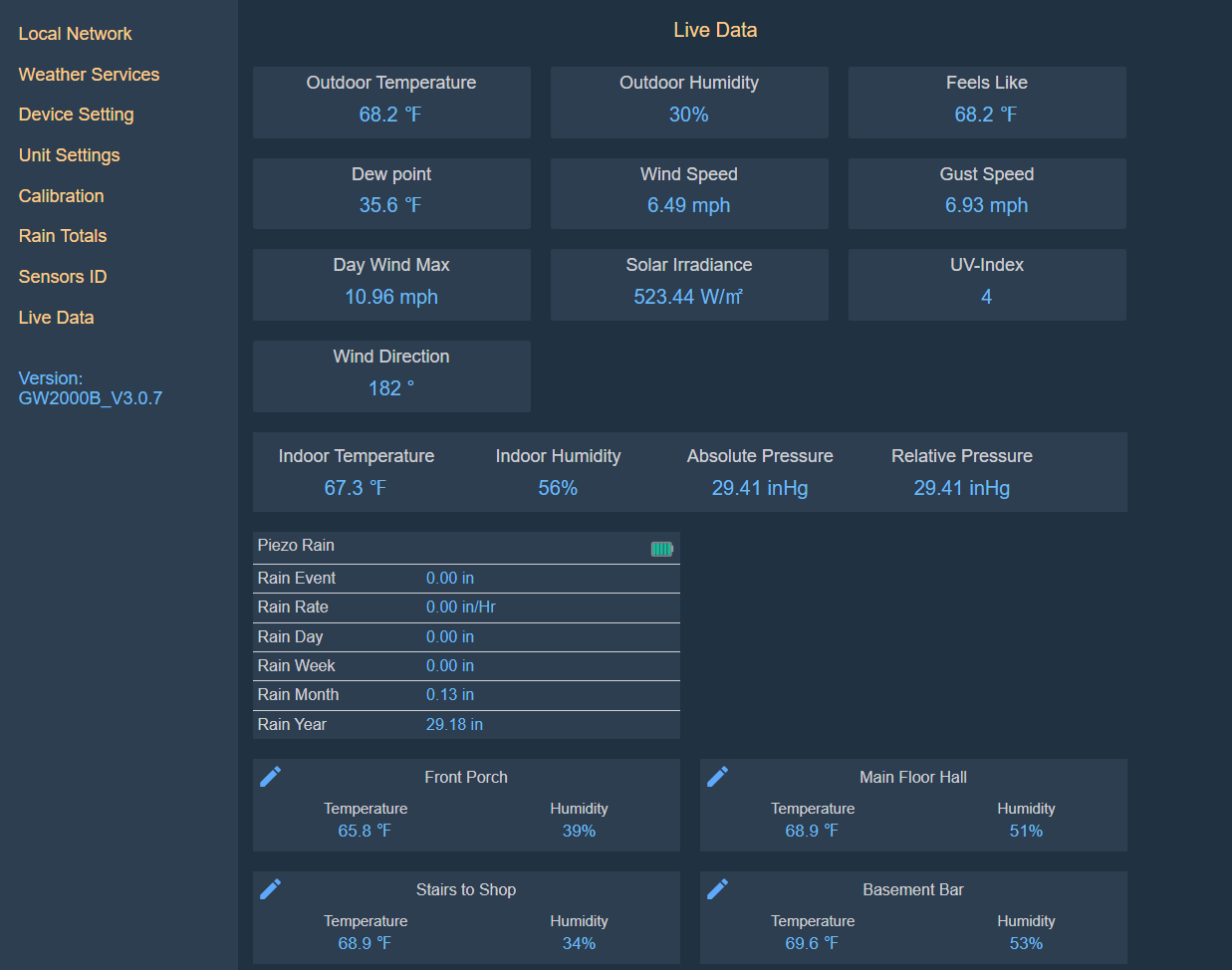
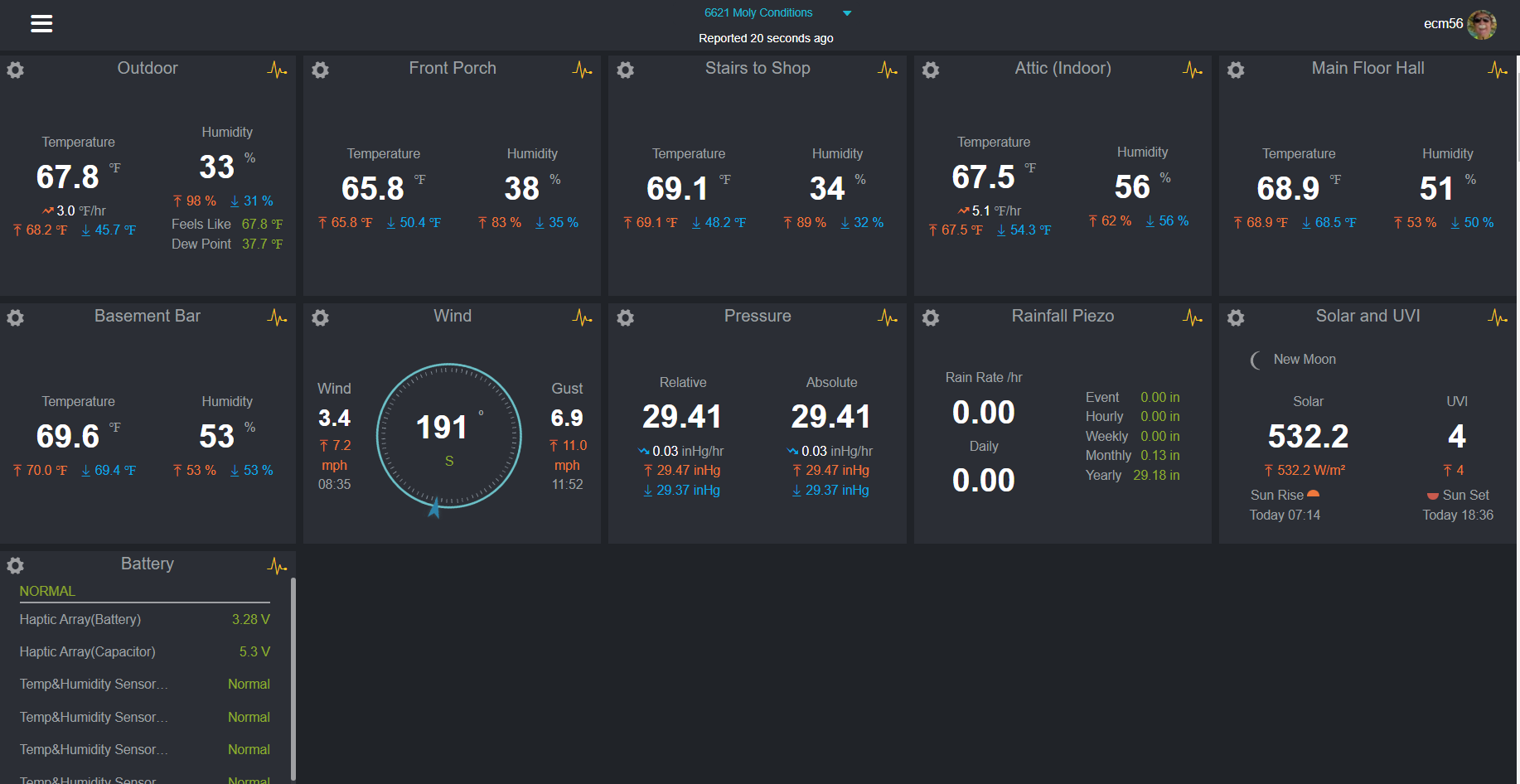
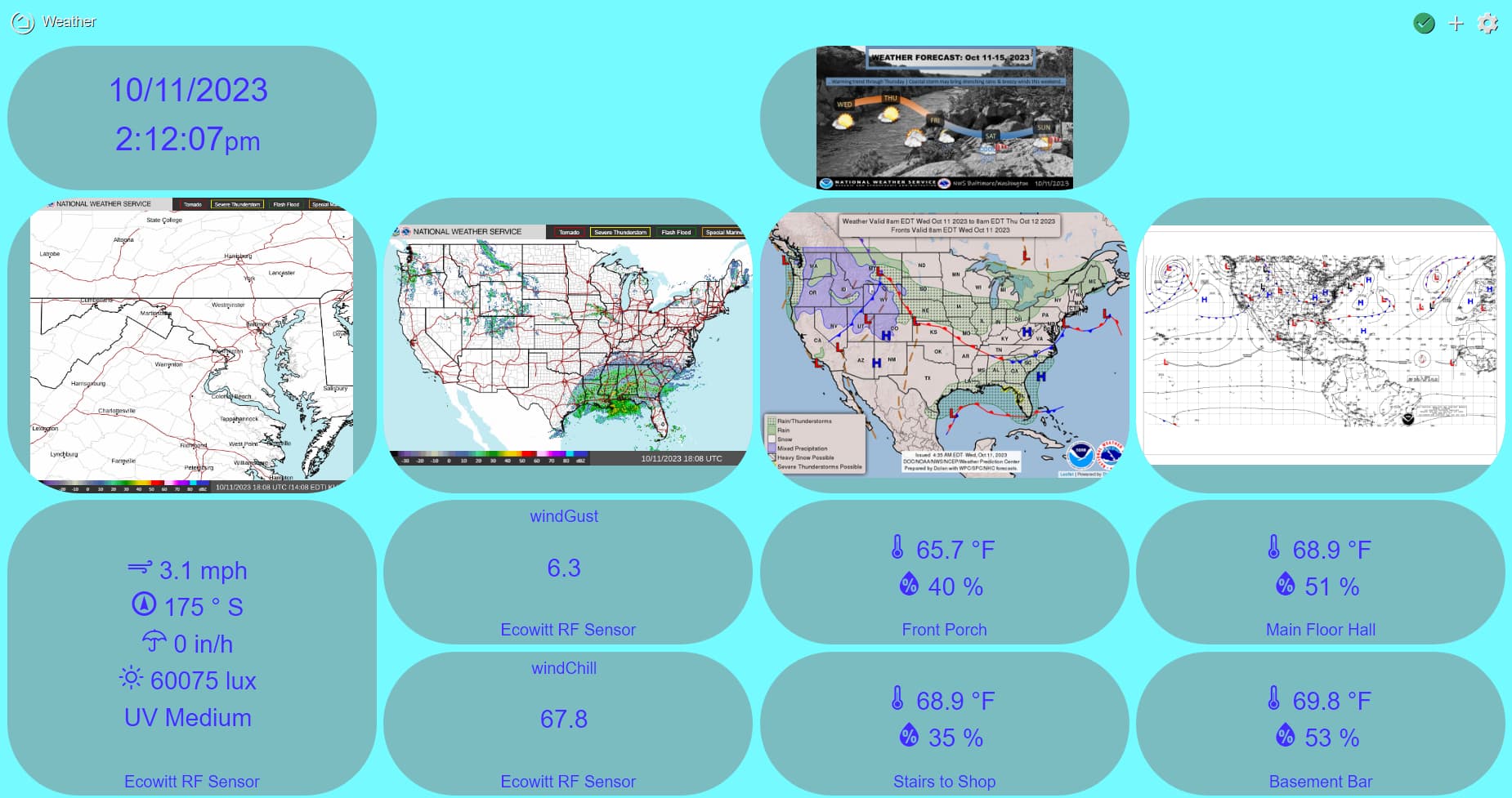
You don't need a display. You can view your weather data using a web browser. You can connect locally or use a (so far free) service that makes the same data a bit prettier and accessible on the web. I also have a Hubitat weather dashboard. I have the GW2000.
Ecowitt native user interface on a web browser (Chrome) -
Thanks! It also helps that amazon is now selling the WH45 sensor for $99 after $30 coupon. I suspect a new sensor will be released soon to replace the WH45 (WH46).
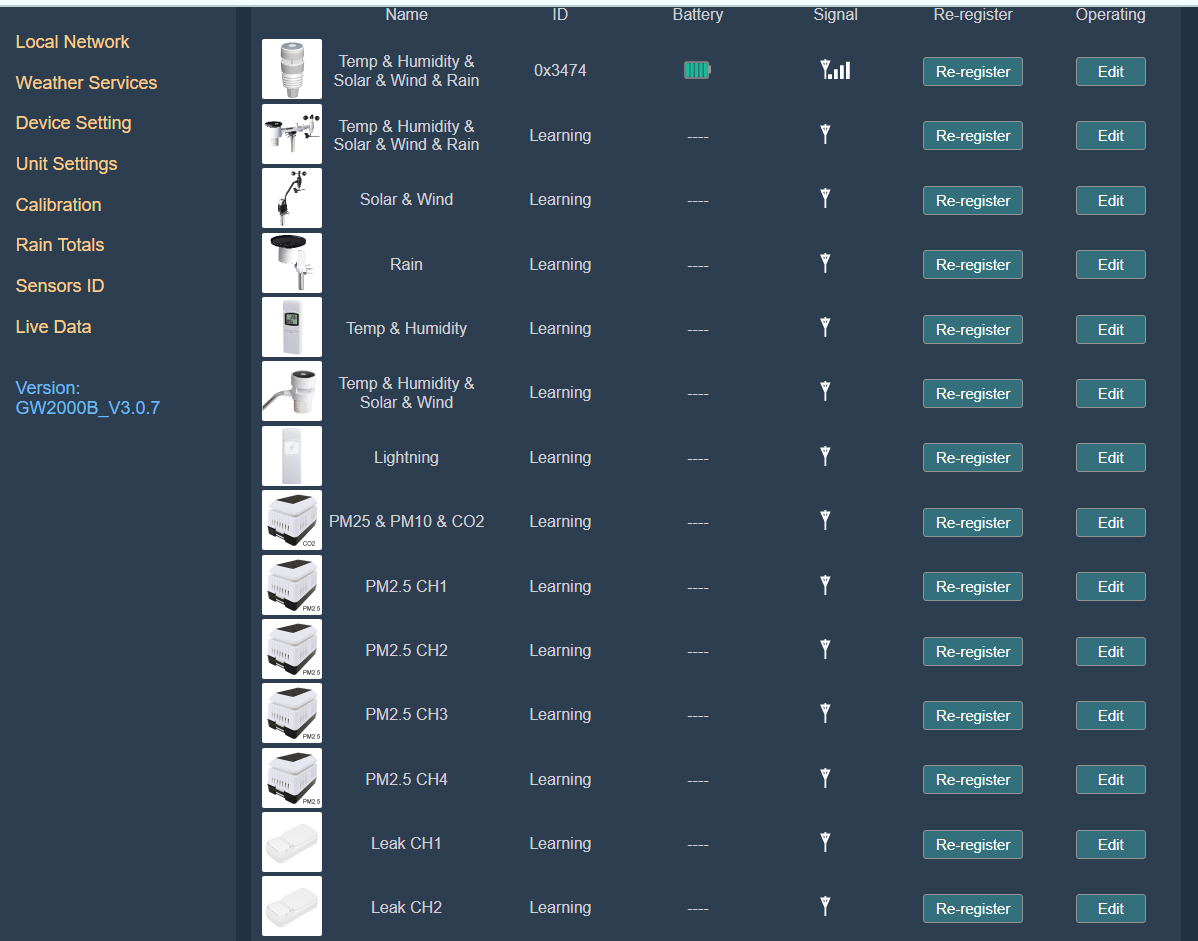
I just checked the ecowitt's combability chart and it seems like I over-estimated the usage of the gateway. For each WH45 sensor, I need to pair with a matching gateway, making the gateway effectively an internet adapter for the sensor. I originally though I could just use one gateway for multiple WH45 sensors.
Do you have a link to what you are basing that on? Not saying you are wrong... just would like to review what you are looking at. I know that my Air Quality Sensor can communicate with my Gateway, which in turn can communicate locally with my HE hub, not requiring the Internet. If there is a limitation on the EcoWitt side, that's fine, just wanting to make sure it is accurate.
Probably not what you want to do, but if all I wanted was CO2 I would build my own.
Senseair S8 + ESP + ESPHome for the config
There is an community integration to bring ESPHome devices into Hubitat (don't necessarily need Home Assistant).
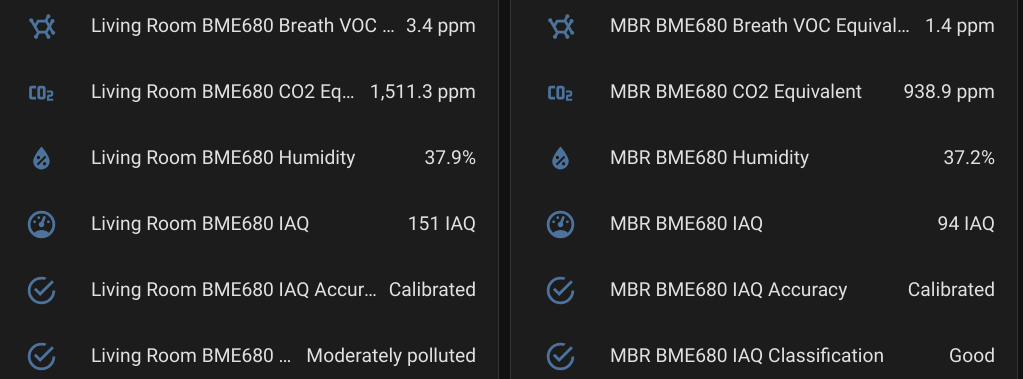
I have 3x BME680 based air quality sensors in my house, and like a number of multisensors they do CO2 equivalent (VOC based guess at CO2). That is junk, and drifts all over the place in absurd ways - so I wouldn't recommend that. The other measurements on the BME680 track/seem to do well, but the CO2 reading isn't useful (my opinion).
I bought the GW2000 from amazon and their description was misleading:
GW2000 Wi-Fi hub/gateway can collect sensor data from various Ecowitt wireless sensors(sold separately), such as WS90 intergreted outdoor sensor, WH32 outdoor temperature and humidity sensor, WH40 rain gauge sensor, WS68 wireless anemometer, up to 8 WH31 multi-channel temperature and humidity sensors, up to 8 WH51 soil moisture sensors, up to 4 WH41/WH43/ WH45 air quality sensor, WH55 Water leak sensors and WH57 Lightning sensor.
On the same page, the compatibility chart shows that while the statement is true for WH41/43, WH45 is limited to one:
This restriction seems artificial. Couldn't I simply not connect any WH51 sensors to free up those 8 slots and use it for them for two more WH45 (assuming each uses 4 slots)?
Checked, and I had enough parts laying around to make a new sensor... I didn't have a Senseair S8 - which I prefer - but I did have a Sensirion SGP40 (VOC) and a Sensirion SDC40 (CO2/Humidity/Temp) in a box (I have all sorts of interesting things in my "extra sensors box")...
So...
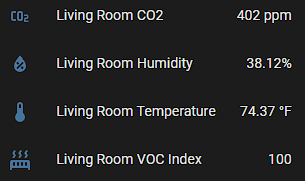
As expected the "actual" CO2 (calibrated with outside air - not perfect, but good enough) was many hundreds lower than the derived eCO2 from the Bosch BME680.
I got several gateways so I could have a CO2 sensor on each floor. I was surprised that the first gateway I turned on would automatically register any available sensors. This "automatic feature" made it initially difficult to get the other gateways to only register the sensors on the same floor, but I realized I could force the registration to a gateway by typing in the sensor's partial mac address into the app. This experience seems to make me believe that the sensor data is broadcast publicly and anyone, like my neighbors, can "register" to receive that data.
My experience with the ecowitt app and portal shows that there isn't a way to have a single dashboard show data from multiple gateways and you just have to switch between gateways to see separate dashboards. I haven't integrated the gateways with hubitat yet, but I guess I can create a hubitat dashboard with data from all the gateways. Not sure if it's possible, but what would be useful is a way to show the ecowitt graphs on the hubitat dashboard. Hubitat really needs to upgrade their dashboard support.