The Sonos Integrator announcement does not mention of which versions of Sonos it works with.
S1 & S2?
There's no reason that s1 players shouldn't work
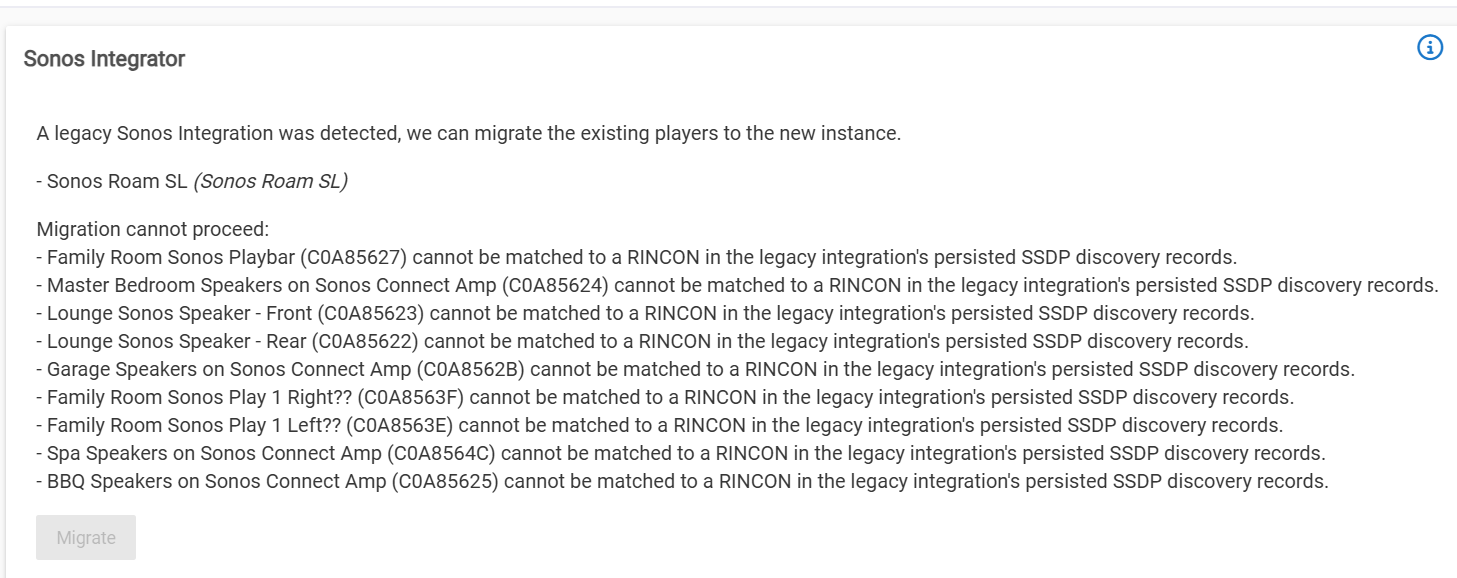
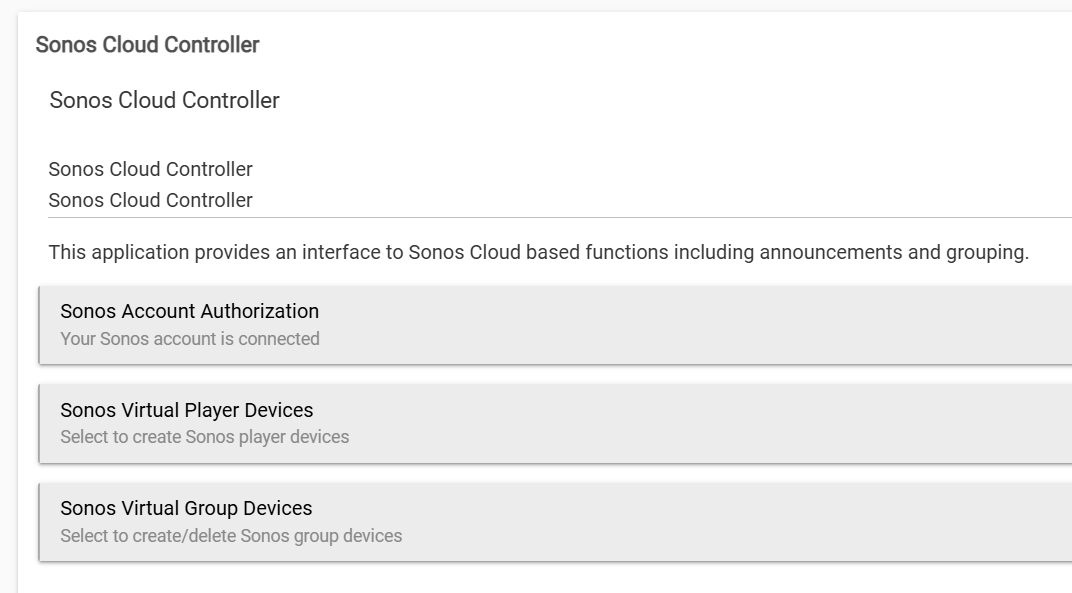
@mike.maxwell I've tried the Integrator & the only device it can integrate is the Roam. As you can see here. Do you think it could be due to me also having the 'Sonos Cloud Controller' use App installed? I do have the Roam added to this app as well though?
This isn't related to the sonos cloud controller, the new integration thinks that its found an installed instance of our old sonos integration, is that the case?, is there an instance of the sonos integration installed on this Hub?
Yes there is as per this screen shot. And the previous screen shows that the new Integrator migration can't proceed on all bar one device. I can't see in any instructions that I have to delete the old version, it just says it will basically replace the old child devices with the new ones so we don't have to go through every rule manually doing it. Or should I delete the old Sonos Integration?
Yup , next beta should have a fix for this, then you'll be able to migrate
OK I'll wait. When do you think that will be?
Soon, probably sometime tomorrow
I guess I need to change all the automations back to the Sonos Integrator devices so it will automatically change them?
After the update just open the new app again and it should get past the error and import the missing player
Sorry I don't think you Understood my question. ATM all the automations that use my Sonos devices for announcing are using child devices controlled by 'Sonos Cloud Player' so I guess I need to change all the automations back to the Sonos Integrator child devices
correct, after the missing player is discovered you will need to change the automations to use the new devices since we can't migrate from that app.
depending on what that app uses for the players DNI you may need to disable both the app and its existing players before attempting a new discovery.
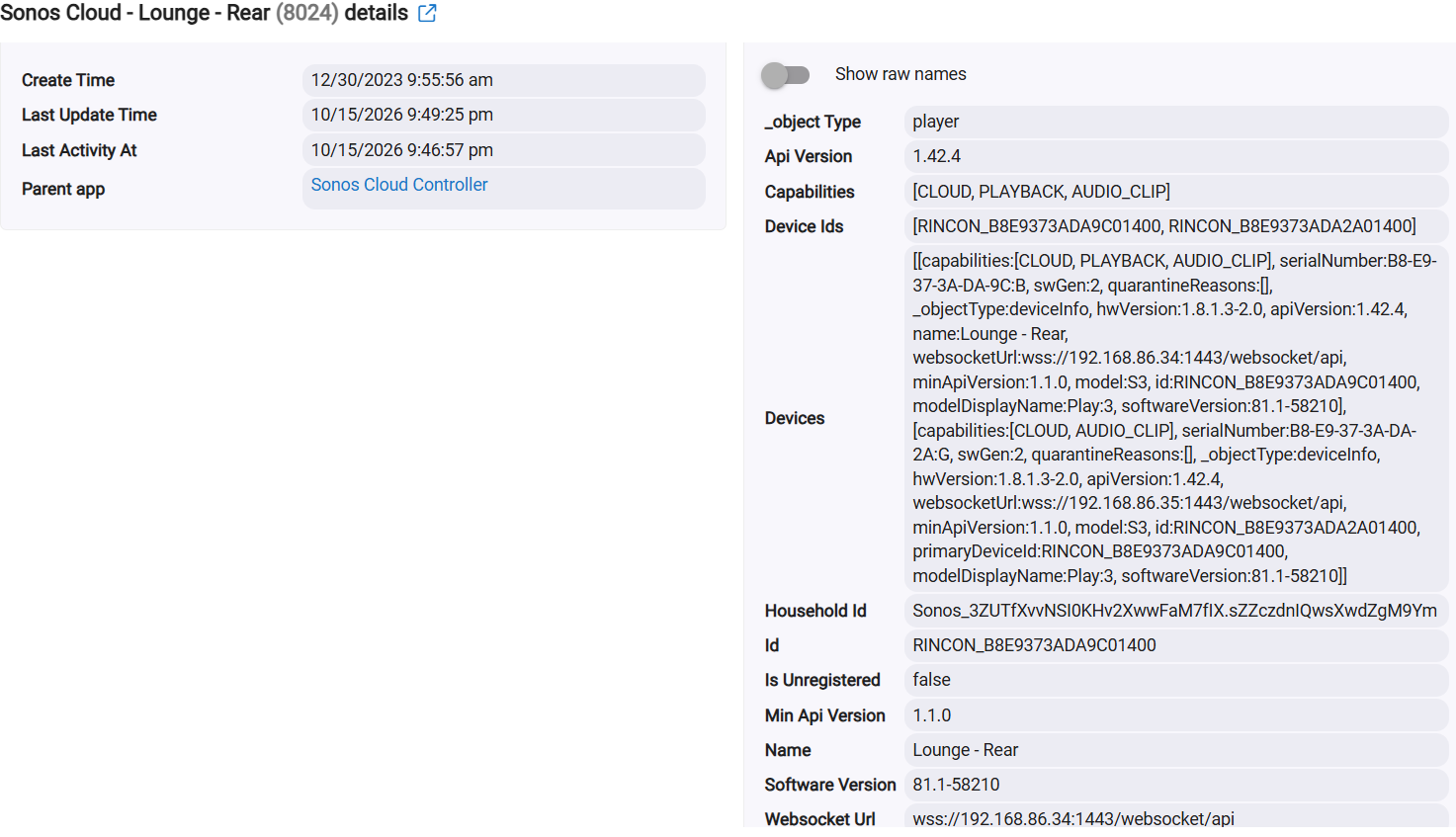
If you send me a screenshot of one of the existing players being used by the sonos cloud player, or just the value of it's DNI I can tell you if this the case or not.
OK Thanks - The Sonos Cloud for Lounge is - 5010-RINCON_B8E9373ADA9C01400 &
The Sonos Player for Lounge is - C0A85622
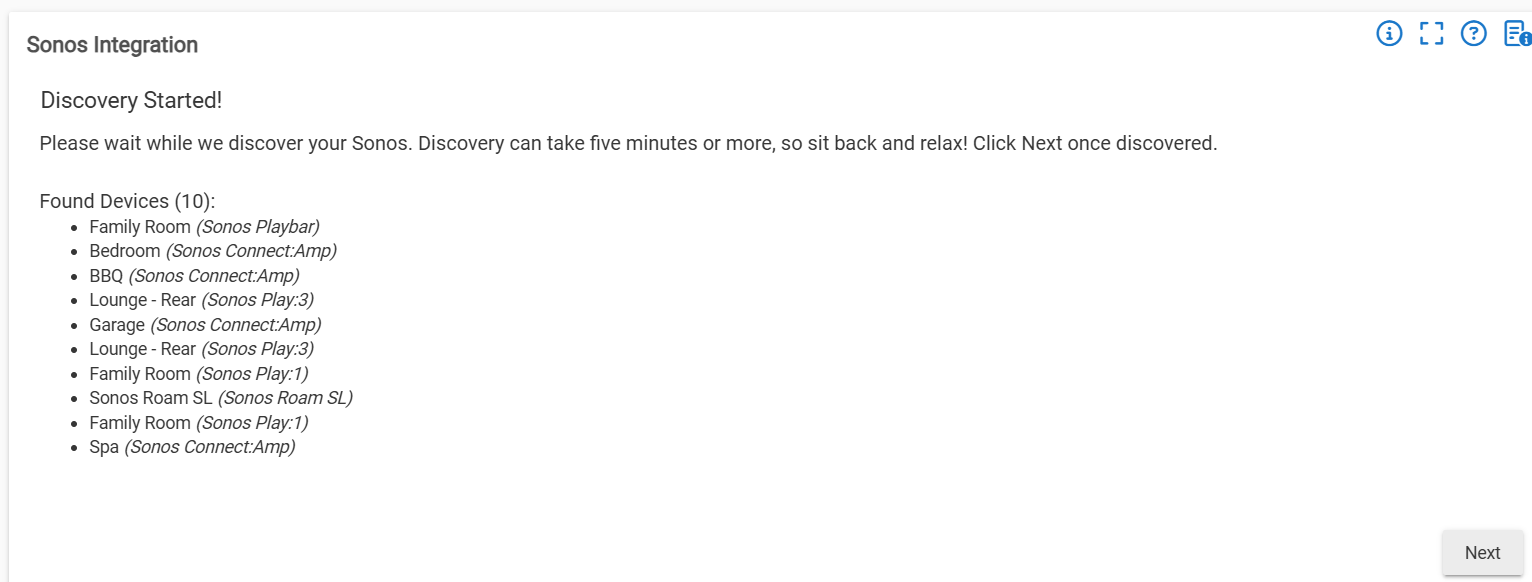
Hi Mike, I've just returned from a few days away. The new version of Hubitat was installed about 10 days ago. Since then I went through all of my automations & changed the Sonos speakers back from the Sonos Cloud app version to the now Deprecated Sonos Integration. On the Home screen I clicked on the new Sonos Integrator 'Available Devices' which showed about 8 of my 10 Sonos speakers that are showing in the old now Deprecated Sonos Integration. So I clicked on the tab in that screen to install the new Sonos Integrator. Nothing seemed to happen. I went out for about an hour & looked in the Integrations section & the Sonos Integrator wasn't listed. So I added it manually, the opened it & this is what is showing on the screen
This is the list of devices that the old version Sonos Integration has
I'm not sure what I do from here??
A bit of an update, but the Integrator still can't migrate. My notifications have been being announced, so I looked back in the old Integration & is appeared all the Snos speakers were no longer connected to Hubitat. This is the new screenshot from the latest attempt with the Integrator, one speaker is missing from the list trying to move to the new one, the Spa -
@mike.maxwell As I've had no reply I assume your not getting alterted to this?? But I thought I should update you. What I think happened was when I clicked on the Integrator tab on the Home page it dsiconnected all the existing Sonos devices, which is why none of my announcements worked since I did it. I looked at the Sonos devices & none had been active for 10 days or so. So I opened the old Sonos Integration, which created the Sonos devices again. So I then went to one of the automations that hasn't been announcing on one of the speakers & changed it to the nearly created Sonos device & it worked. I then went through all of the automations to manually select the newly re-created Sonos devices. I then added the new Sonos Integrator manually into te Integrations page. Then most of the speakers indicated they could be migrated. I had to delete 2 speakers so that the Migrate tab would become available. It then imported the available ones, & disabled the old Sonos Integration. In the minutes after the Integrator was activated, the missing problem Speakers showed up in the new Sonos Integrator. I have 2 speakers that are linked in Sonos as a stereo pair. These have showed in the Integrator as a single speaker, in the olsd Integration they showed seperately, not sure if that makes a difference or not
In the new integrator a stereo pair should show as a single player as they do in the Sonos app itself.
@mike.maxwell I had the radio playing & a Hubitat notification stopped the radio, the announcement was made. However the radio failed to restart?? I've read the release notes & it is supposed to?? Perhaps I need to add something in the announcement automation? Can you advise please. Also now after upgrading, when I play my Sonos speakers via Google Home if the last thing that the speaker did was make a Hubitat announcement, thats what plays. It didn't prior to upgrading from the Integration. Prior to a few weeks I was using the Sonos Cloud App, which does revert back to what was playing previously on the speaker after a notification. Thanks