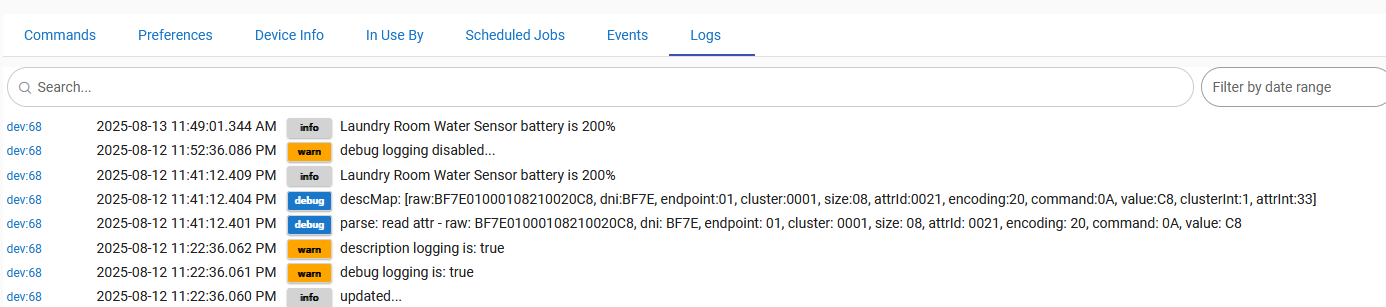
It, after choosing the generic no temp driver, repairing, and getting it wet does report water (wet/dry), but battery is stuck at 200%. I'd love to get an accurate battery reading.
Yeah, I just installed 2 of the Sonoff SNZB-05P leak sensors under 2 sinks. On one of them, the battery initially showed 200%, but now the battery hasn't reported anything in over a week. The battery on the other one reports 100%. I am using the built-in driver Generic Zigbee Moisture Sensor - no temp,
I am not concerned. The cable attachment works well for my application. I tested them both and they reported "wet".
I do use the Device Activity Check app recommended by @Slate
I also use the app [RELEASE] Idle Node Refresher which sends a refresh command to the sensors every couple of days. This refresh shows up on the device events logs, which gives me peace of mind that the devices are still online.
You can install both apps via the Hubitat Package Manager.
Yes, I tested it and it reports "wet" even though the battery has not reported in over a week. Also, the device events logs show a refresh every 2 days from the idle node refresher app.
No difference, one sensor under each of the 2 lavs in the master bath.
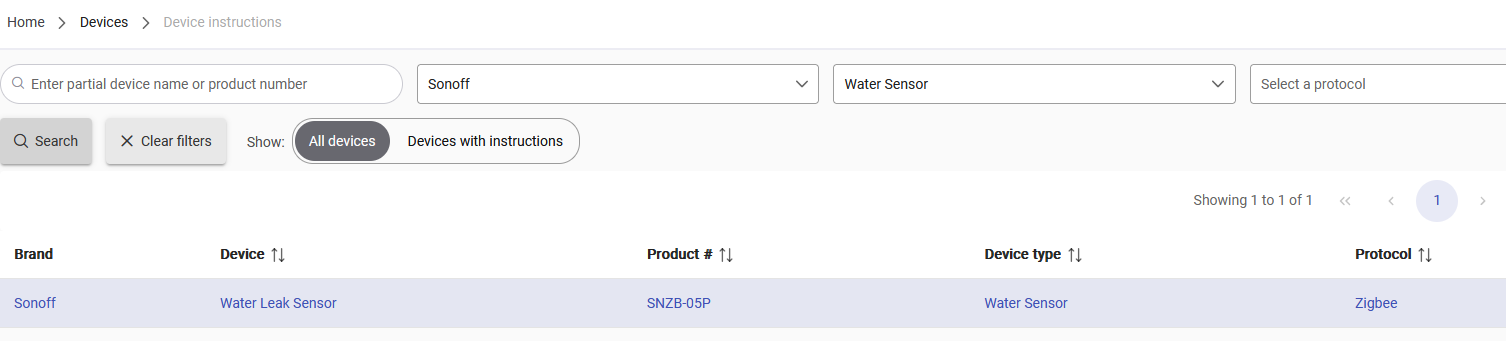
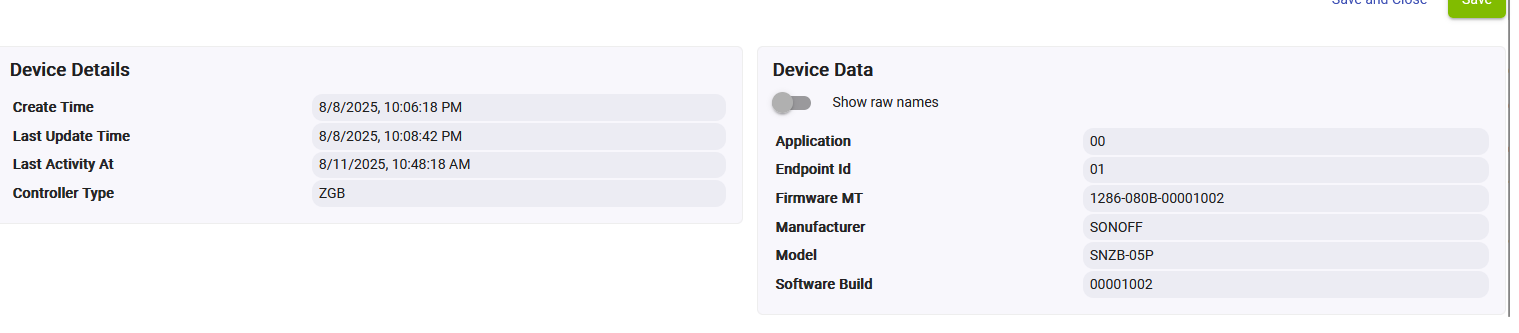
Thanks! That screenshot is enough to identify the issue (the manufacturer for most of their devices used to show as "eWeLink" and I really though they were the OEM or maybe the same company, but apparently lots of others are confused about this, too: Sonoff? That's not us! A wild guess for everyone - #3 by morgan - Free discussion - eWeLink Forum). This should be fixed in a future build, possibly a future 2.4.2 hotfix or at least 2.4.3.
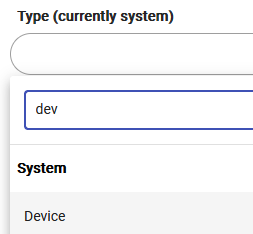
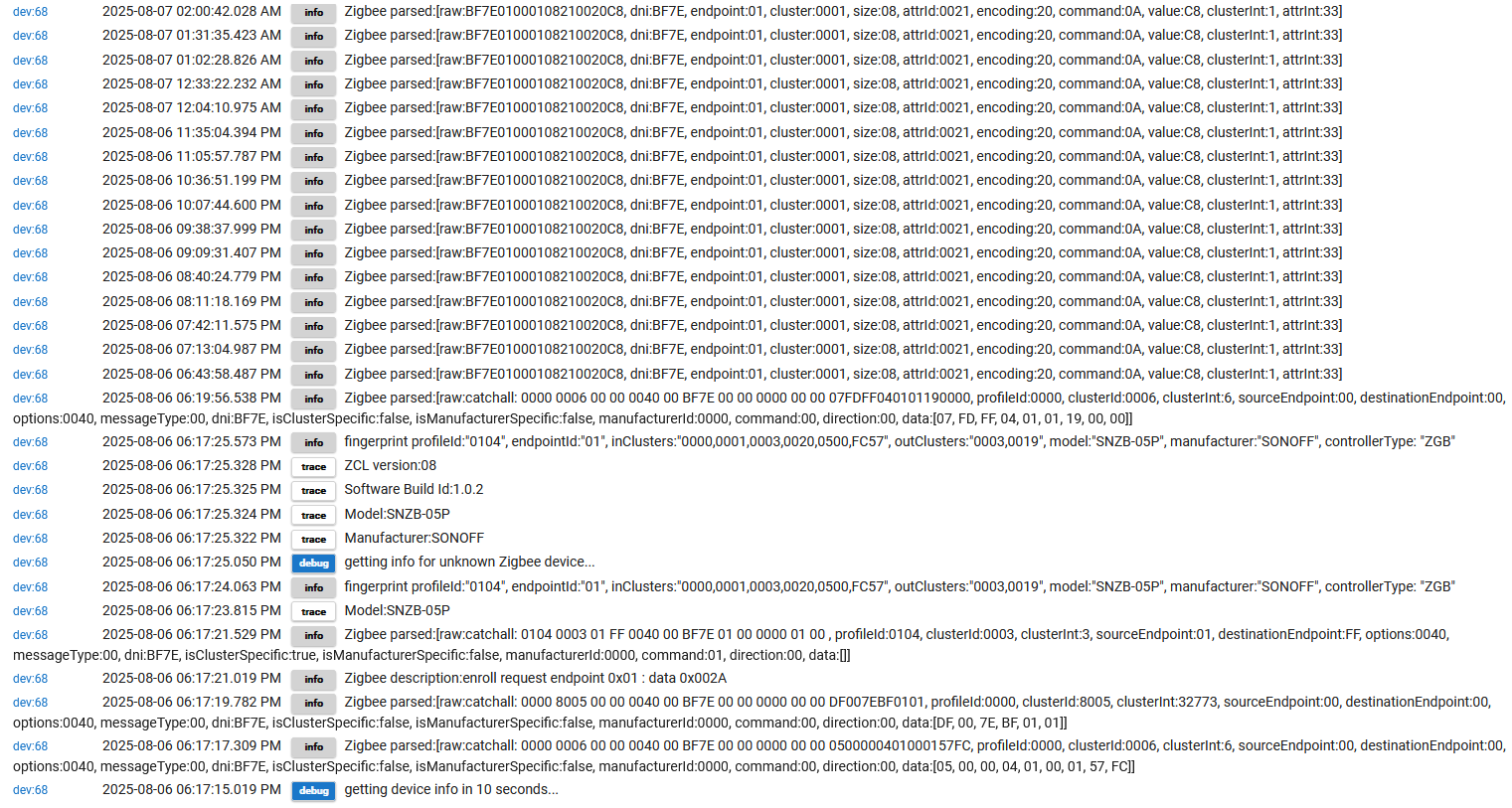
That's interesting, as the "fingerprint" for the SNZB-05P should be in the "Generic Zigbee Moisture Sensor (no temp)" driver, matching them up on pairing. If you want to, could you switch back to the "Device" driver, run "Get Info," and provide the "fingerprint" entry that should spit out to "Logs"? (I'm actually not sure if that will work on this device since most Sonoff devices I've used don't listen for commands during regular operation, but this manufacturer might be different, or at least this device might be; re-pairing, or if you still have the "fingerprint" in your Past Logs from this device when you did pair it, definitely should.) No big deal, but should help others in the future!
But the battery thing should (eventually) be taken care of, at least.
Also...
Apparently debug mode turns off after some hours? Any way to stop that from happening? I missed the battery info due to debug mode being off...
Just updated to 2.4.2.143 about 24 hours ago and waited until battery refresh was done today, still shows as 200%. Do I need to do anything specific to get it to show 100%?
No, if there was data parsed in like the above, a value of 0xC8 should be parsed into a value of 100 (i.e, raw/2). If that's not happening, I have no idea why.
I really don't see how this could be happening anymore, and I'd probably need to send you a small app to test the values I'm expecting for your device data to see if something just isn't getting matched up correctly. I'm having a hard time seeing this so would almost just suggest waiting until build 147 (currently in beta, or whatever ends up being released) actually has the fix in case it wasn't done in time for the last build, though I thought it was.
In the meantime, the value is really just two times what it it should be -- you're not seeing a ceiling/cutoff or anything, so the data should be workable (to whatever extent battery readings are on this kind of device, which is normally not much), just awkward.