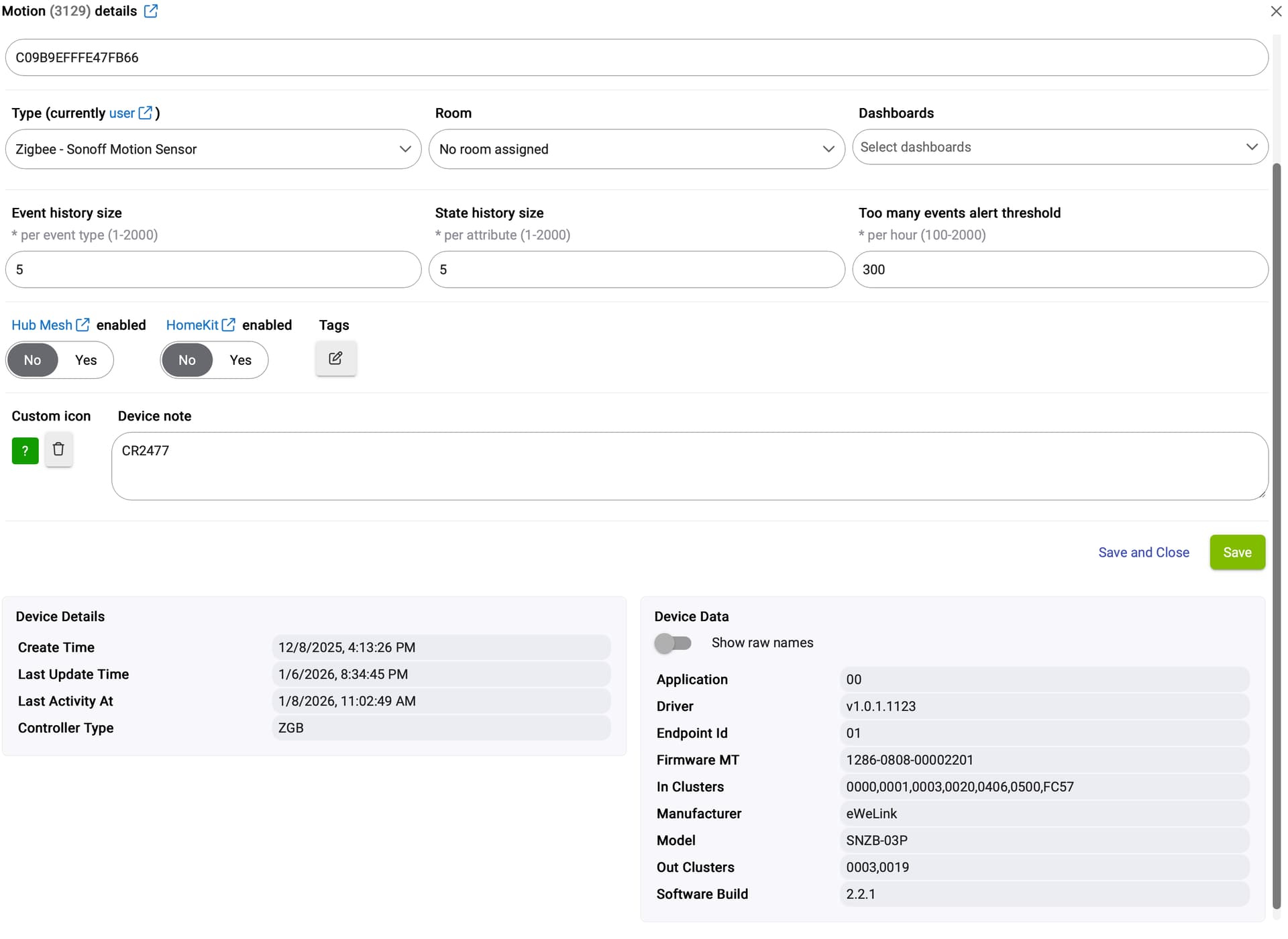
I have a Sonoff SNZB-03P Sensor that I am trying to use with an app. I have set it up using the Tuya Multi Sensor 4 In 1 driver in package manager.
Everything goes well except that once motion is detected, it stays detected much longer than it actually is.
There are two settings reported in the device. Fading Time is available and can be set in the Preferences tab. It can be set from 5 seconds to 60 seconds.
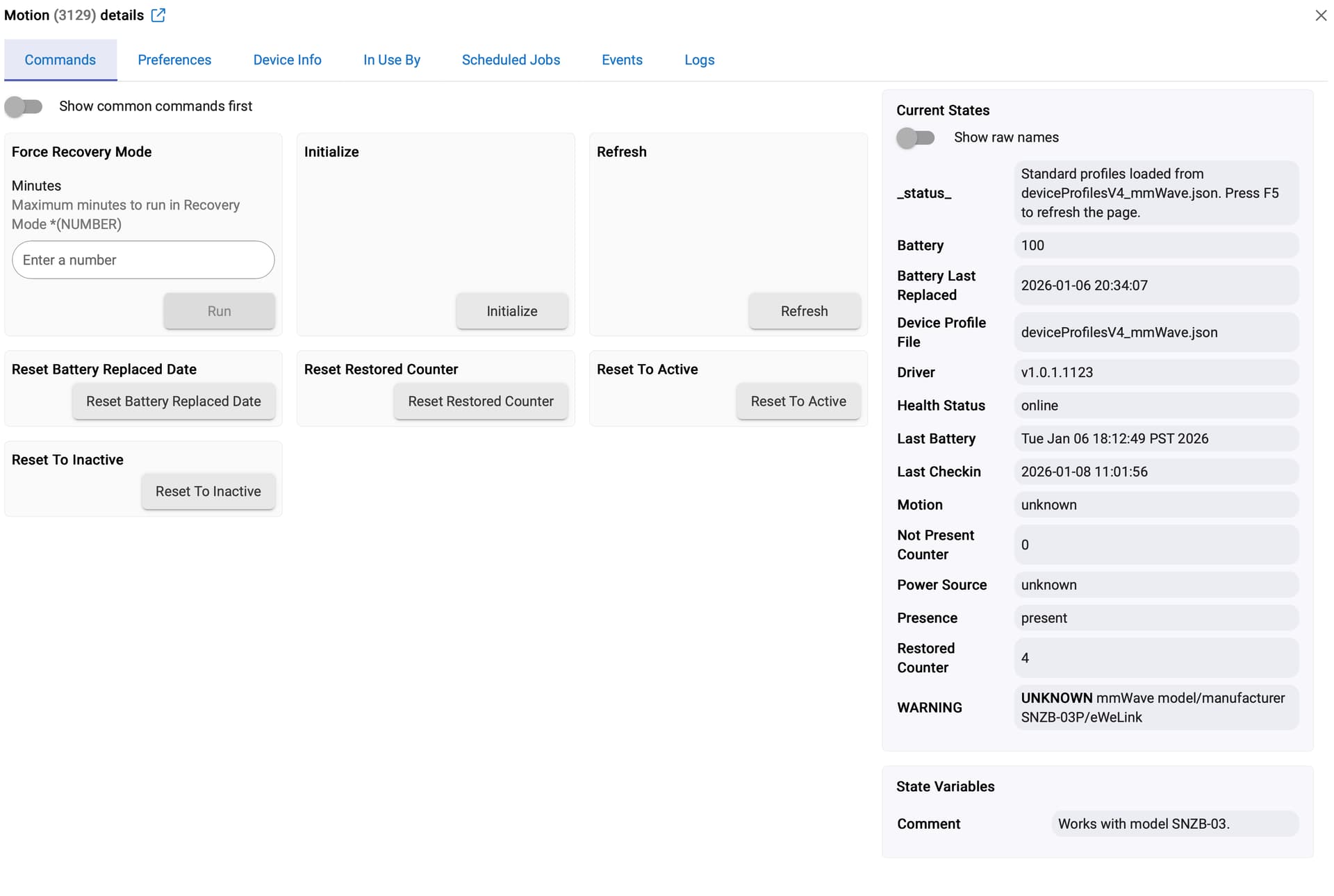
I also see Keep Time listed in the Current States area on the Command tab of the device.
What is the difference between these two settings, and I see no option to change the Keep time.
If there is a way to change it, how would I do so?
There seems to be a bug in the driver. I checked the code and noticed a few inconsistencies. In the Preferences tab the setting is called “Fading Time”, but the same parameter shows up under Current States as “Keep Time”. I also see temperature and humidity settings in Preferences, which shouldn’t be there for this device.
I don’t have an SNZB-03P myself, so I can’t fully test it. When you change the “Fading Time” preference, do you see “Keep Time” updating accordingly?
Also, keep in mind this is a sleepy device, so it won’t always listen for configuration commands. Before you click Save after changing settings, press the device button to wake it up, so the changes have a chance to be applied.
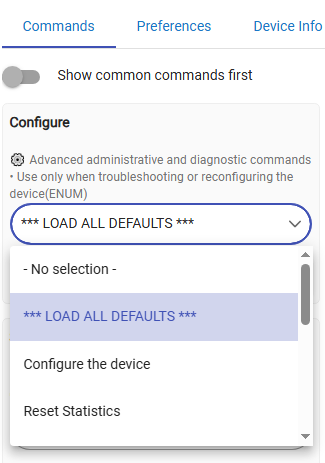
I have changed the Fading time to 15 seconds, but the Keep time still shows 60 seconds. I ping the device, it responds and then I used the "Configure the Device" option in the Preferences tab.
This makes no sense to me, unless I am configuring this thing incorrectly.
I also see that some people are using the Generic Zigbee Motion Sensor. Does that one work better for the Sonoff SNZB-03p sensor?
I've had these for quite a while and I'm using an old driver from a guy called Markus who is no longer using HE.
It does work flawlessly.
If you still struggle with getting this device to work reliably I could message you the device code I'm using.
Are you sure the SNZB-03P motion inactive timeout (5–60 seconds) can be adjusted using Markus’s driver?
This is a relatively new device, and it didn’t exist at the time Markus’s driver was written…
I'm watching this thread, as I have a SNZB-03P, have tried all the drivers, and motion never triggers. Hoping something here will get it going. Suggestions?
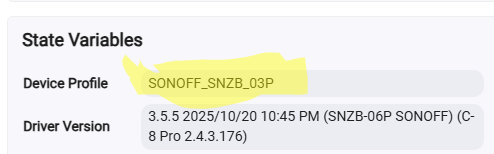
I am recovering from a hub issue, and lost a couple of weeks of work - long story. Anyway, I realized that I had that driver before the hub issue, but after the backup that I could restore. Thus, the driver was an incorrect one that I had been using prior to the issue. Anyway, all is good again. Thanks!