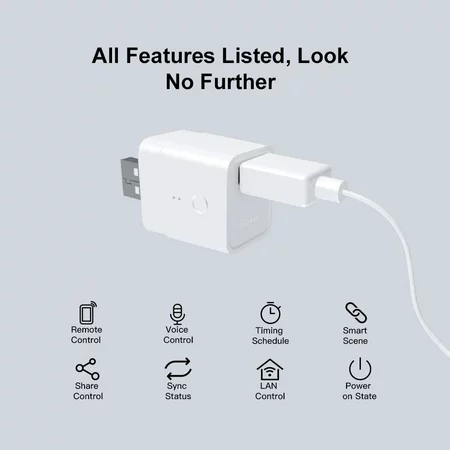
Yes Wifi plugs are one way to do it. If you go with TP-Link you might want to find a KASA plug. I think a custom TAPO integration is in the works but still being tested. You may not even care to integrate with Hubitat though.
Anything Zigbee or Zwave would rely on the hub being functional to tell it to turn OFF, even if you had something that would turn itself back on. So if the hub locks up or crashes a Wifi plug is the safest since it does not rely on the hub at all.
The trick is how to do this autonomously and preferably, locally.
I bet some dumb time delay relays could get involved.
Although, I'm too dumb to figure it out.
I also use a wifi outlet to power down & up my Hubitat hub. Most wifi outlets don't run locally and require a specialized app to control the outlet from the cloud (and possibly go through a server in China). I'm currently using a Sonoff S31 flashed with the ESPurna firmware to control the outlet locally on my network using basic http commands.
Yes, ... having to use the EVE app, that by the way is not very good, e.g. often not correctly reporting switch state, is the reason why I changed from Sonoff to Delock Wlan Easy USB switch. It is "based" on Tasmota, delivered with 2.0, but can be easily flashed to use the community driver of Gary J. Wilne. Without flashing it can be accessed via http for simple commands like "on", "off", "toggle", or using the "IP interface". Another option especially when having several of them is the Android app Tasmotrol.