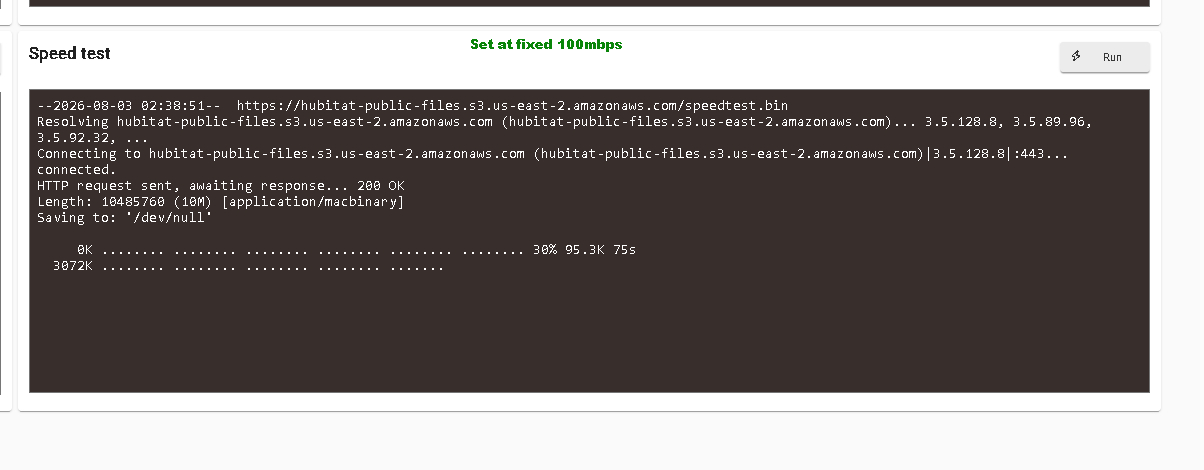
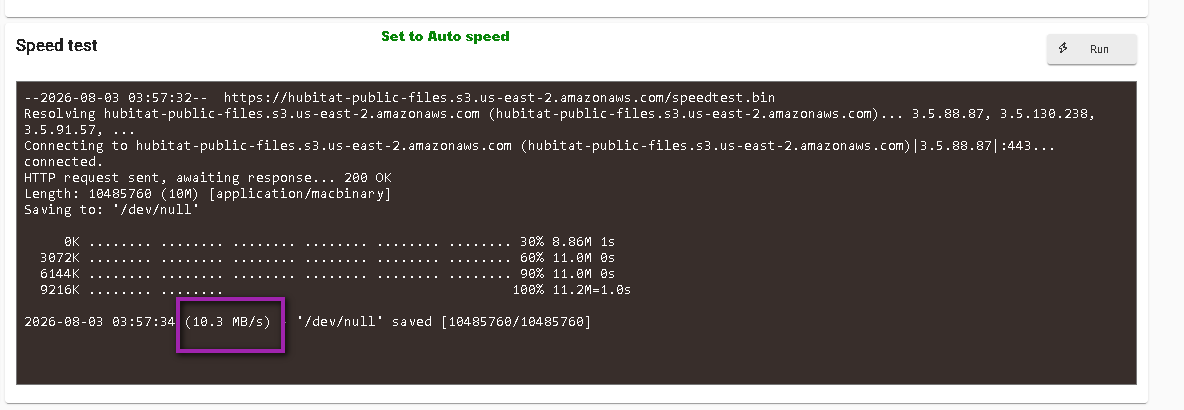
Is this a normal looking speed? With auto I get 10mbps, and with fixed 100mbps it's even slower and never even completes.
set at fixed 100mbps the test nevre completes
Your first screenshot says MB/s.
MB/s is megabytes per sec, mbps is megabits per sec.
1MB/s = 8 mbps, so there’s probably nothing wrong with the result in your screenshot.
I have two C8 and a C5 active.
First C8 [Auto, 3.21 MB/s] [100, 4.17 MB/s]
Second C8 [Auto, 10.1 MB/s] [100, 7.48 MB/s]
C5 [Auto, 5.60 MB/s] [100, 6.52 MB/s]
The two C8 are on the router itself, the first one has a much longer cable (100ft?) than the second one which has maybe a 10 foot cable.
The C5 is on an unmanaged switch, and cable length is closer to 25 feet.
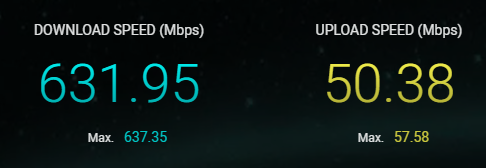
I should have plenty of capacity, here is my speed test.
Thanks Neoturbo, Anyway I'm seeing yours completes at fixed 100mbps?
Hub connected to Cisco 2960X switch with auto negoiation. Any benefit to putting the switch at 100 fixed?
Thanks Mark, rookie mistake at bedtime. Can both of your tests complete? Fixed at 100 & auto-negotiation?
Yes the speed tests complete fine on all hubs. I think you should choose the setting which works best for you. I don't think there is a benefit exactly, just what is compatible.
I just have a TP Link AX11000, a mid-level router, so nothing fancy.