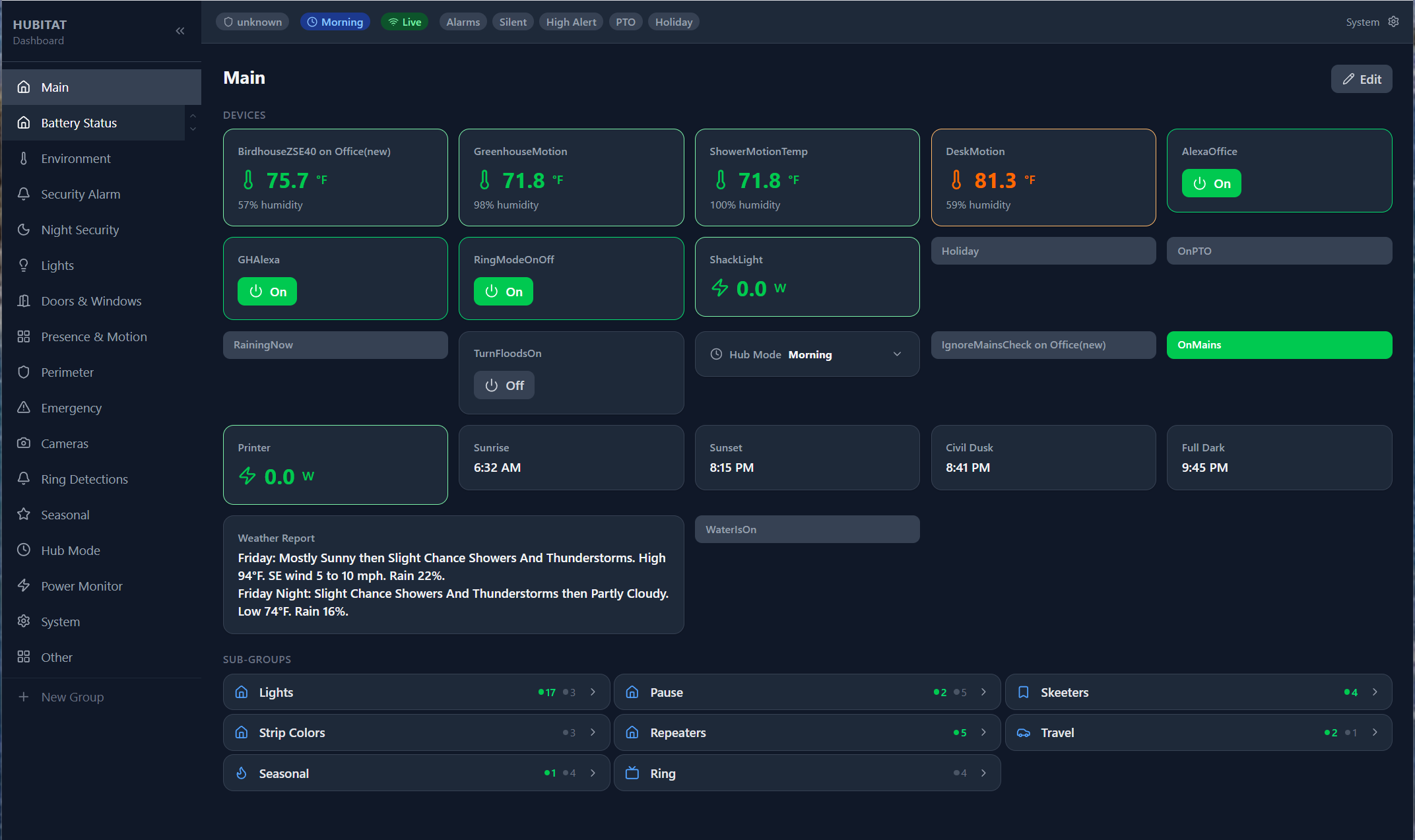
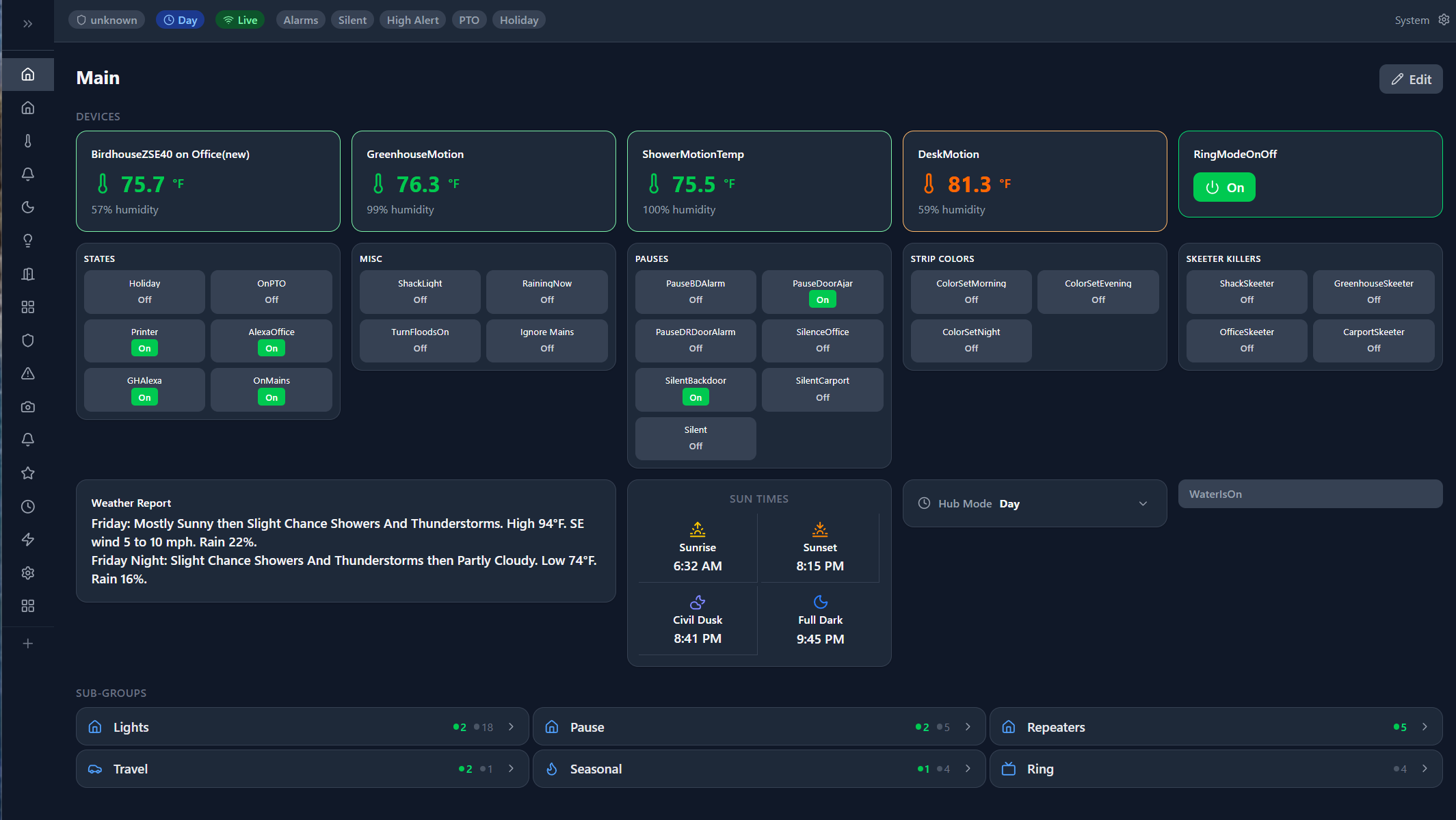
AI Dashboard Build Instructions (Windows & Android)
This guide provides the necessary steps to instruct an AI to build a custom dashboard for Windows and Android. (Note: While Apple support is likely possible, these instructions focus on Windows and Android platforms.)
1. Initial Setup
Access the Documentation: Navigate to the Docs path in the repository.
Choose Your Format: * Use the .md version when feeding instructions to an AI (like Copilot or Gemini).
The PDF version is provided for human readability.
Prepare Your Environment: Before beginning, clone the repository or download all files from the Docs folder into a new, empty directory on your local system.
2. Prerequisites
Read the Prerequisites section regarding Maker and Hub variables.
If you intend to include these variables on your dashboard, ensure the Maker API is fully set up and configured before proceeding.
3. The AI Prompt
To build both the Windows and Android versions, provide the following prompt to your AI assistant:
"Read all documentation in the Docs folder. Use the User_Guide.md file as the primary instruction set to build the dashboard apps. Once the build is complete, write documentation explaining how to use these specific versions. Please create a project plan first and wait for my approval. Ask any clarifying questions as needed; once approved, execute the plan."
4. Recommended Tools & Pro Tips
Environment: For the best results, use a CLI-integrated AI (such as Copilot CLI or Cursor) or an IDE that supports these tools.
AI Collaboration: You can use Google Gemini (or your preferred LLM) to explain these steps further. If you feed the documentation into the AI and ask for "optimization tips," it can help refine the build process or suggest alternative AI tools suited for the task.
That's what I was interested in seeing, more so from the point of view that this topic, over time, has largely centred around people providing examples of their creations to act as inspiration for others or to prompt people who might be interested in re-creating similar effects. For all I could see in the repo there was only what I would imagine to be AI generated documentation, but no screenshots.
So thanks for providing an example.
It does look like it produces a consistent look and feel to what you might see in realtively modern home-lab-style applications, which could be desirable for people wanting to have a similar aesthetic across different applications. Nice work
Not a dashboard but possibly useful for some. I created a Slideshow container/nodeserver that can be used by fully kiosk as a screen saver or even an iframe to show a slideshow on your dashboard. I use my wall tablet as a control as well as a “photo frame” to keep the wife happy that there’s a large screen attached to our wall.