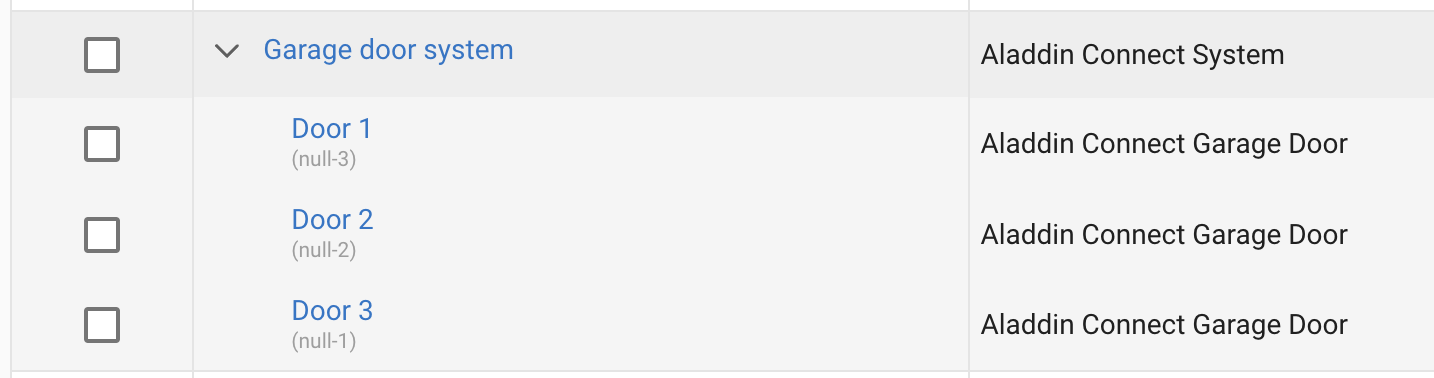
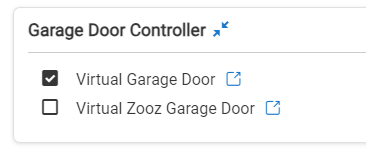
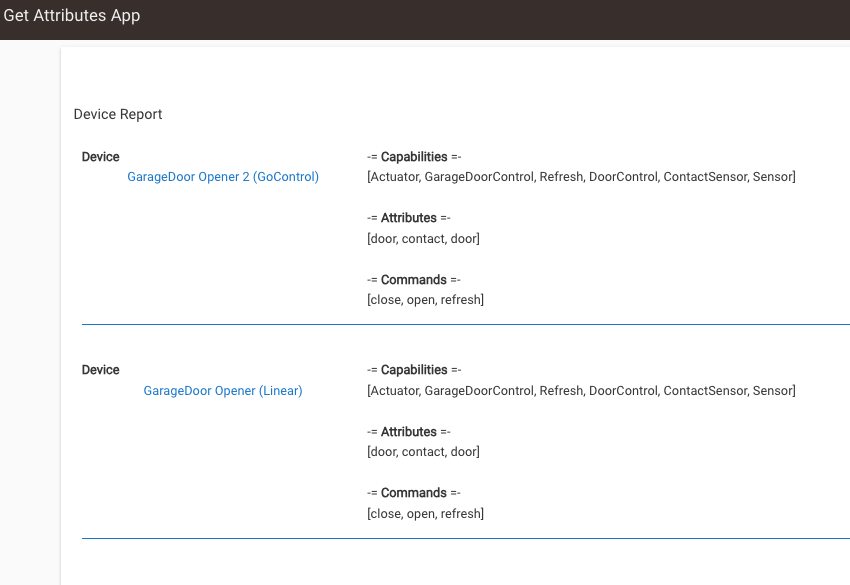
The homekit integration doesn't see the device though. Is the GarageDoorControl capability not currently compatible with the homekit integration app?
I'd be happy to contribute changes to make it work, I just don't know where to start. I found this page but I can't find a similar page in Apple's docs specifying anything about garage doors.
@jtp10181 has correctly indicated the solution to your problem - you need to run platform 2.3.6.x on your Hubitat, but I want to address the second part of your question:
Here’s the relevant portion from the Apple Developer documentation that lists all the HomeKit accessory service types:
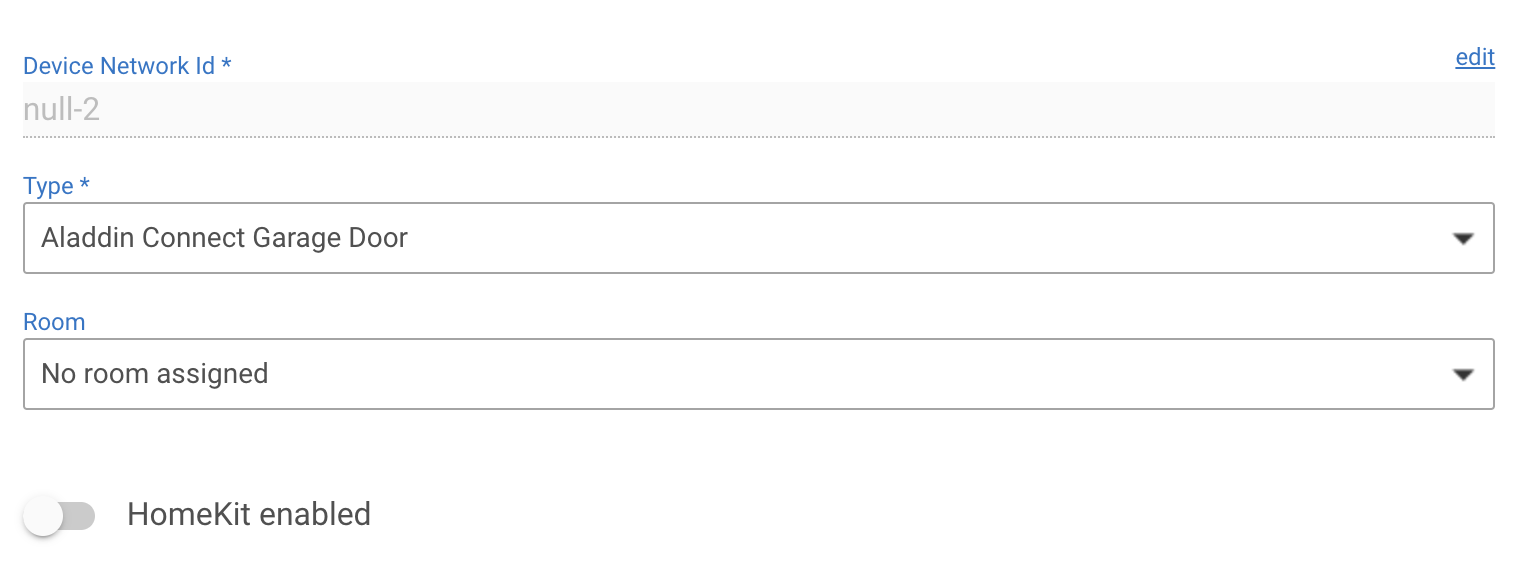
I tried turning the "HomeKit enabled" switch on and off for both the "Aladdin Connect Garage Door" and the "Aladdin Connect System", but it didn't make a difference either.
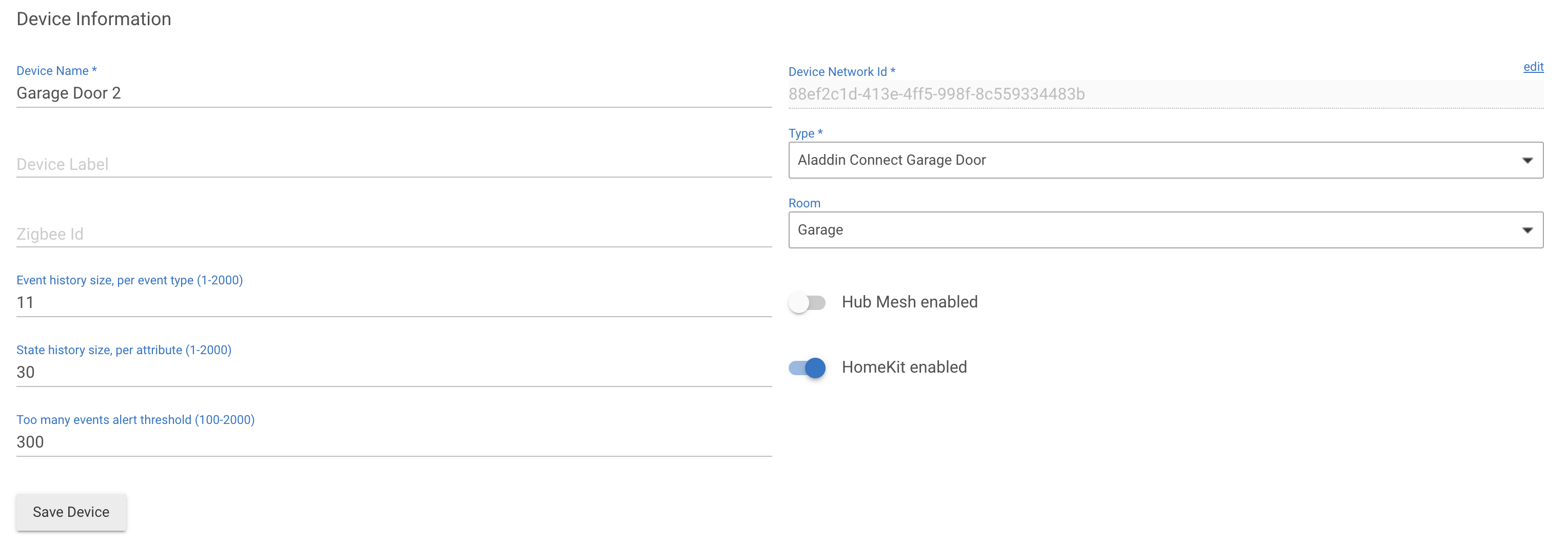
That's not what @Ken_Fraleigh meant. Create a brand new virtual device to which you assign the built-in Virtual Garage Door driver. Then see if you are able to add this new device to HomeKit. If you can, it says there is something wrong with the Aladdin virtual devices.
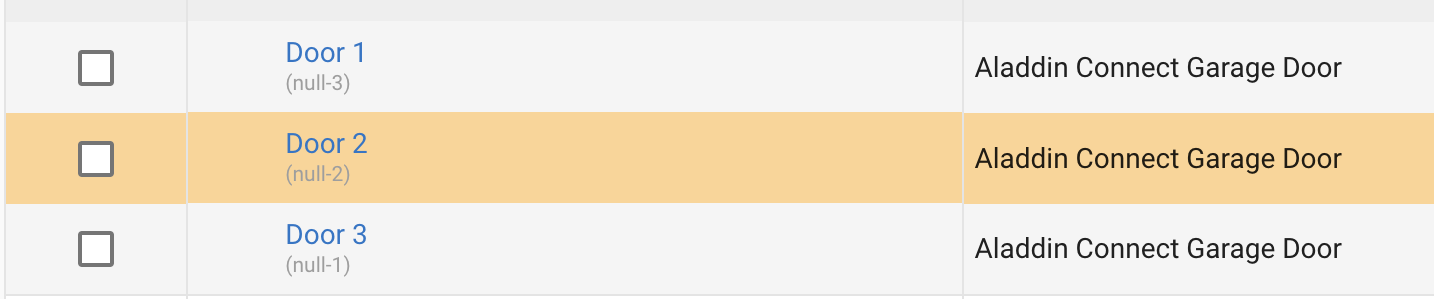
In the meantime, I'm guessing the issue is that your Aladdin devices don't have a device network id. Not sure why - so I am tagging @tomw.
I tried with "HomeKit enabled" both on and off and it isn't listed on the homekit integration app page either way. Should that switch be on or off? Do I need to reboot after toggling it?
Turning that on just enables it in the HK integration, sort of a neat feature I did not know existed.
But if its not showing up at all, guess its not doing anything.
Might be due to the "null" device ID as someone else pointed out.
This is really great information about the Zooz driver. From what I could tell, the Hubitat software isn't open source. Is that right? I'm trying to figure out how I can identify which capability it needs to show up