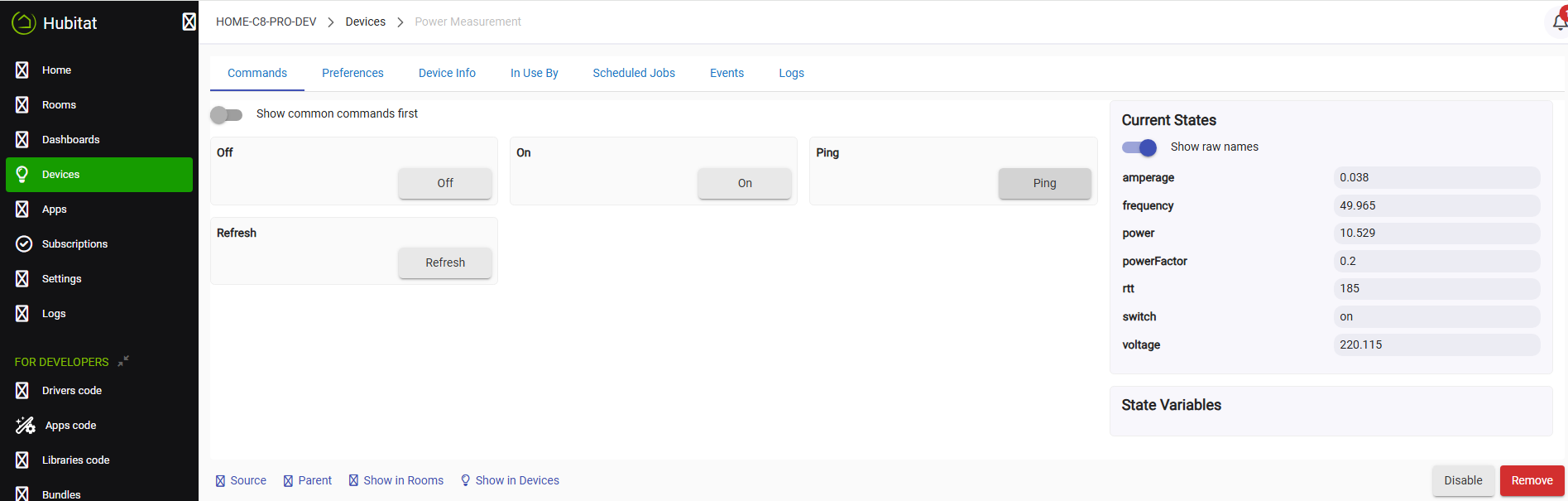
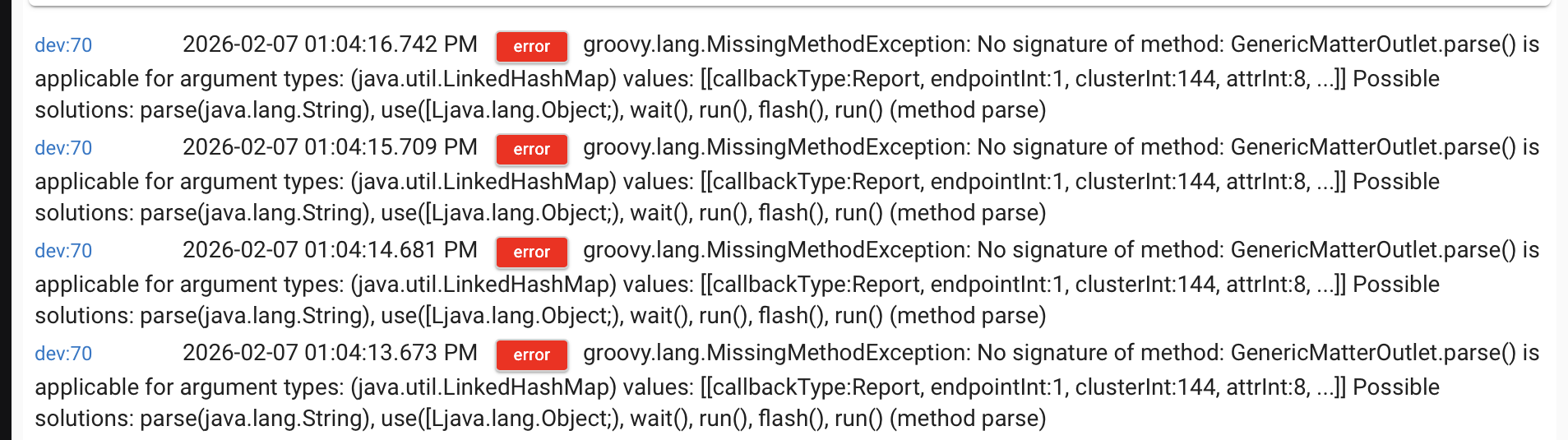
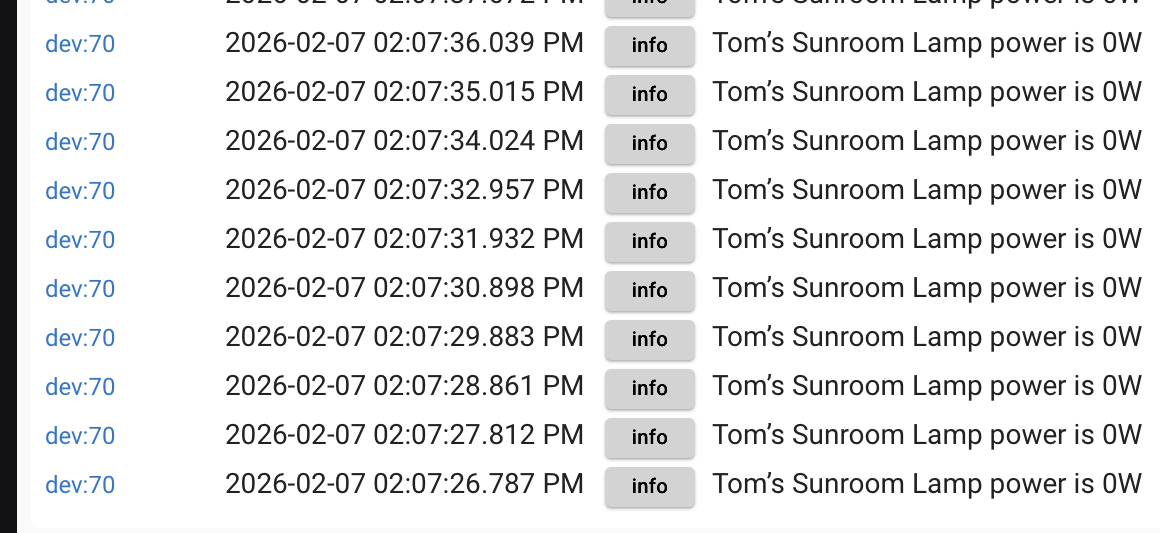
Paired Shelly Gen4 plug over matter using generic matter outlet on C8pro.
Logs show power report arriving once per second.
Isn’t that a bit extreme ? Cannot find any place to control it in Shelly App.
Paired Shelly Gen4 plug over matter using generic matter outlet on C8pro.
Logs show power report arriving once per second.
Isn’t that a bit extreme ? Cannot find any place to control it in Shelly App.
Tagging @bcopeland because he Matters. 
Repaired using Matter Advanced Bridge. Reports stopped, but now no power values at all.
Do you see any error logs?
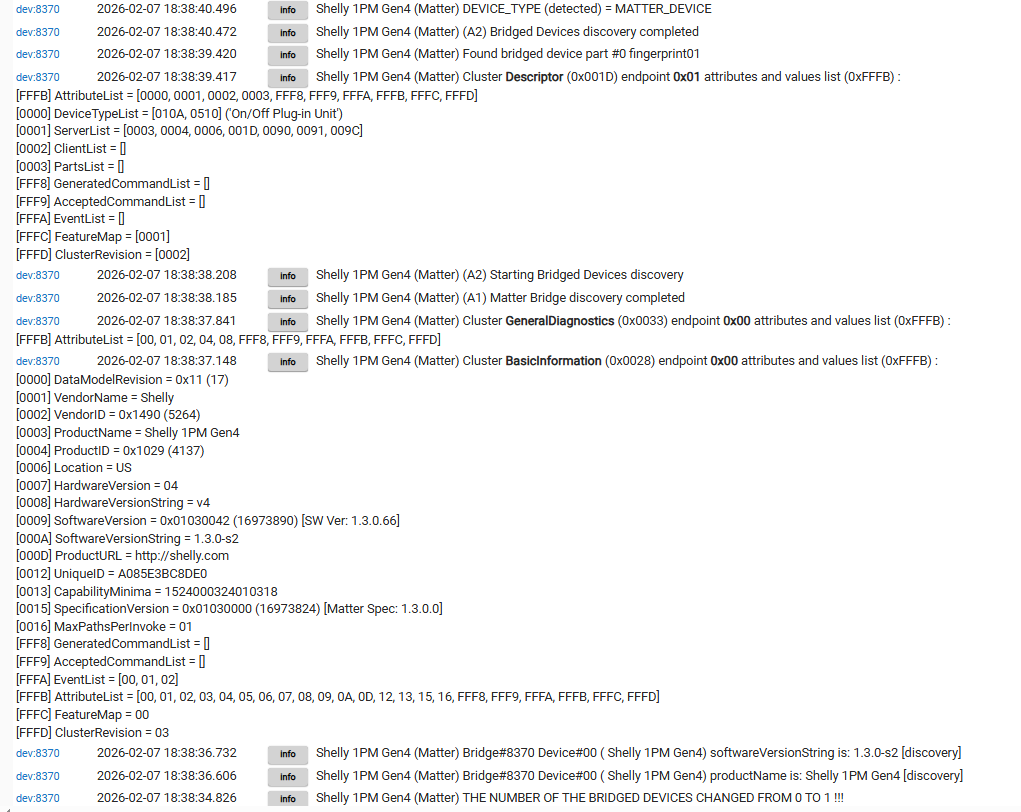
My Shelly 1PM Gen4 seems to be working OK via Matter:
These are the logs during the discovery :
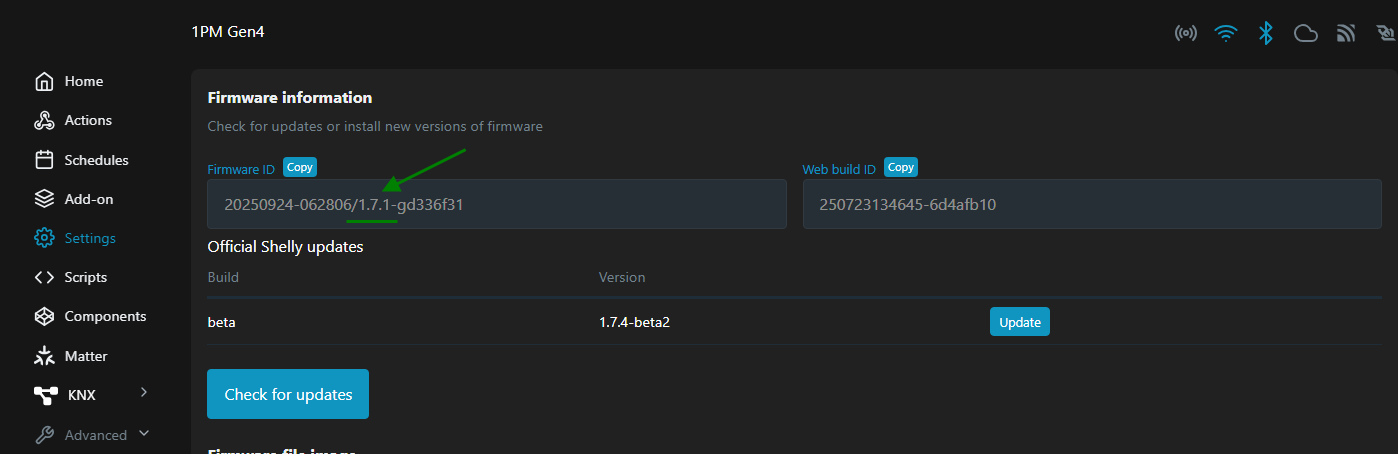
Make sure you are on the latest official firmware - it is version 1.7.1 at the moment :
I have a static load (a LED bulb), but there are no extensive reports when the load does not change.
No errors, Shelly app says firmware is latest.
Which driver are you using?
The screenshots were from the Matter Advanced Bridge.
Sorry, just realized my device is the power reporting switch module, not the plug ...
Also using MAB with “ Matter Custom Component Power Energy” driver discovered.
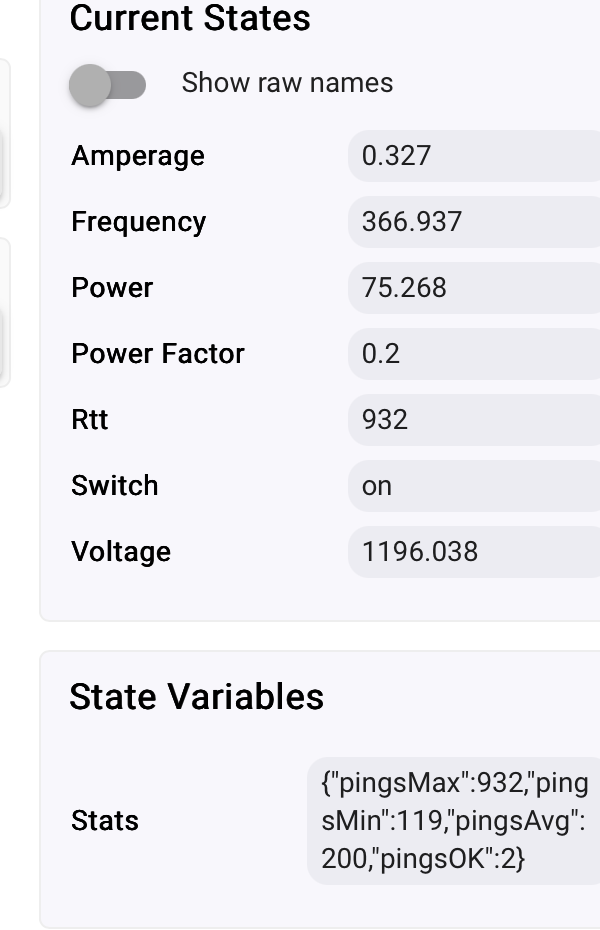
Readings are off by common multipliers.
I see where the problem is with the MAB— do not use it for this device for now...
Ok, anything I can provide for you.
Switching to Generic Matter Outlet
Ufff... such switching between drivers will be a problem....I'm not really sure how to handle this issue and avoid it.
Update 2026-02-14 : the new versions of the MAB relay entirely on the newParse: true decoding, so I have edited this post to hide the obsolete instructions, they are not correct anymore.
For now, switch back to the MAB driver, go to Preferences, enable 'Advanced Options', and make sure that the "Use new parse(Map) handler" option is switched OFF. Then Save the preferences.
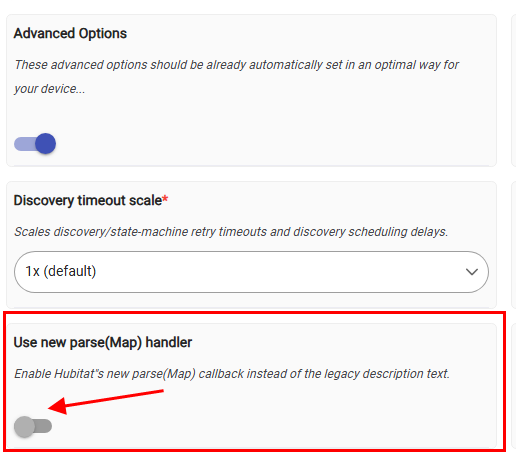
Afterward, you can witch back to the stock "Generic Matter Outlet" driver.
The newParse:true flag is required to decode Shelly Gen4 energy consumption attributes.
A new method was added some time ago that gets called every time the device type is changed - could it be helpful here?
void deviceTypeUpdated() {
    logDebug "driver change detected"
    configure()
}
The configure() method should properly set the DeviceData 'newParse'... I tested it and it didn't work with the stock driver... I made a post in the Beta forum. But yes, this new deviceTypeUpdated() method can be very useful in this case.
dev:76342026-02-07 20:42:20.959warnShelly Gen4 Matter 1PM driver change detected
Which devices should have the new parse enabled or should it be automatically selected?
It should be automatically set in my opinion.
About the frequent power reports - I think that this is Shelly issue, hopefully will be fixed in a new firmware update. From HE side the repetitive reports could be filtered, but this would be a patch only, the HE hub resources will still be waisted on driver calls when it is not necessary.
Shelly power/energy monitoring devices indeed do report updates every 1 second. They do this when connected via web socket or Matter. And no, there presently isn't a configuration option to change this.
I'll relay the need for Shelly devices to have a configurable reporting interval over to the folks at Shelly. For their "Cloud" system, or something like Home Assistant running on a mini PC that's 10x more powerful than a C8 Pro, once per second isn't a 'problem', tho it likely is still excessive for the vast majority of use-cases.
In fact, my non-Matter based drivers specifically have a bit of a work-around on this to alleviate some of the hub load. I found in my testing that "waking" the driver isn't much load. Doing some parsing, also not much load. Every "sendEvent()" call... that's where the load seems to be concentrated. So what I have my drivers do is only call "sendEvent()" once every 10 power monitoring reports and take the average of the 10. Doesn't cut the load by 90%, since it's still waking and storing the values in 'state', but it's still a pretty solid load reduction. Possibly something similar can be implemented on the Matter side.
I want to get several more of these, so really hoping you can work the magic... 
I have one on the way. Soon as I have it in hand, I can test out the code I've already put together for these and fix/tweak anything that needs it.
They'll have 2 options: unified RGB (yes/no), and separate RGB for power on/off. Some folks might not even want the RGB, so I'll have it optional.
I'll also be adding similar support for the Inovelli PowerStrip. It's got a very similar component 'POWERSTRIP_UI', which I'll add support for once it arrives. I should have both in-hand in the next few days, but possibly not before the weekend.
Download the Hubitat app