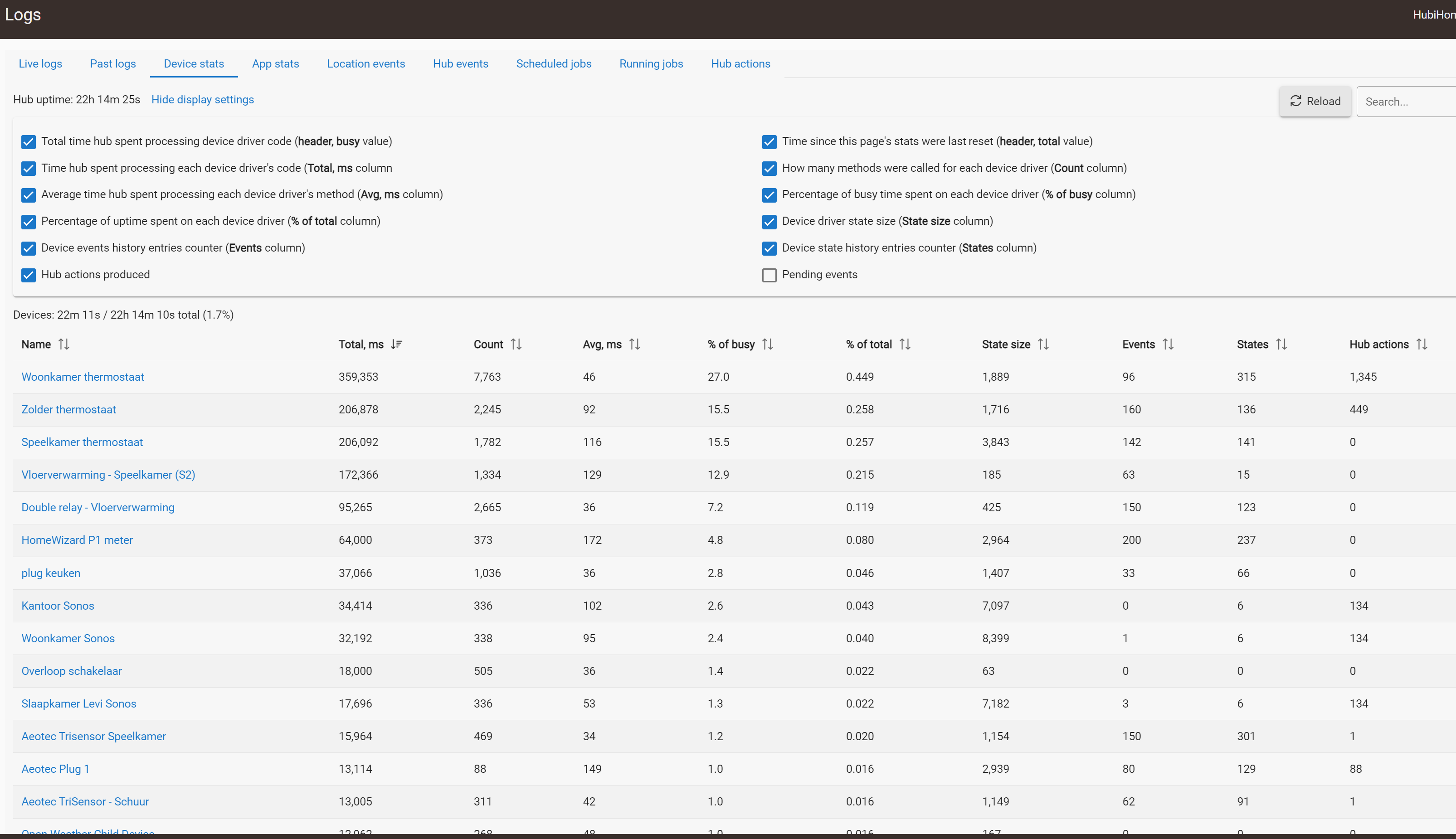
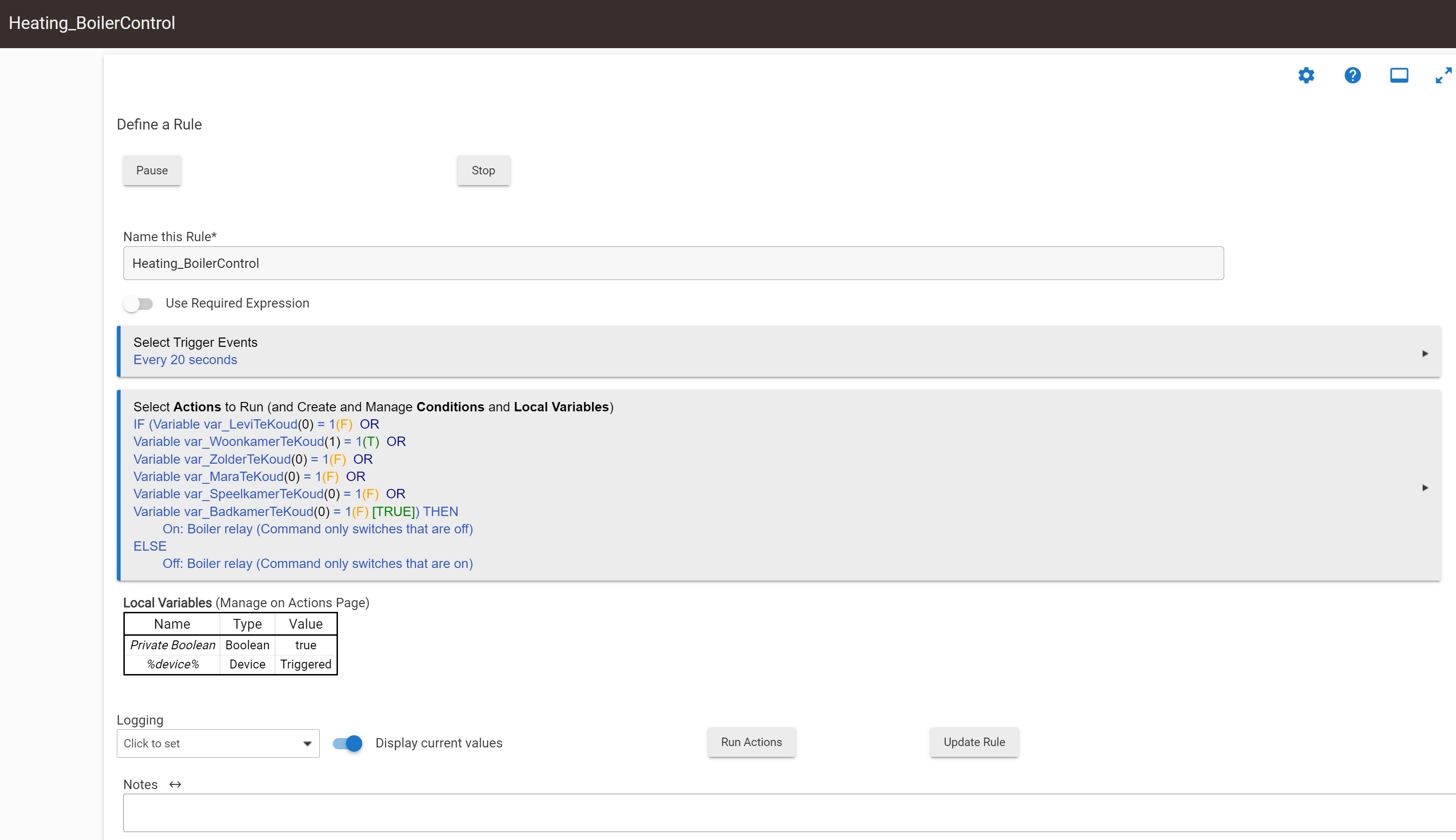
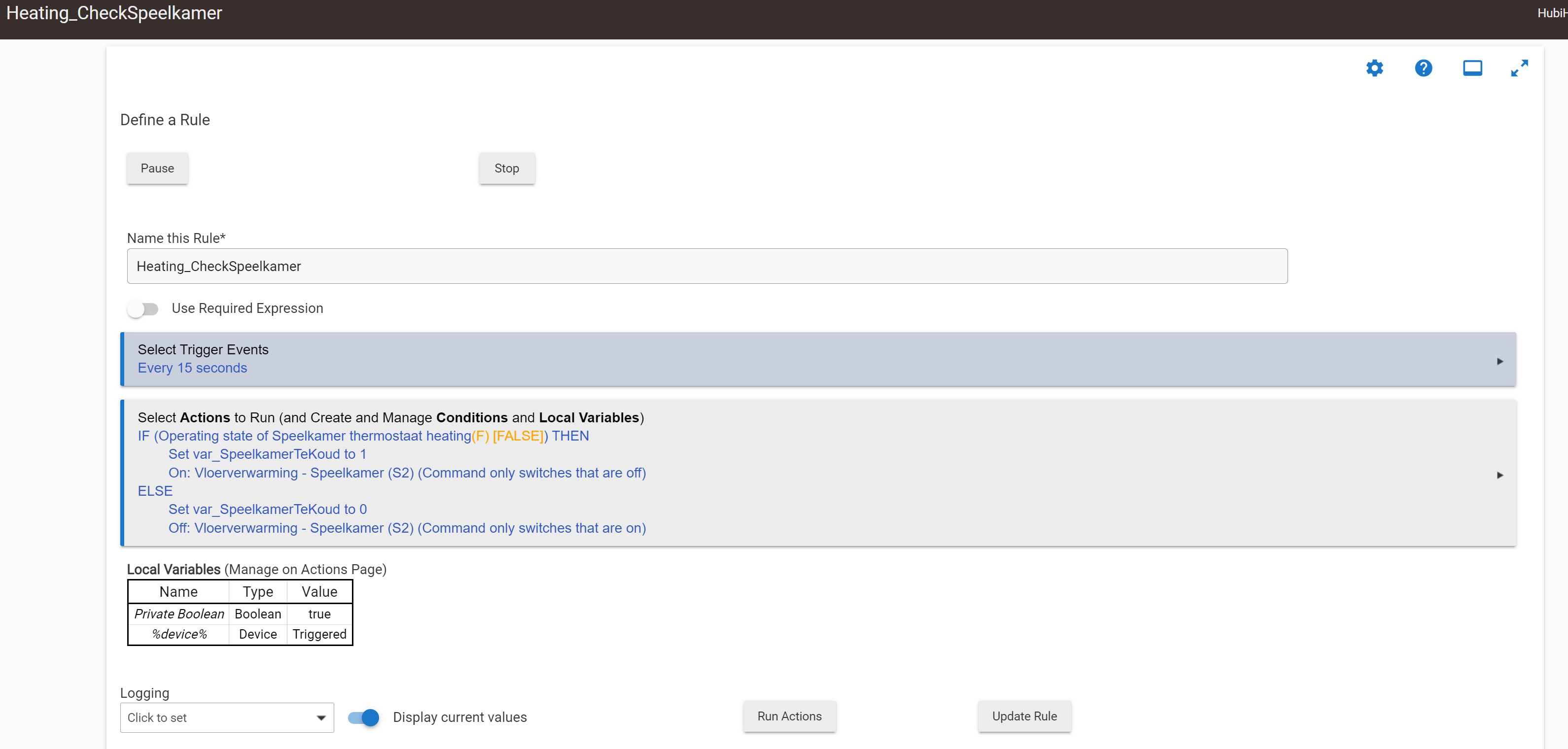
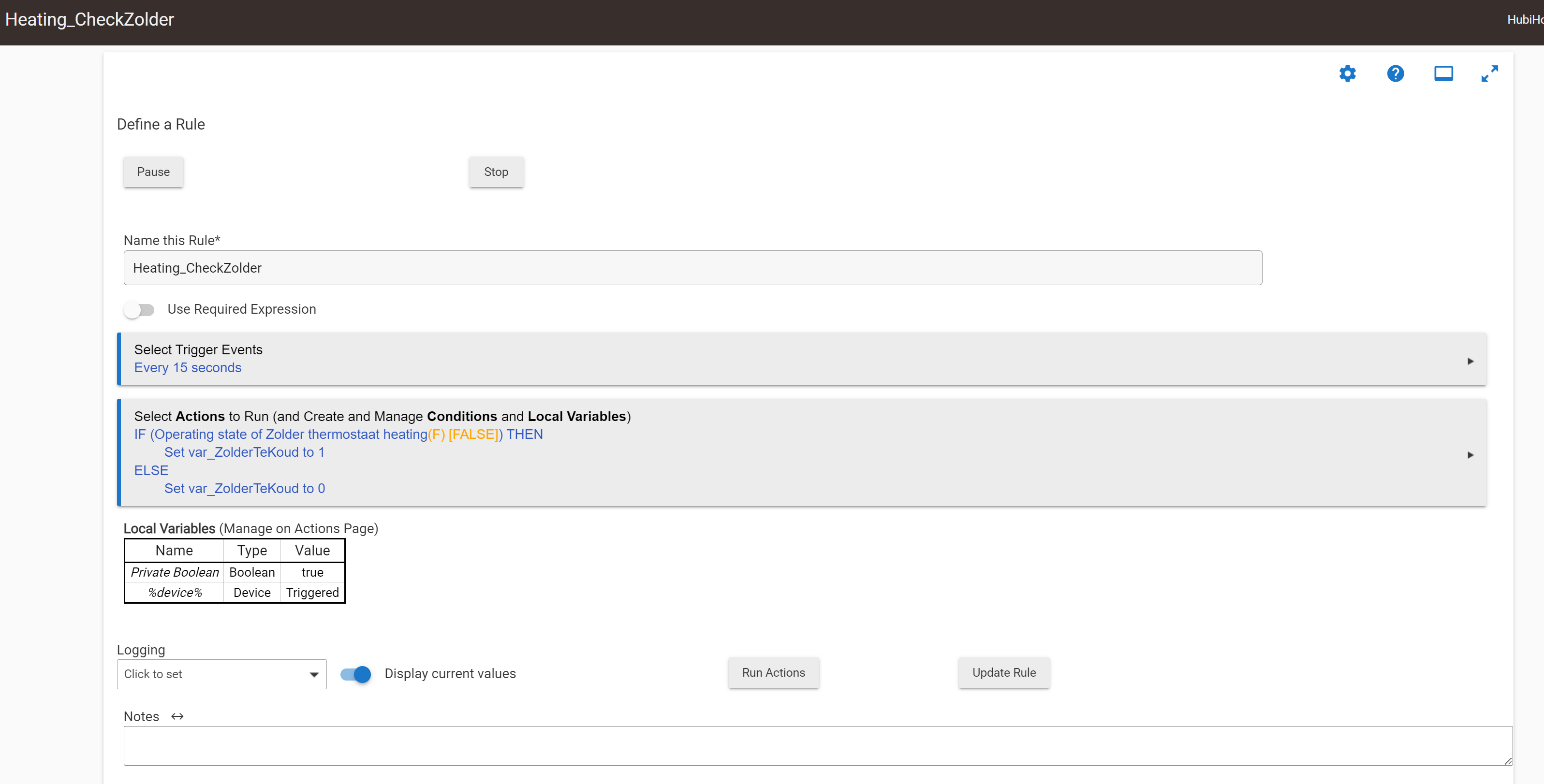
I am running a C-7 with 2.3.5.103 and I am getting Severe load warmings since few days. I have looked at the logs and I can see that apps (rule 5.1) that are causing the issue. Strangely enough, these rules are just pretty basic things. The checker-rules just check if temp in a room is below the setpoint, and if so set a variable to 1 and flip a switch to open a section of the underfloor heating. Then there is a boiler rule that periodically checks to see if there is a heat request (by checking the variable of each room) and if one of them is 1 it turns on the boiler.
Nothing crazy, I would think.... but when I look at the logs that rules for some reason consume an disproportional amount of resouces. The devices involved have been running for months but the rules have recently changed a bit (from the state change trigger to periodic check trigger).
Okay, so I tried a soft-reset and now I am in even more trouble... It did not recover from the soft-reset and is now totally dead apparently. The green led is lighting up but I cannot find the hub anywhere on my netwerk. Even with range scanning, mac scanning, etc, I cannot find it at all.... Anyone any suggestions that could work, or am I up s***-creek without a paddle?
Ip address probably changed. Look in your router lan details for the hub mac address.
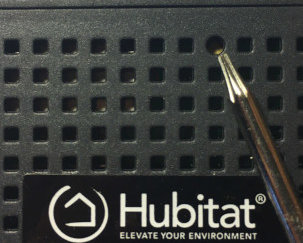
There is also the small network reset button in one of the holes in the bottom of the hub.
As for your original issue. It is conceivable if you have a temp sensor that is having connectivity issues snd spamming your mesh with tons of temp reports each firing off your rule(s) that you would see the effects you describe. Logging on the rules/sensors in question or would help confirm.
Press the network reset button on the bottom of the hub for 7 seconds with a toothpick or paperclip (it is the only round hole out of all the square ones)
It was setup for fixed IP... but since it is not requesting a DHCP lease, acknowledging a ping or even broadcasting it's exsistence on the network and more, having a reservation really does not matter anymore.
It is not even requesting a DHCP lease at all... I can do MAC scanning and sniffing on my network, it is not there anymore Not on the old IP, not on a new lease...
Correct me if i am wrong guys, but i tought getting a green light ment the hub was starting, but the Hubitat software wasn't fully loaded. Can you get to the Diagnostic page for the hub? That is at HTTP://hub-ip:8081
maybe check the ethernet connection. Validate you have a link light on your switch/router from related to the port the hub is plugged into. If you don't try replacing the cable.
Link LEDs are based on electrical connectivity, My switch reports it is physically there, but sees no packet traffic. LEDs on the Hub side are off (except the green one on the front panel)
Already replaced the cable and tried a different port on the switch. DHCP is coming from a different device but I already validated it to be working properly (DHCP relay is working on 3 other vLans and on this port on the switch also when checking with a laptop).