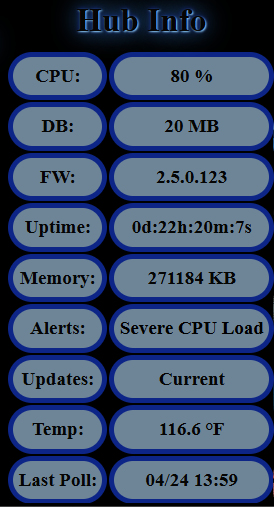
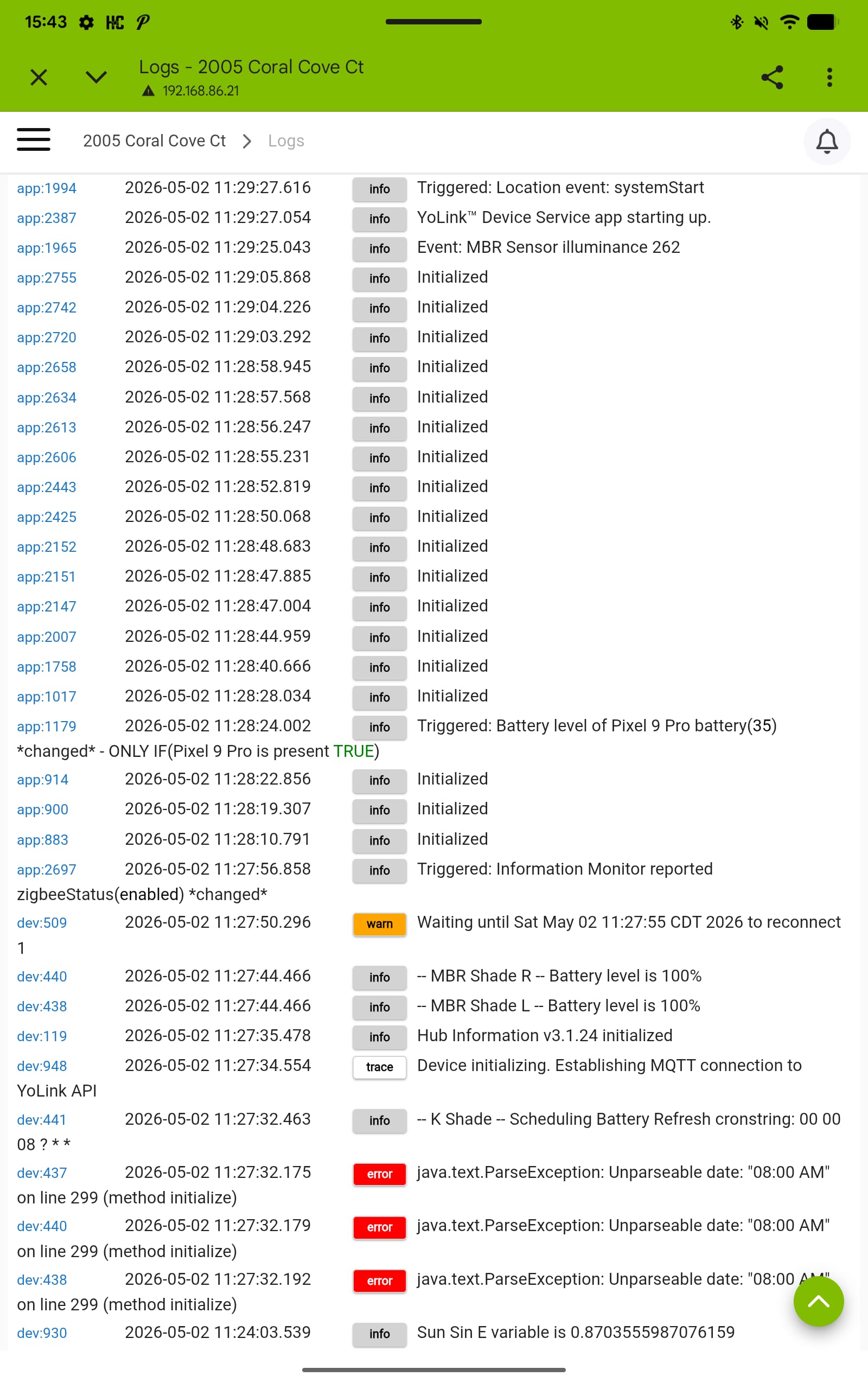
Running a C-8 on 2.4.4.156. I have been trying to track down the cause of severe cpu load issues that seemed to pop up about 2 or so weeks ago. I have looked at everything in the logs repeatedly and nothing stands out. I stumbled across these posts while searching for answers:
So I looked at that and sure enough, I only get Severe CPU Load issues when I login via remote access.
Yes, support is aware. I personally have had conversations with them. They have released a possible fix in the beta system, unfortunately my hub with the issue is not part of the beta program so I can’t test it. Hopefully, when it is released to the production level it will take care of the issue.
Does not appear to have corrected the issue. That's the highest load I have ever seen. I've also had 2 zigbee radio reboots today. Edit: As soon as I posted it hit 83%. And now we're 94%
Well, I haven't done so yet for this release but when done previously, no, it doesn't. The only time I get them is while logged in via remote access. There was possible fix mentioned in the latest release.
@gopher.ny please see the post above. It looks like the possible fix did not correct the sever hub load issue for @CAZ . I have not gotten to test yet. I won’t be able to test till this weekend.
I haven’t test since the last release but I have the same issues. There was a possible fix but it doesn’t look like it helped that condition. It is definitely tied into the remote access for some of us but it looks like the cause and fix is not fully clear.
@gopher.ny I'm also getting these Remote Admin reboots. Not always because of Severe Load. This morning the hub rebooted. The log looks very similar, but no Severe Load.
@gopher.ny Unfortunately sir, the severe hub load persists on 2.5.0.135.
Just an FYI, I would have tested it days ago when it came out but I only became aware of it yesterday evening. The update notification didn't seem to show up.
I've just stumbled across this topic and I am getting the same thing.
I rarely use remote access but whilst on vacation three weeks ago I had to log in to remote access as a couple of things I had set up before my vacation, incorrectly, were not working.
Corrected the issue and a few minutes later I started to receive notifications of hub load high.
Logged back in and rebooted. Issue gone.
I just assumed it was me doing something wrong but I would suggest it may not have been.
This is on a C8 on the last 2.4.xxx build.
Just thought I'd put my 2pence worth in.
@gopher.ny Victor I updated to 2.5.0.135 this morning and have done remote admin connection to my hub three times today.
The first time this morning a couple hours after update. No issue. Zigbee map app showed everything to be stable and normal. No sever hub load alarms.
I remoted in again later and everything appeared to stable and normal, no severe hub load alarms.
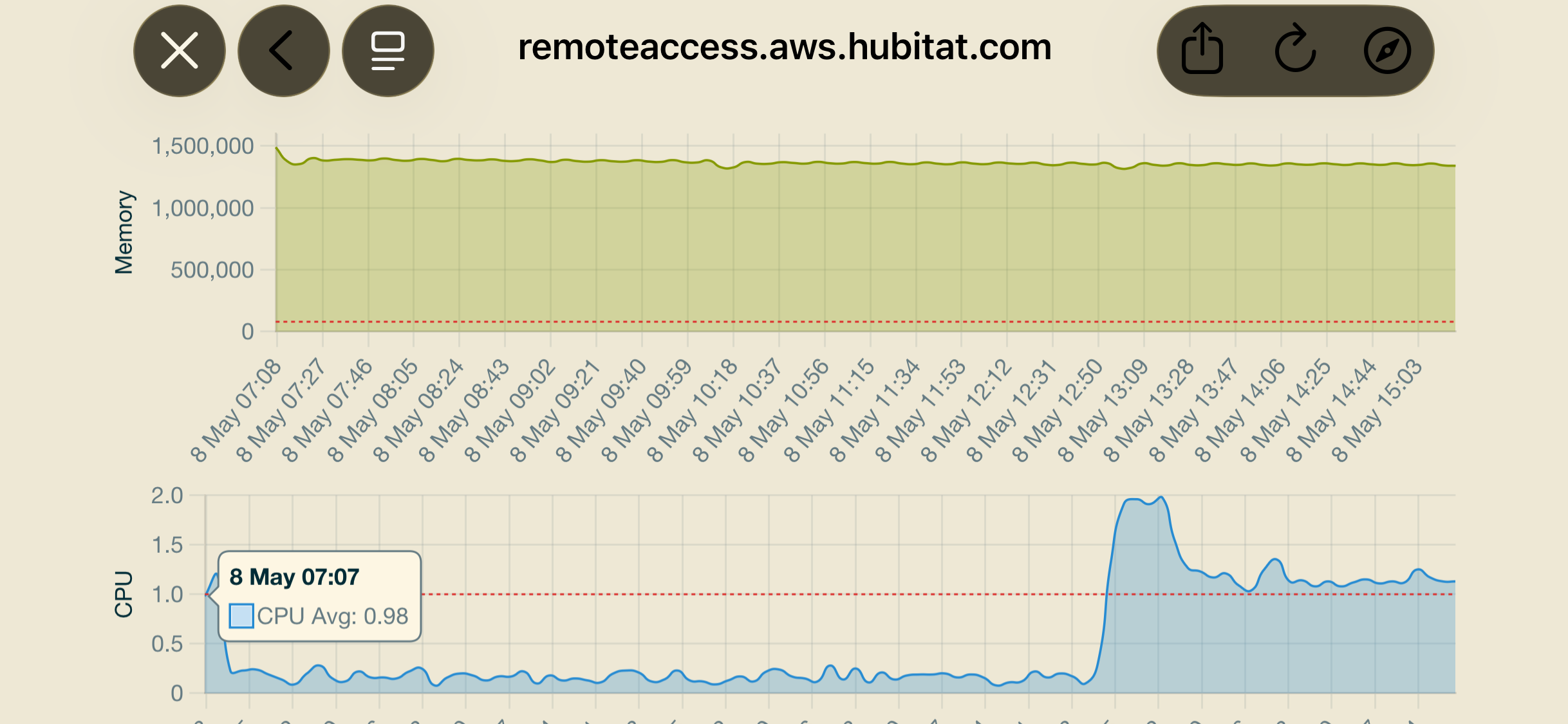
However, I did remote admin in again a third time (couple hours later) and when I opened up the Zigbee map app you can see where my CPU usage escalated and stayed that way. This timing coincides with my second time performing remote admin.
This is pretty much exactly what I saw when I started having issues. The first time was just escalated cpu usage on the graphs and a reboot would fix it. Then the sever hub load warnings started a day or two later.
I wish I could say the problem is resolved but it isn’t. I have posted a screenshot of my graphs so you can see what they look like.
Edit: I just done remote admin the the fourth time and it is now showing cpu usage as high as the large spike below and getting a hub load escalated alarm or something like that.
Yes, that is the correct graph. This level does not originally produce the sever hub load but it signifies a change point after the remote admin and the hub doesn’t recover. The hub without remote admin never increases to that point nor does it stay that way. Then it goes to hub elevated alarm when it stays like that. I got the hub elevated warning today on my fourth remote admin attempt.
You can reboot the hub and the cpu load will drop as expected and stay down if no remote admin activities. At some point if I keep performing remote admin in the future it will start to produce the sever hub load warning.
Engineering logs were reviewed as I was one of the first to start experiencing this and it was linked back to what they believe to be remote admin and some changes that were made. That is why the attempts have been made on the last couple of releases.
OK, it looks like I'm also a victim of this high CPU usage on a C8PRO that is a couple of weeks old. Testing at home for days produced no issues. Moved it to a remote house 3 days ago and after around 3 sessions of 5 minutes on Remote Admin the trouble starts. Reproduced the issue reliably several times. Maybe some subliminal over demanding of data that occurs only when Remote Admin is actually connected. Cant find any setting to specify data refresh rates, on SCADA would normally just double that number and things would settle. Thankfully, a reboot fixes avarything. Till next time.
..Q