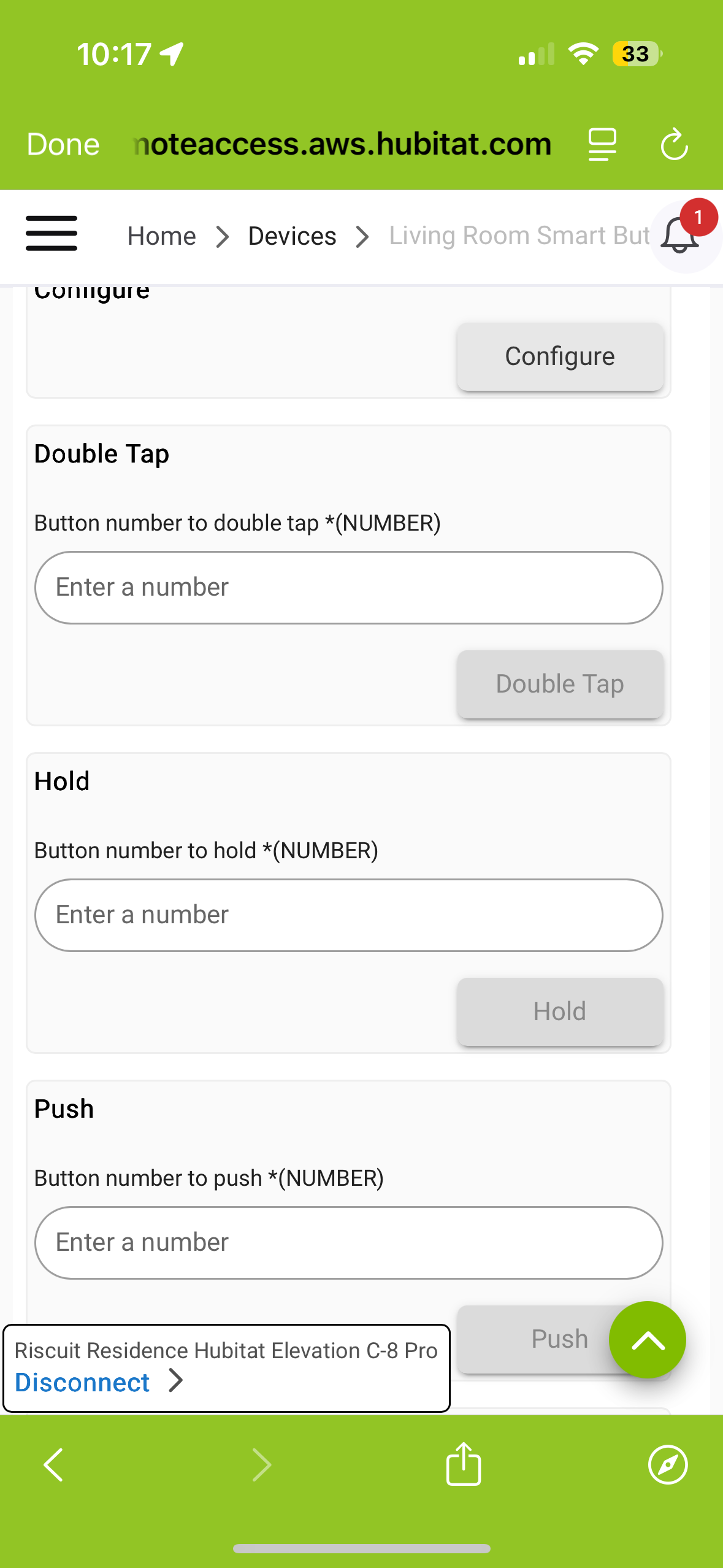
I seem to have been able to successfully pair my Third Reality Smart Button to my hub, but I have no idea where to go from here. What are these number fields for? I saw mention of a Button Controller app in these forums, but nothing comes up when I search for that. Any help would be great!
Button controller is a built in app that you will need to install.
What you pictured are just the options from the driver page -- you don't/can't use those (directly) for automations. Aside from perhaps testing stuff, I'm not sure what those options are useful or intended for; I've never used them myself. But they are at least a good way to quickly identify capabilities you'll be able to leverage in rules, so I guess that's a win.
Hubitat Documentation (accessible from hub UI or link in upper right of community) is a great resource for learning about native apps and other hub features.
Buttons in Hubitat are a combination of several capabilities, like Pushable Button, DoubleTappable Button, and Holdable Button.
If you set up a dashboard tile, you can choose Pushed, Held, Doubltapped, and the button number. Then the button device will update the attribute fields for Pushed, Held, or DoubleTapped.
In automations, you would trigger off of the attributes changing for Pushed, Held or DoubleTapped. Then you take the number in the attribute for what button was accessed.
The Third Realty is a one button device, so the button number will always be "1" (or maybe "0", it depends what it sends). In a multi-button device, the buttons would be numbered by number of buttons available.
So when your Button Device Pushed Gets "1" in your rule, then you do an action based on that. You can also trigger from DoubleTapped Gets "1" or Held gets "1" to do three different things from the single button.
Or use the button controller app like many people do.

