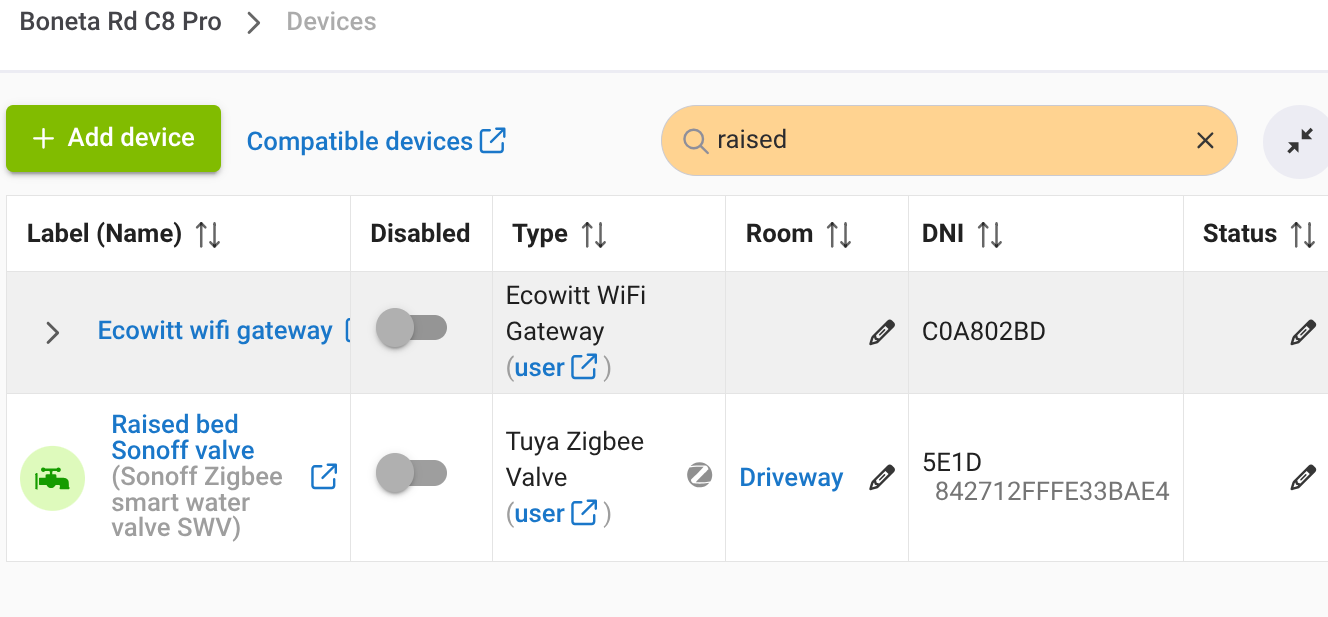
I rarely use the mobile app. Today I wanted to turn on/off a sprinkler valve in the garden. I know its name, “raised bed.” I have a couple of hundred devices, many not assigned to rooms. Is it possible that there is no search function for a device by name in the mobile app? It sure didn’t jump out at me.
In the browser it is easy.
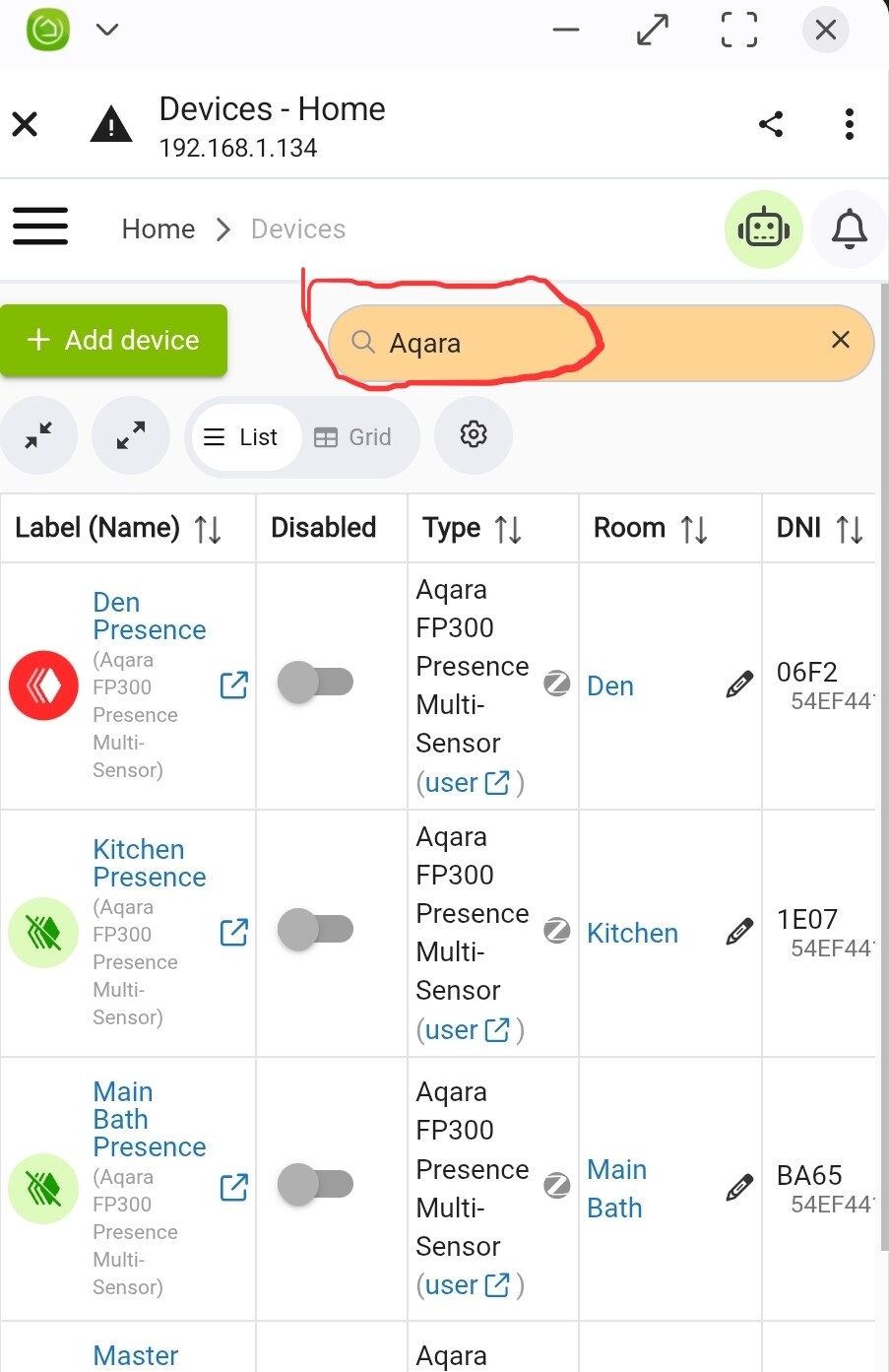
I assume Android is the same as IOS and it is not possible to search devices directly in the app. Once you connect to the hub from the app and the browser opens it is possible as you stated.
I usually just jump to the room the device is in or a daschboard if I just want to turn something on/off or check it current state without having to connect to the hub (local/remote).
I hardly ever use the mobile app on my Android phone. I just use the Chrome browser to access the Hubitat UI, and I can use search for devices that way. I create Home Screen shortcuts for direct access to UI screens. So I have direct buttons to Devices, Apps, the Home screen, and many of my Dashboards with one button.
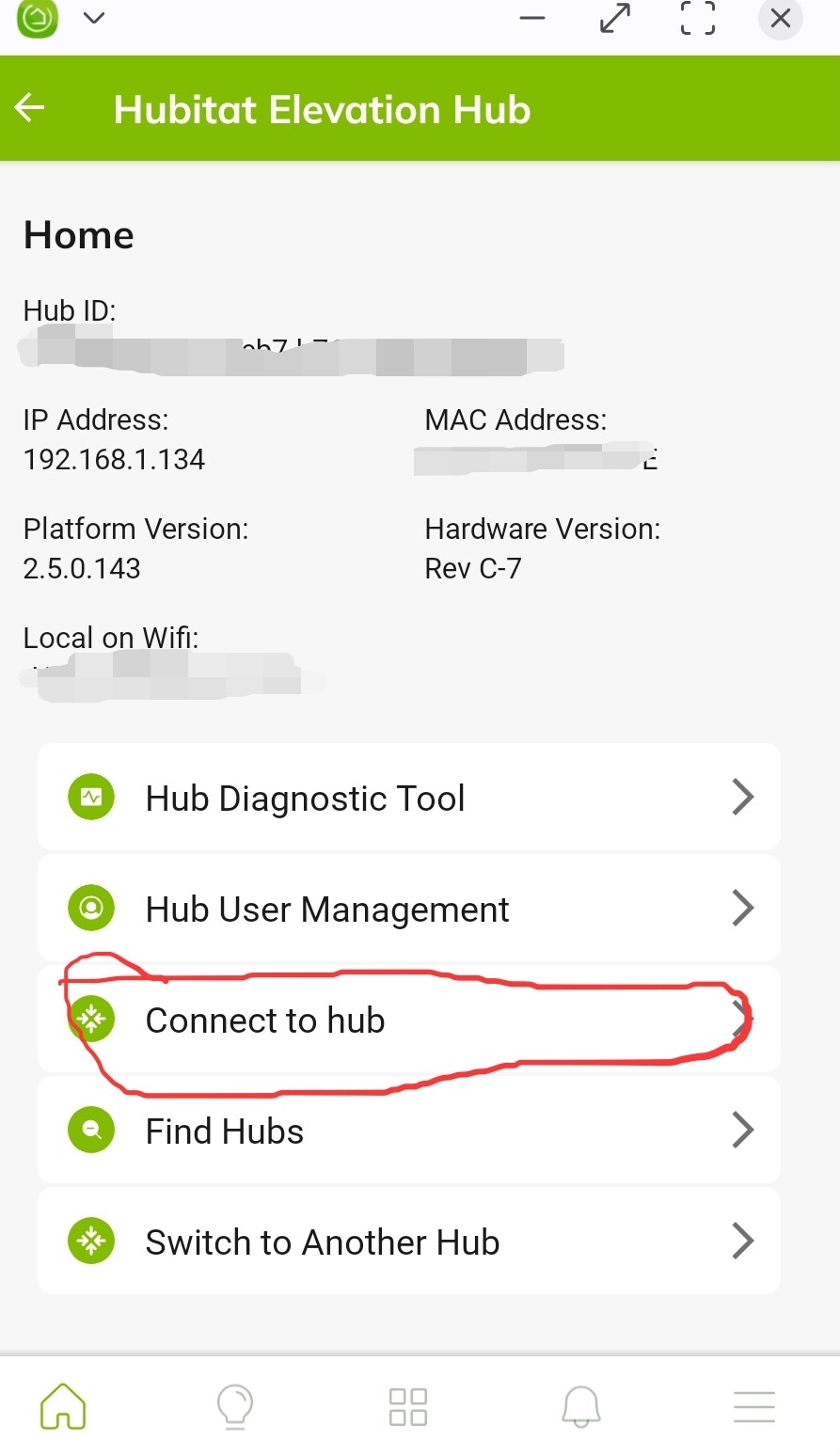
If you are talking about when you use the mobile app, then click the “Connect to hub” UI, then it works exactly the same as when you use a browser.
If you are talking about the “devices” button at the bottom of the app that groups by rooms, then I do not think you can search there. (But you can search dashboards for some reason)
That Device button name is the most annoying thing for users. It is confusing to have Devices in two different places that are two completely different things and have different functions. At least append the web app name with Device Management, Device Settings, Device Configuration or something if you are going to reuse the name Device.
Without beating a dead horse. This is very poorly implemented. I guess that is why I haven’t spent much time with the mobile app. A reasonable expectation from an easily/readily accessed full list of devices is a filter.