I'm really struggling to get my head around what I thought was a simple rule - however the rule might be correct but the device setup isn't - so I'm going around in circles.
I've got a simple temp detector and I have set it up in my meat fridge (deer hunting). When the temp in the fridge gets too high, I want to turn the fridge on via a zigbee wall switch. When it gets to a certain bottom temp, I want the fridge to turn off and wait till the high temp is reached internally, then turn back on. Repeat, repeat repeat until I'm ready to start the butchering process (roughly a week)
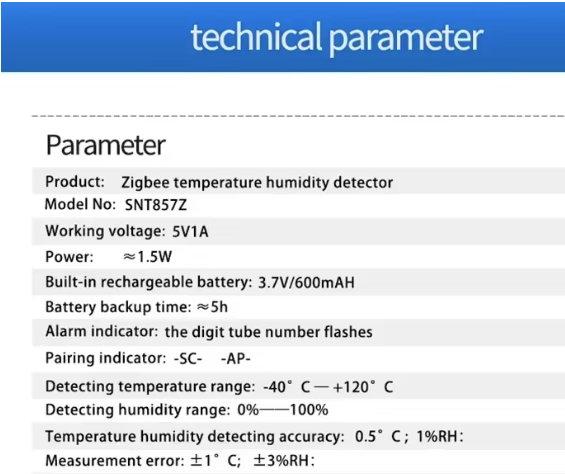
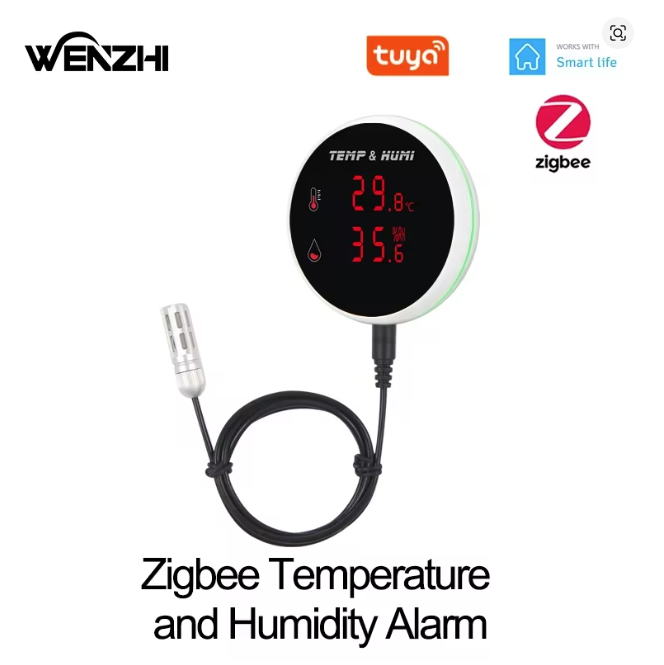
Anyway, the sensor is a Zigbee SNT857Z, it pairs with the hubitat system (although its initial pairing defaults to a garage opener). The unit is outside the fridge, the sensor itself is inside.
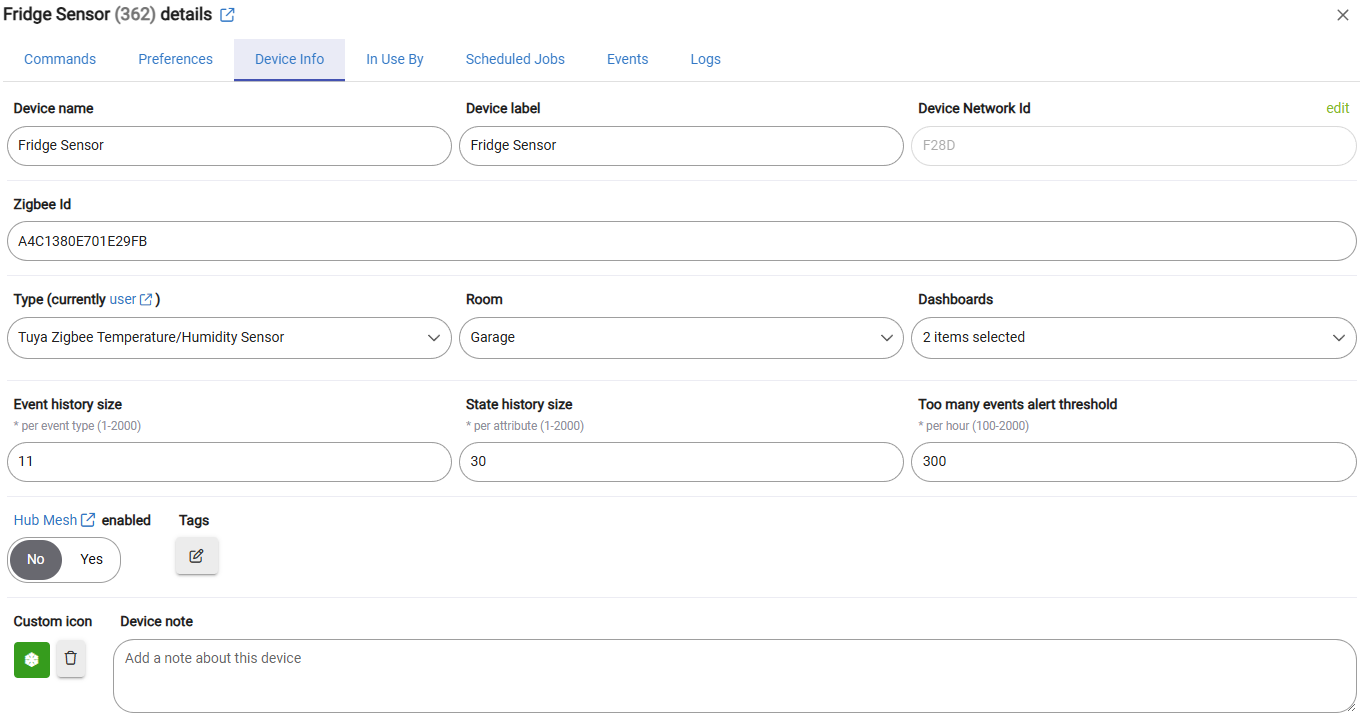
In the device info I have tried it as the following:
Generic zigbee Temperature/Humidity Sensor
and a user driver code called
Tuya Zigbee Temperature/Hunidity Sensor
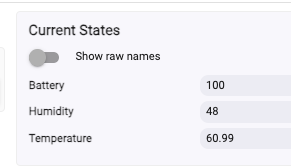
I am unable to get any feedback from the sensor into hubitat which I assume is why I can't seem to get a rule functioning properly.
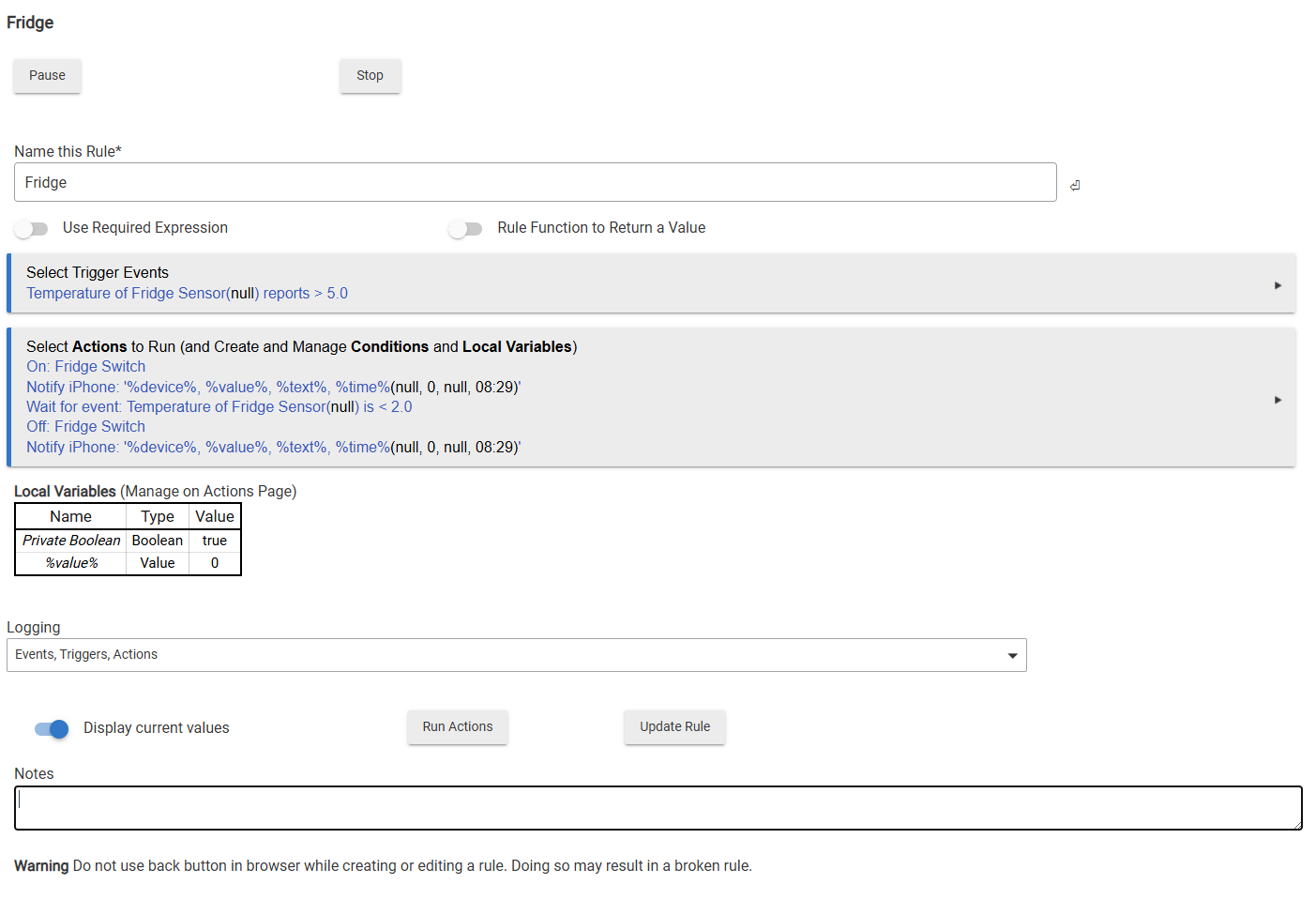
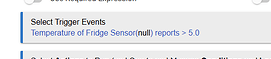
I have attached one of the many different rules I tried as a sample of how my head is trying to understand it.
When you go to the 'Device Info' tab for the device, what do you see under Device Data?
Maybe post a screenshot of it.
This should give the boffins on here an idea of the manufacturer and then suggest a compatible device.
EDIT. Sorry just spotted the Tuya reference on the picture.
Still post the info though.
Also post the rule in case there is anything glaringly wrong with it.
Null means the Driver has no value for the attribute you've selected (temperature.) Until the driver has some value, then the Rule is nothing. You're correct to focus on the integration of the device into Hubitat FIRST.
The Device info page (Commands) will have something similar to:
Tuya TS0601 devices will not function with the generic built-in drivers, as they use Tuya-specific Zigbee commands that do not conform to the ZCL standard.
This driver will also not work with your device, it works OK with Tuya TS0201 and eWeLink sensors that use standard ZCL commands.
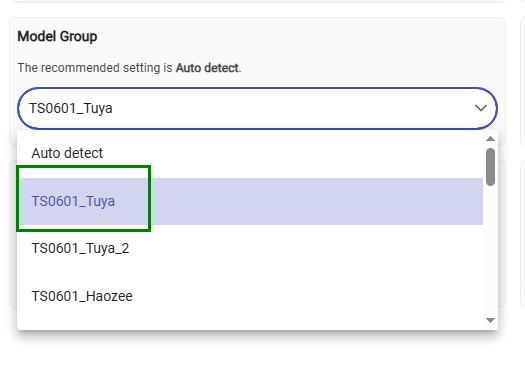
You can try using this driver, although this device fingerpint is not in the driver code yet and the correct device type will not be detected automatically.
In the Preferences tab, select 'Model Group' TS0601_Tuya and click on Save :
Enable debug logging and monitor new Zigbee messages in the live logs when you change the temperature rapidly. If the temperature still does not update correctly, re-pair the device to your hub without deleting it first.