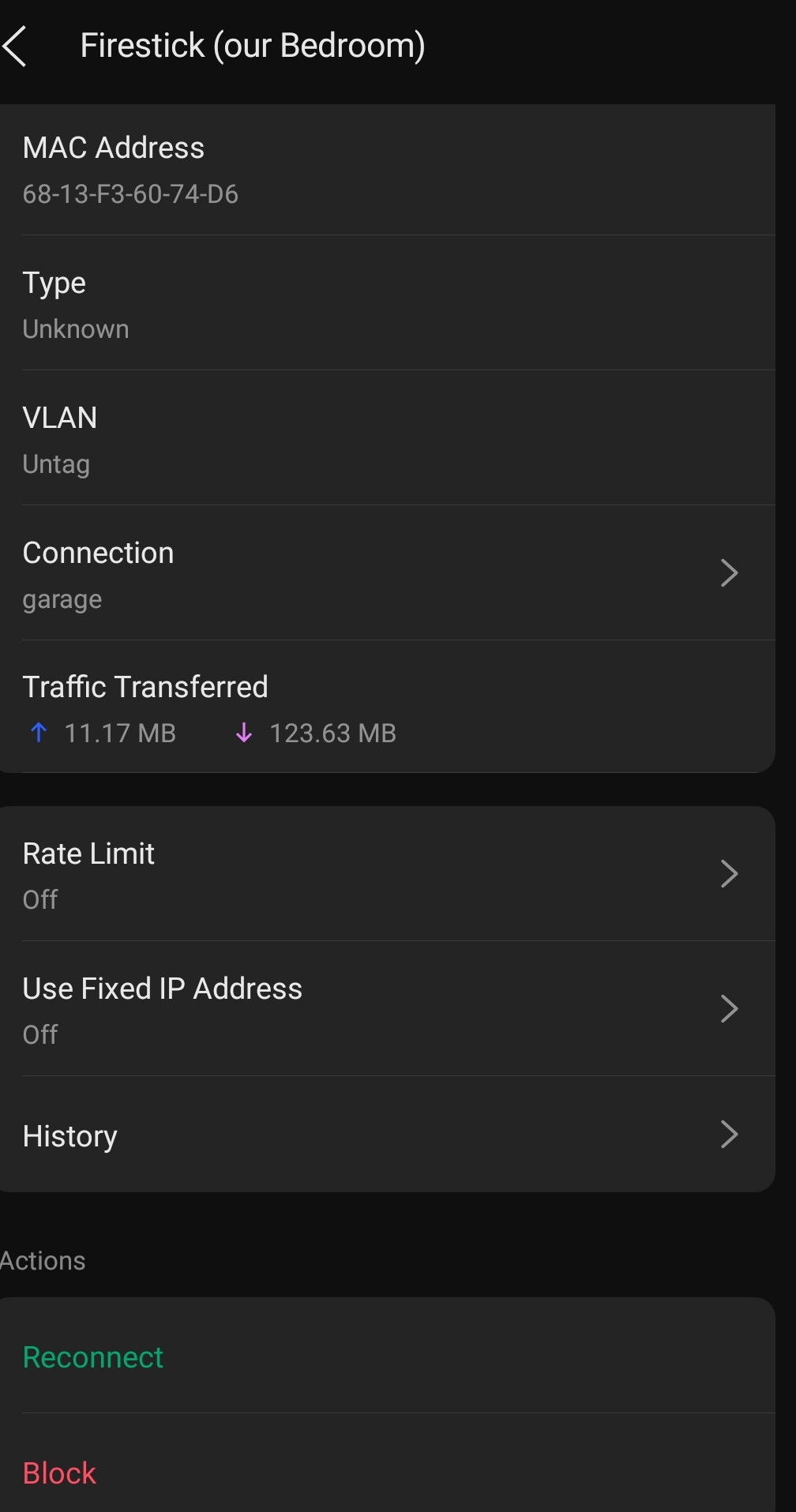
Router with at least 100 DHCP reservations

Summary of Router Options for 100+ DHCP Reservations:

Consumer Routers - Require "high-end" models, with many premium Wi-Fi routers or mesh systems approaching $500. While simple to configure, their firmware limits control over features and capabilities. Additionally, many manufacturers are now moving advanced features behind subscription paywalls.

Prosumer Platforms - Offer greater control with a steeper learning curve, but deliver excellent stability and support. UniFi is the dominant platform for homes and home labs, with an entry point around $300. TP-Link Omada is a strong competitor with a solid following. The main caveat: once you experience the unified dashboard and network insights, you'll likely want to expand to their complete ecosystem. Both platforms have robust community support.

Build Your Own - pfSense, OPNsense, or repurposing existing Wi-Fi routers as access points. Expect a significant learning curve—features and capabilities can be buried deep in menus, and firewall rules require careful configuration. pfSense appliances start around $400. Strong community support is available, but be aware: if using your own hardware with pfSense, you may need the paid version to unlock advanced features like IPS/IDS.

4 Likes

FWIW with your 1-box requirement, my suggestions would be the DreamRouter 7 or the Gli-Net Flint 3.

Personally I have a Ubiquiti Gatway Max with a U7 Pro, but there are times where I wish I'd kept it simple and gone with the Flint.

Also, if you plan on using Wifi7's 6ghz band, your AP(s) may need to be closer to your devices.

1 Like

Thanks! I’ll look into that. I was the network architect for a fortune 100 company for the last decade before I retired.

I’ve had enough complications for a lifetime :blush:

Marktheknife…

I’m SO PISSED the ASUS meshed routers block my fire tablets randomly..,other than that they are awesome…but the 64 device DHCP limit has me needing to upgrade too

That's what I've got!

I run the aps purely to provide WiFi throughout the house. I use a bog standard router (with the WiFi disabled) as a dhcp server.

I use the router to assign a couple of static ip addresses, but I don't think it supports many at all (from memory), with a small address pool for dhcp. I use mostly device settings to assign fixed ips, outside the main pool.

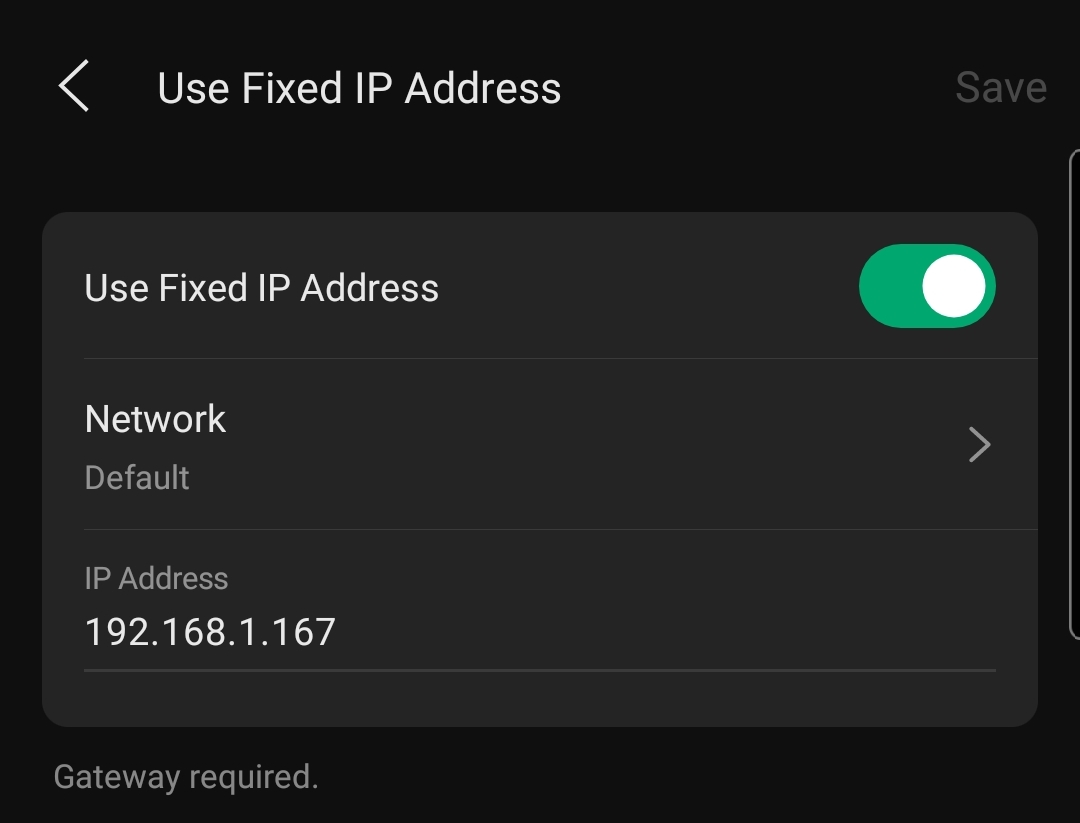
There's an option on the aps to set fixed ip for WiFi devices. However, I'm led to believe this requires an omada router too. Haven't really looked into it much, aside from knowing it doesn't have any effect with my setup.


You know another option could be to simply install a raspberry pi or some old compact computer as a Pi-Hole server. Pi-Hole can provide a DHCP server. Then just turn DHCP off in the router and let pi hole handle it. Just make sure you set the DHCP range to exclude the device running PI-Hole. so you router would be x.x.x.1 and then pi-Hole would be x.x.x.2 an then the range would be like 3-254. just a thought

6 Likes

Haha on all points. They may be smarter than us in the end here....

Good points on what future owners might think of your setup/wiring etc. 90+% of buyers probably have no idea.

I rewired 99% of my house myself; including a lot of cat5e cabling (was the best cable available in the day) wherever I could route it. I had an electrician friend who spotted me on the permits/inspection paperwork. He did a pre-inspection of everything I did, then chastised me for it being 'too neat'. He told me to pull some staples here and there, and 'slop up the nice straight wiring runs', or the township/electrical inspectors will know its wasn't a licensed job. :slight_smile:

I didn't fool the final inspector, he said 'real nice job on your wiring'; he couldn't find anything wrong with it as he winked.. and signed off on it.

I havehad multiple contractors/people doing work at the house that make a point to tell my wife how great the wiring/breaker box is. That perplexes my wife. She's like "they're just wires...". ??

Back to this topic, I dhcp reserve 90% of my connections; I've got an OCD reservation assignment map that lets me know VLAN, location, function etc, just from the address.

I run open source OpenWrt on my router; I love the software and its constant updates and full flexibility; all my configs are scripted so I can easily upgrade/restore/factory reset/restore my setup. I've got more than 64 reservations... probably less than 128, but they are stored in the flash file system as Jeff notes; I'm not aware of any limitation (other than blowing out your flash map),

The router hardware, even though longer in the tooth (linksys wrt1900acs) has great routing performance for my needs; I have long since shutdown the embedded wifi radios on the router.

I got two ubiquity wifi6 lite APs to upgrade the radios and hang off the linksys router; and I put the ubiquity (free) open controller server on a raspi (for AP config and setup); Ubiquity updates the server software on a regular basis. The server software and AP firmware are very well done (especially for AP roaming/handoffs between the APs).

I haven't used the ubiquity router/server hardware/software to comment; yeah its pricey. Many people say its worth it.

I run dnsmasq for DHCP. I have it on a FreeBSD machine (my main server, running on hardware from 2011). It comes on Linux, too. And HA lets you add it in as an add-on.

It's not resource intensive at all.

All my hosts have statically assigned IP addresses listed in /etc/hosts and /etc/ethers. dnsmasq just reads those to serve the DHCP reservations. .

This all runs separately from my router and firewall.

1 Like

I would say it isn't cheap, but would certainly not say it is pricey either. Allot of the solutions out there are allot more costly.

1 Like

I ran this exact setup for years...and then the lure of those blank data screens in the Unifi Network app sucked me in, and I added a UDM Pro, then 1st Gen switches...then...UNVR...and well, now I should probably be attending UI-Holics Anonymous meetings....

S.

2 Likes

Agreed, they have a wide range of products across quite a wide price range, from all-in-one devices on up to high capacity switching, campus grade point to point systems, etc. You can buy in at almost any price range, and build out - or not - from there.

And from my admittedly biased POV, 100% worth every penny I've spent.

LOL...same. ER12 w/a couple of Unifi APs and jealous of the ability to see/manage everything in one look led me a UCG Max replacing the ER (which I did love, wonderful but aging router). :slight_smile:

simply not true any asus router that supports merlin can do at least 160+ reservationd . I have a gt 1100o pro running merlin in one house with 165 reservations. a gt axe16000 in another with over 100. and none are 500 dollars

Sounds like a cheap, relatively simple setup to maintain... I have been playing around with Docker containers and have been considering a few different DNS options, including DNSmasq which I run more so for assigning machine names within a local domain rather than for DHCP... Many YT'ers will promote Pi-Hole, which is fair enough, and something I will likely setup, but I may still consider DNSmasq for it's simplicity of setup and light-weight footprint for DHCP.

I have also been teetering on the edge of a likely 64-device limit myself on my Netgear router... A simple RPI alternative does sound appealing... As much as Ubiquiti does also sound appealing...

Sorry didn't cover 3rd party firmware's and that is an option. There are very few 3rd party firmware's left on the market as the vendors locked down their devices. Asus is one of the last platforms that has this option.

And it starts with Docker and containers. Then the bug hits and you start looking at more virtualization environments and then you end up building Proxmox clusters with LXC's and VM's. :astonished:

1 Like

But you (me) soon realise you have purchased 32-bit (v7) rpi's when you want to setup a local GitLab instance.... ok... not strictly related to this topic.... But yes... I am currently the "kid in the candy store".... A 64-bit rpi (v8) could be my choc-top so I can run GitLab locally....

A little side-line for the OP... And likely something for my Home Lab topic...

1 Like

That reminds me, @mavrrick58 I did come across a number of local AI-hosted options in my travels over the last few days... I may have some questions... :slight_smile:

1 Like

Fire away when you are ready.

1 Like

I look forward to the actual intelligence about the artificial intelligence I hope to use... :slight_smile: