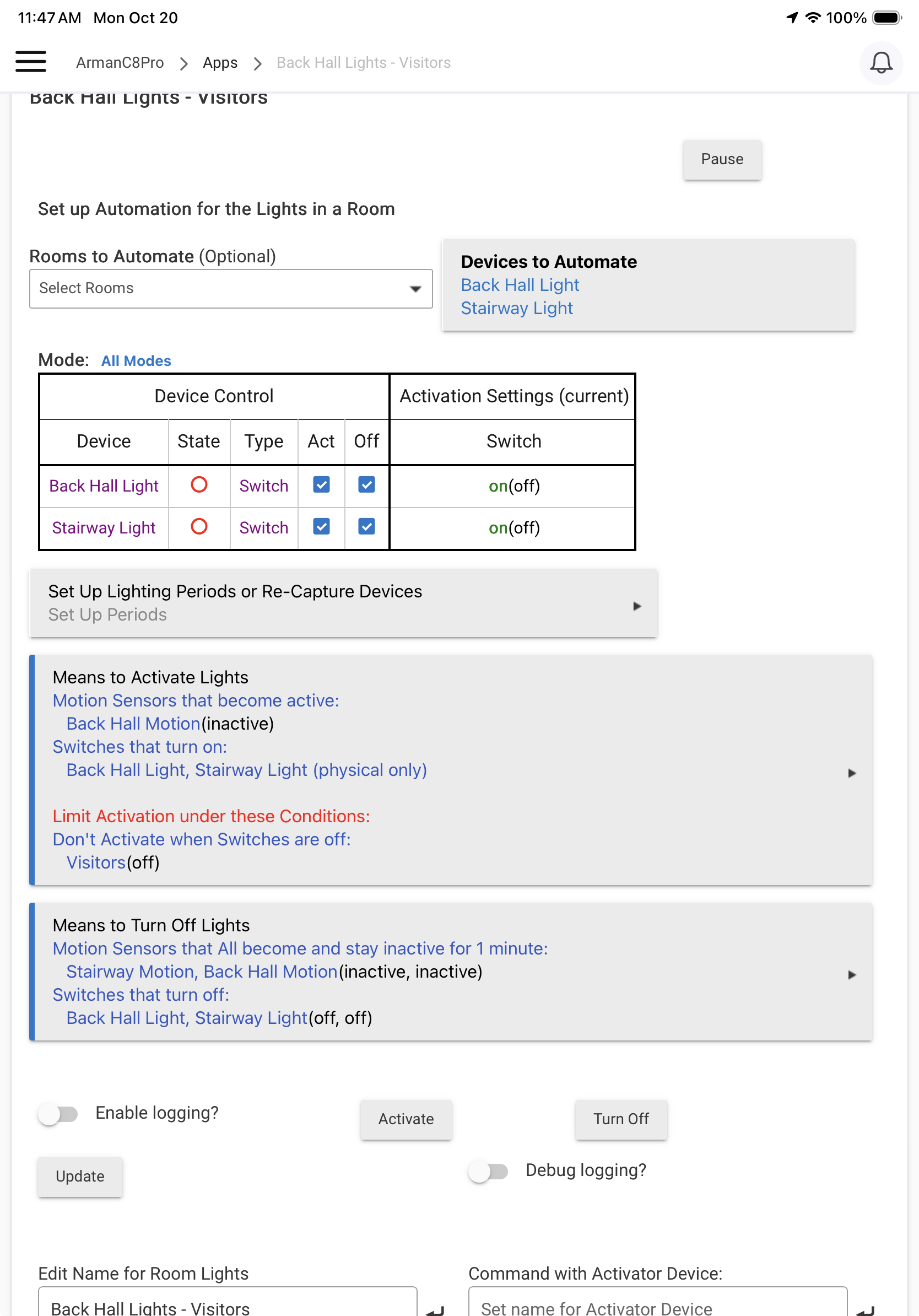
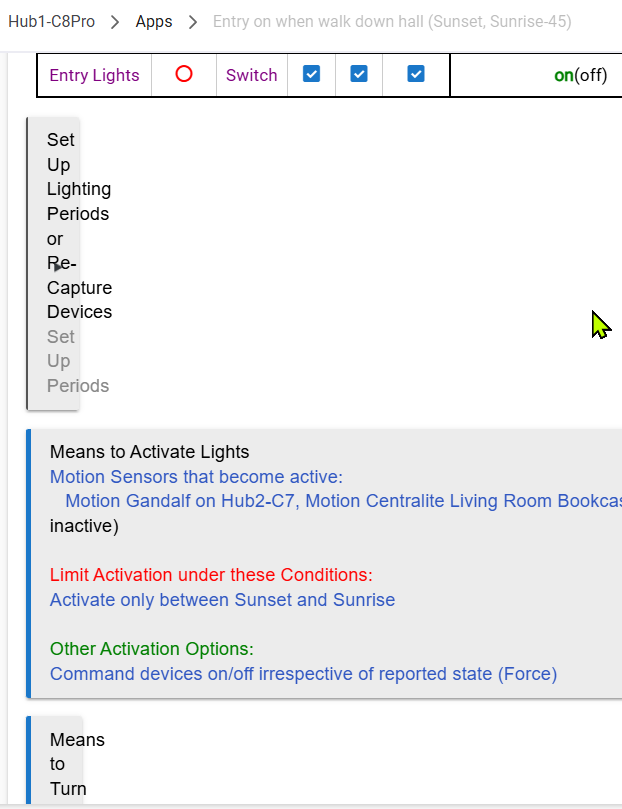
Recently (and unfortunately I'm not sure when this started) Room Lighting has been getting corrupted repeatedly. See below...I can replicate this on DuckDuckGo, Firefox, and Chrome browsers, so not a browser-specific issue. Happening on 2.4.3.137 and also on previous release(s) but unfortunately I didn't mark when this started happening.
This is only happening on my C8-Pro, not my C7 or C8. Really odd...I recently did a reboot w/database rebuild and have shut-down and rebooted recently, did those for other reasons, but neither of those actions had any effect on this issue.
I open the RM automation, the page displays normally for a second or so and then refreshes to the corrupted state.
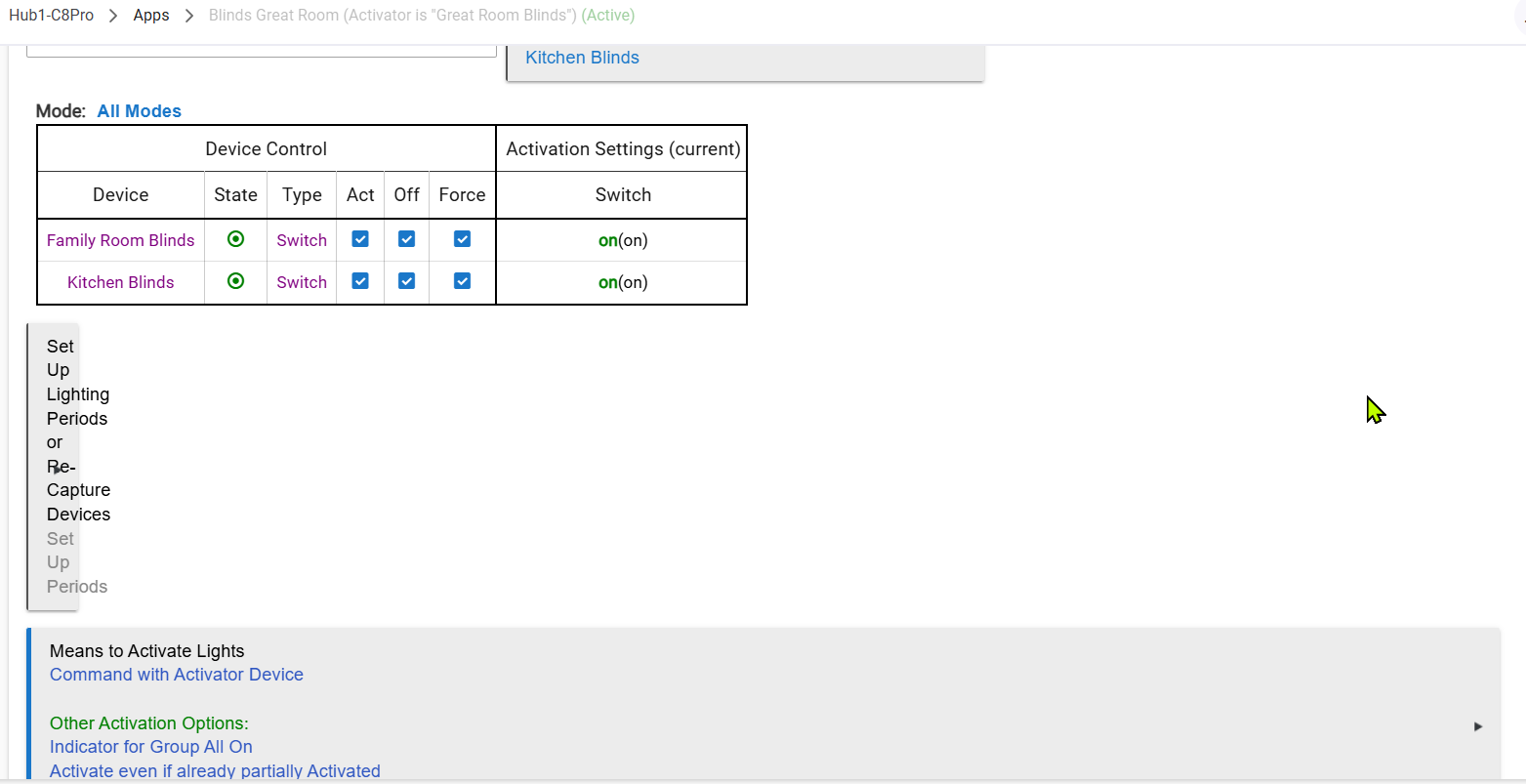
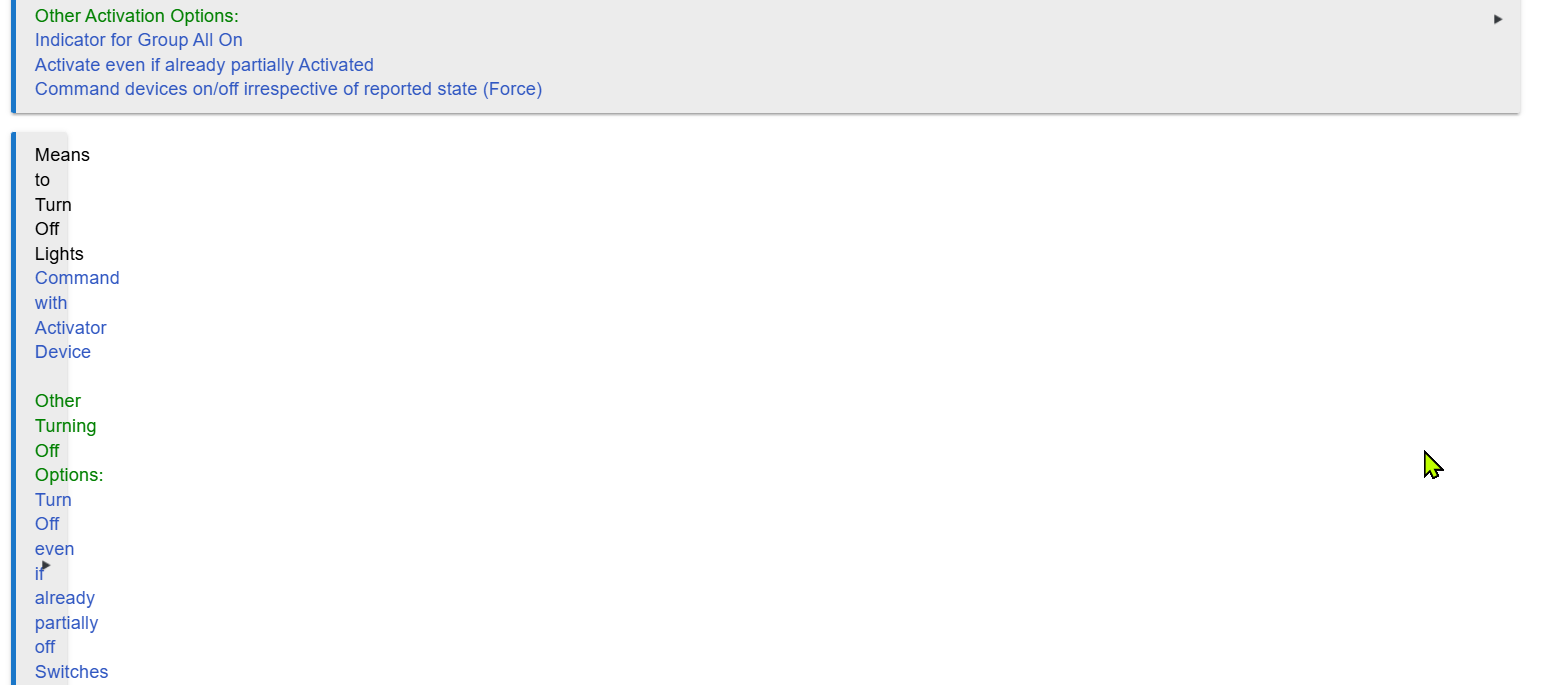
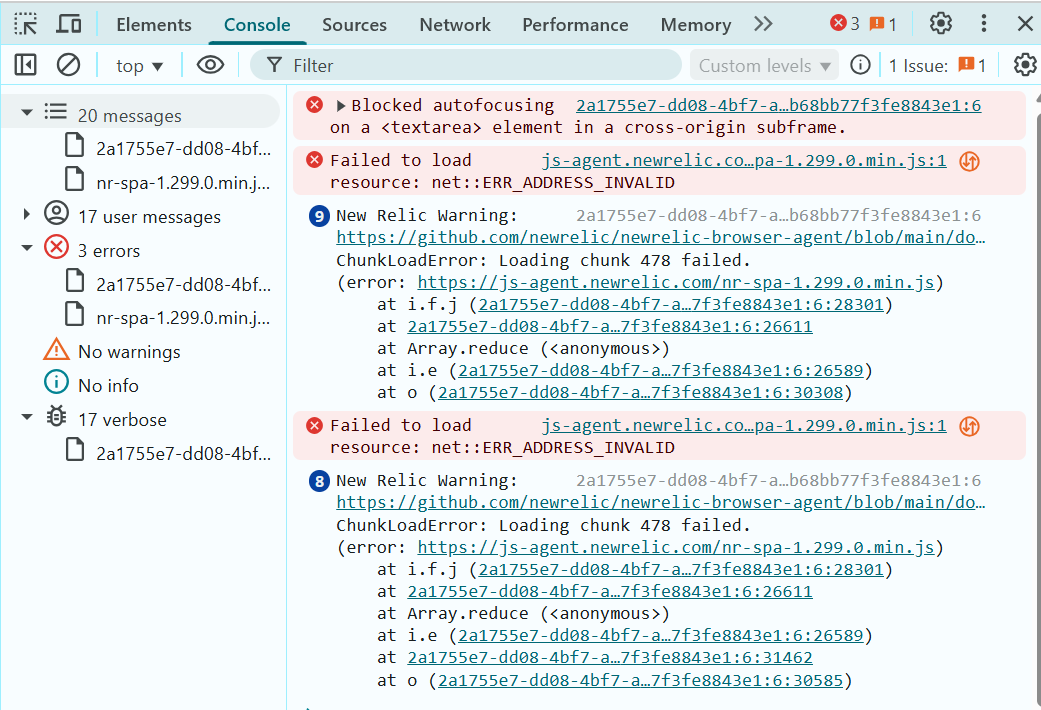
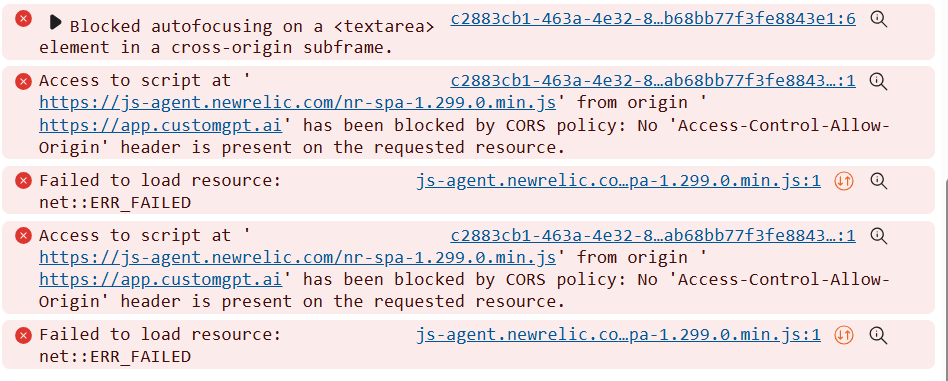
F12/Console from Chrome: Is it the "Blocked autofocusing error? I believe the js-agent errors are related to node-red.
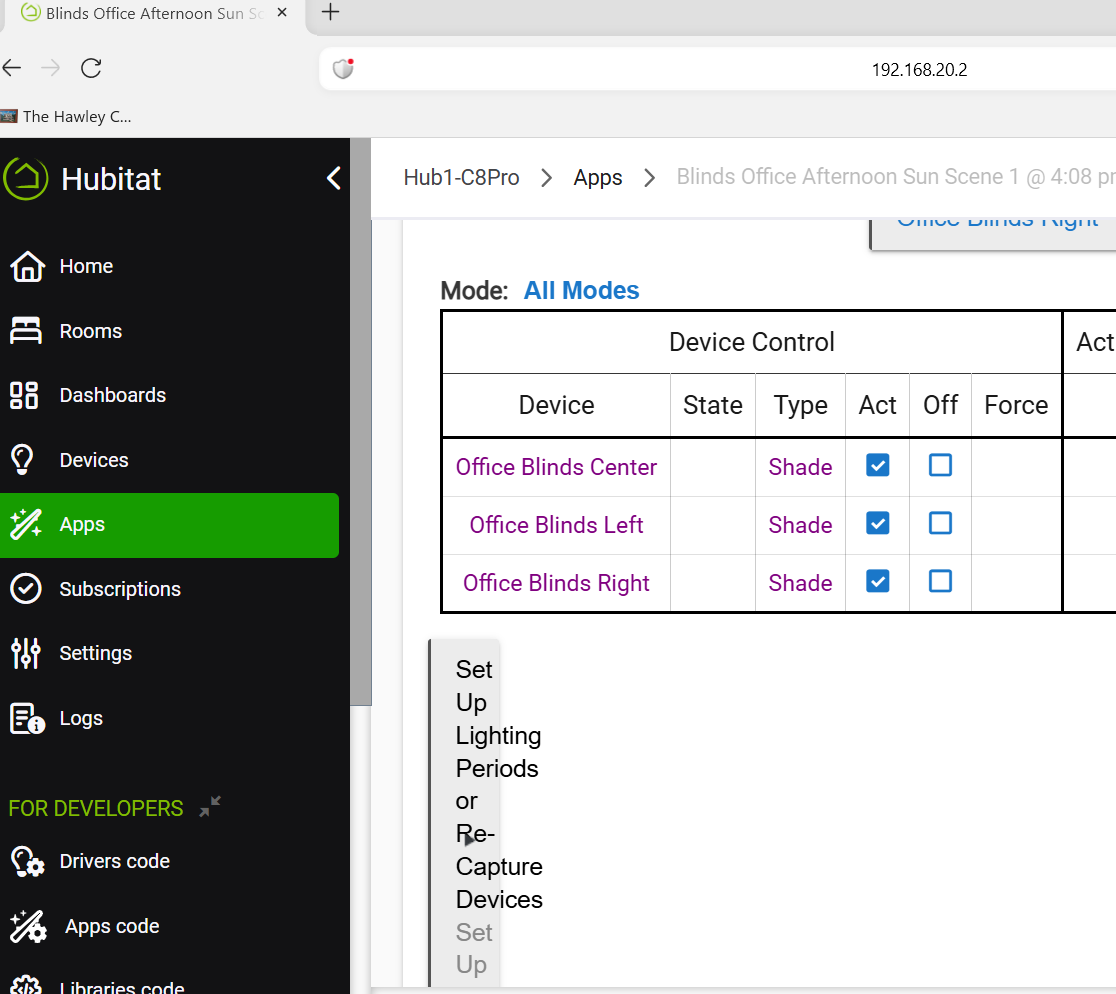
DuckDuckGo:
A single Refresh may temporarily resolve this, but sometimes the issue will persist across multiple page Refresh commands before the display of the automation returns to normal. Then if I exit and return to the page it can/will be corrupted again. Happening for any RM autmation I open.
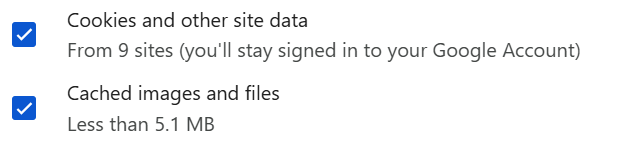
I cleared cache and cookies "For all time" and the problem persists:
Normally I'd assume a browser-specific issue but I don't normally use DDG or Firefox to access the hub, and get the same issue in those browsers.