Greetings. I just downloaded the Roku connect app on my C-8 pro.
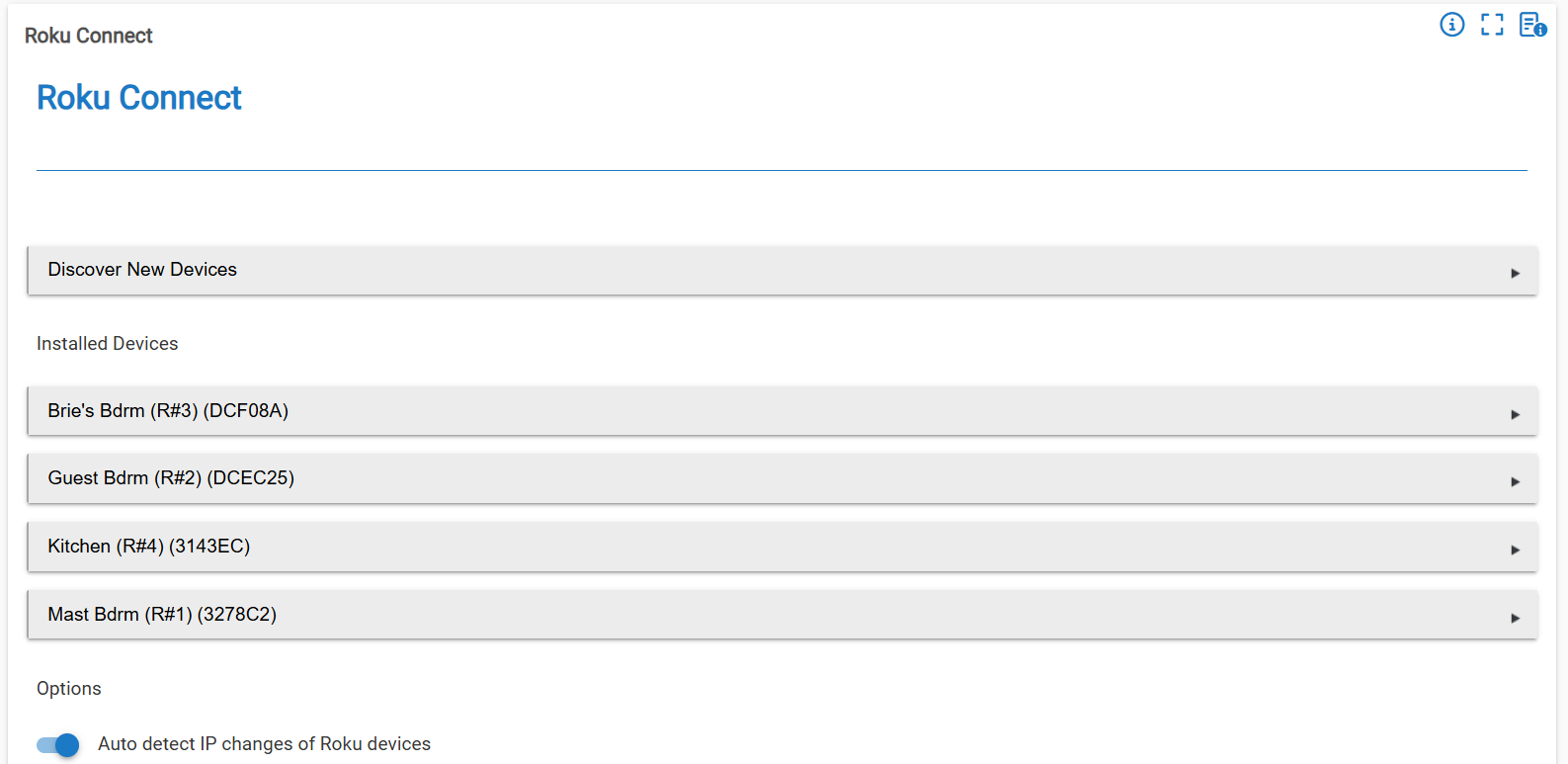
I have 6 Roku's, 4@ Express & 2@ Ultras.
The app detected the Express units, but no joy on the 2 Ultras.
When I start it again, and leave it for 15 min, nothing.
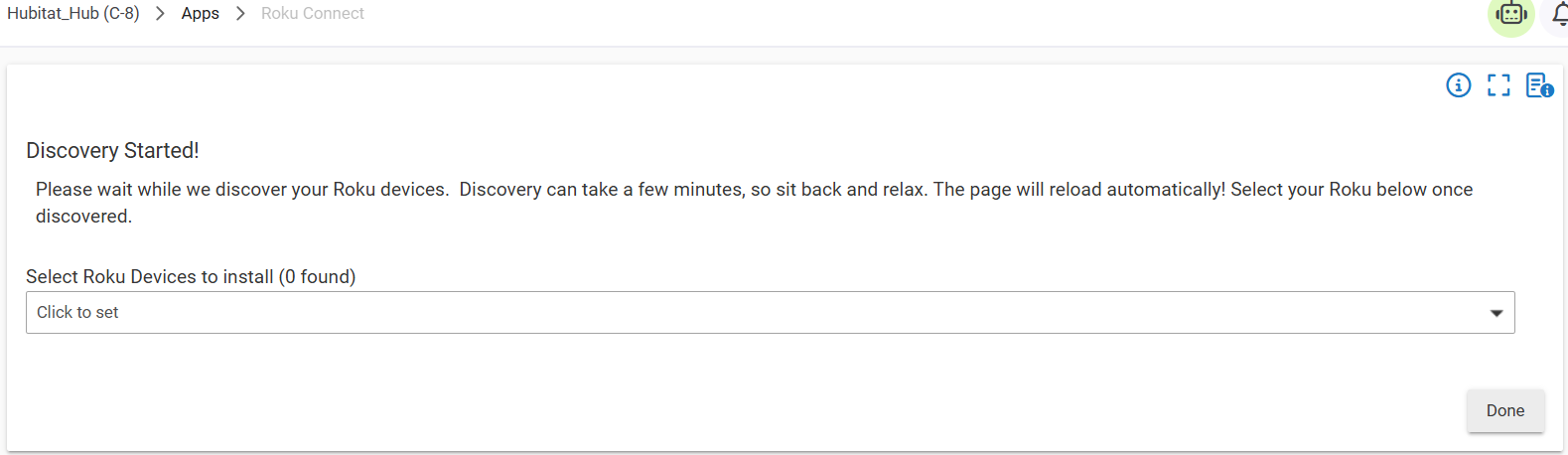
What to do next?
TIA.
Use advanced port scanner https://www.advanced-port-scanner.com/ to scan for your roku's (I'll assume they're all on the same subnet) then just manually add them. Or use your remote to go into network settings on each roku and grab the ip that way. That said, put ALL your roku's on reservations.
Rick.
Yes, their all on the same subnet. How do I manually add them? There is no option in the app for that, that I could find.
BTW, these 2 Roku's Ultra's are hard connected via LAN cable. The others are all wifi connected, if this matters. Thanks.
Connection doesn't matter. To add them manually simply add device>>virtual device, name device (ie. livingroom roku) and pick Roku the roku driver. Once you save it, go to your device list, pick that, go to the Preferences tab put in the ip and click save. and you're good to go.