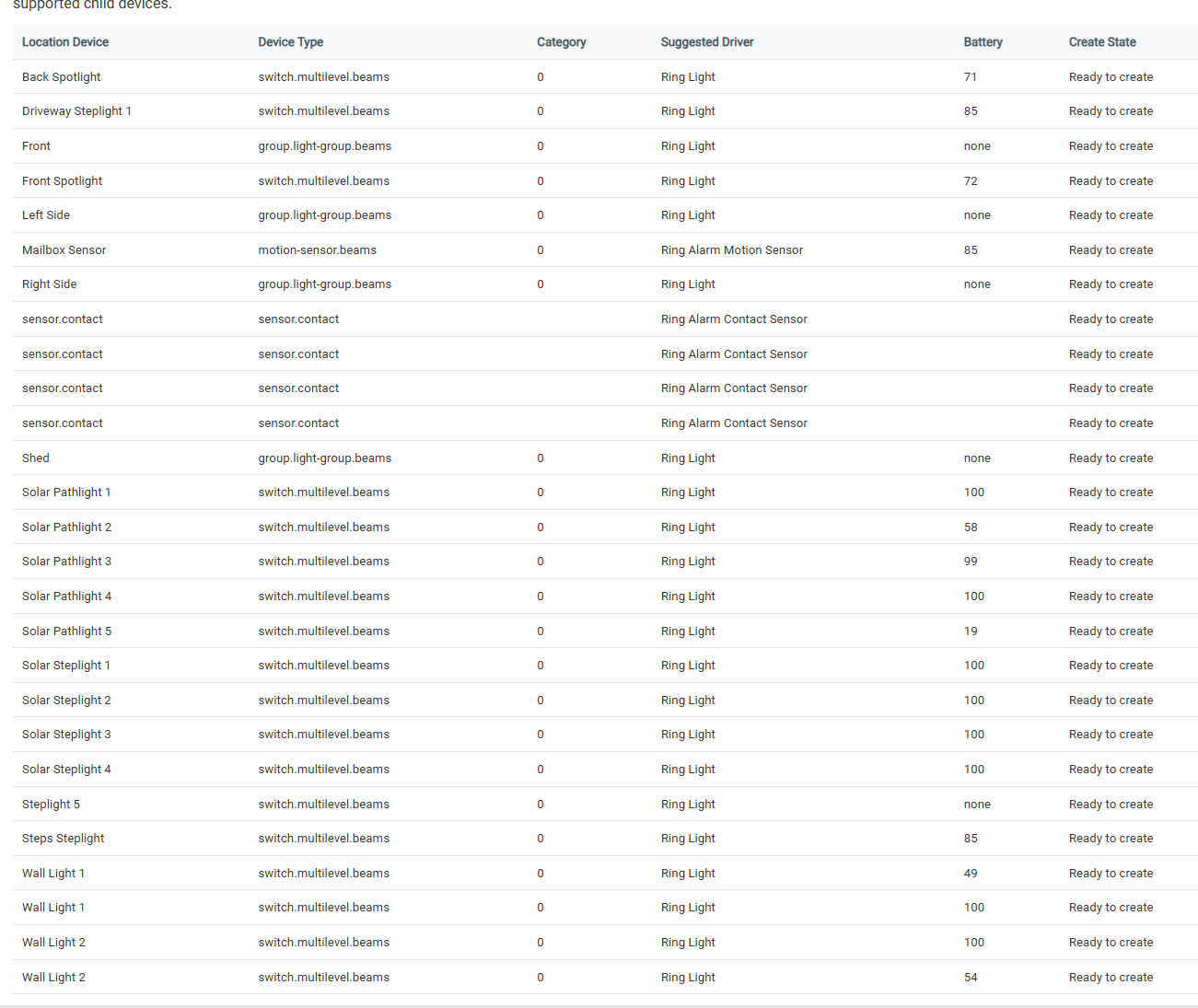
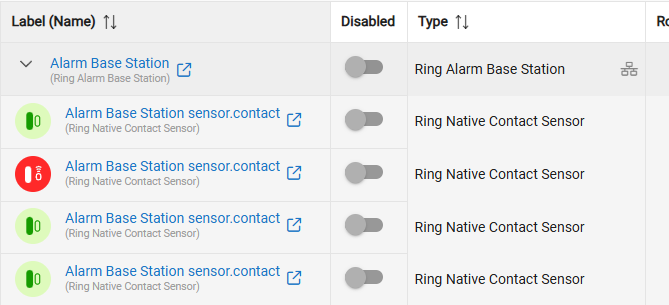
There are 4 Ring Alarm Contact Sensors showing but I have the following on the Alarm Base Station per Ring app:
2 Keypads
1 Lock
2 Range Extenders
22 Contact Sensors
2 Motion Sensors
It's showing the Beams devices too when I pick the Alarm Base Station on the Ring Integration. The fix you did does work to not add them has child devices even though they show in the Ring Integration:
Tried the Create Child Devices command as well but didn't help with finding any more of the alarm devices.
Not sure why motion isn't showing up for you .. It's working for me.. The next build has a way for me to get more info from you on devices that don't show up correctly..
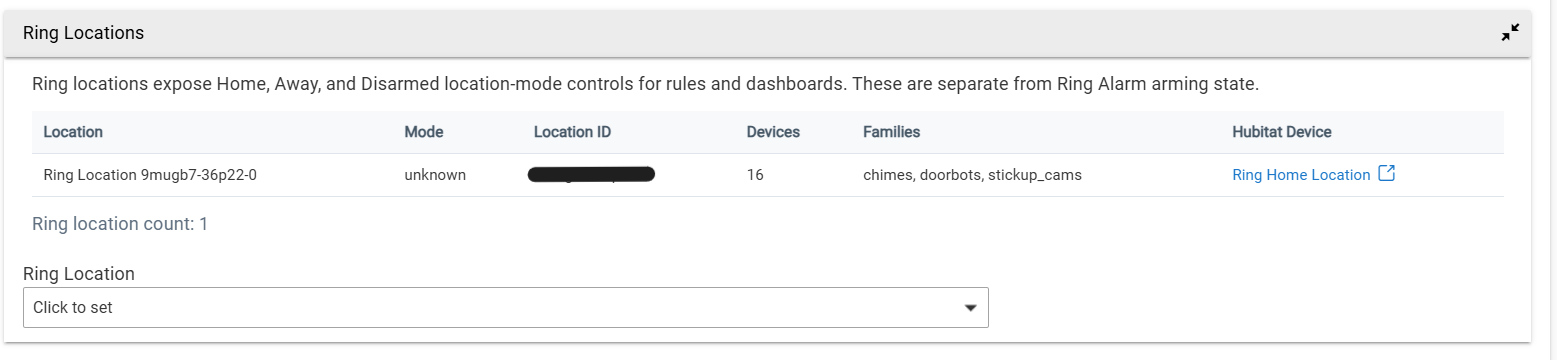
So far I can't get the location to change using the Ring Location or the Ring Alarm Base Station devices.
I remember this being an issue on the Unofficial Ring Integration, for users with the alarm base station that integration did it differently somehow than for users without the alarm base station.
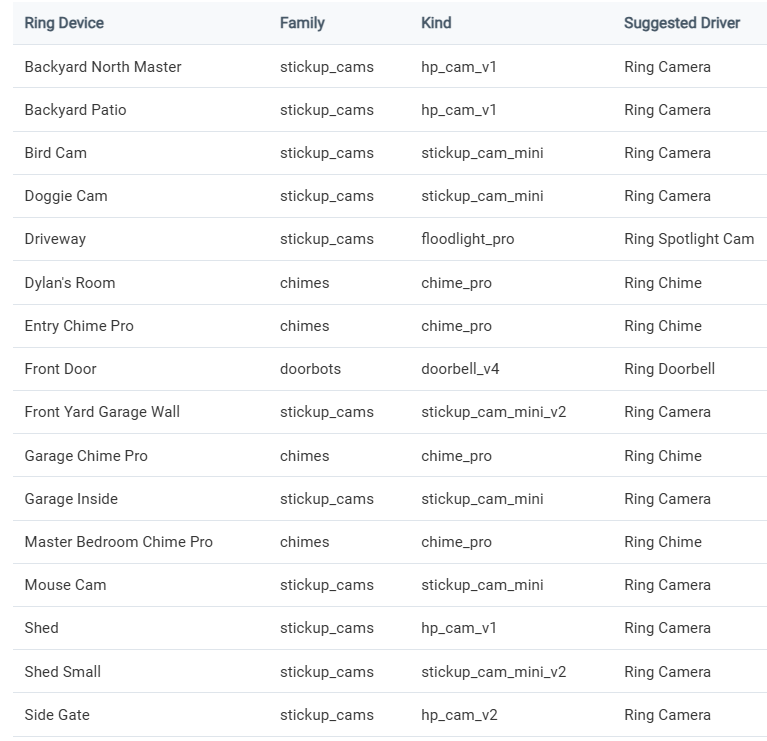
I set up the Ring integration on a different hub (C7 if it matters, running .116) and my Floodlight & Spotlight cameras were all set up by the integration w/the basic "Ring Camera" driver, which doesn't have any controls for light, sound, siren, etc.
I manually changed the Driveway cam to Ring Spotlight cam when I was troubleshooting, it was installed as a "Stickup_cam" like the other Floodlight cams.
Am I missing something?? I installed the new Ring Integration, it found my hub no problem. I then tried to set it up. But it won't create any child devices. I have around 20 devices, contact, motion, locks, keypads, glass break, fire/co listeners, range extenders, ect. All conected to the Ring Hub Pro.
@bcopeland 2.5.0.117 I'm in the same boat as before. Wasn't sure if that version would fix the alarm devices not showing but even when removing/readding everything none of the devices I have are being found so far (nothing showing in logs either about the missing devices).
Lock wasn't showing either that should show under the Alarm Base Station as a child device.
Let me know if you need any info from me to test further.
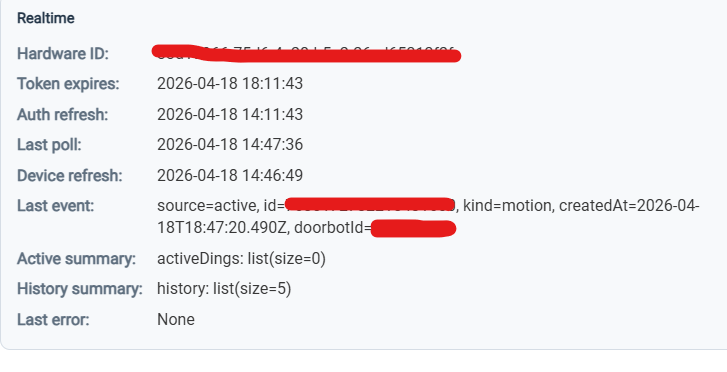
And PM me the log output as well as a quick description of the devices not being created or being misidentified.. Please don't screenshot, copy the text (JSON) so I can parse the output..
This will give me the device details so I can clean up the driver matching..
Created a new driver using the Ring Poker (great name) driver.
Switched the existing Ring location device driver to the new poker driver. Saved device. Clicked on poke button. In spite of the "No authorized devices" message, I all of my Ring devices enabled on both hubs, via the new Ring integration app.
Though you have a different error message...I did get that "locationid is required" message once of the four times I tried, but since all the other tries resulted in the "no athorized devices" message I posted above, I thought I must have dome something wrong.
I was able to create the "Ring Location Device" using the Ring Location options at the bottom of the integration screen. My understanding is that that he is telling us to change the code for the Ring Location device to what he posted above and then use the "poke" command in the driver.
Yeah, that's wierd, and not my problem. All my devices are found (tried on three different hubs, C7, C8, C8-Pro) and the integration has found all my Ring devices on all of the beta releases on all of my hubs so far. Do you have a hub password ? I don't use that.
The Ring Poker driver isn't giving me much feedback, I did PM what it was showing over to bcopeland.
I actually moved from the original Ring Lighting Bridge to Ring Lighting Bridge 2 on Friday which uses 100% sidewalk now, doesn't appear this integration works with Sidewalk right now since the lighting devices would need to be added separate from the Bridge to work. With Sidewalk the lighting devices show up as individual devices and the Bridge is more of a signal booster instead of the lighting devices only connecting to it.
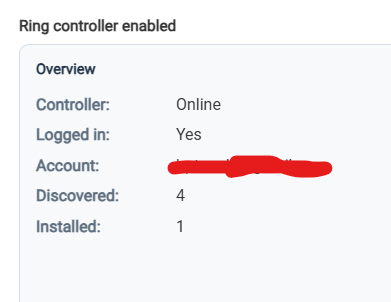
Right now my Security devices only 12 of 29 devices are showing on the hub I've been using this integration on. Already removed/readded everything, if I try on a different hub to set up from scratch the Alarm base installs but won't create any of the child devices oddly enough on another C8 Pro hub with nothing showing in the logs or if I use the Ring Poker driver on the Location device.