@bobbyD
Not sure if this is a bug or intended operation.
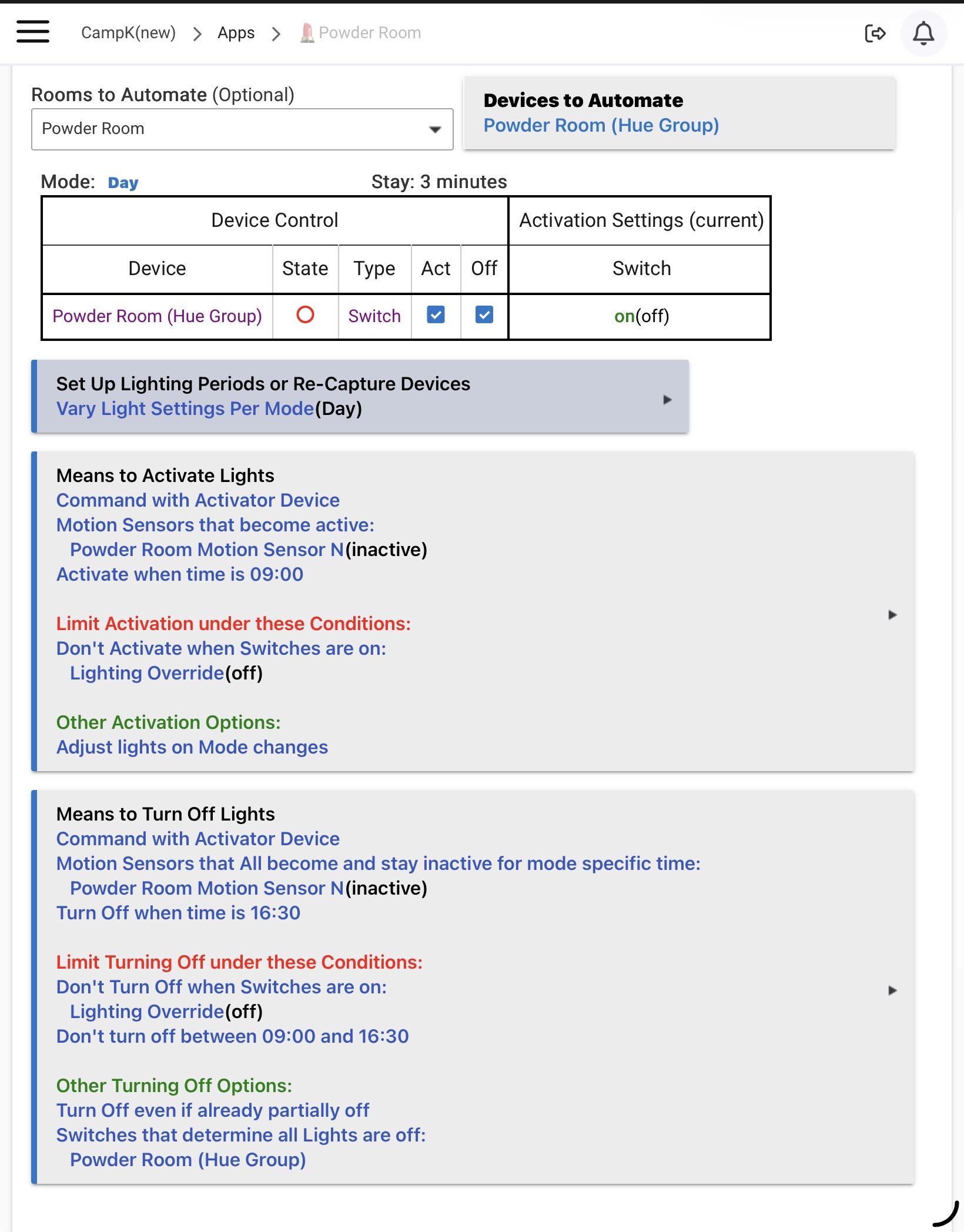
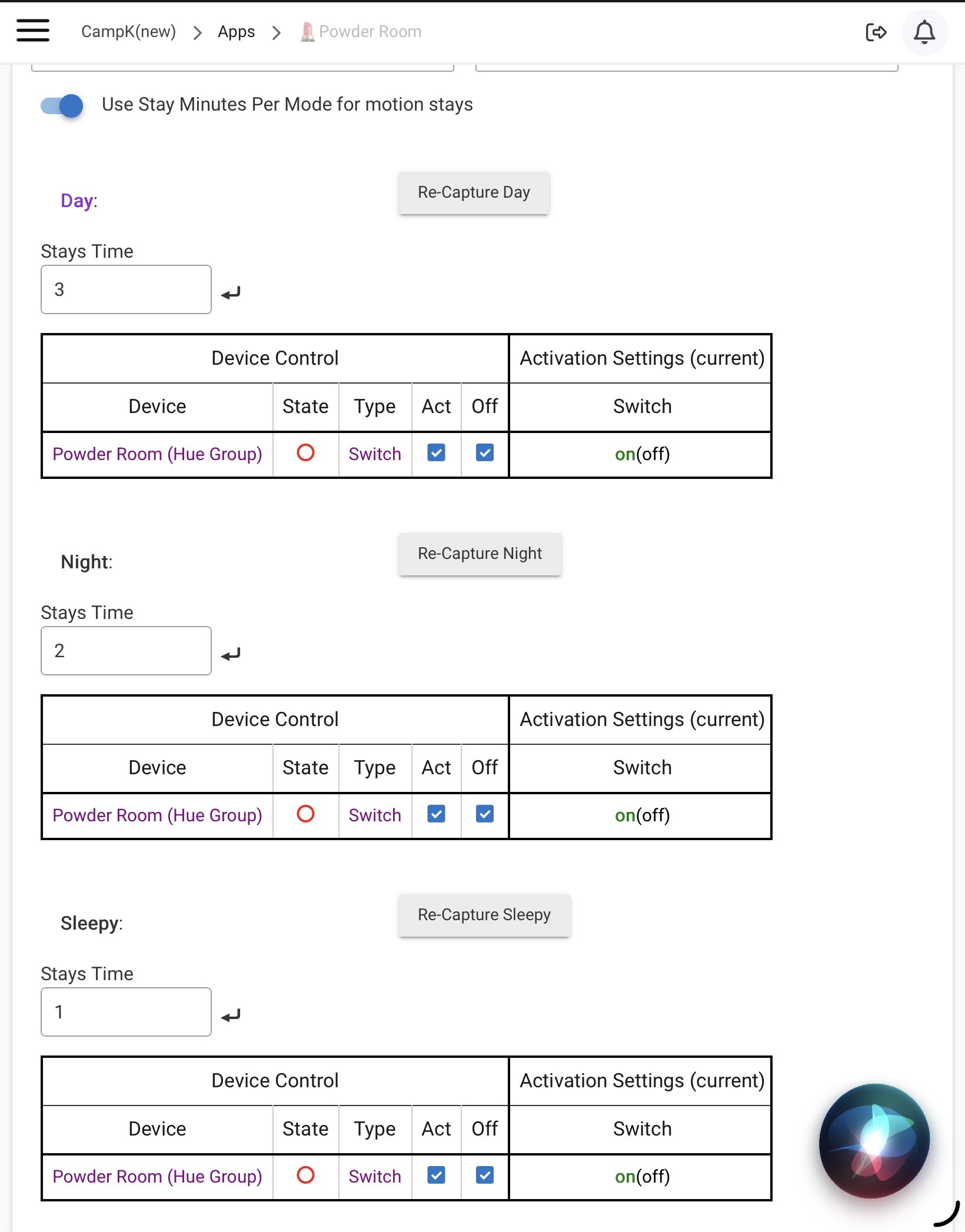
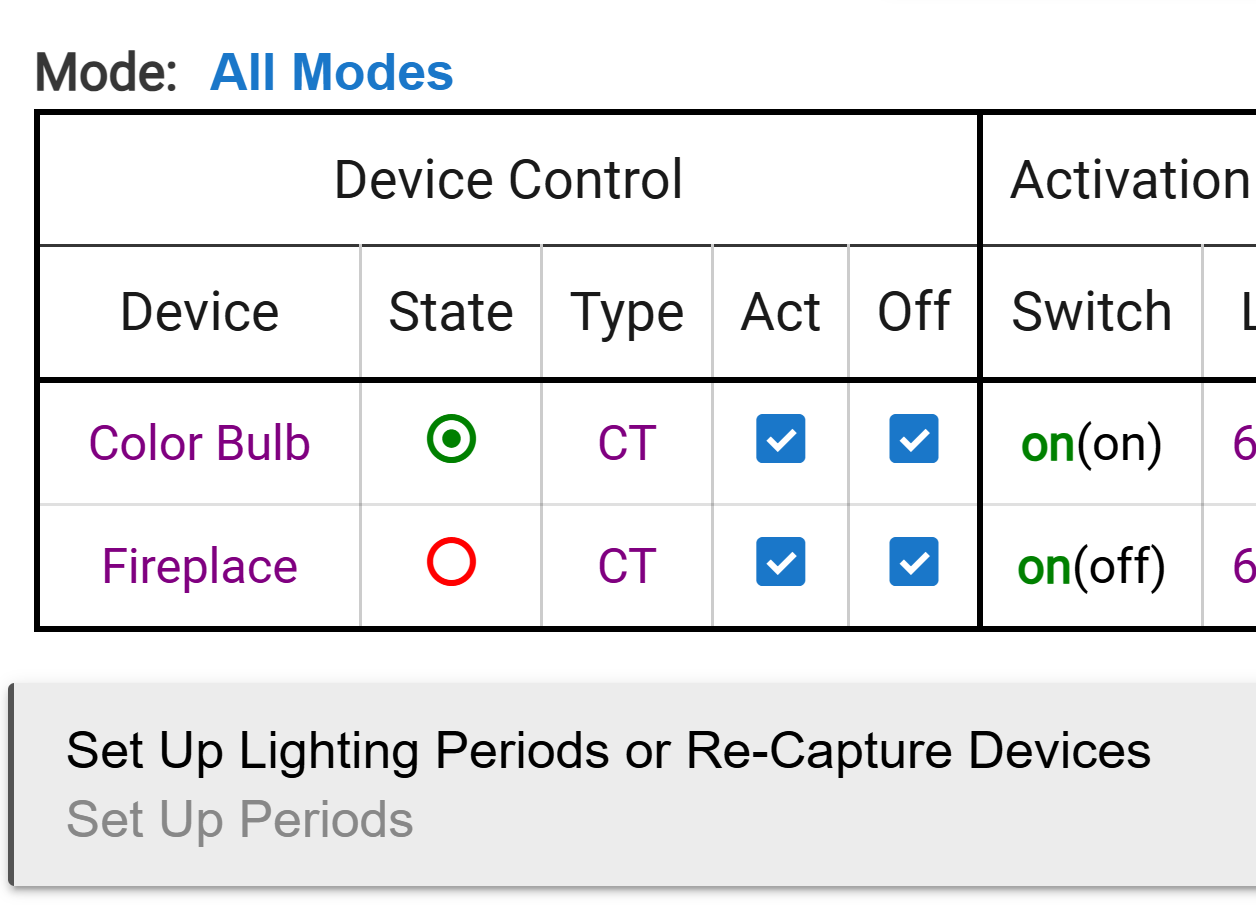
I have always used the use per mode function in room lighting, now with the introduction of adaptive lighting I figure I’ll just have the same actions for all modes and let it sort itself out.
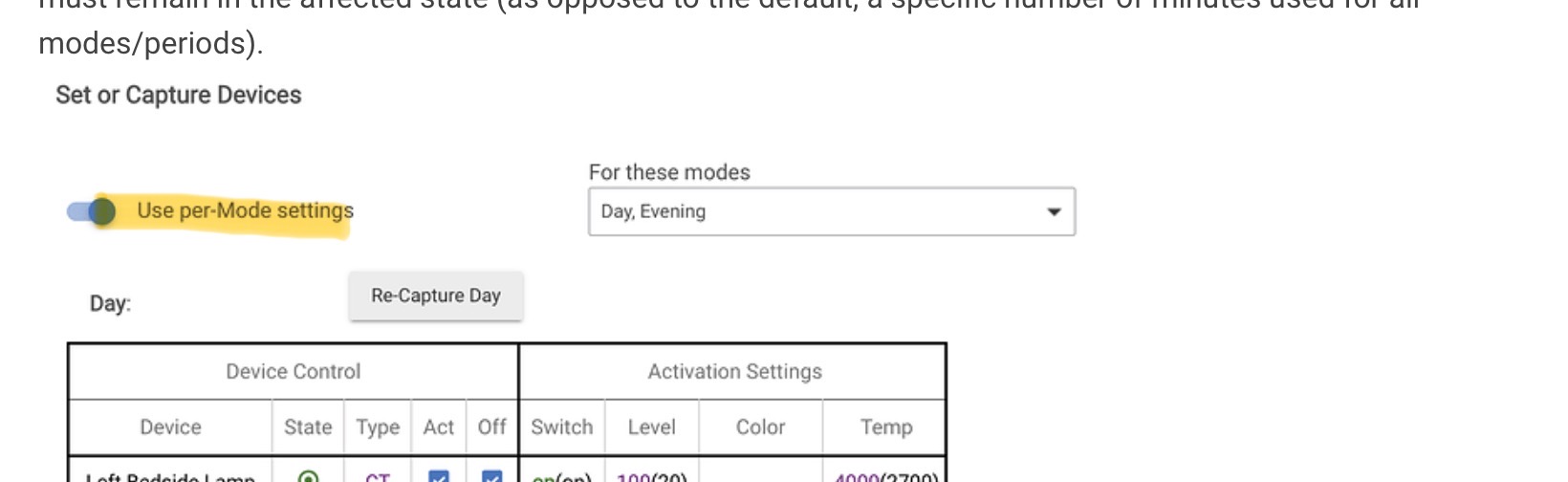
Is there a way to get back to this, the toggle appears to be missing to turn the feature off,
As per capture attached from the help guide.
Or is there a trick I am unaware of here.
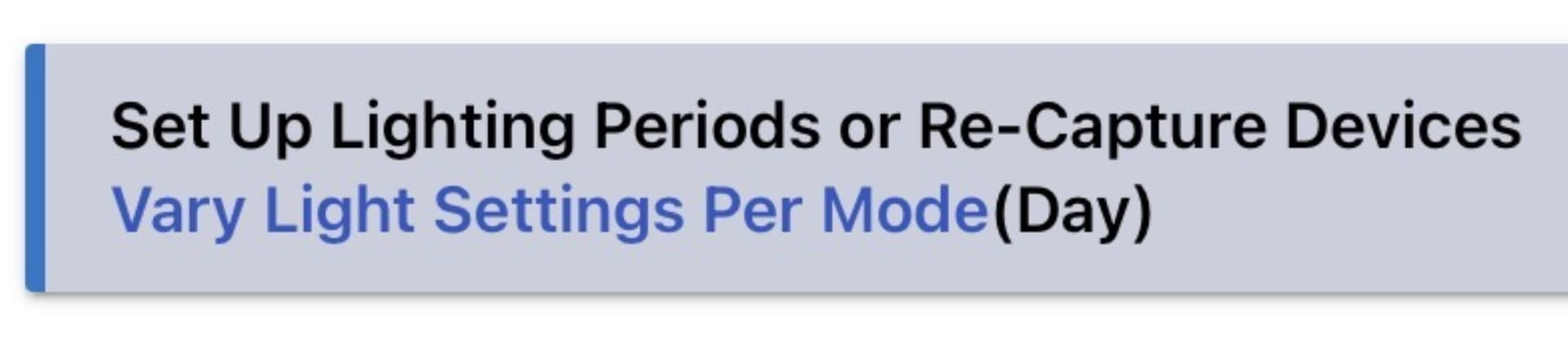
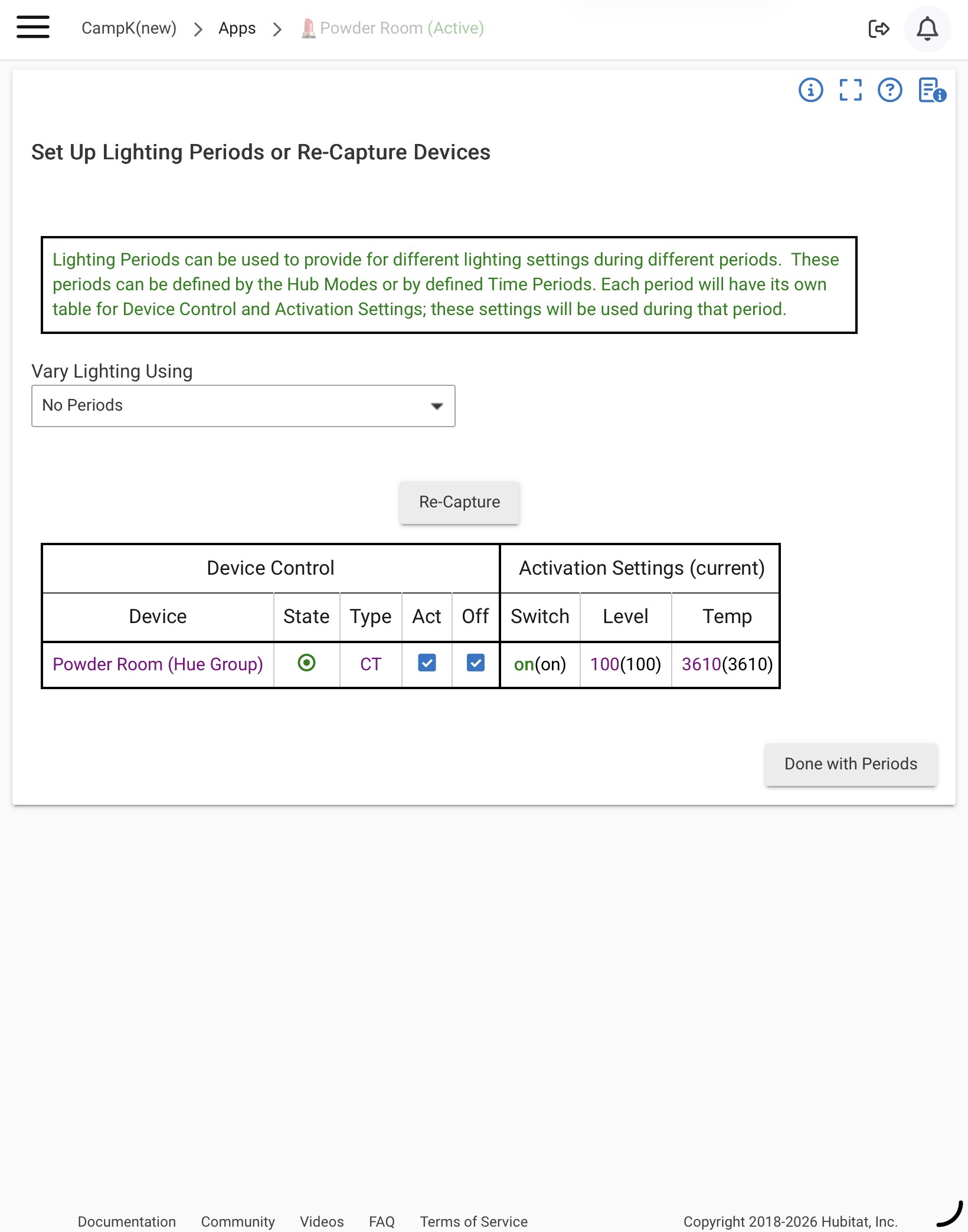
Click on this option field:
where it should allow you to change how periods behave.
Yes that’s correct, but you have to configure each mode individually, prior to the switch being toggled you could program all modes as one.
It appears one you do that there is no going back without recreating the entire flow.
Are you sure? Because when I choose "No Periods" from the underlying drop-down list, mine seems to return to the "All Modes" default. Granted, the little toggle switch has vanished... so I get why you're reporting this.
What a goose, yep I hadn’t selected the no periods, thanks for bringing me back to earth !!
Nothing to see here