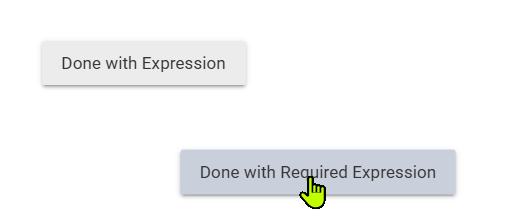
When creating a Required Expression there are two buttons that are available to click on when creating conditions for the Required Expression:
- Done w/this Condition
- Done w/Required Expression
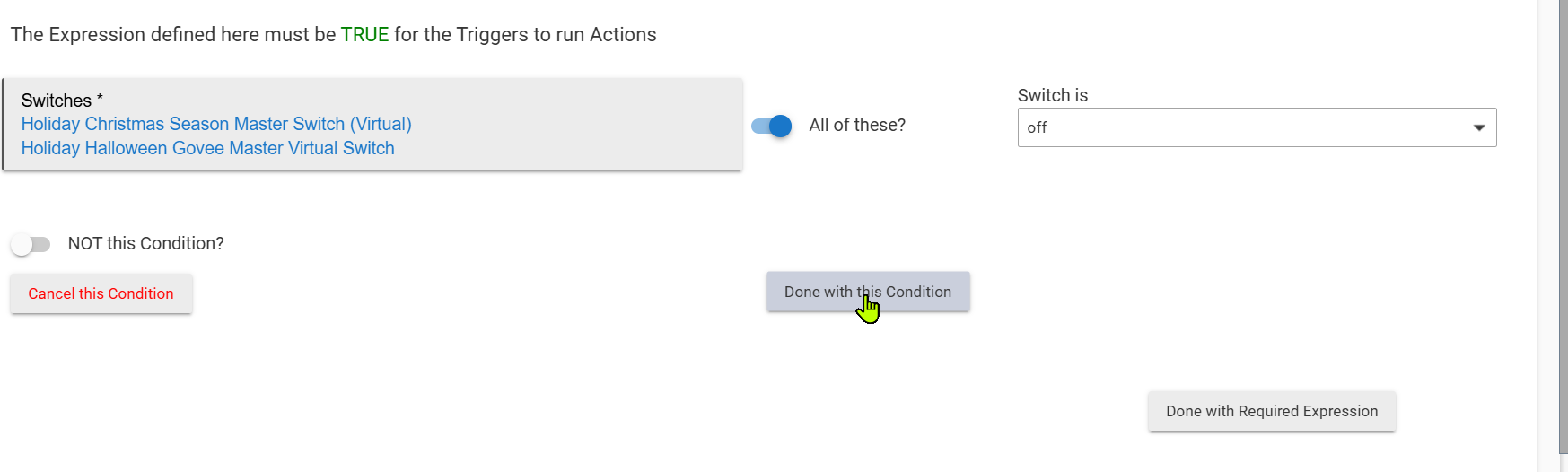
In the above screen, if you click on "Done with this Condition" and then "Done with Required Expression, your Required Expression is properly created.
However, if you go directly to click "Done with Required Expression" you end up w/a broken and confusing state of the Required Expression. You return to the Rule's home screen w/out any error messages, but the Required Expression is missing from the rule's home screen.
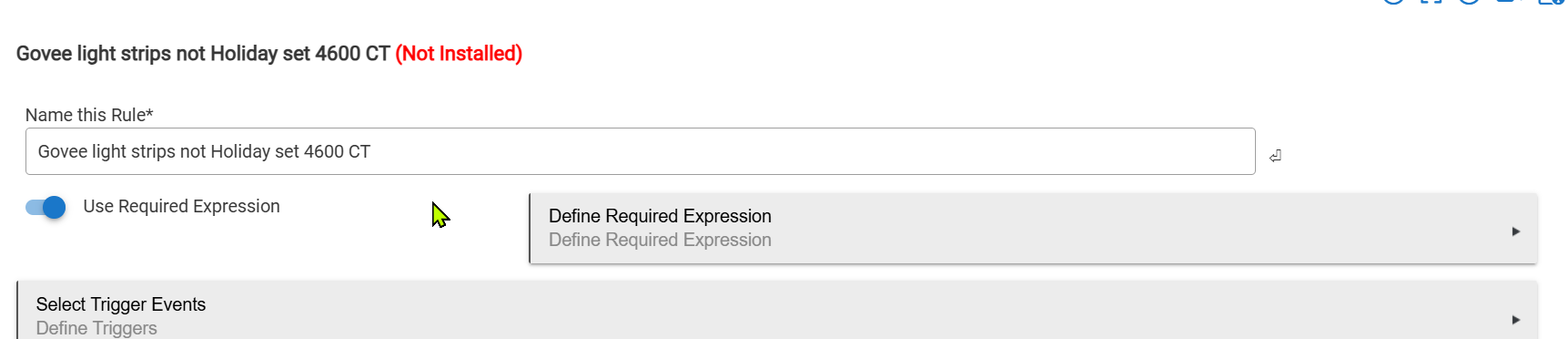
If you re-enter the Required Expression flow the expression's condition is missing from the area where it should appear below "The expression defined here must be true..." and the broken bits of the expression persist.

If you select the option to edit it you will get notice of a broken token:
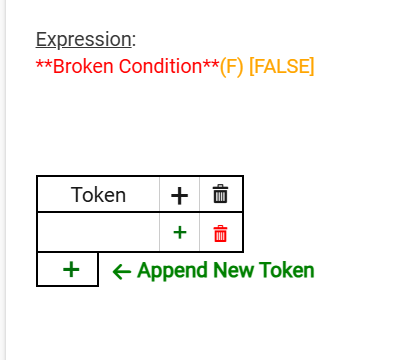
If both buttons are going to be shown, and using just the second breaks things, it should either be required to click "Done w/this Condition" before clicking "Done w/Required Expression" (disable or hide second button until first is clicked), or clicking directly on "Done w/Required Expression" should save the condition(s) and create the Required Expression normally. Thanks for any comments/feedback.
Adding to the confusion, if you edit a Required Expression, you can get a similar pair of buttons, but in this case you can click either "Done with Expression" or "Done w/Required Expression" first, and get the same result, your changes are saved and the Required Expression works as expected.