Or just a flakey motor firmware.... but they were cheap. I get what I paid for, huh!
I also tried closed with 30% step close and it opened to 70% so at least THAT is consistant!
Or just a flakey motor firmware.... but they were cheap. I get what I paid for, huh!
I also tried closed with 30% step close and it opened to 70% so at least THAT is consistant!
And here is yet ANOTHER weird Zemismart motor that I got.
I can raise/stop/lower but nothing else works.
Here is a copy/paste of the log from using "device" driver since I couldn't get a driver to list the info that you need:
fingerprint profileId:"0104", endpointId:"01", inClusters:"0000,0004,0001,0005,EF00,0003,0102", outClusters:"0019,000A", model:"TS0301", manufacturer:"_TZE200_cirjrpxe", controllerType: "ZGB"
ZCL version:03
Software Build Id:unknown
Model:TS0301
Manufacturer:_TZE200_cirjrpxe
Hope this helps!
Thanks.
Once I received the correct manual, I was able to pair it with HE and set the limits and control it.
The only controls I need are open/close/stop and the response from the motor.
I was also able to set the limits with the remote so that worked ok.
Setting the limits is the key with these motors as they really don't do too much without limits set.
even using the generic zigbee shade motor driver worked ok.
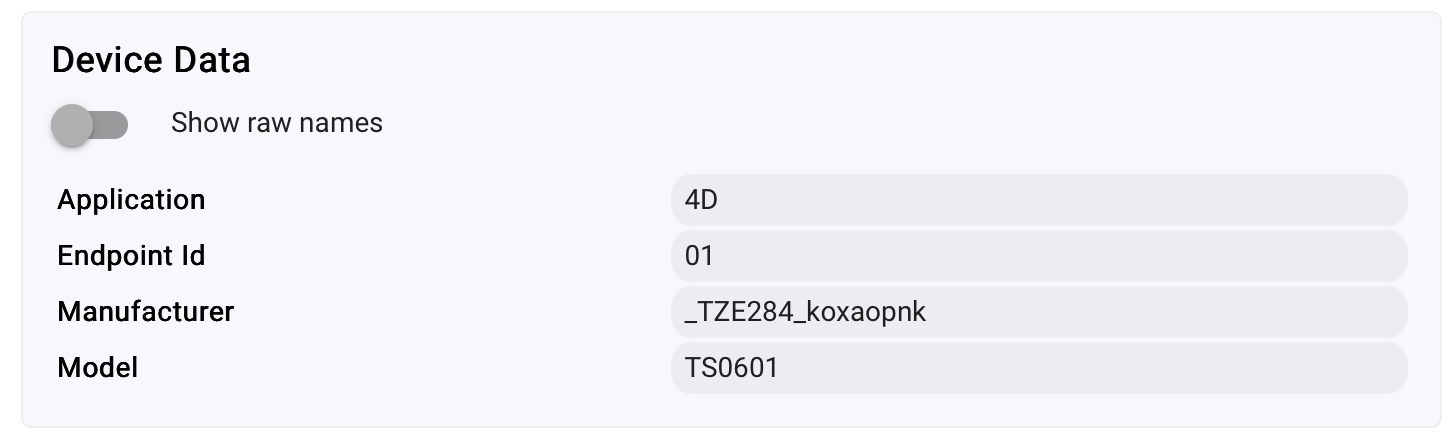
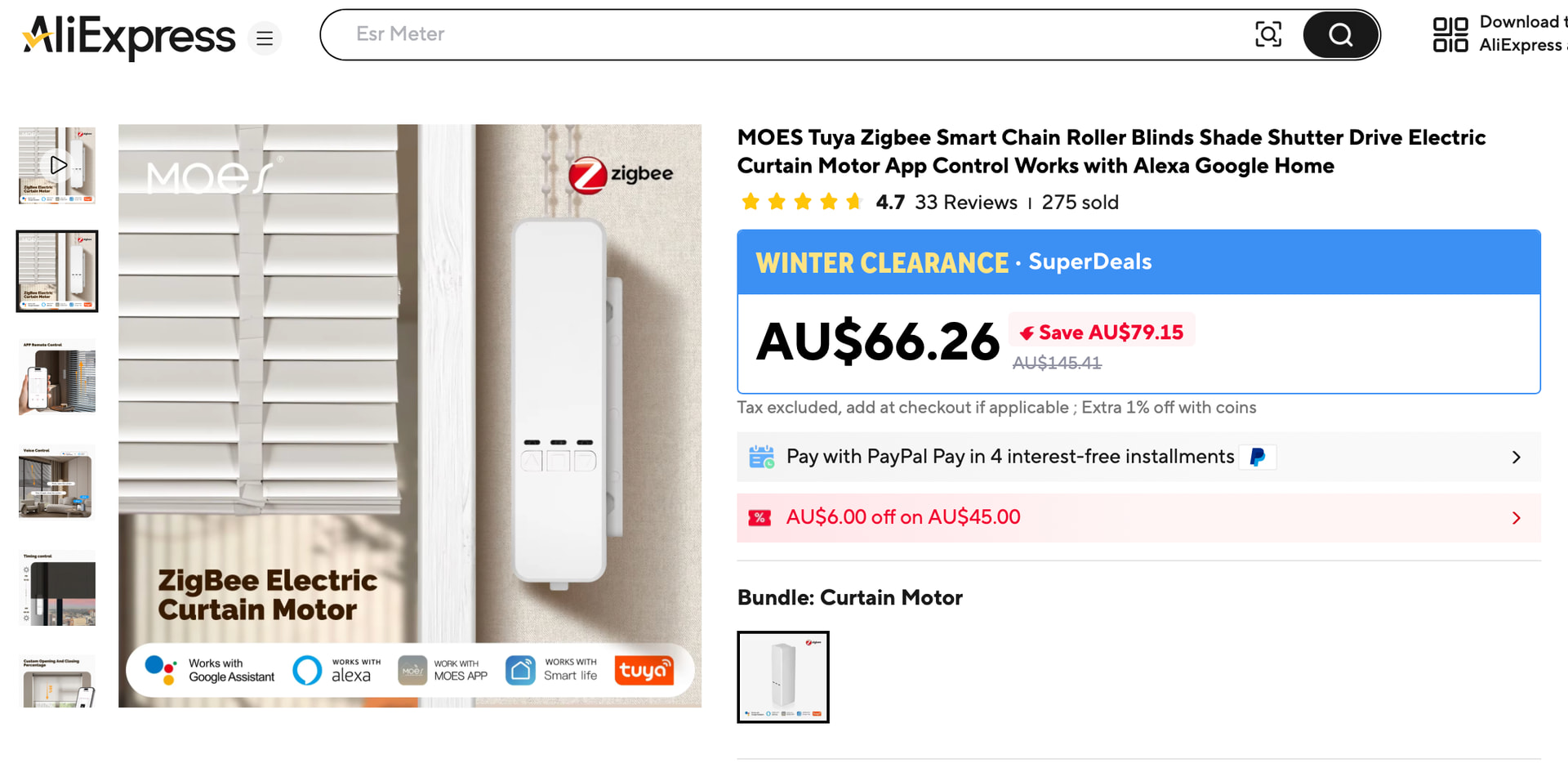
Just picked up a Moes ZC-LS02 Zigbee Blinds Chain Motor Controller and the gamble has not paid off so far. Tried a number of "shade" drivers and the Zemismart 3.6.1 driver has have not so much as moved the motor, but did seem to turn off the LED lights when manually activating the motor up or down. Lucky me the devise is the infamous TS0601 device:
| Application | 4D |
|---|---|
| Endpoint Id | 01 |
| In Clusters | 0004,0005,EF00,0000,ED00 |
| Manufacturer | _TZE284_koxaopnk |
| Model | TS0601 |
| Out Clusters | 0019,000A |
| Software Build | null |
What are my next steps in possibly "cracking" these blind motors?
Hi Bryan,
This looks like a newer Tuya TS0601 cover variant.
Before I make a driver change, please try one thing in the current driver:
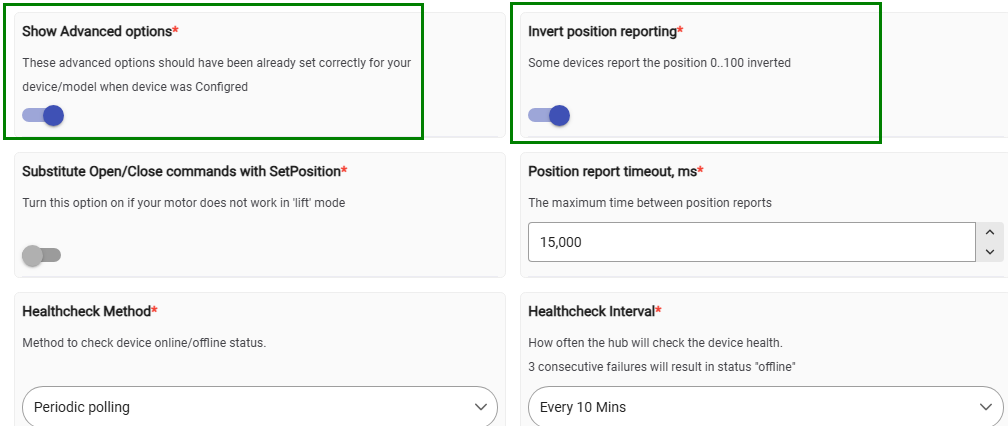
Preferences → enable “Show Advanced options” → Save Preferences.
Then refresh the Preferences page (F5), then enable “Invert position reporting” → Save Preferences.
Then test Open, Close, Stop, and Set Position.
Have you already set the upper and lower travel limits of the motor using the remote that came with the device?
This is a crucial calibration step. Without the limits being set correctly, the motor may not respond properly to position commands, and Hubitat may not be able to control the blind position reliably.
Thank you. I wanted to validate connectivity before hardmounting the motor, so I pulled it out of the box, plugged it in, and linked the device to my C8HE. This model did not include a remote (conscious decision to save a few bucks), but the instructions do specify setting the limits with the onboard buttons. I will work on mounting one of the motors for testing this weekend, so I can set the limits and confirm the driver functionality.
So I mounted the motors early today and set the upper and lower limits of both motors. I enabled the invert position reported as requested and confirmed 3.6.1 driver and got no response from either motor.
Later that afternoon I noticed that the battery charge reporting was giving data to HE through the HE>Devices list. This intriged me, so i went back into the motor devices and tried to operate them. Oddly, 1 of the 2 motors now appears to be opporating successfully. I noticed this was the motor that I had plugged in for some time and its battery charge level is reporting over 70%. The other motor which is not currently operating is reporting ~20% battery. So I am not sure if that is a factor or not, but I will give the motors some more time and see if things correct itself.
Another thing I have noticed is that my commands entered on the non-functioning motor in the HE Device/Commands tab are not logging or showing up as events.
After reviewing the logs and events further is just seemed clear that there was no longer any communication between HE and the motor, so I removed the device and re-paired the device to HE and all it working well. Thank you for the support.
Platform update to 2.5.1.140 broke all four of my blinds that use this driver. I had to roll back the firmware.
confirming that the driver works great for a ZM16B too. I used that to revive a dead IKEA Fyrtur blind with custom mounts. Works great!