Hello @kkossev,
after switching to driver 3.5.1 I have still the same error on these 2 devices:
_TZE200_rmymn92d

_TZE204_srmahpwl

I don't know if this is an important error at all, but the logs are quite red...
Thanks for your excelent work!
Hello @kkossev,
after switching to driver 3.5.1 I have still the same error on these 2 devices:
_TZE200_rmymn92d
_TZE204_srmahpwl
I don't know if this is an important error at all, but the logs are quite red...
Thanks for your excelent work!
It seems that you are using an older version of the driver, make sure you are on 3.5.1 - 2025-03-11 8:00 PM.
@kkossev I recently purchase a C8 Pro to attempt to control the blinds that were installed through my whole house.
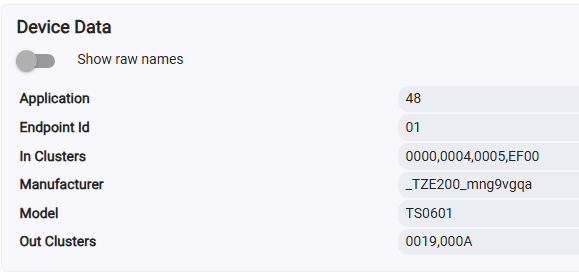
My motor is a Tuya _TZE200_mng9vgqa. I noticed that the community driver does not have support for this motor so I added a fingerprint with the hope of getting it to run it.
I have had no luck getting it to work.
Any action to open or close, always results in an error like this:
dev:72025-04-28 10:33:16.656 AMdebugBottom Left updateWindowShadeArrived: position=0
dev:72025-04-28 10:33:16.655 AMwarnBottom Left endOfMovement() timeout!
kkossev had posted that he is working on a private project and won't be active on the forum until Sept.
I wanted to let you know since I use some of his other drivers.
Note on _TZ3000_yruungrl:
Don't do updateFirmware(), it turns it into a 1-channel relay (pretty much bricked as a curtain controller)
Original firmware was 00000081, new one 000000C0 (1141-D3A3-000000C0)
I'll look into reflashing with a tuya gateway tomorrow, dunno if possible.
@mike.maxwell regarding Updating firmware on Zigbee Devices (cont'd)
Could it be that a socket/plug firmware was pushed to a curtain relay ?
Manufacturer _TZ3000_yruungrl
Model TS011F
Log messages: Firmware update for [name:B4Z Test, manufacturer:_TZ3000_yruungrl, imageFileName:1141-D3A3-000000C0, fileVersion:000000C0] is 10% complete.
Is there a question for me?, there is little if any tuya firmware published, due to similar issues in the past.
Hi, soory for a bit nub question , but i recently installed LoraTap curtain switch (for two curtains) , TS130F based ,
https://a.aliexpress.com/_opYz9UJ and tried to use it with your driver.
It works but only partly , meaning the switch has 6 buttons ( up, down and stop per each curtain) but the driver detects only 5 , moreover only 3 first of them (1,2,3) are actually work - move one one curtain, activating buttons 4 and 5 - does nothing.
Any ideas of what i am doing wrong ? Or maybe driver needs some tweaking , so how i can help you with this ?
TZ3000_esynmmox
TS130F
Thank you.
Hi,
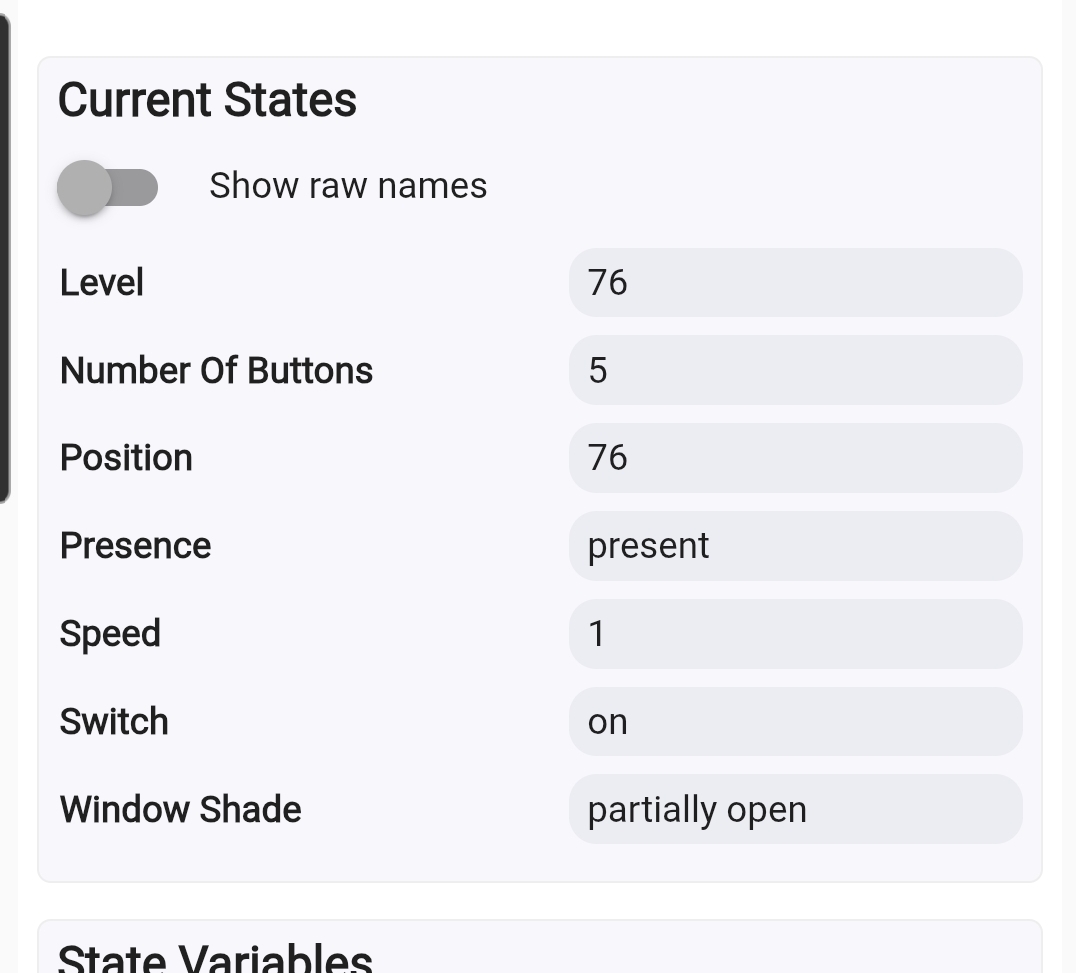
Niggly issue. Been using this for years, but recently, my front room blind has stopped reporting position. Seems stuck at 70% ish.
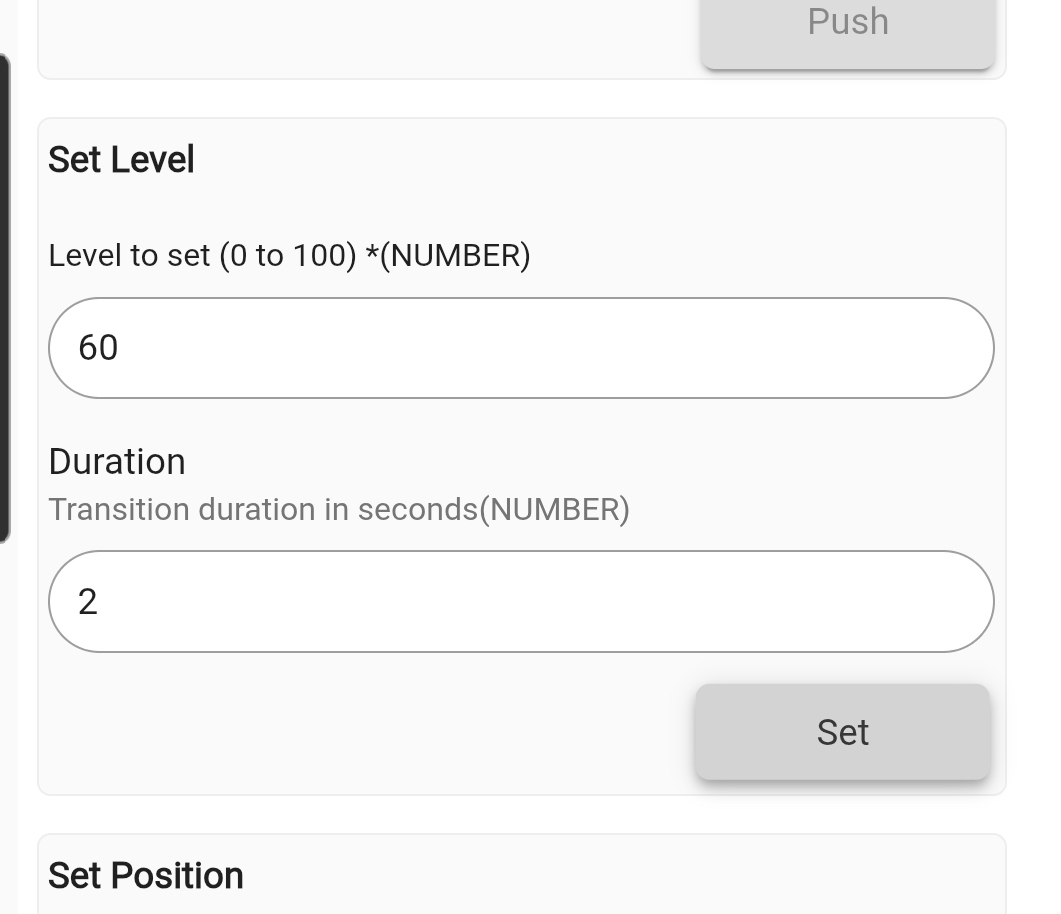
I can successfully use 'set level'...
... To set the blinds to different positions (and on/off opens or closes fully), but the actual reporting of position has became borked.
Any ideas? Ta!
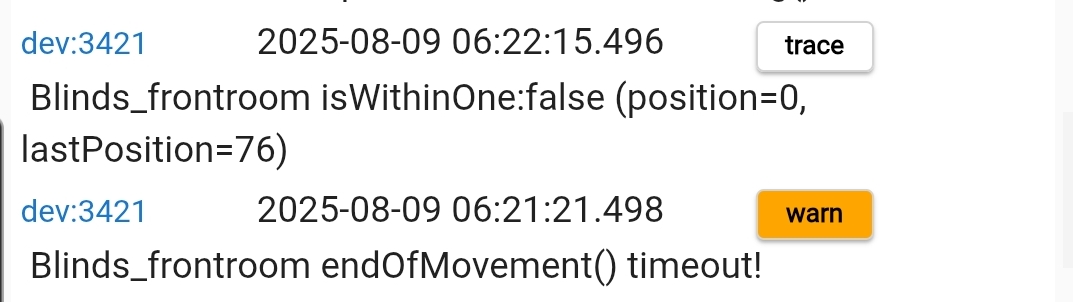
This is frequently in the logs too:
If your device loses the upper and lower limit settings for any reason, the position will not be reported back to the hub. Typically, the SetPos() command should not work as well; however, your case seems to be different...
Try setting the limits again, just in case this is the root of the problem.
I think this is linked to a hub update because this has operated completely untouched/unaltered for years.
I updated your driver to the latest. And then pointed everything towards the "target position" instead of "set level".
Oddly, the other blinds in the house (I have 2 other slight variations) have remained fine.
Suspect this is firmware related.
Ok, figured out why my switch have 5 buttons in driver , only 3 of which are working, while in reality it has 6.
The issue is that its double curtain switch , so it should have like child devices or something , with 5 buttons each, without it it controls only 1st curtain
That's correct, unfortunately, this driver does not support two-channel controllers... 
homekit integration; lowest position reported by device is 1, so even when closed in hubitat, in apple home it shows 1% open. Any ideas @kkossev ? Thanks in advance!
MOES AM43-0.45/40-ES-EB
We would like to express our gratitude to Amos Yuen, the original author of the Zemismart Zigbee Blinds driver, for his valuable contribution to the Hubitat community.
As the original repository is no longer available, the driver has now been relocated to its new home in the Hubitat Community GitHub repository:
You can use the link above to manually install this driver. In the coming days, I hope to also fix the Hubitat Package Manager configuration.
We welcome new contributors to submit Pull Requests on GitHub for new devices or other enhancements!
I have tested this fingerprint too and it seems to work:
fingerprint profileId:'0104', endpointId:'01', inClusters:'0004,0005,EF00,0000,ED00', outClusters:'0019,000A', model:'TS0601', manufacturer:'_TZE284_ettzhnwk' ,deviceJoinName: 'Zemismart Blind driver' // @MTate
I've just installed one of the Zemismart blinds (_TZE200_9p5xmj5r) and I'm having a slight problem & hope it's something obvious I've missed.
I bought the kit with the remote, installed it, paired the remote and set the open/closed limits.
Works perfect...
I then paired it with Hubitat, installed the driver and it closes perfectly but only opens about 90%. I can then use the remote to open it fully
Is there a way to set the open/close limits in the driver or force it to use the set limits ?
Take a look 3 posts above and confirm the positions you've set / got.
When the blind opens fully (using the remote) and opens partially (using HE) the position is reported as 100. When the blind "sticks" under HE control I can use the remote to open it fully. I'll do some more digging 
Download the Hubitat app