What kind of device is running the code?


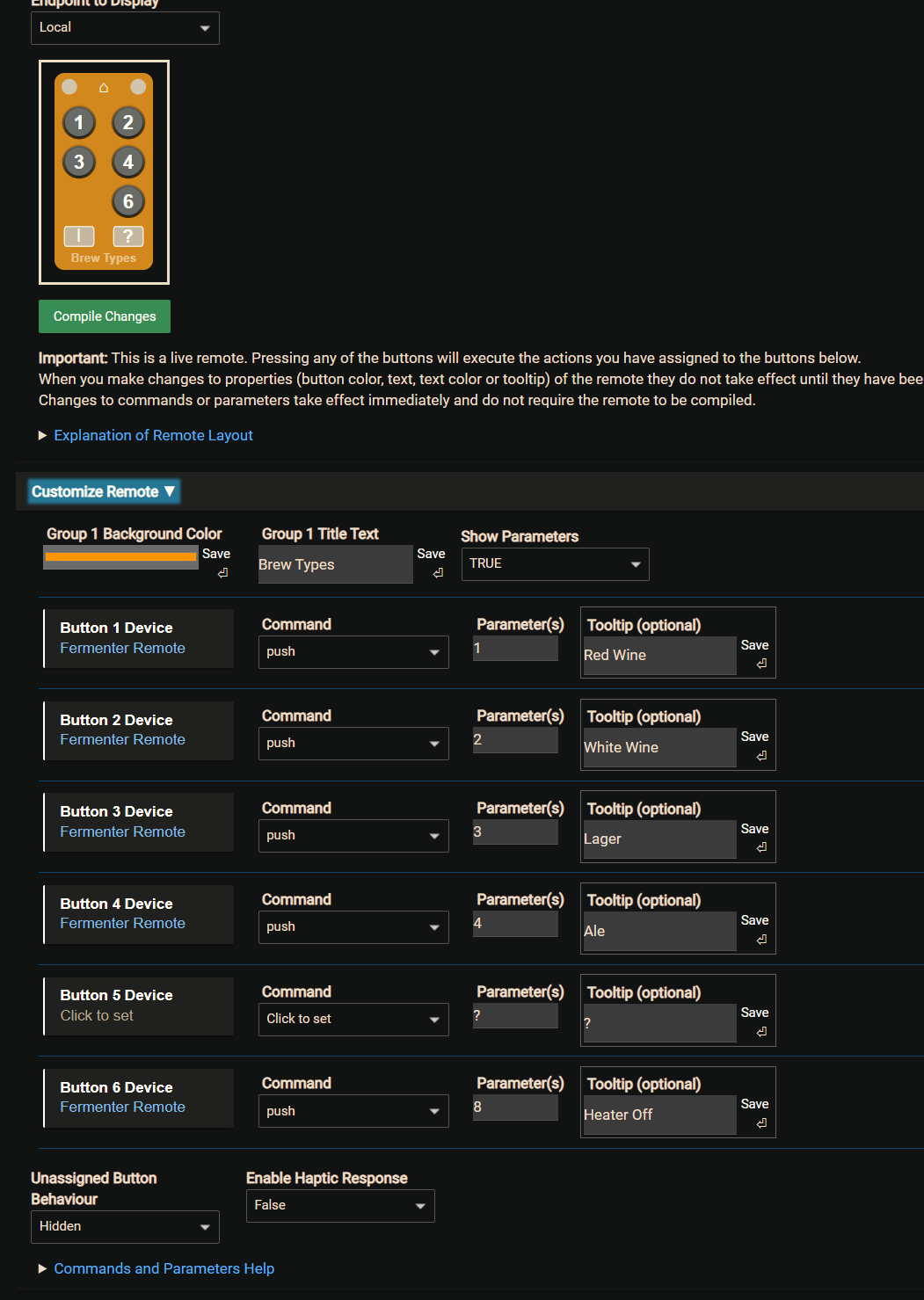
Maybe it's because I used Fixed 6 and not Custom 6 so tooltips is not part of that one?
Nope, created a new Custom test and I didn't seem to find the ToolTip.
But the Custom one is great as I can rename the buttons with a letter to indicate what they do. 
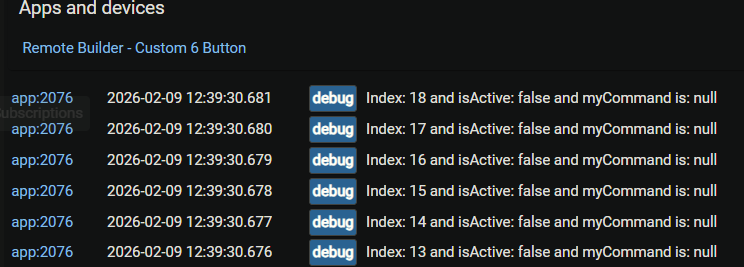
I have notice there are always Debug logs.
I looked in the options and that's the only one not listed to Turn Off.

I’m traveling until the weekend but I’ll take a look when I get home when I have access to my environment. Been a while since I looked at it.
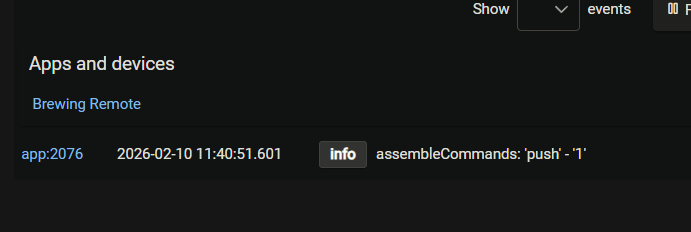
I have just released Custom & Fixed 6 Button Remote v 1.1.4 to fix an issue with the visibility of the tooltips.
As a reminder the tooltips will show on a mouseover for a PC. For a phone or a tablet without a pointing device then to see the tool tips click on the ? button first and then you can click on the button to get the tooltip, but it won't fire the action.
Think of the tooltips as reminders of the function of the button.
2 Likes
With a pointing device you will. Would you prefer not?
Gary, is there anything I can do to stop remotes from disappearing? It’s driving me nuts.
Added new custom 6 button remote, tested, works. Saved to storage, tile 3, AC-DAI-OLD. Passed a link to my wife, local endpoint.
2 days later, the endpoint is 404, the app (116) is gone. Tile storage sees it, but app is gone. No logs, not on Hub’s part, not on Tile Builder. It’s just gone.

The only particularity I can think of is that the button parameters were very long. This is an IR command and PushButton is bugged so I used SendCode. I think ~600 bytes. It didn’t complain.
You made me quickly check but my remote is still persistent and working; hosted on a separate Dashboard from my main ones.
When you say the App is gone are you referring to the whole Remote Builder Parent App or to the specific Remote Builder Child App instance that you created.
Correct me if I’m wrong but presuming its the latter in which case you would initially see the new remote listed here after its created but when you come back later that instance is gone?
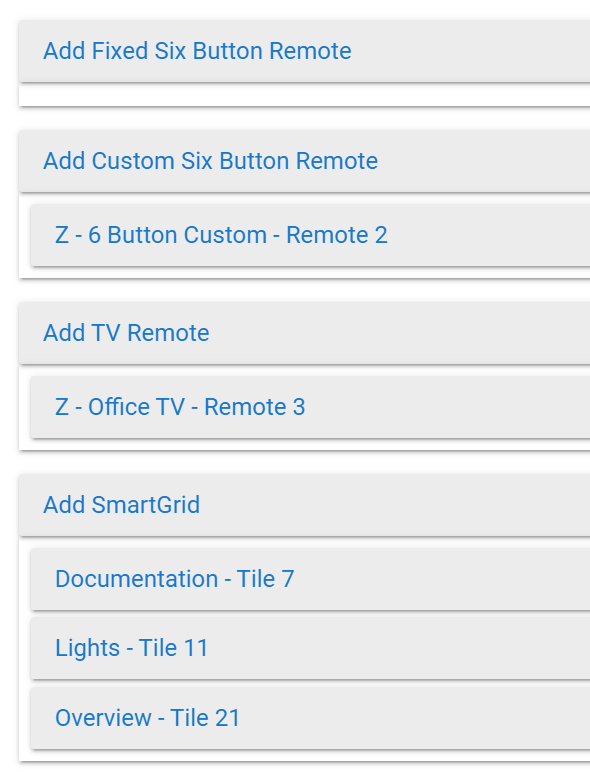
So. Install Remote Builder. This is humming along nicely at ID 61:
http://<hub>/installedapp/configure/61/mainPage
and has always hummed long nicely.
Go to the app, add remote, 6 button, custom. This is added as an app, at ID
http://<hub>/apps/api/116/tb?access_token=3cd2c981-510c-46b7-9017-0e525c6a0c29 (anonymized just in case)
It was named as above (AC-DAI-OLD) and was stored in the storage at position 3. Position 2 is a remote that still works, called SHOWER and position 1 called TEST which serves as a test.
This is the local endpoint, and it seems to work. I say seems, because I may have retrospective issues, I’ll get into them if they crop up.
This is working for a while, typically around 24-48 hours. Sometimes longer, sometimes less. I did not associate a certain action with the disappearance, but in the last event a software update did happen, so a reboot followed.
After this has passed, the link above for app 116 responds with
{"error":true,"type":"AppException","message":"Not Found"}
An inspection followed and the remote is gone.
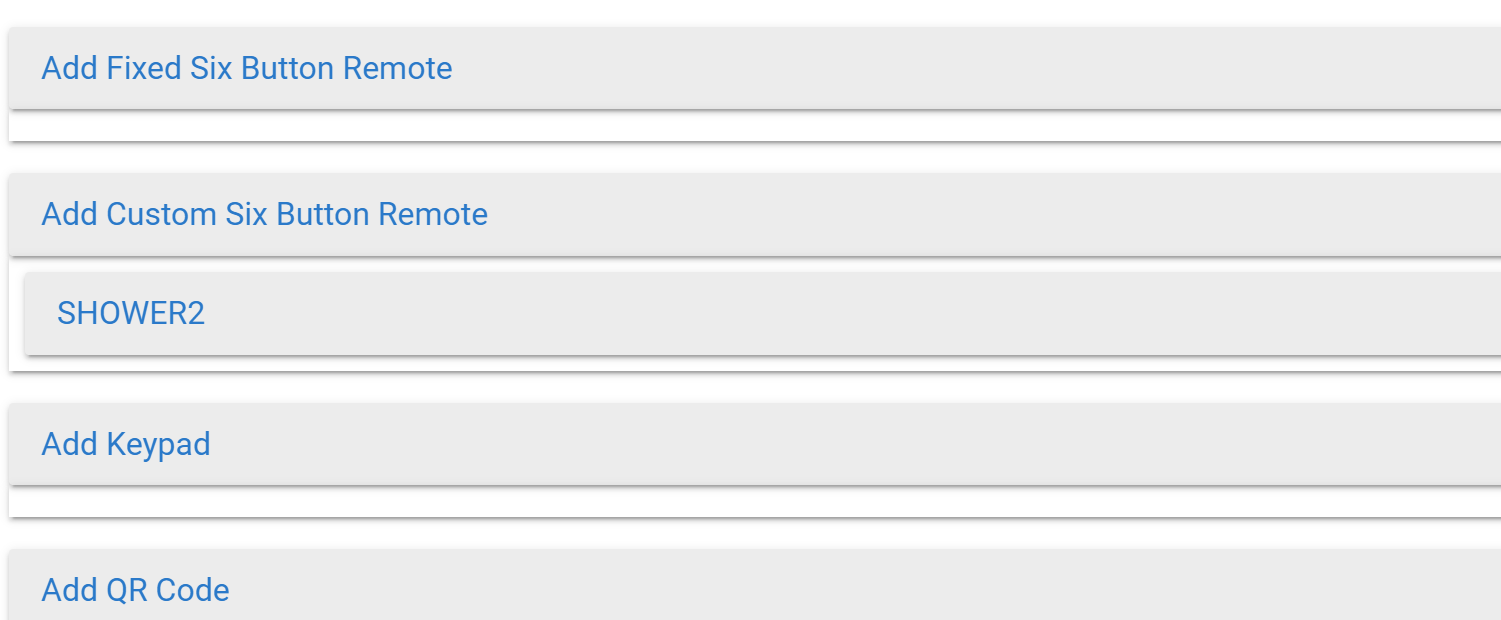
No trace it was ever there, except:
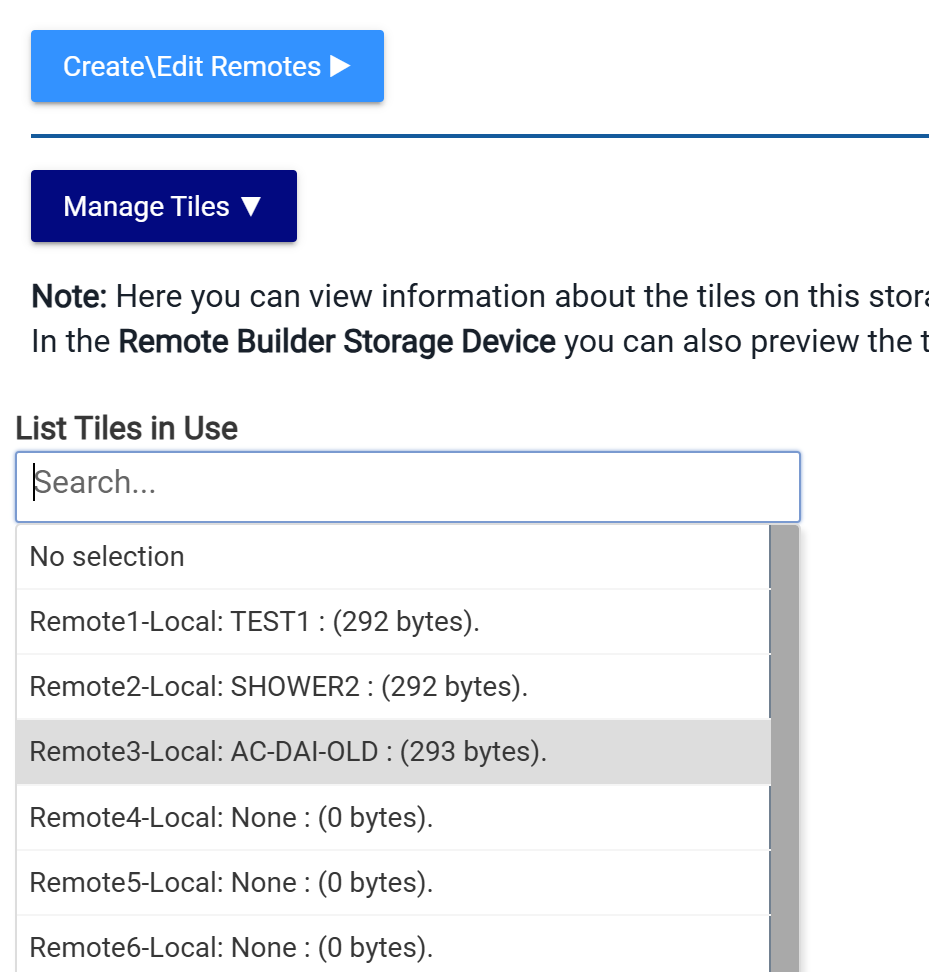
What was weird about this remote:
I am using a driver someone wrote as a goof, which is why it doesn’t work via PushButton. I tried to contact the author but got no reply. What does work, however, is SendCode, so I used Command with parameter SendCode.
Now.
Sendcode parameter is quite large, some codes are up to 600 bytes in length. Which is why I suspected an overrun, seeing how there’s limits.
The weirdness comes in that I test every command after it was added, but going back through the buttons, some didn’t beep the AC correctly, making me think it was truncated somehow. I decided there’s a time and a place and I was late for a mountain retreat with the family so I ended up just leaving it with 2 buttons. This appeared to work.
Come back, (update hubitat) no remote.
There are no logs that I could find, no hubitat logs saying the app got removed, no events from that remote, it’s like the app just poofed into nothingness, leaving but an open tab and an entry in tile storage.
I wrote about this before, in which SHOWER remote kept disappearing, which has now stopped. It’s been a year and SHOWER is still there. I remember re-making the remote many times, and I think eventually I got tired of remaking it and maybe I rushed it the fifth time and I skipped some customizations. I also implemented 15 of the 18 buttons and used less customization.
Maybe it’s related, maybe it isn’t.
Is it normal for vastly different remotes to use the same store size?
As for DAI remote, I’m gonna have to either learn enough to fix the driver or beg someone on the forum. It’s written and it works, it just has bugs in that PushButton no longer works in newer Hub versions. Or just make a quick and dirty manual remote that calls the API itself. Hmm. I wonder if the rule machine can help with this.
I can tell you that there is nothing in Remote Builder that would cause the sudden disappearance of a Remote. I suspect that you are correct about it being related to the large payload and\or content of payload. Does it contain any special characters or nulls?
My guess is that it is related to Hub database maintenance\boot up checks and it doesn’t like something about that entry in the database and cleans it up.
If you’d like to eMail me a file with the content I’d be happy to try it on mine.