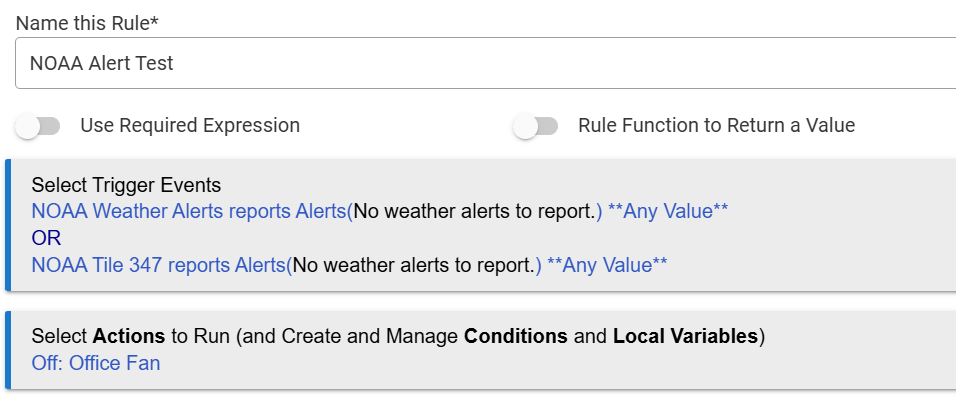
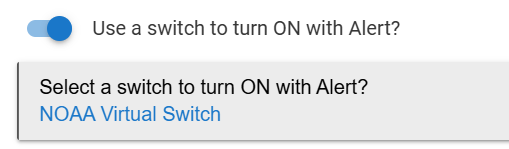
I've installed the NOAA Weather Alerts app. It seems to work OK based on the notification tests I've run. But I'm trying to create a rule which based on a NOAA alert, will perform an action like turning the living room lamp red (Currently just turning off my office fan). I tried the two trigger events shown which do not work. Is it possible to create a rule to take action based on the NOAA Weather app?
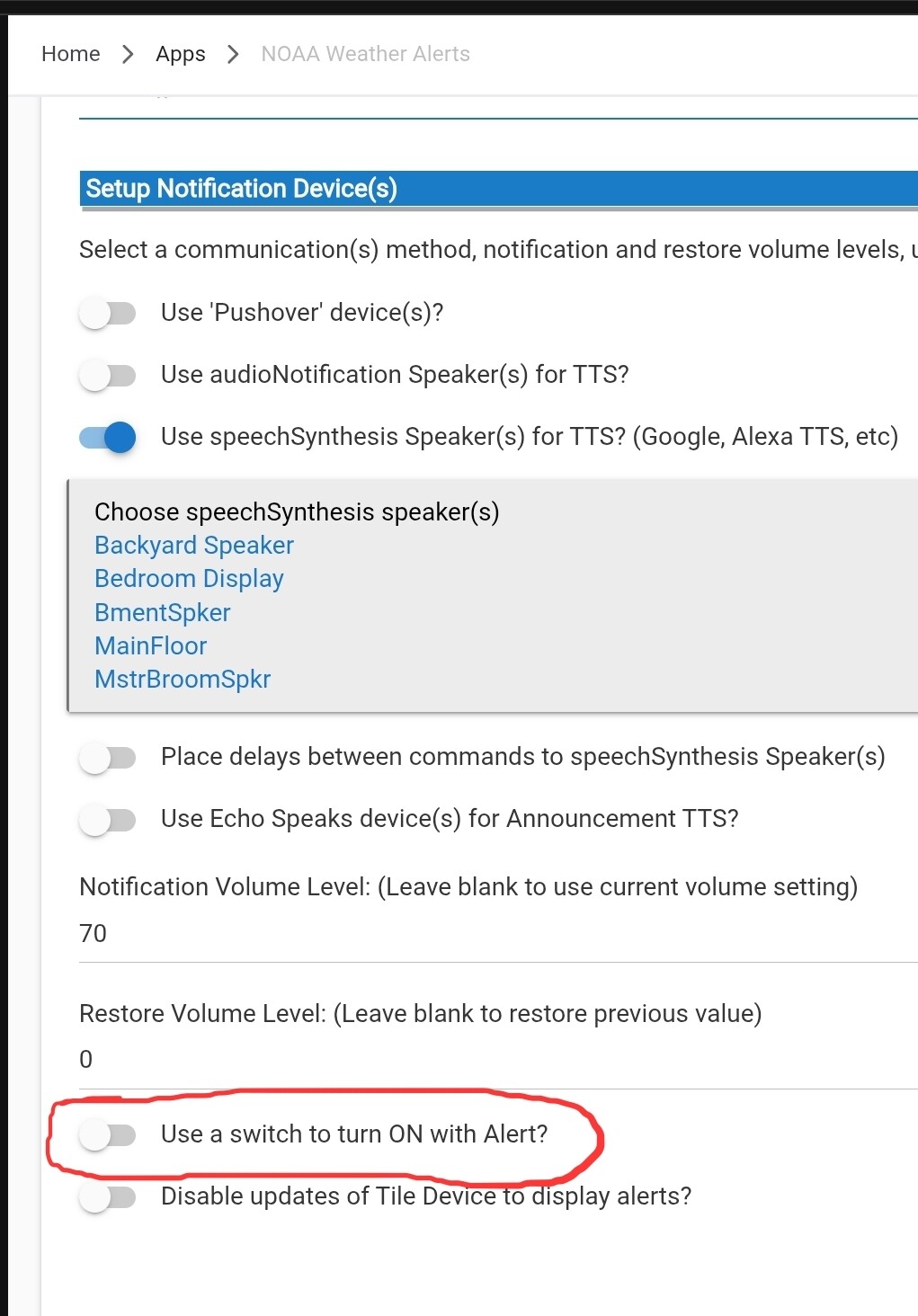
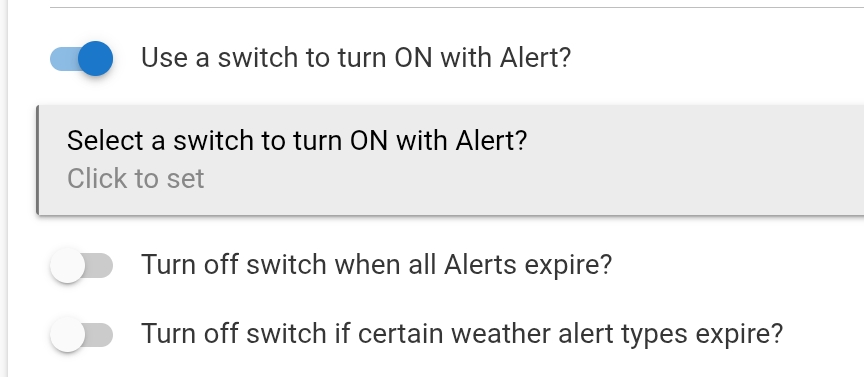
For the automations, you are going to want to create a virtual switch and have the weather alerts turn that switch on. (There is a setting in the notification devices page to turn on switch)
Then, you can use that switch in rules to trigger whatever you want. NOTE: Remember to have a rule turn that switch OFF unless you are going to want to manually do it. You canalso configure the NOAA app to turn off the switch when the alerts expire.
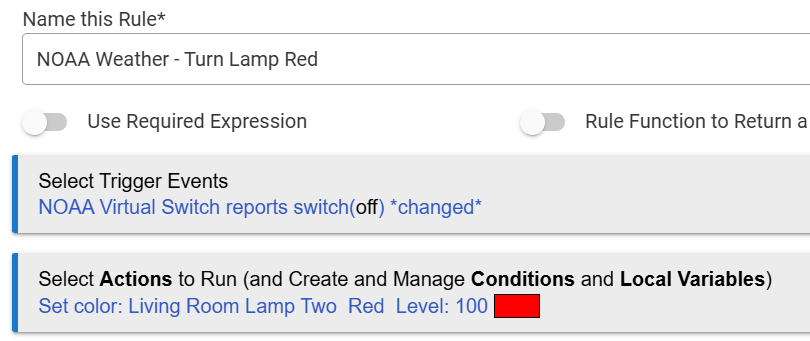
I created the NOAA Virtual Switch as you suggested. Then I created the rule below to turn the lamp red. And of course configured the NOAA Weather app to turn on the virtual switch. Can you please tell me if the trigger event looks correct, i.e., that the NOAA app will trigger it?
A switch can only be on or off, so you should have distinct rule actions for both of those states. Using "changed" just means that light will always stay on/red/100.
I'd change that trigger to use "On" instead of Changed, and then either set up a second rule for Off that resets the light, or add a Wait for Off in the On rule that resets the light.
Would there be any interest in a radio receiver that decodes alerts data burst form NOAA Weather Radio? The three RAPS you hear before the tone carry weather data in an encoded form.