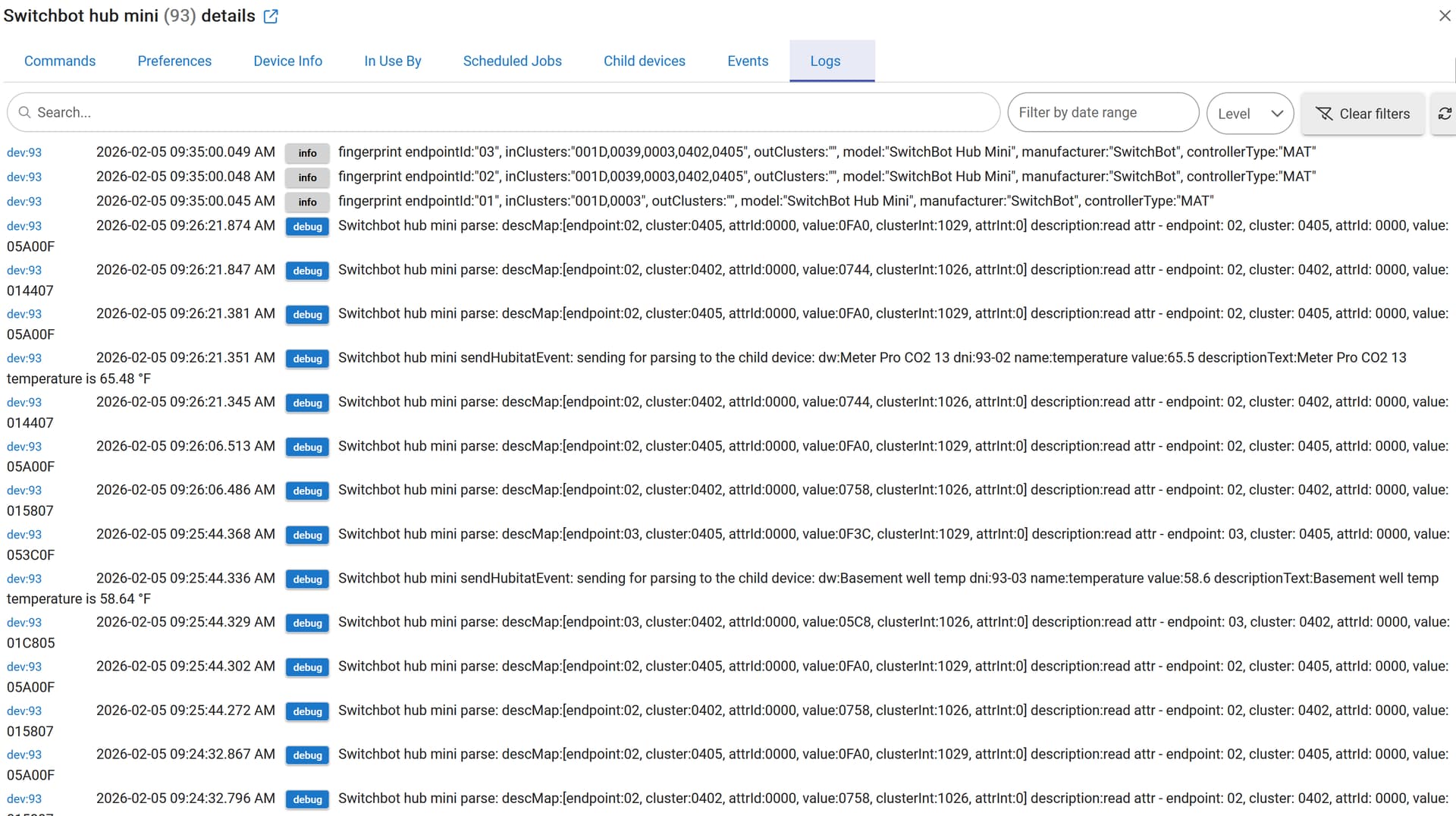
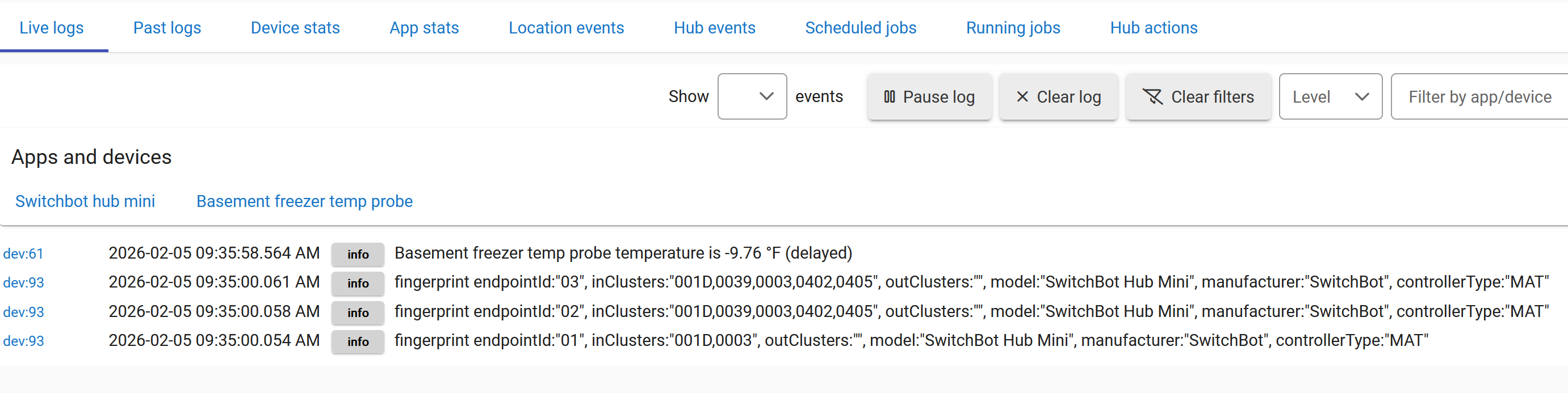
Some of the most frequently used clusters are in the matterLib.groovy file in this project:
@Field static final Map<Integer, String> MatterClusters = [
    0x001D  : 'Descriptor',                 // The Descriptor cluster is meant to replace the support from the Zigbee Device Object (ZDO) for describing a node, its endpoints and clusters
    0x001E  : 'Binding',                    // Meant to replace the support from the Zigbee Device Object (ZDO) for supportiprefriginatng the binding table.
    0x001F  : 'AccessControl',              // Exposes a data model view of a Node’s Access Control List (ACL), which codifies the rules used to manage and enforce Access Control for the Node’s endpoints and their associated cluster instances.
    0x0025  : 'Actions',                    // Provides a standardized way for a Node (typically a Bridge, but could be any Node) to expose information, commands, events ...
    0x0028  : 'BasicInformation',           // Provides attributes and events for determining basic information about Nodes, which supports both Commissioning and operational determination of Node characteristics, such as Vendor ID, Product ID and serial number, which apply to the whole Node.
    0x0029  : 'OTASoftwareUpdateProvider',
    0x002A  : 'OTASoftwareUpdateRequestor',
    0x002B  : 'LocalizationConfiguration',  // Provides attributes for determining and configuring localization information
    0x002C  : 'TimeFormatLocalization',     // Provides attributes for determining and configuring time and date formatting information
    0x002D  : 'UnitLocalization',           // Provides attributes for determining and configuring the units
    0x002E  : 'PowerSourceConfiguration',   // Used to describe the configuration and capabilities of a Device’s power system
    0x002F  : 'PowerSource',                // Used to describe the configuration and capabilities of a physical power source that provides power to the Node
    0x0030  : 'GeneralCommissioning',       // Used to manage basic commissioning lifecycle
    0x0031  : 'NetworkCommissioning',       // Associates a Node with or manage a Node’s one or more network interfaces
    0x0032  : 'DiagnosticLogs',             // Provides commands for retrieving unstructured diagnostic logs from a Node that may be used to aid in diagnostics.
    0x0033  : 'GeneralDiagnostics',         // Provides a means to acquire standardized diagnostics metrics
    0x0034  : 'SoftwareDiagnostics',        // Provides a means to acquire standardized diagnostics metrics that MAY be used by a Node to assist a user or Administrator in diagnosing potential problems
    0x0035  : 'ThreadNetworkDiagnostics',   // Provides a means to acquire standardized diagnostics metrics that MAY be used by a Node to assist a user or Administrator in diagnosing potential problems
    0x0036  : 'WiFiNetworkDiagnostics',     // Provides a means to acquire standardized diagnostics metrics that MAY be used by a Node to assist a user or Administrator in diagnosing potential
    0x0037  : 'EthernetNetworkDiagnostics', // Provides a means to acquire standardized diagnostics metrics that MAY be used by a Node to assist a user or Administrator in diagnosing potential
    0x0038  : 'TimeSync',                   // Provides Attributes for reading a Node’s current time
    0x0039  : 'BridgedDeviceBasicInformation',  // Serves two purposes towards a Node communicating with a Bridge
    0x003C  : 'AdministratorCommissioning', // Used to trigger a Node to allow a new Administrator to commission it. It defines Attributes, Commands and Responses needed for this purpose.
    0x003E  : 'OperationalCredentials',     // Used to add or remove Node Operational credentials on a Commissionee or Node, as well as manage the associated Fabrics.
    0x003F  : 'GroupKeyManagement',         // Manages group keys for the node
    0x0040  : 'FixedLabel',                 // Provides a feature for the device to tag an endpoint with zero or more read only labels
    0x0041  : 'UserLabel',                  // Provides a feature to tag an endpoint with zero or more labels.
    0x0042  : 'ProxyConfiguration',         // Provides a means for a proxy-capable device to be told the set of Nodes it SHALL proxy
    0x0043  : 'ProxyDiscovery',             // Contains commands needed to do proxy discovery
    0x0044  : 'ValidProxies',               // Provides a means for a device to be told of the valid set of possible proxies that can proxy subscriptions on its behalf

    0x0003  : 'Identify',                   // Supports an endpoint identification state (e.g., flashing a light), that indicates to an observer (e.g., an installer) which of several nodes and/or endpoints it is.
    0x0004  : 'Groups',                     // Manages, per endpoint, the content of the node-wide Group Table that is part of the underlying interaction layer.
    0x0005  : 'Scenes',                     // Provides attributes and commands for setting up and recalling scenes.
    0x0006  : 'OnOff',                      // Attributes and commands for turning devices on and off.
    0x0008  : 'LevelControl',               // Provides an interface for controlling a characteristic of a device that can be set to a level, for example the brightness of a light, the degree of closure of a door, or the power output of a heater.
    0x001C  : 'LevelControlDerived',        // Derived cluster specifications are defined elsewhere.
    0x003B  : 'Switch',                     // Exposes interactions with a switch device, for the purpose of using those interactions by other devices
    0x0045  : 'BooleanState',               // Provides an interface to a boolean state.
    0x0050  : 'ModeSelect',                 // Provides an interface for controlling a characteristic of a device that can be set to one of several predefined values.
    0x0051  : 'LaundryWasherMode',          // Commands and attributes for controlling a laundry washer
    0x0052  : 'RefrigeratorAndTemperatureControlledCabinetMode',          // Commands and attributes for controlling a refrigerator or a temperature controlled cabinet
    0x0053  : 'LaundryWasherControls',      // Commands and attributes for the control of options on a device that does laundry washing
    0x0054  : 'RVCRunMode',                 // Commands and attributes for controlling the running mode of an RVC device.
    0x0055  : 'RVCCleanMode',               // Commands and attributes for controlling the cleaning mode of an RVC device.
    0x0056  : 'TemperatureControl',         // Commands and attributes for control of a temperature set point
    0x0057  : 'RefrigeratorAlarm',          // Alarm definitions for Refrigerator devices
    0x0059  : 'DishwasherMode',             // Commands and attributes for controlling a dishwasher
    0x005B  : 'AirQuality',                 // Provides an interface to air quality classification using distinct levels with human-readable labels.
    0x005C  : 'SmokeCOAlarm',               // Provides an interface for observing and managing the state of smoke and CO alarms
    0x005D  : 'DishwasherAlarm',            // Alarm definitions for Dishwasher devices
    0x0060  : 'OperationalState',           // Supports remotely monitoring and, where supported, changing the operational state of any device where a state machine is a part of the operation.
    0x0061  : 'RVCOperationalState',        // Commands and attributes for monitoring and controlling the operational state of an RVC device.
    0x0071  : 'HEPAFilterMonitoring',       // HEPA Filter
    0x0072  : 'ActivatedCarbonFilterMonitoring', // Activated Carbon Filter
    0x0090  : 'ElectricalPowerMeasurement', // This cluster provides a mechanism for querying data about electrical power as measured by the server.
    0x0091  : 'ElectricalEnergyMeasurement',    // Attributes and commands for measuring electrical energy
    0x0101  : 'DoorLock',                   // An interface to a generic way to secure a door
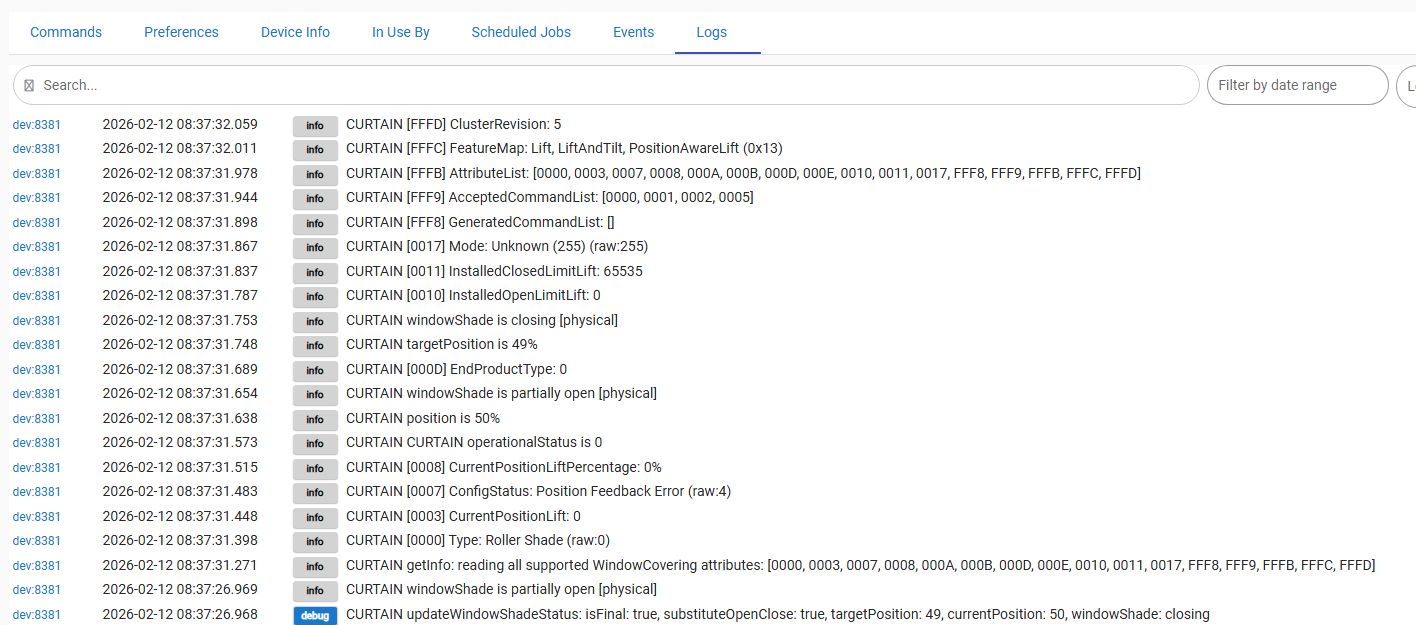
    0x0102  : 'WindowCovering',             // Commands and attributes for controlling a window covering
    0x0200  : 'PumpConfigurationAndControl',// An interface for configuring and controlling pumps.
    0x0201  : 'Thermostat',                 // An interface for configuring and controlling the functionalty of a thermostat
    0x0202  : 'FanControl',                 // An interface for controlling a fan in a heating / cooling system
    0x0204  : 'ThermostatUserInterfaceConfiguration',                 // An interface for configuring the user interface of a thermostat (which MAY be remote from the thermostat)
    0x0300  : 'ColorControl',               // Attributes and commands for controlling the color of a color capable light.
    0x0301  : 'BallastConfiguration',       // Attributes and commands for configuring a lighting ballast
    0x0400  : 'IlluminanceMeasurement',     // Attributes and commands for configuring the measurement of illuminance, and reporting illuminance measurements
    0x0402  : 'TemperatureMeasurement',     // Attributes and commands for configuring the measurement of temperature, and reporting temperature measurements
    0x0403  : 'PressureMeasurement',        // Attributes and commands for configuring the measurement of pressure, and reporting pressure measurements
    0x0404  : 'FlowMeasurement',            // Attributes and commands for configuring the measurement of flow, and reporting flow rates
    0x0405  : 'RelativeHumidityMeasurement',// Supports configuring the measurement of relative humidity, and reporting relative humidity measurements of water in the air
    0x0406  : 'OccupancySensing',           // Occupancy sensing functionality, including configuration and provision of notifications of occupancy status
    0x0407  : 'LeafWetnessMeasurement',     // Percentage of water in the leaves of plants
    0x0408  : 'SoilMoistureMeasurement',    // Percentage of water in the soil
    0x040C  : 'CarbonMonoxideConcentrationMeasurement',
    0x040D  : 'CarbonDioxideConcentrationMeasurement',
    0x0413  : 'NitrogenDioxideConcentrationMeasurement',
    0x0415  : 'OzoneConcentrationMeasurement',
    0x042A  : 'PM25ConcentrationMeasurement',
    0x042B  : 'FormaldehydeConcentrationMeasurement',
    0x042C  : 'PM1ConcentrationMeasurement',
    0x042D  : 'PM10ConcentrationMeasurement',
    0x042E  : 'TotalVolatileOrganicCompoundsConcentrationMeasurement',
    0x042F  : 'RadonConcentrationMeasurement',
    0x0503  : 'WakeOnLAN',                  // interface for managing low power mode on a device that supports the Wake On LAN or Wake On Wireless LAN (WLAN) protocol
    0x0504  : 'Channel',                    // interface for controlling the current Channel on an endpoint.
    0x0505  : 'TargetNavigator',            // An interface for UX navigation within a set of targets on a Video Player device or Content App endpoint.
    0x0506  : 'MediaPlayback',              // interface for controlling Media Playback (PLAY, PAUSE, etc) on a Video Player device
    0x0507  : 'MediaInput',                 // interface for controlling the Input Selector on a Video Player device.
    0x0508  : 'LowPower',                   // interface for managing low power mode on a device.
    0x0509  : 'KeypadInput',                // interface for controlling a Video Player or a Content App using action commands such as UP, DOWN, and SELECT.
    0x050A  : 'ContentLauncher',            // interface for launching content on a Video Player device or a Content App.
    0x050B  : 'AudioOutput',                // interface for controlling the Output on a Video Player device.
    0x050E  : 'AccountLogin',               // interface for facilitating user account login on an application or a node.
    0x050C  : 'ApplicationLauncher',        // interface for launching content on a Video Player device.
    0x050D  : 'ApplicationBasic'            // information about a Content App running on a Video Player device which is represented as an endpoint
]
You can see a full list of the Matter Clusters by searching for "Cluster Requirements" keyword inside the Matter Device Library Specifications :
The newer versions can be obtained filling in the form on the CSA site