Has anyone experimented with the settings in the 4-in-1 or other driver to avoid detecting a cat or small dog? Human detection in the glass shower enclosure is working very well but now the cat is turning on the bathroom lights at night. I suppose I could activate the digital close bathroom door function but that's not really home automation.
Going to be hard not detect critters. I have hade to make a rule to lower static and motion sensitivity when the AC comes on to minimize false triggers from the air coming out the floor vents.
1 Like
I use an ideally-positioned PIR sensor (Hue) to turn on the bathroom lights, then use the Linptech for keeping lights on and ultimately turning them off.
The Hue is faster to react, so being able to place each sensor in its optimal spot to do its job is the best of both worlds.
4 Likes
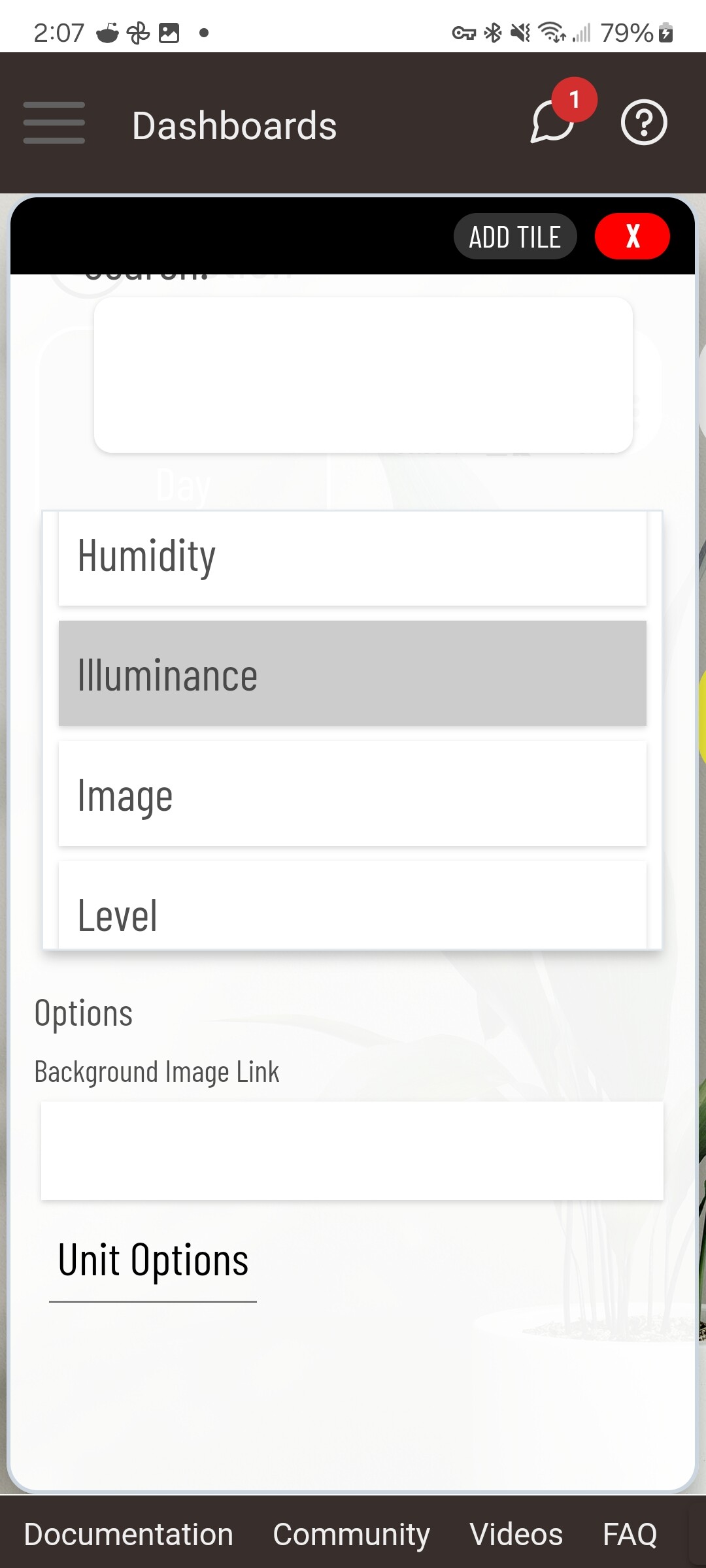
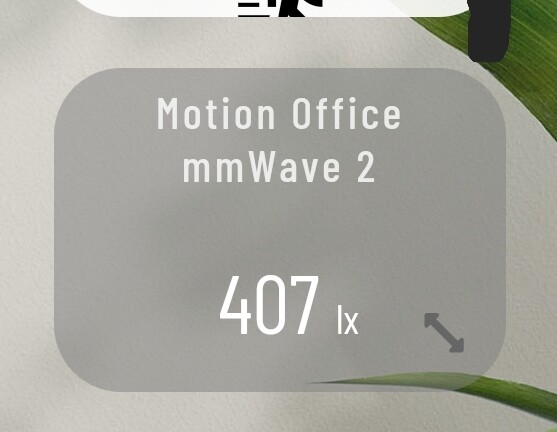
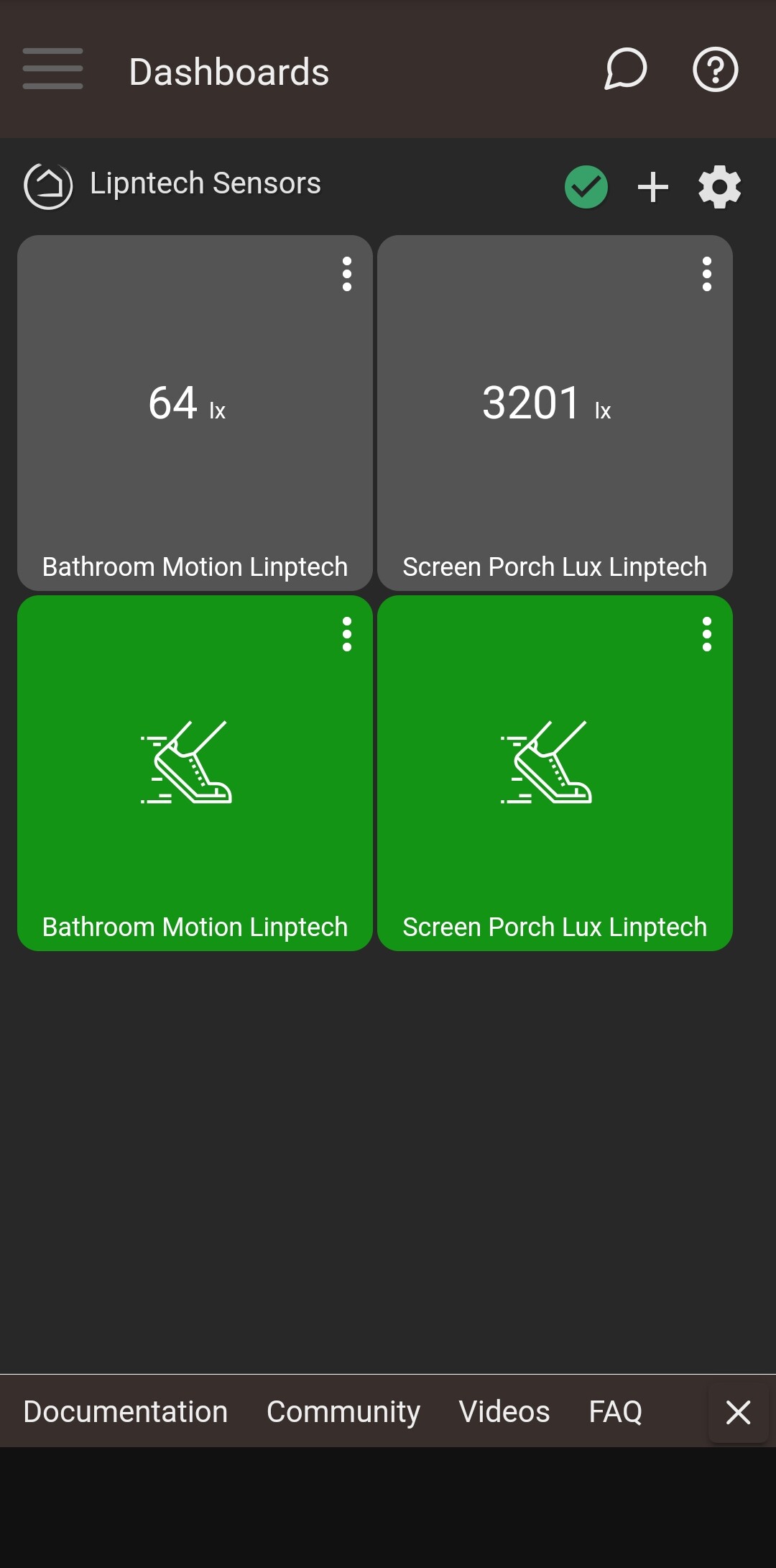
Anyone know how to get Lux to show up on a dashboard. I am using the Tuya 4-in-1 driver but open to change.
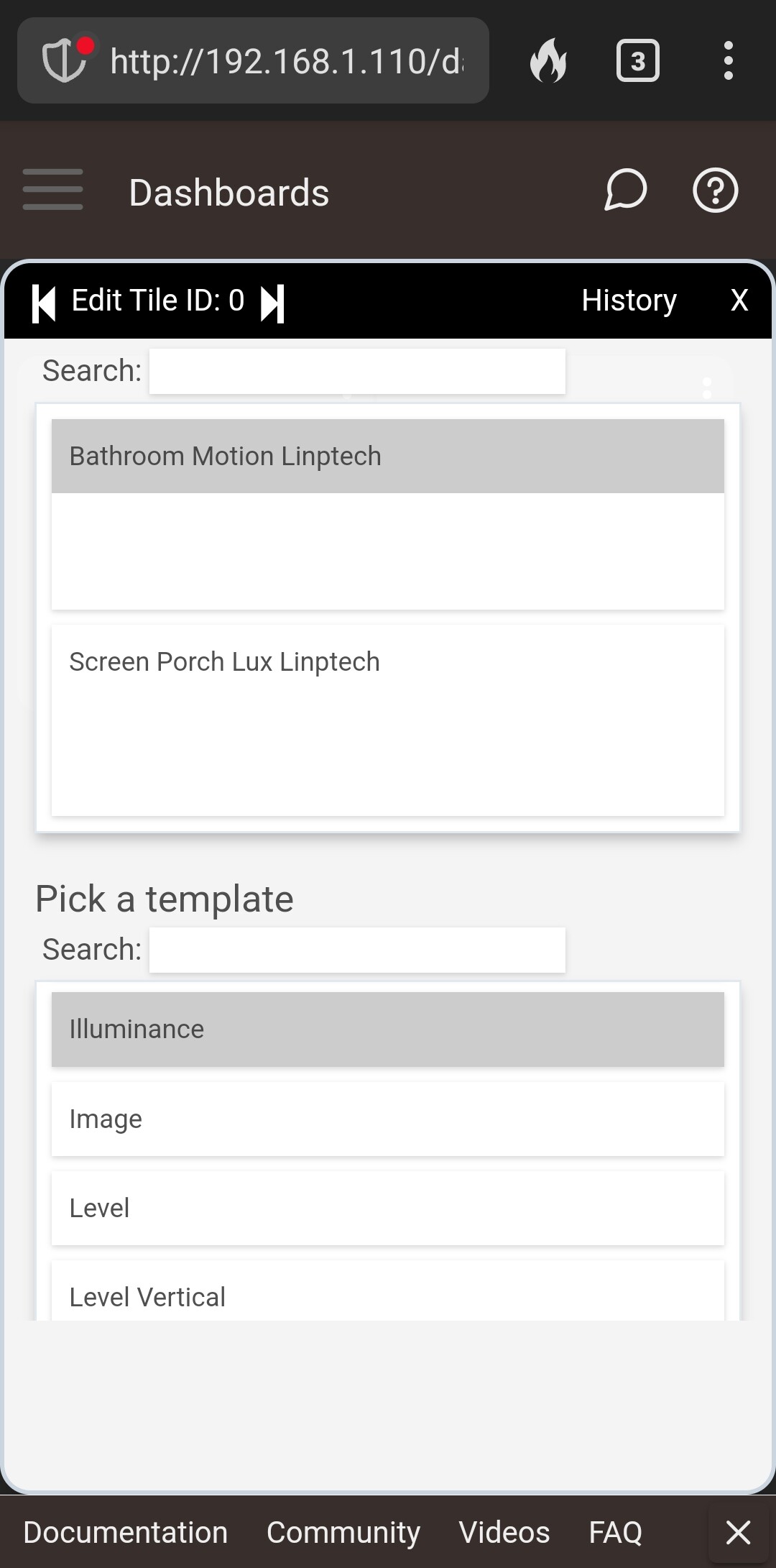
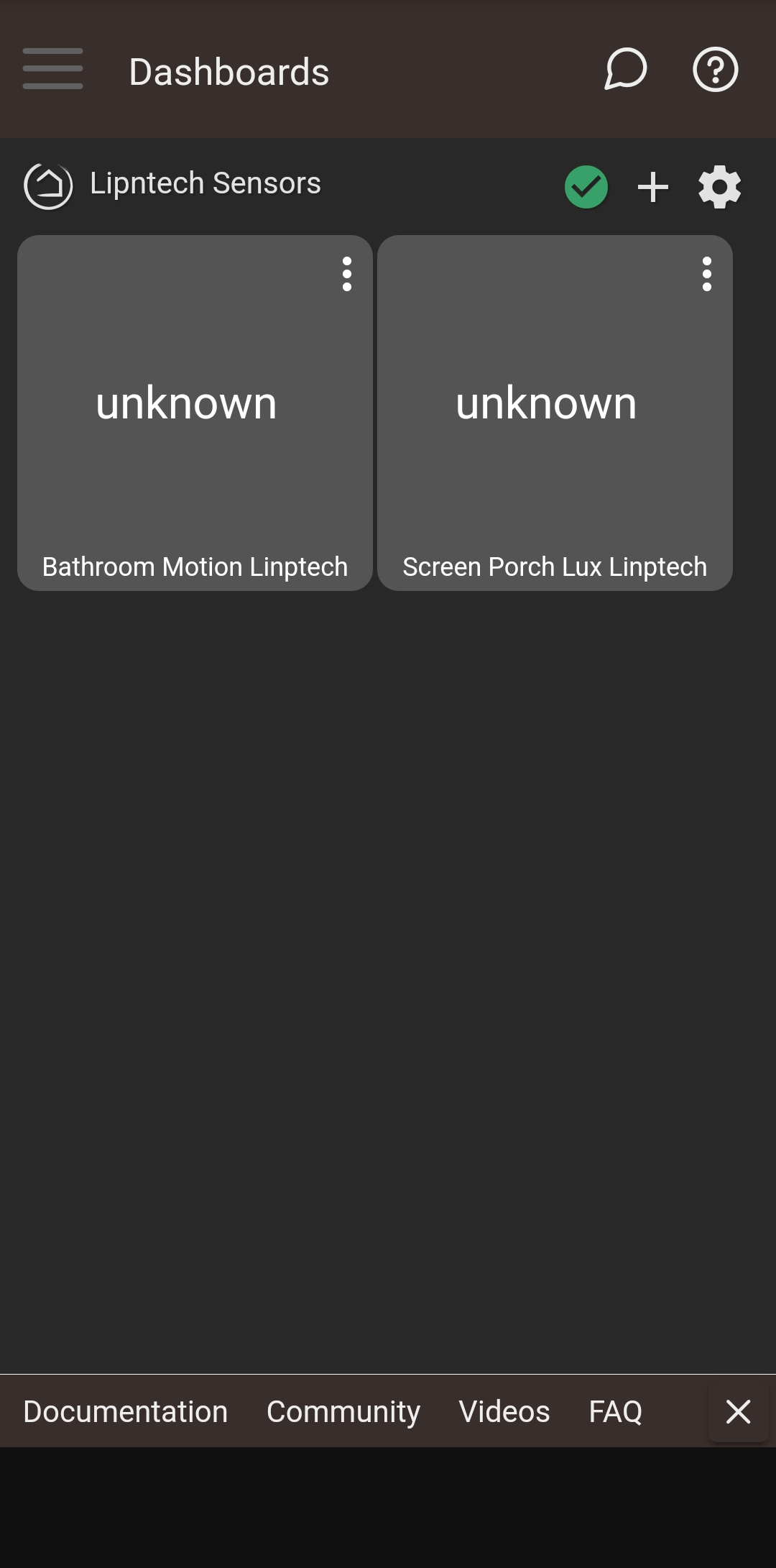
Select the device, and then select illuminance as the attribute.
I'm using gassgs' driver, but that shouldn't matter as I believe the other driver supports lux.
1 Like
ONLY 8 million ?!?!?! 
1 Like
A week ago all my sensors threw an exception (see below) and they keep throwing them intermittently. Anyone has any ideas?
org.codehaus.groovy.runtime.metaclass.missingmethodexceptionnostack: no signature of method: user_driver_gassgs_linptech_24ghz_presence_sensor_es1_852.devicehealthcheck() is applicable for argument types: () values: [] (method devicehealthcheck)
It means "deviceHealthCheck" is missing from the driver. You probably used the 4:1 driver then switched. That left a delayed run of deviceHealthCheck and it's no longer there to run.
Change to the Device driver and click the Delete All Scheduled Jobs. You may as well click the other Delete All... buttons. Then switch back to your intended driver.
4 Likes
Had an interesting issue w/one of my sensors recently.
I had put a sensor in my family room monitoring presence on a couch across from the TV. The best place to put the sensor aesthetically and sensor-wise was right under the TV screen pointed at the couch.
However, I discovered that the sensor started reporting motion starting/stopping constantly, even when no one/no pet was in the room (e.g., when we were out of town and dogs were at dog sitter). I changed sensitivity, power cycled it, removed/reset & re-joined it, unplugged it for a while and plugged back in, tried another power supply, and it kept doing it. Decided it must be failing and ordered a replacement. Then I started to wonder if the problem had something to do w/the giant TV sitting directly above it.
Without unplugging the sensor I moved it to a bookcase right next to the TV (about a foot higher and 3'-4' to the left of the sensor's former position), and let it sit for a day in that new location. I re-checked activity and things were back to normal. Two days later it's still behaving normally, not getting constant active/inactive events.
Aside from the TV electronics somehow setting off the sensor, I'm thinking my Harmony Hub might be the cause, if it is pinging the TV even when I'm not using it and the IR beam is confusing the sensor. I may test by putting the Linptech back in it's old place and unplugging my Harmony hub to see if things change, but since I need the hub removing it really isn't an option. Anyone run into anything like this w/their sensors?
This reminds me of my issues with a Sonos speaker causing the same behavior. Ultimately, I did not have flexibility with the speaker or sensor location, so I found a different occupancy sensor. Hopefully, you have better luck.
1 Like
Yup - does sound similar. The new location I have it in will work fine, just slightly less pleasing for WAF, but she has deemed it acceptable. 
1 Like
Fortunately my viewing couch/recliners are backed by a wall and it’s a perfect place to stick the radar to see us sitting.
1 Like
Oh man, I am still a prisoner of PIR-thinking. DOH - put the sensor behind the couch! The couch is against a wall (the one that we sit on in the family room 90% of the time, anyway) and I can mount the sensor on the wall just below the back of the couch.
Thanks for tapping me on the head lightly...
2 Likes
I purchased the sensor some time ago, but it has never functioned consistently for me. The main issue is that it behaves more like a motion sensor than a presence sensor. I updated to the latest official driver from Hubitat, but the problem persists. I am sitting 4-5 feet away from the sensor, but if I stop moving, such as when I'm working on my computer, it switches to an inactive state. What am I doing incorrectly?
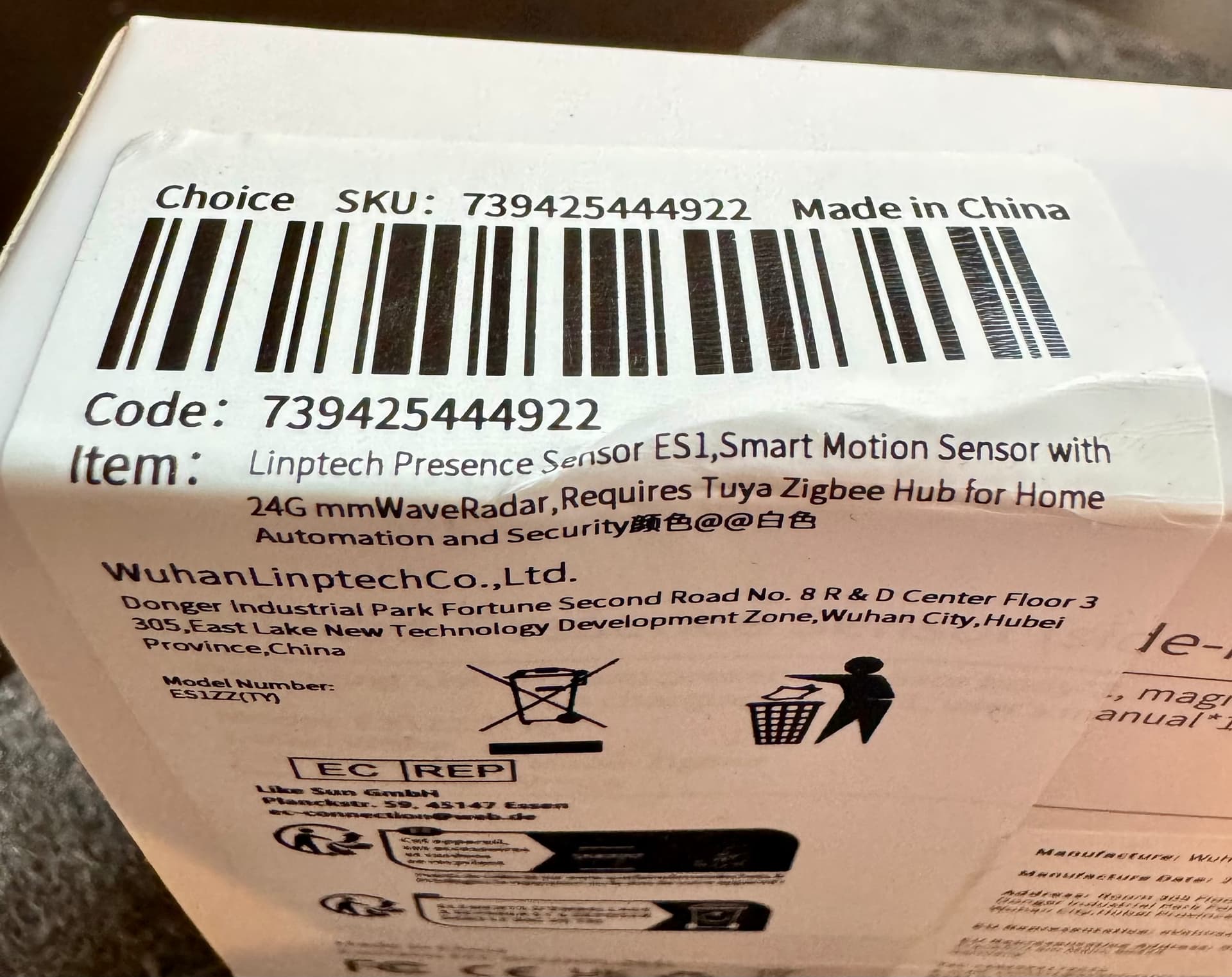
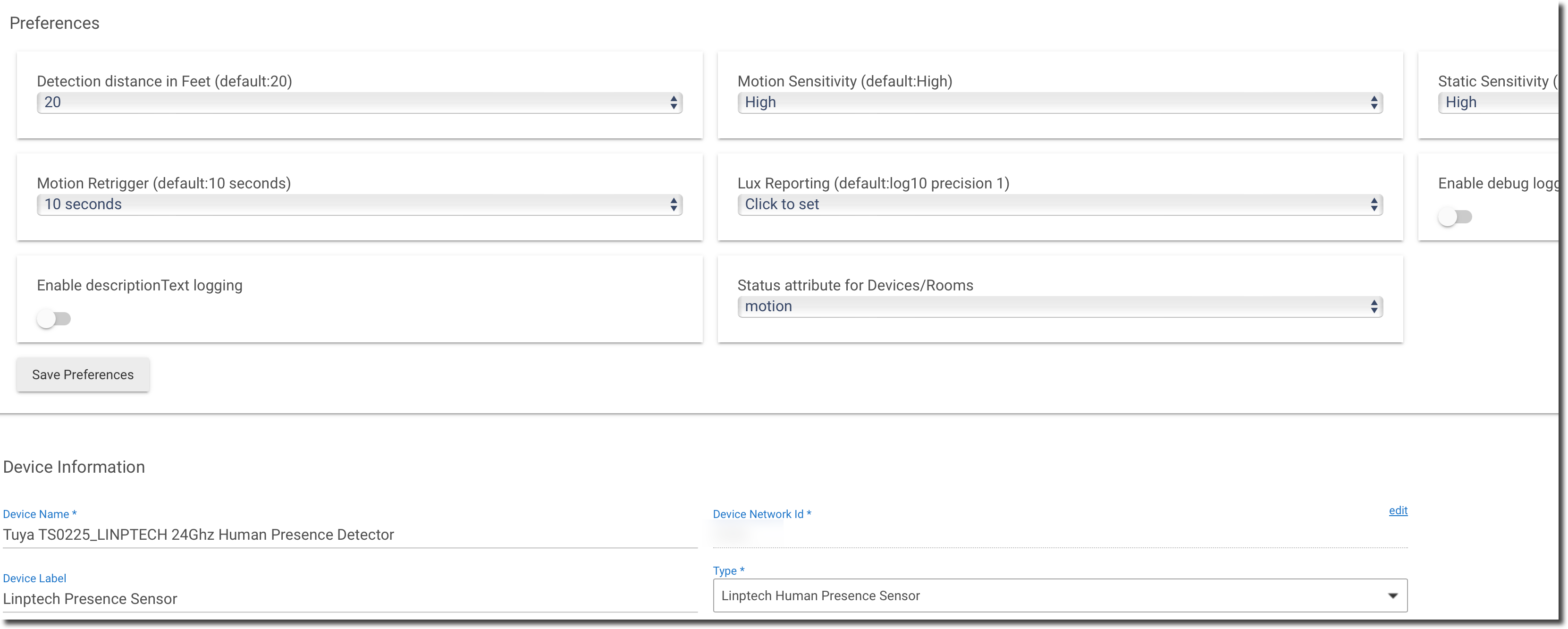
This thread is for the community driver, not the (recently released) native driver.
But if you want to continue using the native driver instead, then I suggest you increase the motion retrigger setting to something greater than 10 seconds.
What @hydro311 said...
Sorry, I overlooked that nuance, and I also neglected to mention that I encountered the same issue with the community driver. I wouldn't mind reverting to the community driver if I knew precisely which option to use for this specific model. Perhaps I was selecting an incorrect device type from the community driver as well.
Any recommendation on what to use for new greater value, or it's trial & error to find the optimal value?
I'd suggest you use Gassgs' driver.
Yes, exactly. Each environment is different so you'll need to adjust the sensor settings to work in the environment. Likely primarily the timeout setting in your case.
1 Like