This seems interesting, as from discussions here about how the sensor is mounted/works the sensor can't ID/filter frontside/backside triggers and only report motion from frontside triggers.
I should have time later today to play around w/my sensor in this configuration.
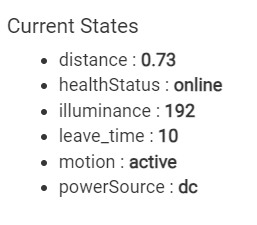
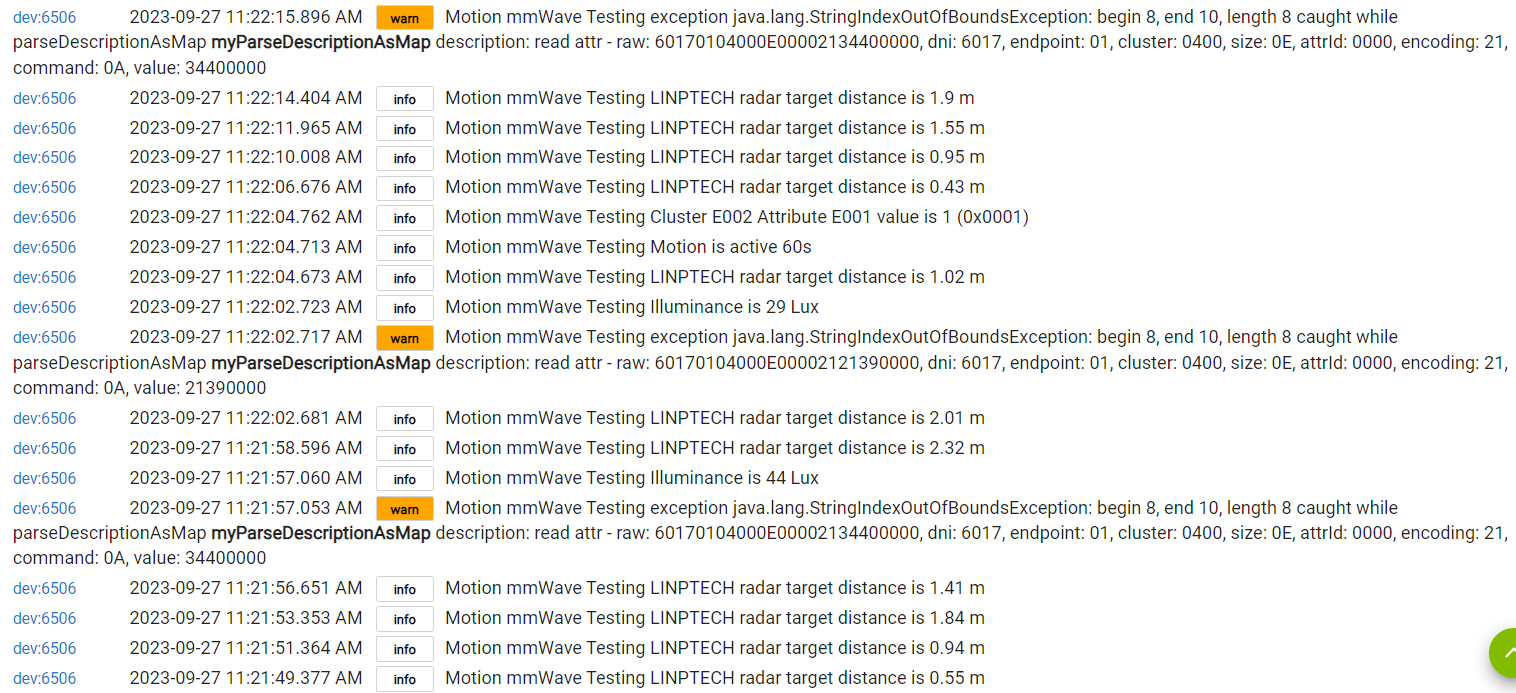
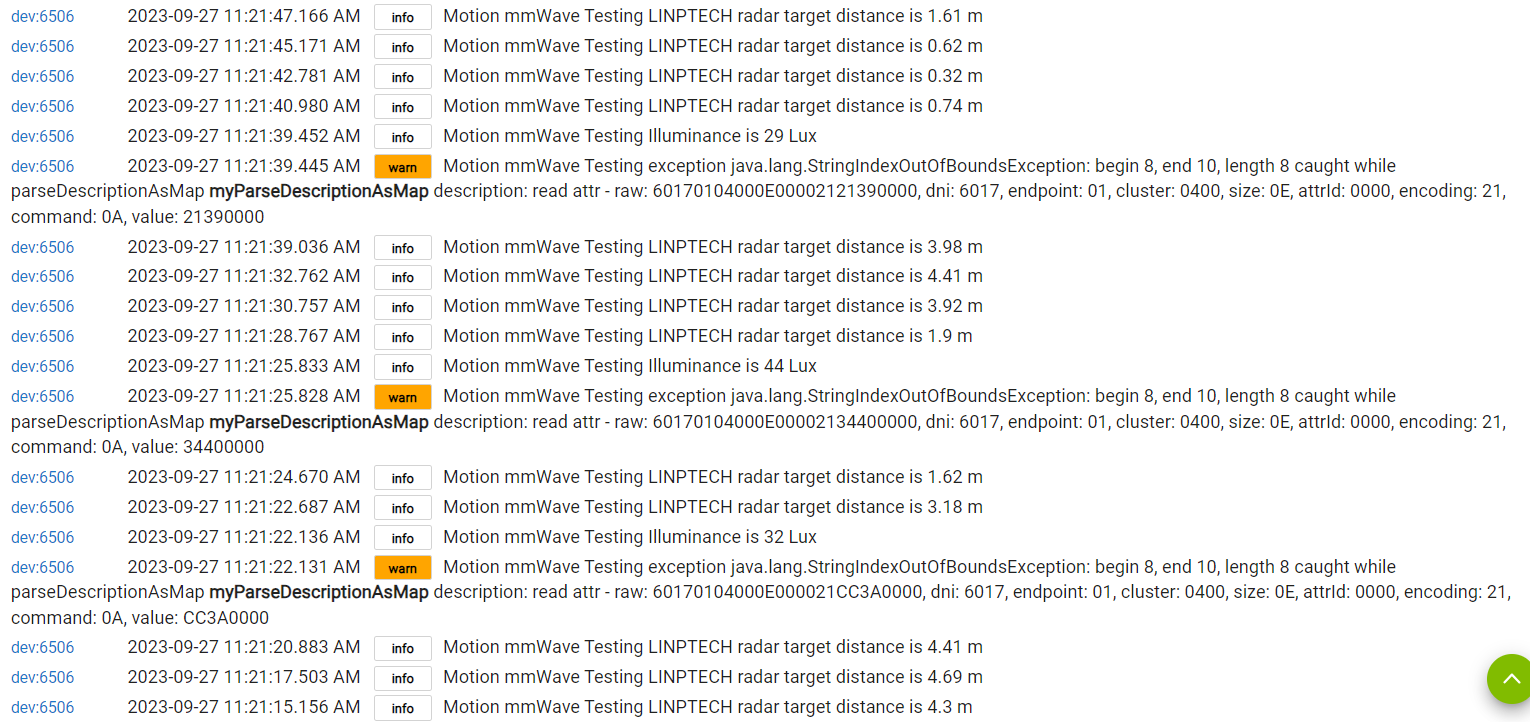
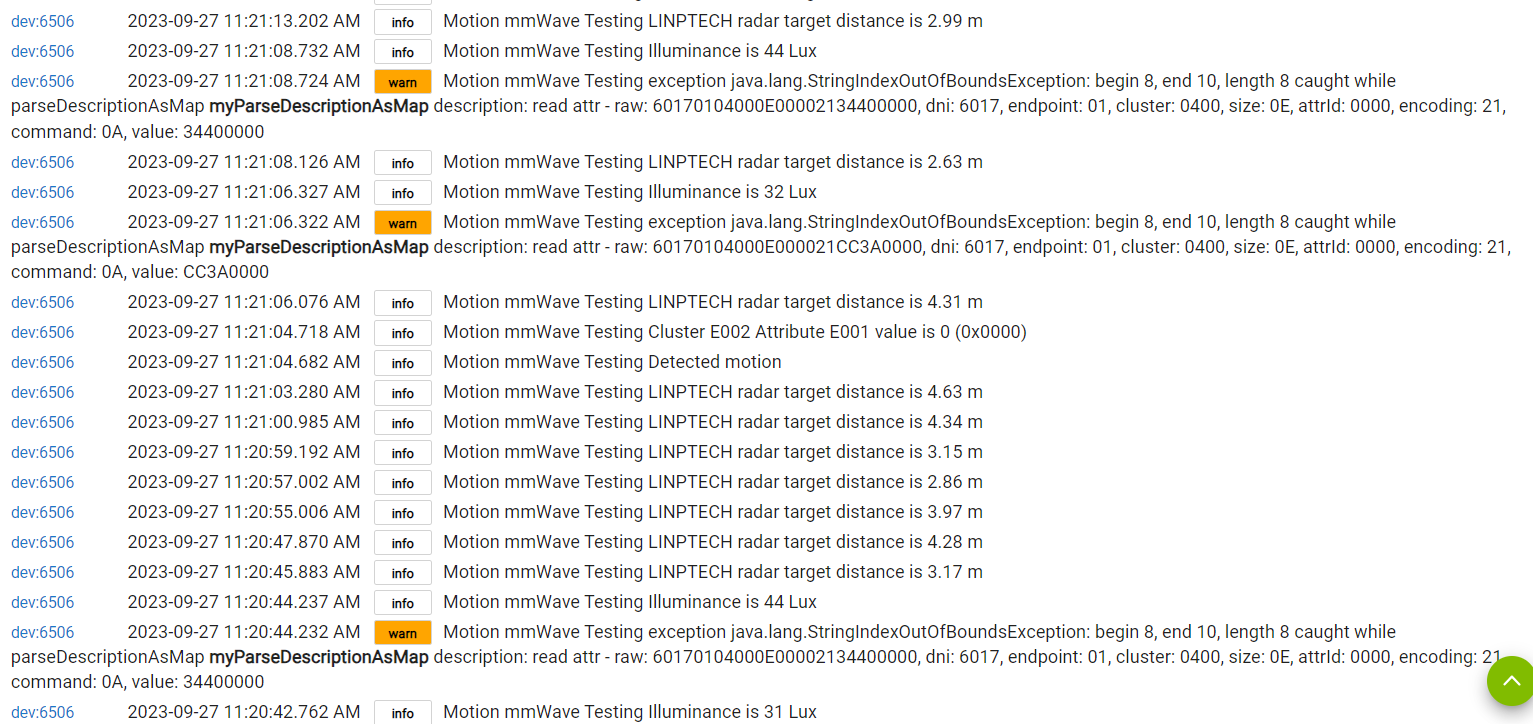
If I stand still against screen (behind MOES), distance quits changing at 2.66 and Motion goes inactive. Let’s call this the initial state.
I can walk around behind and get distance readings, but as long as stay in the ~95° to ~265° area Motion does not trip!
As I walk around the side (either) Motion goes active at about 95° or 265° and appeared to remain so as I walked around the table until
I stood very quietly in the no-trip area behind it
I walked out of range in any direction
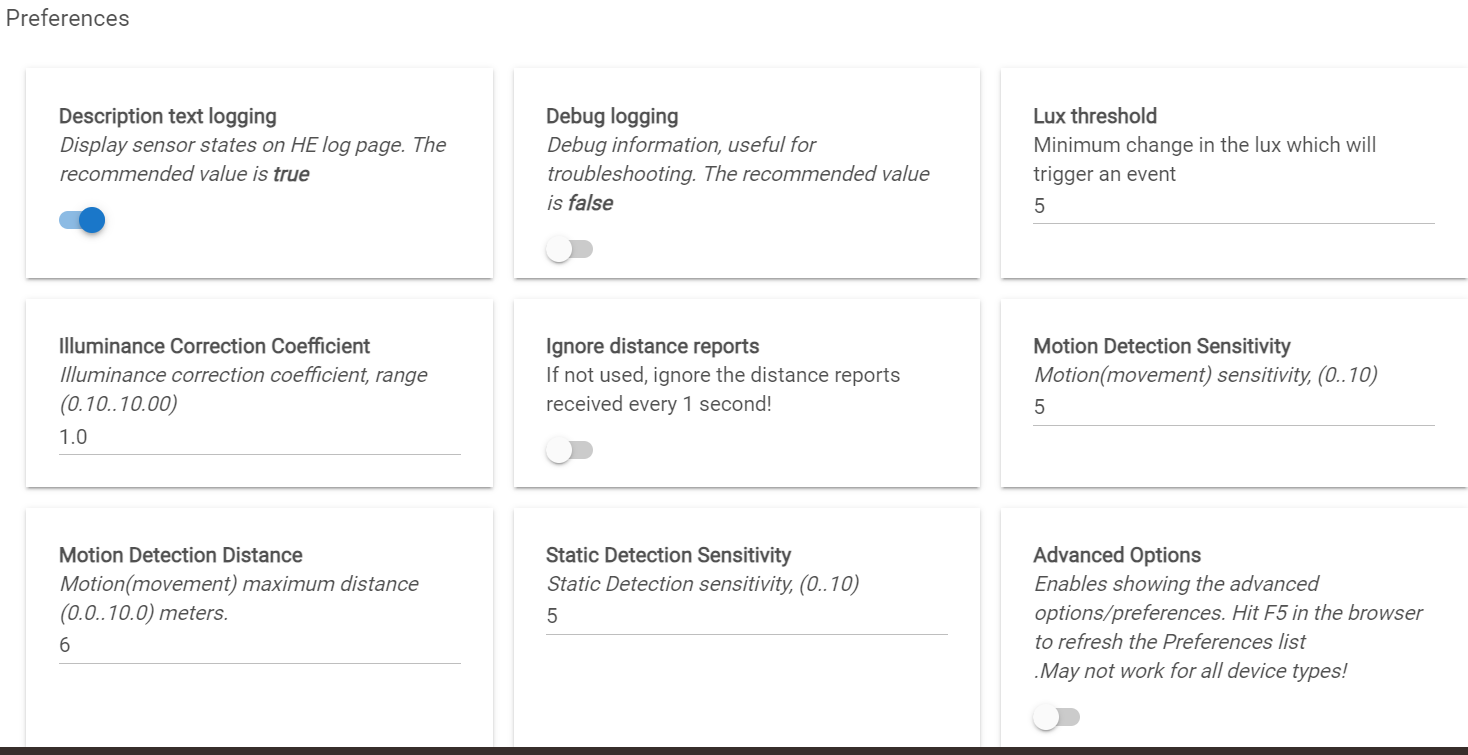
Trip range when approaching it head-on (settings of 6 meters and 5 and 5) was about 25 feet, a bit more than 6 meters.
Backside sensing testing open air:
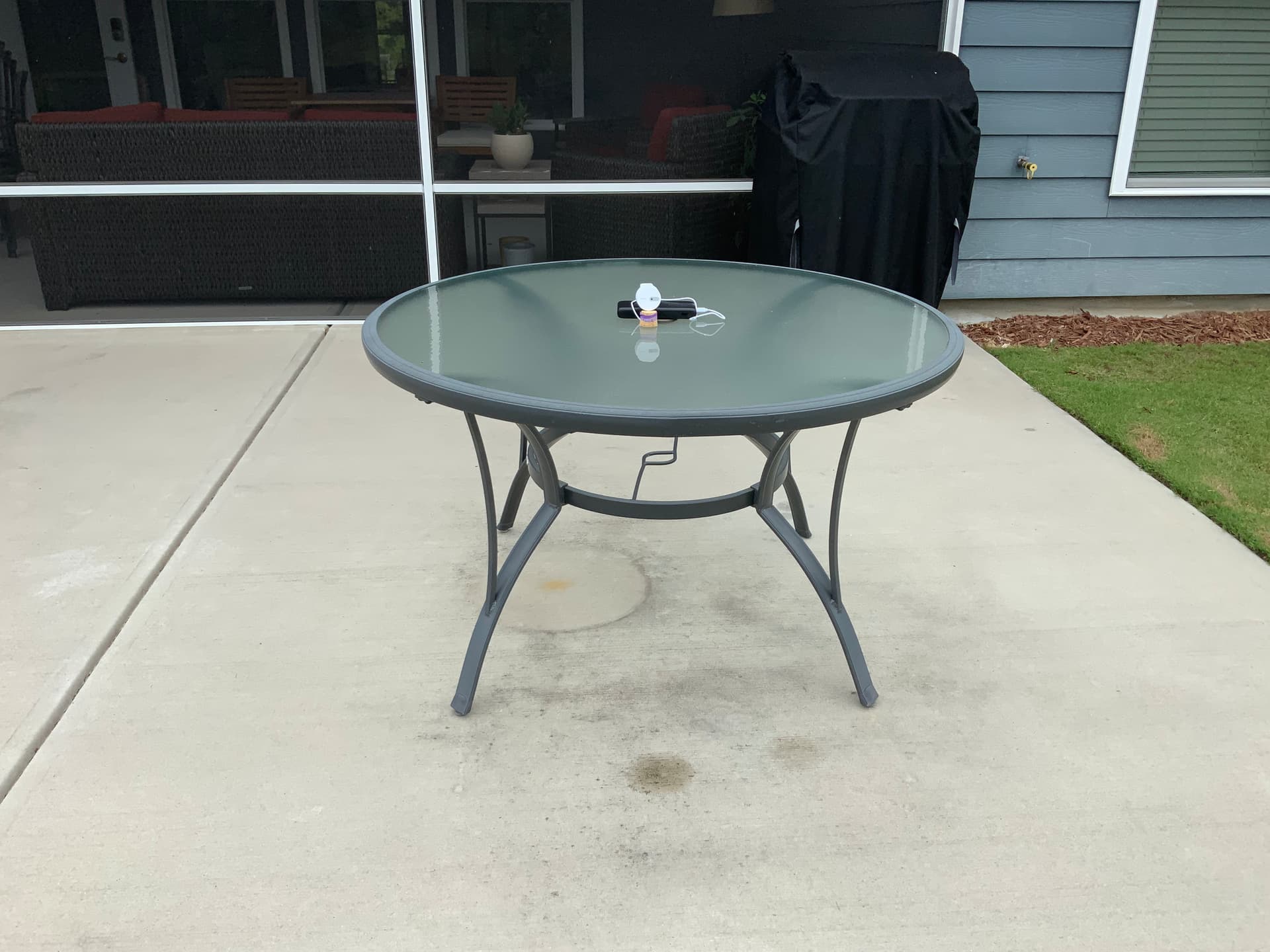
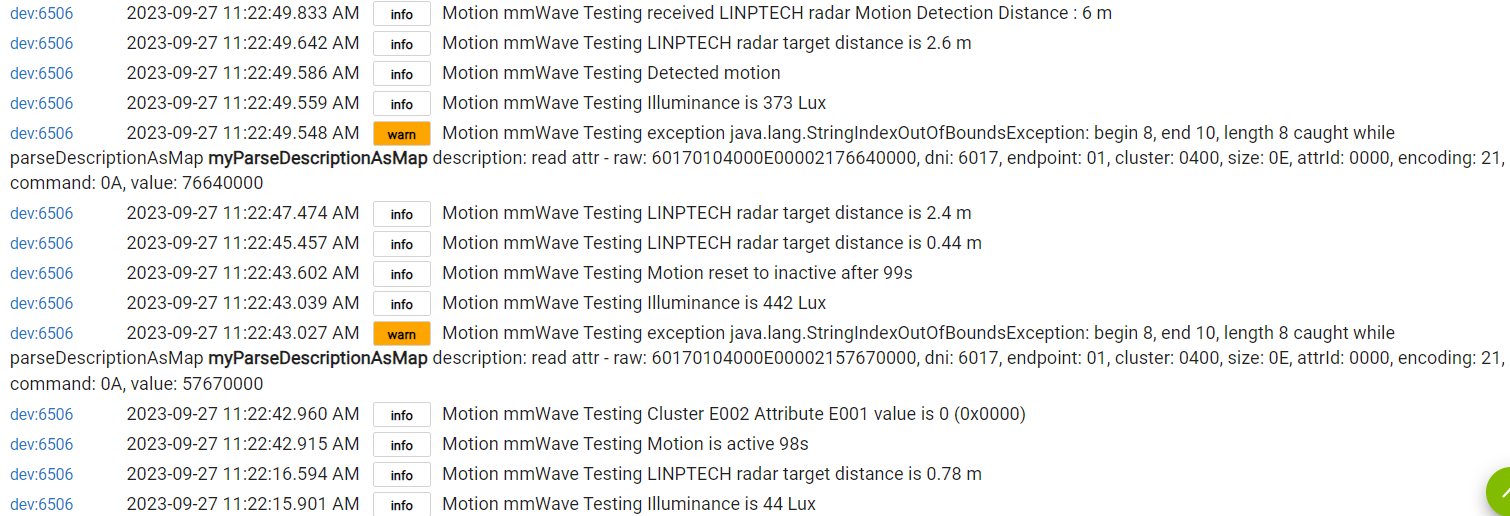
I set my Linptech on a table in my family room facing away from me. From the backside I'm getting both distance and motion triggering, but only getting motion triggered when the distance is <1m:
Second test going backside through a wall:
Set my Linptech backside against two interior walls - simple drywall/wood framing, no insulation.
I had no distance or motion sensing backside through the wall in either location, even touching the wall I did not get any distance/motion events. So at least in my home/my construction w/the Linptech I'm not getting any through-wall detection from the backside.
What is your sensitivity settings for the sensor?
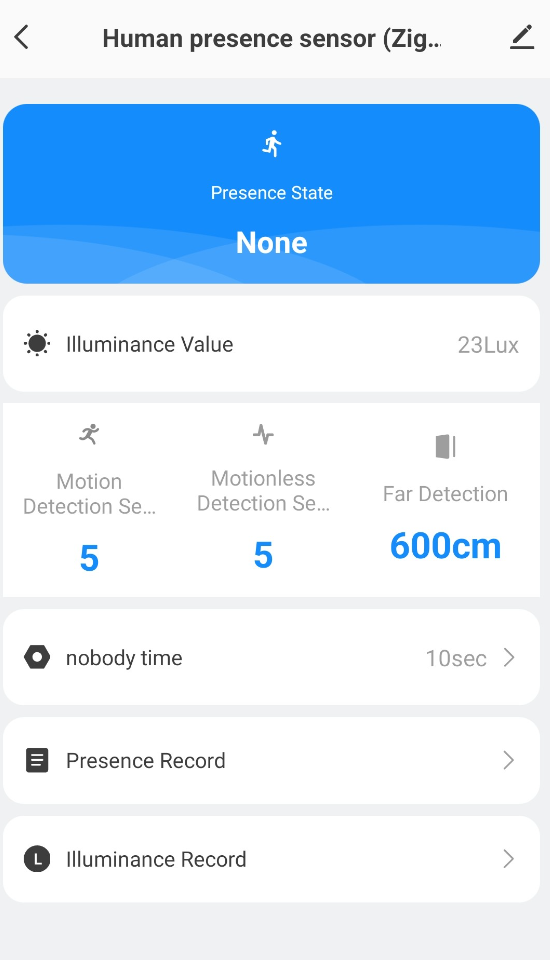
Are they default 5 for motion and 5 for steady?
The sensor behavior is very sensitive not just to one setting but the combination of all settings.
In my testing the results were not directly correspondent to the expectations.
Another words, changing just one single parameter may create very unexpected (and not logical)
results.
Thanks for that - I'll give it another shot ensuring it goes inactive.
Somewhat similar results w/Backside testing after letting the device go inactive. Main change is the frequency of motion activation was reduced, distance triggering was similar.
This is one of the rare cases when sniffing of the Zigbee communication between the device and the Zigbee coordinator (the Tuya gateway) will be needed.
In the Tuya Smart Life app this parameter is called ‘nobody time’ (uhhh..) and accepts values from 10 seconds to 10000 seconds.
I have the hardware to do that, but it's been sitting on the bench about a year. Not sure I can get to it.
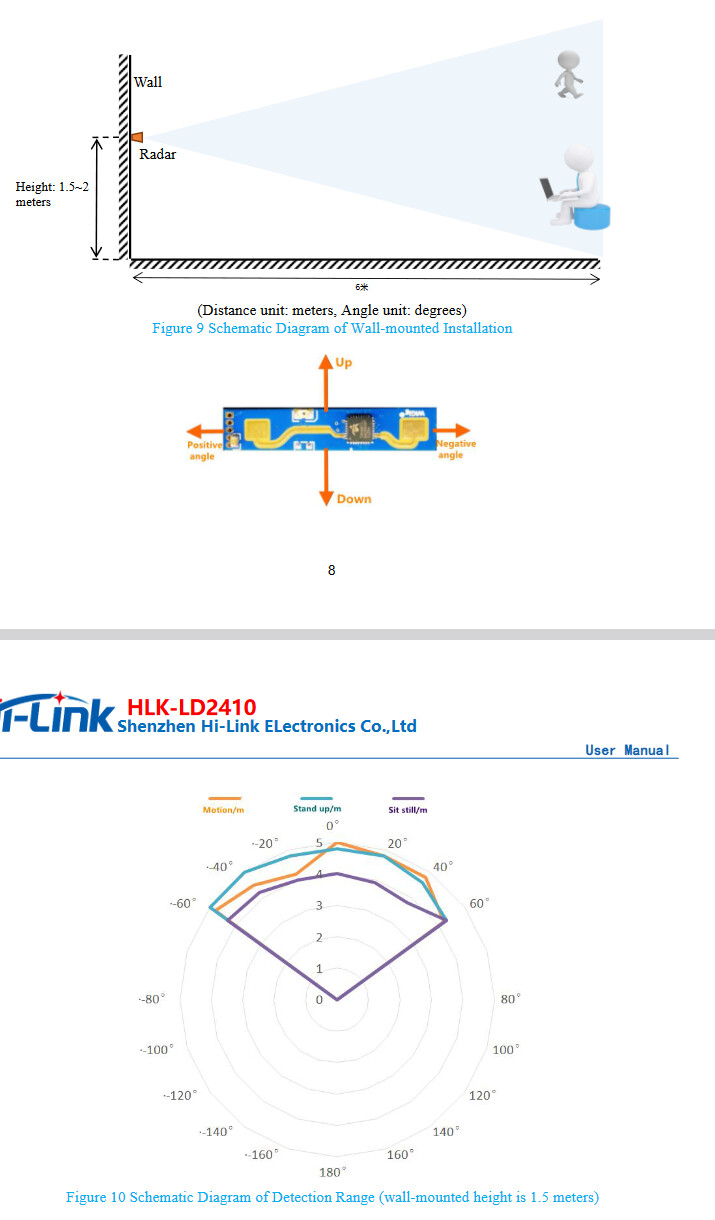
I did pull the datasheet for what I believe is the radar board on this device. The LD2410. There was a lot of conjecture above about how this sensor works. It's not the best datasheet in the world, but it does clear up some of what's been tossed around. Comments about the rear lobe of the antenna etc.
It allowed settings for ‘nobody time’ (10-10000) and LED off I thought. I could be wrong about the LED since it was a while ago that I used the app. I'm going to pair up with the Tuya hub to double-check my memory.
What is good at the moment for those with a tuya hub is that you can set the nobody time when the device is attached to the Tuya hub, remove the device from tuya and pair it with HE and the nobody time you set persists. I set mine to 30 and it's timing out over 30 seconds on Hubitat where it was timing out at 10 seconds prior.
But for those who does not have a Tuya Hub "nobody time" could be increased (cannot be decreased) to whatever desirable timeout by introducing a Virtual MS and very simple RM rule.
You are 100% correct I am coming down with old-timer's syndrome it would seem.
Even with mine set to 10 sec I haven't had it incorrectly turn the lights off on me yet. Much more accurate than my FP1, and in some ways even my FP2. The FP2 has a habit of ghosting which then causes it to never turn the lights off... since the last firmware update. I've had the FP1 turn out the lights while I was in the room. It also gets stuck randomly on then never turns the lights off. I really like this ES1 presence sensor. Cheap and accurate!
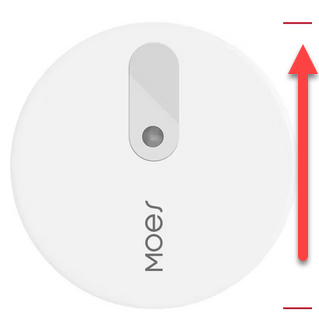
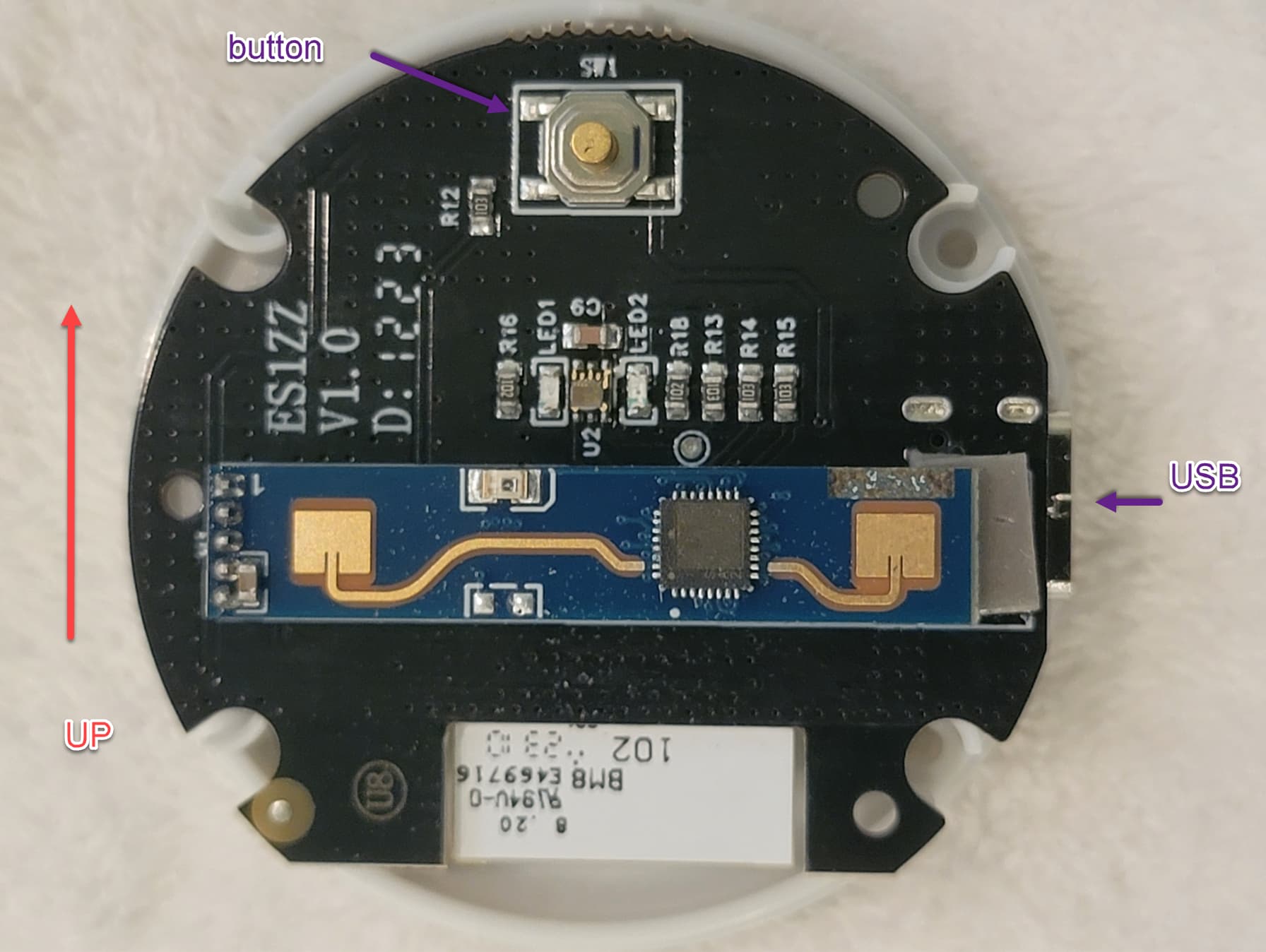
Ok, so to be totally pedantic about following the datasheet these devices need to point the button up to orient the radar module to the specification. In the real world its going to be hard to tell how much difference this makes. Like if you put one of these in the kitchen where the face of the fridge or other surface might bounce mmwave all over the place you are probably not going to notice if you aren't picking up "motion" to the left at the far range of the device.
FWIW, just wanted to note that I also had an odd event w/five Aqara devices today. Maybe similar to the problems you w/Aqara devices you experienced. Too soon to know if it was a one-time event,or will repeat, resolve, etc.
I noticed that the two Linptech sensors had started to repeat for a couple devices, but not any Aqara devices, however. This afternoon I discovered that five of my Aqara contact sensors had gone offline. I've had Zigbee issues w/my devices on the C8, but never anything so targeted like this, and my Aqara have been the most reliable of my Zigbee devices. The offline sensors were spread across the house (two at one end, three at the other). All re-joined via quick press on the pairing/reset button, no need to reset/re-join.
Not enough data to tie this directly to the Linptech of course, but given your experience w/Aqara devices it is interesting. Do we have any other Aqara users here?
So, when this happened to me, I also could push the button and they'd instantly reconnect, but they'd quickly fall off again. In my case, I had to re-pair them all. And for whatever reason, one of my leak detectors took like 10 attempts at re-pairing before it stuck...
BUT, since then, I've had no issues. I tried re-pairing my Aqara devices close to the desired repeater as @kkossev had suggested (in my case, some IKEA Tradfri Control Outlets that have been the ZigBee mesh magic glue for 2 years now) but that doesnt seem to matter for some reason on my setup. The Aqara devices are constantly hopping from one repeater to the next. They will happily use the IKEA Control Outlets I have, an IKEA Tradfri smart bulb I have, or the two Linptech radars. Every time I look at my graph now, everything has changed to a new repeater since the last day, or is connected directly to Hubitat. But it's been over a week now without any device dropping off.
It should be noted that I didn't have problems with only Aqara devices. I have 3 SmartThings Arrival Sensors which also fell off and had to be re-paired before they connected and stayed stable. But as I've said already, zero problems since re-pairing everything.
It is really strange that my experience is just the opposite - my Aqara old generation motion sensors and contacts sensors and buttons and illumination sensors literally stick to the Zigbee repeater that was used during the last pairing to the C-8 hub and never hop to another.
The new generation of Aqara 3.0 devices (motion sensors P1, the ‘high precision’ one, the FP1 radar) are not sticky, but they successfully reconnect to another repeater as all other Zigbee devices do.