[RELEASE] Inovelli White Series VTM31-SN Matter Community Driver

I’m pleased to announce the initial public release of my community driver package for the Inovelli White Series VTM31-SN Matter dimmer.

Supported device

  • Inovelli White Series Dimmer, model VTM31-SN

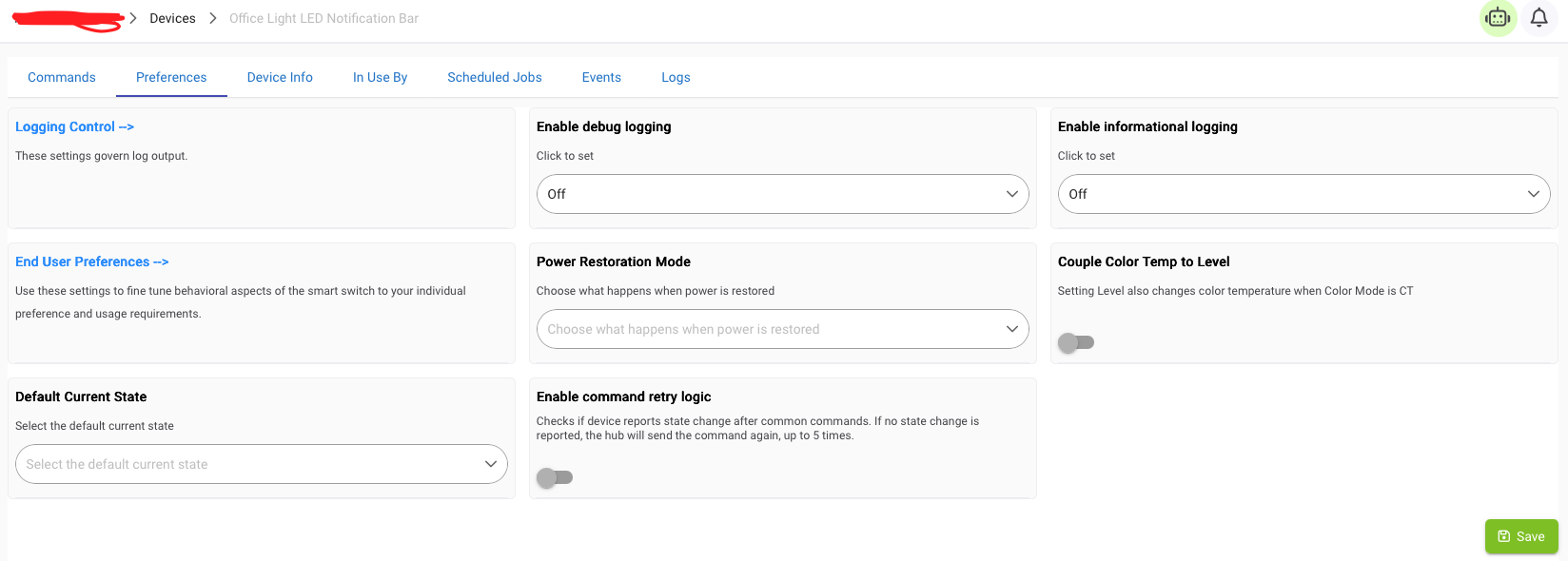
  • The dimmer’s built-in RGB notification bar, represented automatically as a separate Hubitat child device

Why I built this

I built this driver with two major goals in mind: to provide comprehensive and natural access to the VTM31-SN’s Matter functionality from Hubitat, and to make that experience feel polished, dependable, and ready for everyday use.

Natural, comprehensive control. The package was designed from the outset around two coordinated devices:

  1. The primary dimmer and load

  2. The built-in RGB notification bar

The primary driver keeps the on/off and dimmer controls uncluttered while automatically exposing the LED bar as a useful automation device in its own right.

Quiet reliability. The driver is designed to stay out of the user’s way: to install cleanly, maintain an accurate understanding of the device’s state, recover gracefully when necessary, and otherwise leave the user free to focus on building automations.

The result is intended as a full-featured, production-quality driver package rather than something experimental. When installed or reconnected, it performs a deterministic synchronization so that its displayed state and preferences accurately reflect the device’s existing configuration without repeated refreshes or manual intervention. It also automatically narrows its Matter subscriptions to only the data it needs, helping it initialize and recover quickly while minimizing unnecessary network traffic during normal operation.

Highlights

The initial v1.0.0 release includes:

  • Full switch and dimmer control for the primary load

  • Independent control of the built-in RGB notification bar through an automatically managed child device

  • On/off, level, color, and color-temperature control for the notification bar

  • Access to the device’s built-in notification and LED effects

  • Button and multi-tap event support

  • Power and energy monitoring

  • Comprehensive access to the VTM31-SN’s Matter configuration settings

  • Device preferences organized into functional groups so related settings are easy to find and configure together

  • Automatic synchronization with the device’s existing settings and current state

  • Fast, efficient initialization and recovery with automatically optimized Matter subscriptions

  • Automatic driver selection and setup when commissioning a supported device to Hubitat

  • Easy installation and updates through Hubitat Package Manager

The driver is built specifically around the Matter implementation of the White Series VTM31-SN rather than being adapted from an existing Z-Wave or Zigbee driver.

Known Matter platform limitation: button-event latency

The driver supports the VTM31-SN’s button and multi-tap events, but Hubitat currently does not provide a way for a Matter driver to request urgent delivery of those events.

As a result, button events—including double-tap and multi-tap events—may sometimes be delayed before reaching the driver. This is a limitation of Hubitat’s current Matter driver API, not of the switch or this driver.

A feature request and technical discussion are available here:

https://community.hubitat.com/t/matter-event-subscriptions-expose-eventpathib-isurgent-for-low-latency-generic-switch-button-events/164389

Normal load control, notification-bar control, configuration, and attribute reporting are unaffected.

Installation

The recommended installation method is Hubitat Package Manager.

Search HPM for:

Inovelli Dimmer White Series VTM31-SN by Kevin Kahl

The package can also be found under the Matter, Lights & Switches, and Energy Monitoring tags.

Manual installation is available through the production bundle attached to the latest GitHub release:

https://github.com/kahlkevin/hubitat-casarita-inovelli_vtm31sn/releases/latest

The complete source repository, documentation, build system, and issue tracker are available here:

https://github.com/kahlkevin/hubitat-casarita-inovelli_vtm31sn

Testing and contributing

For users interested in testing or contributing, the project also provides production, prerelease, and development build flavors. Downloadable installation bundles for each flavor are available through the project’s GitHub releases.

What’s next

One area I’m exploring for future development is a more powerful notification model: user-created child devices that each represent a complete notification, including its color, effect, priority, and on/off state.

The primary driver could then arbitrate among active notifications, display the highest-priority one, and automatically restore the next applicable notification when the current one finishes or is cleared.

The design is still evolving, so ideas and real-world use cases are welcome.

Community driver and support

This is an independent, community-developed driver. It is not an official Inovelli or Hubitat product, and neither company is responsible for supporting it.

Questions, bug reports, test results, and feature suggestions are welcome in this thread. Confirmed software issues may also be submitted through the GitHub issue tracker.

This is the first public release, so feedback from installations beyond my own environment will be particularly valuable.

Enjoy!

[Edit: Update link URL for the EventPathIB.IsUrgent post]
I’m happy to give this a spin and see how it works. One feature to consider in the future is to make the subscription to EP 7 (Power Monitoring) as optional in the preferences. I only use mine in Smart Bulb Mode and do not care about energy tracking at all.

As for your idea for what’s next, that might be better as a companion app rather than built into the driver. If you take your idea to its logical conclusion, what is the difference between the LED bar and just a RGB Light? I think there is some interesting ideas around an app that selects a light, user inputted sensors, light colors, and priority for notifications. I’m not sure if make the driver “more” would be helpful.

I’m really liking this driver as it is very well done! Another feature suggestion is related to unchanged logging. Because this switch constants renews its subscriptions, it generates a ton of logging. You might want filter out unchanged values at initialization so that they do not log. This helps keep the descriptive logging clean to only value/event changes.

Everything else seems to be working: button taps (pushed; double tapped), load control, RGB color changes, and Mode Select modifications. One thing to note is that the switch is technically capable of up to 5 taps per button like their Zigbee and Zwave versions. To get it working, the switch will send the number of counts and this number needs to be mapped onto a virtual button. With their Zigbee switch, they setup a five button scheme for Up and Down. Up (EP 3) button numbers get mapped to buttons 1-5 as pushed. Down (EP 4) button numbers get mapped as buttons 1-5 held. The config (EP 5) are buttons 8-12 based on push.

I’ve also seen a number scheme where odd button numbers are UP (EP 3) and even numbers are Down (EP 4). Config (EP 5) then takes 11-15 and everything is based on push.

Hello, might be a novice misunderstanding, but hoping you can help!

I got a Hubitat hub so I can have easier access to the switch’s button configuration table, as I am planning to install about 40 of these in my whole house, nothing fancy in terms of automations planned yet. Can you help me understand how to use this driver to be able to change these core switch parameters via Hubitat instead of having to do them manually at each switch.

  • Enable Instant On (Button Delay Disabled)
  • Disable Audible Relay Click
  • Minimum Dim Level
  • Maximum Dim Level
  • LED Indicator Color (When Off)
  • LED Indicator Color (When On)
  • LED Indicator Intensity (When On)
  • LED Indicator Intensity (When Off)

Yes. Following the normal installation and commissioning process should associate each device with the driver automatically:

  1. Install the driver package on your Hubitat through HPM.

  2. Put the VTM31-SN into Matter commissioning mode using a controller or fabric it is already joined to. For example, if the device is paired with Apple Home, open its Accessory Settings, select Turn On Pairing Mode, and leave that page open while completing the next step.

  3. In Hubitat, go to Devices → Add Device → Matter and enter the supplied commissioning code. Once commissioning is complete, Hubitat will prompt you to name the device.

Hubitat should automatically associate the newly commissioned device with this driver, so there should be no need to select or change the driver manually.

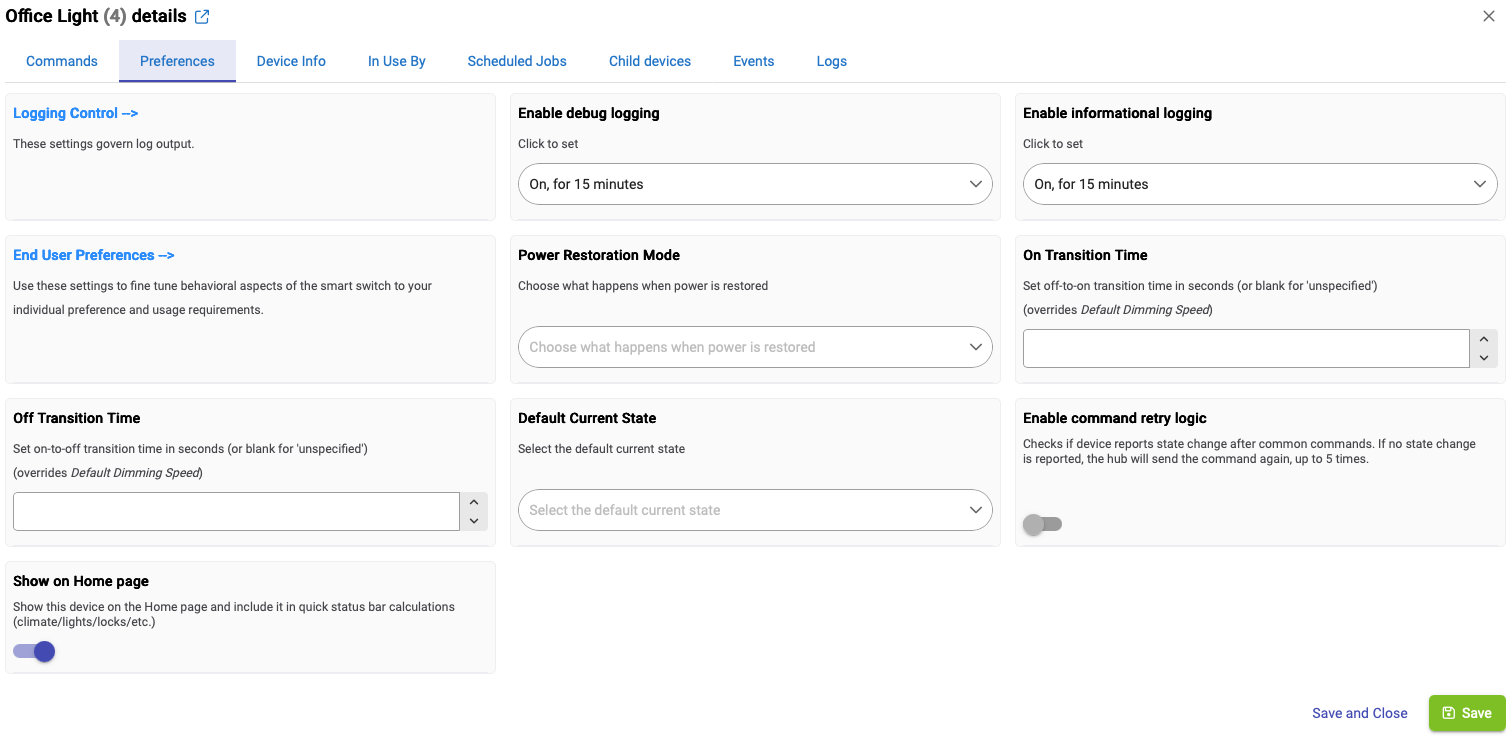
After naming the device, open its Preferences page. The driver provides direct controls for most—though not every—VTM31-SN configuration setting. Change the desired values and press Save Preferences; the new settings will be sent to the device immediately.

Repeat the commissioning and configuration process for each of your Inovelli switches.

As of device firmware v1.1.5, there isn’t a provision for configuring minimum and maximum dimmer-level limits over the Matter link. The other settings you mentioned are directly supported by the driver, though!

Please let me know how the driver works out for you once you’ve had a chance to configure the switches.

Thanks very much for putting the driver through its paces and for reporting back in such detail. That kind of early real-world testing is extremely helpful, especially the confirmation that load control, the LED bar, Mode Select settings, and button events are all behaving properly in another environment.

Your earlier power-monitoring suggestion and this observation about unchanged-value logging both directly helped shape the new v1.1.0 release. Power and energy reporting can now be disabled entirely when they aren’t useful, or throttled to reduce the volume of reports while still keeping reasonably current values available. I’ve also refined the message-dispatch behavior so reports for attributes whose values haven’t changed will no longer appear in descriptive logging.

One additional observation: frequent subscription renewal is not what I normally see from these devices. In my environment, subscriptions are generally long-lived and may continue for hours or even days before renewing. The logging change in v1.1.0 prevents unchanged reports from creating noise regardless, but constantly recurring renewals may be worth treating as a separate issue if they continue.

I appreciate the additional detail about the switch’s five-tap capability and the different virtual-button numbering schemes used elsewhere. The driver currently reports the physical controls and tap counts directly rather than expanding every tap count into a separate virtual button. Given Hubitat’s current delayed Matter button-event delivery limitation, which makes three-tap and higher sequences difficult to produce and test reliably, I’m inclined to wait for that limitation to be resolved before delving more deeply into the mapping model. I’m keeping the full five-tap capability in mind, though.

Thanks again for being willing to try the driver so early and for the thoughtful feedback. It has already made the driver better!

v1.1.0 released: configurable power monitoring and quieter logs

The first feedback-driven update is now available through HPM.

What’s new

  • Configurable power and energy reporting. Monitoring can now be disabled entirely, left instantaneous, or throttled to report the latest values at a selected interval.

  • Quieter descriptive logging. Attribute reports whose values haven’t changed are now handled silently rather than filling the logs with repeated information.

Existing installations can update normally through Hubitat Package Manager → Update. No device re-commissioning is required.

Details are available in the v1.1.0 changelog.

Many thanks to everyone putting the driver through its paces and sharing what they find.

Thanks for the response! Guess either I am not connecting the dots or looks like the ones I listed are not available yet then.

Your previous request was just implemented in 2.5.1.138. It has:

  • Implemented matter Invoke callback for new parse drivers.
  • Added optional isUrgent parameter for matter event subscriptions.

as the two big Matter updates. There are a few other fixes as well related to Matter devices in Hubitat.

I joined the beta group on Monday, and see the new feature on my development Hubitat.

I haven’t had too much time this week for verification beyond the basics, but I have been able to at least confirm the new event path isUrgent property seems to work as expected.

I’m planning to post a brief follow-up note of confirmation in an appropriate spot in the beta forum soon.

My next area of focus will be on getting the VTM31-SN driver ready to take advantage of isUrgent event path subscription. Once I get a feel for how it all works together, I’ll be devoting some attention to modeling the multitap events in a way that automations can readily use.

Stay tuned, and thanks for the heads up!