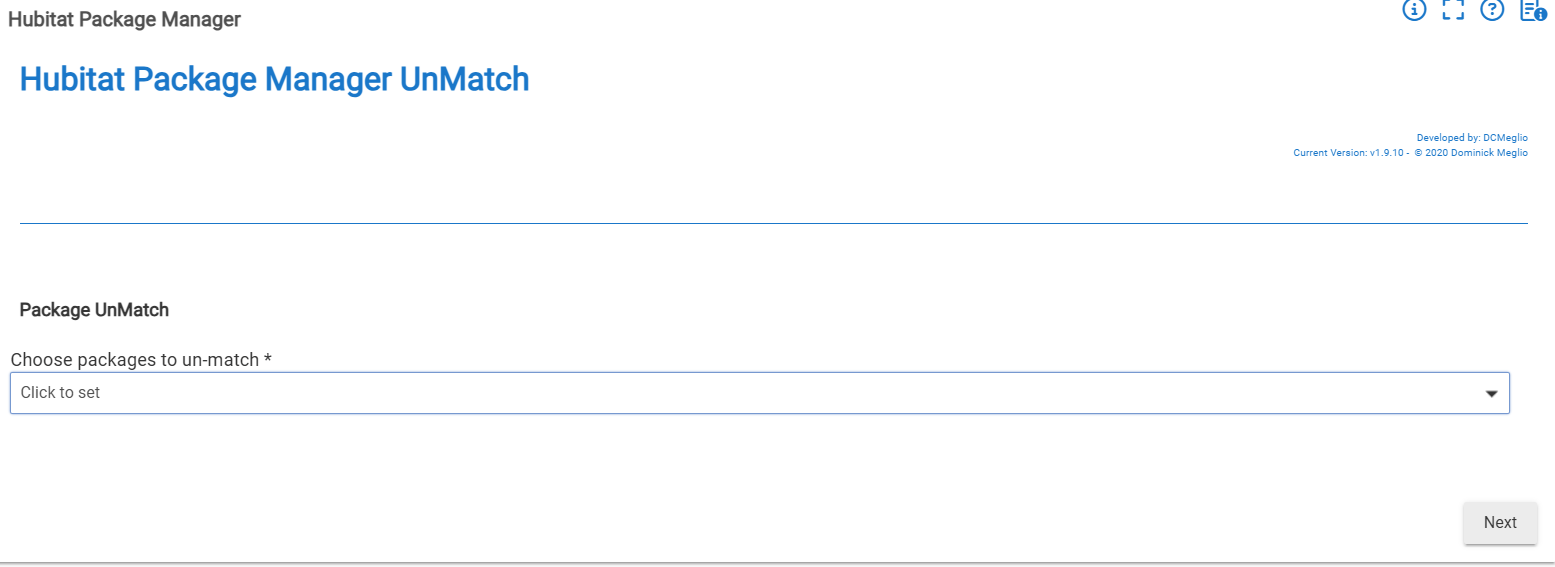
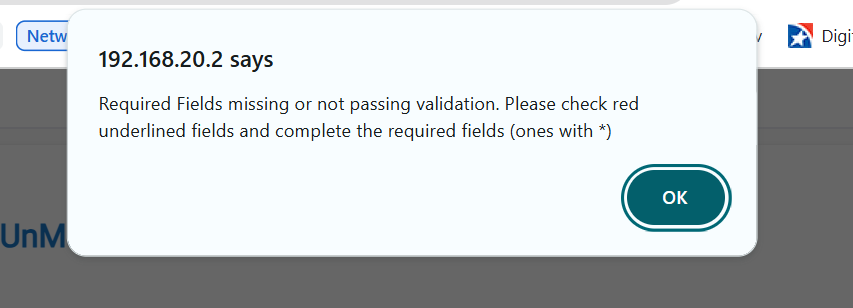
Noticed this today...there's no way back from the Unmatch screen if you decide you don't need to, or don't find the app/driver your're looking to unmatch in the drop-down. Only way to get out is to click on the "Apps" or other left-menu item and start over.
It will be interesting to get @csteele view on this.
Personally i don't think this belongs in HPM. My reason is a bit broader then HPM. I actually don't think it makes sense for any app to tell you what it isn't doing.
I think i understand why you want it, but i don't think HPM should be the way to get it.
Agreed. As I mentioned, I'd rather it be a separate app. However, there is a lot of code duplication to see what's in HPM and to ignore those. I've generated a pull request so @csteele can take a look. If something comes out of it, integrated or separate, great. If not, I have a tool that's already helped me go through 110+ manually installed apps and drivers, update them, and get rid of some unused ones.
I have very mixed feelings about adding 'what the app isn't doing'...
On the outside layer of the onion: the submitted PR in fact doesn't work... at least for my collection of Apps and Drivers. It offers a list of 'unmanaged apps' that includes code that is also showing in the list of managed apps. So... something about the 'subtraction' isn't correct. I don't care too much about this because it's just programming and can be resolved, I assume.
At the next layer of the onion is platform changes that may affect this in a future release.
On the third layer of the onion is the issue that @mavrrick58 brings up.. the applicability. HPM is, at it's core a Code Management Tool. It does provide, via MatchUp, a glimpse at the code on your hub that CAN be managed by HPM. I'm not convinced that code that cannot be managed by HPM is something that HPM needs to explore. If a developer doesn't want their code managed by HPM, or has left the scene, then knowing that an app/driver isn't available in HPM seems like a difficult leap to make with a goal. Is there a developer that hasn't heard of HPM? Is there a developer, daunted by the HPM Manifest syntax, that hasn't heard that I'm eager to help?
For today, Sunday, April 12, I'm not convinced the PR is usable, and that the concept behind it provides actionable data. I'm a developer and I do know what Packages I have NOT added to HPM. I'm also aware of how to change that (hpmArchitect) and probably won't based on my perceived value of 'yet another xx in HPM'.
On my Development Hub, I have 20 App Code entries. When I run the provided code, I get 7 App Code items as "UnManaged Apps" of which 3 are correct, 4 are not. In my particular case, because I'm still a HubConnect user, the UnManaged Drivers list is dominated by HubConnect stub drivers. (Got added via an HPM Bundle.)
When I saw this possible addition come up, I was interested in running it to figure it what code I have that is not being managed by HPM. Because that code is not being updated by me... And the bigger value is HPM to me is knowing when code needs updating. There are a couple of things I use that didn't come via HPM and need manual updates... And if forget that they are!
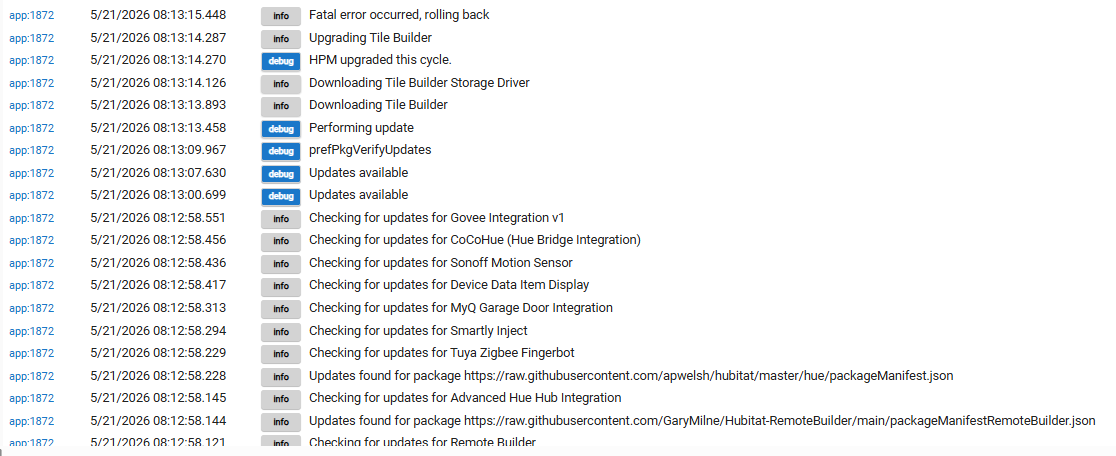
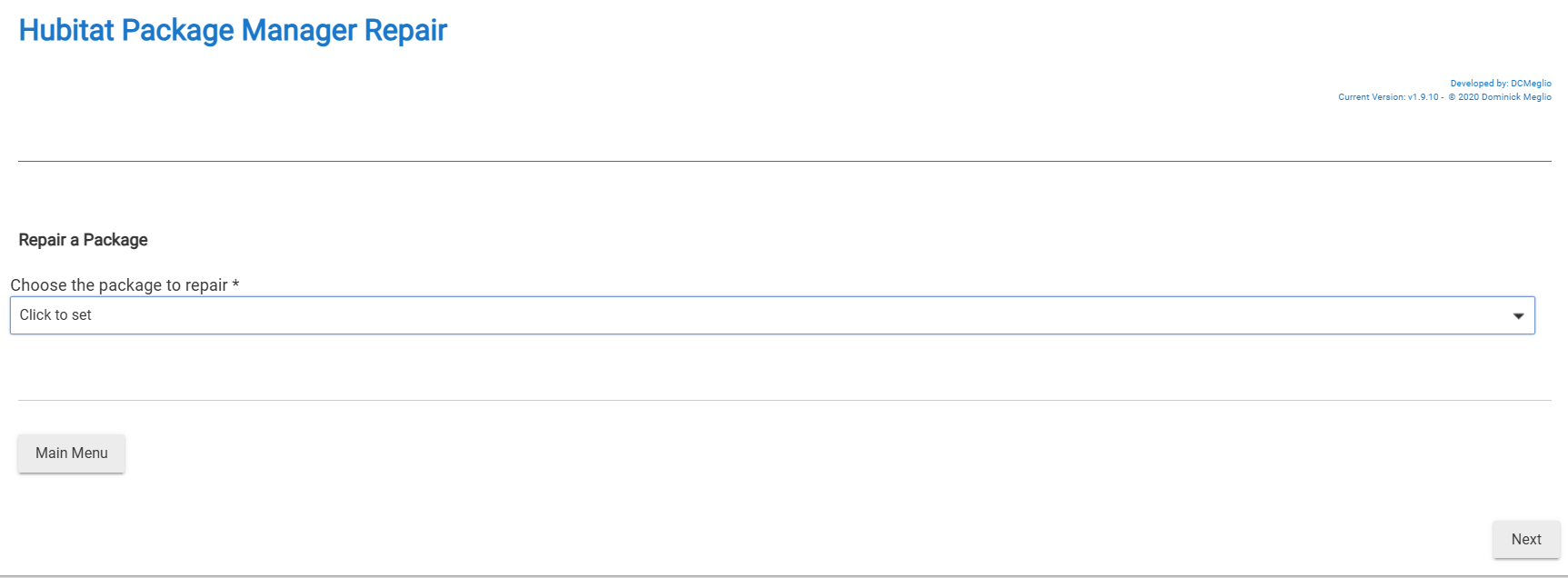
I hit repair on it and it acts if it finishes, but the version doesn't update. If I do the updates button and select it I get a server 500 error. Can anyone point at my flaw?
Thanks.
Install will add code to the hub and update the HPM internal db with the version info. Update will update code already on the hub and update the HPM internal db with the version info. Repair will re-add code already on the hub. Uninstall will remove code from the Hub and update the HPM internal db with the version info.
Notice that a Repair is NOT intended to update the HPM internal db with the version info.
I tried installing your code to my development hub and it worked, as did repair and uninstall. I'm unable to test Update because for me, there's no change to the Manifest from my hub's view.
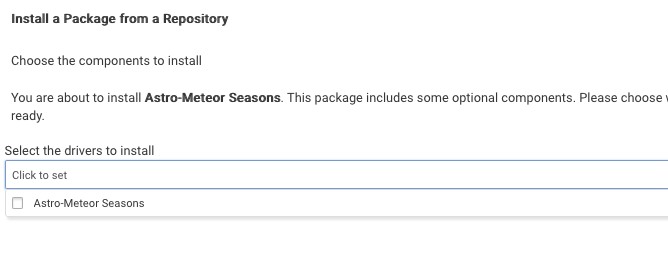
However, I'd suggest changing "required": "false", because set to false tells HPM there are Multiple Drivers in the package and THIS one is optional, causing the select-a-driver screen:
Which, for one driver is not the ideal user experience.
The paths check out. I noticed on your package Manifest hubitat/Drivers/astro_meteor_seasons/packageManifest.json at main · jshimota01/hubitat · GitHub you have the version in two places, I would suggest just using the top level version unless you have individual files in a package that need their own versions. You only need the version in one place, either up top or with each file.
Looks like on this commit you fixed the URL path in the main repo file: fixed typo · jshimota01/hubitat@493eb11 · GitHub However if you added the package in HPM before that fix it will be stuck with the wrong path. When the package is added it stores that manifest location (URL) in HPM and does not ever update it again from the main repo file. You would need to unmatch the package and then match it again so the correct path gets pulled in for the manifest.
 ).
).