Hi all,
I've been working on GitHub - kingpanther13/Hubitat-local-MCP-server · GitHub for a few months now. I feel that it is solid enough now that I can say it's release-ready. It's available via HPM, and is very easy to set up. You just install, copy the url it provides, and set it up with your AI provider of choice and voila you're in. It runs completely on your Hubitat locally and independently, though of course you need to bring your own AI. If you use Hubitat cloud then it creates an optional remote connection for you as well, but it can be run exclusively over your local network if you prefer, and it tends to work better locally anyways. You can also set up a reverse proxy on your home network if you prefer, and point it at the local endpoint.
It connects using streamable http MCP protocol, which is supported by most of the big name AI clients. It has about 118 tools right now which is a lot, but by default it has a gateway tool mode which only exposes 37 tools and keeps most tools within managed gateways for progressive disclosure. This option can be disabled if you want to expose all tools to your ai.
Possibly my proudest achievement is the native apps set of tools. Over the last few months me and my collaborator Level99 have meticulously reverse engineered Rule Machine and have created AI tools that can create edit and view native Rule Machine rules and all other native apps. It still isn't perfect and we're still actively optimizing it, but it works quite well.
Building visual rules is the preferred method when making rules that don't need the complexity of native Rule Machine rules, and the tools for visual rules are now 100% supported and work flawlessly from what I have been able to determine. It uses the same pathway as Hubitats built in ai rule maker, but it allows you to use your own AI instead of what they provide, which allows much more robust rule making capability.
You also can control devices, logs, system health, make virtual devices, manage HSM, make and edit dashboards, manage settings, and various other things I'm probably forgetting to list. It is a very feature rich MCP server. Literally all you have to do with your AI is say “hey, create a rule that activates X device at Y time, but only when Z is occuring" and it'll figure it out for you. Not every AI is the same, some will require more than one try to get it working right so always double check results, but at least with Claude I feel like it has been pretty solid so far.
It also has a custom rule machine built in as well. Initially I believed that it was impossible to touch the native rule machine so I made my own; once we got native rule machine tools working I decided to make the custom rule machine a legacy function and have it opt-in only. Imo it works just as well as native rule machine, but I keep it disabled now so the llm doesn’t get confused between it and native rule machine, and I don't really support it anymore except for requested bug fixes.
Security wise, you can individually control what devices it can access, or you can give it access to all devices. It's very granular. You can also control which tools are exposed to your llm and you can gate to a read-only mode as well.
If you decide to use this and run into any problems or would like to request features please drop on by my GitHub and file an issue! We are pretty active and are constantly improving and releasing updates.

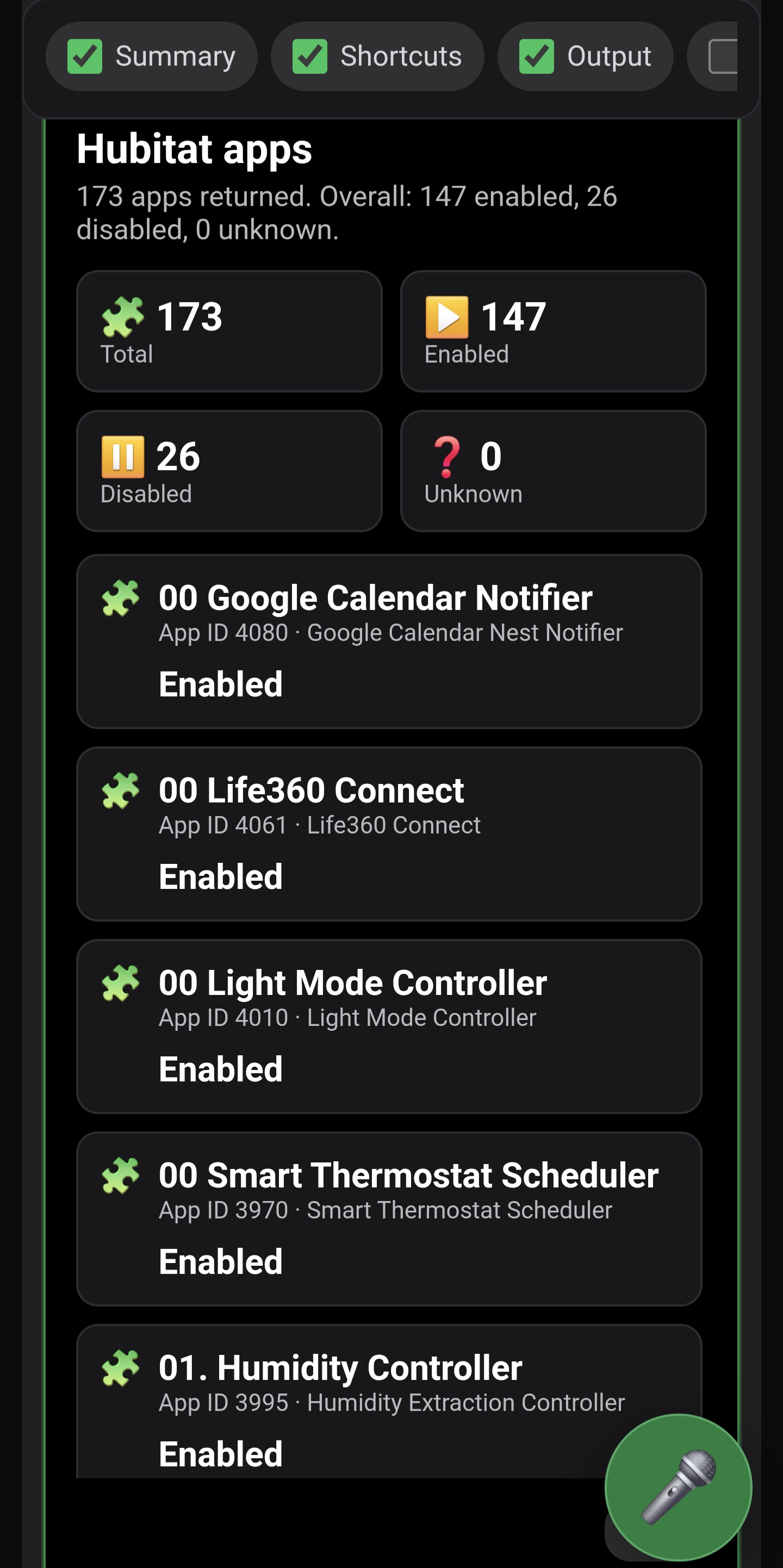
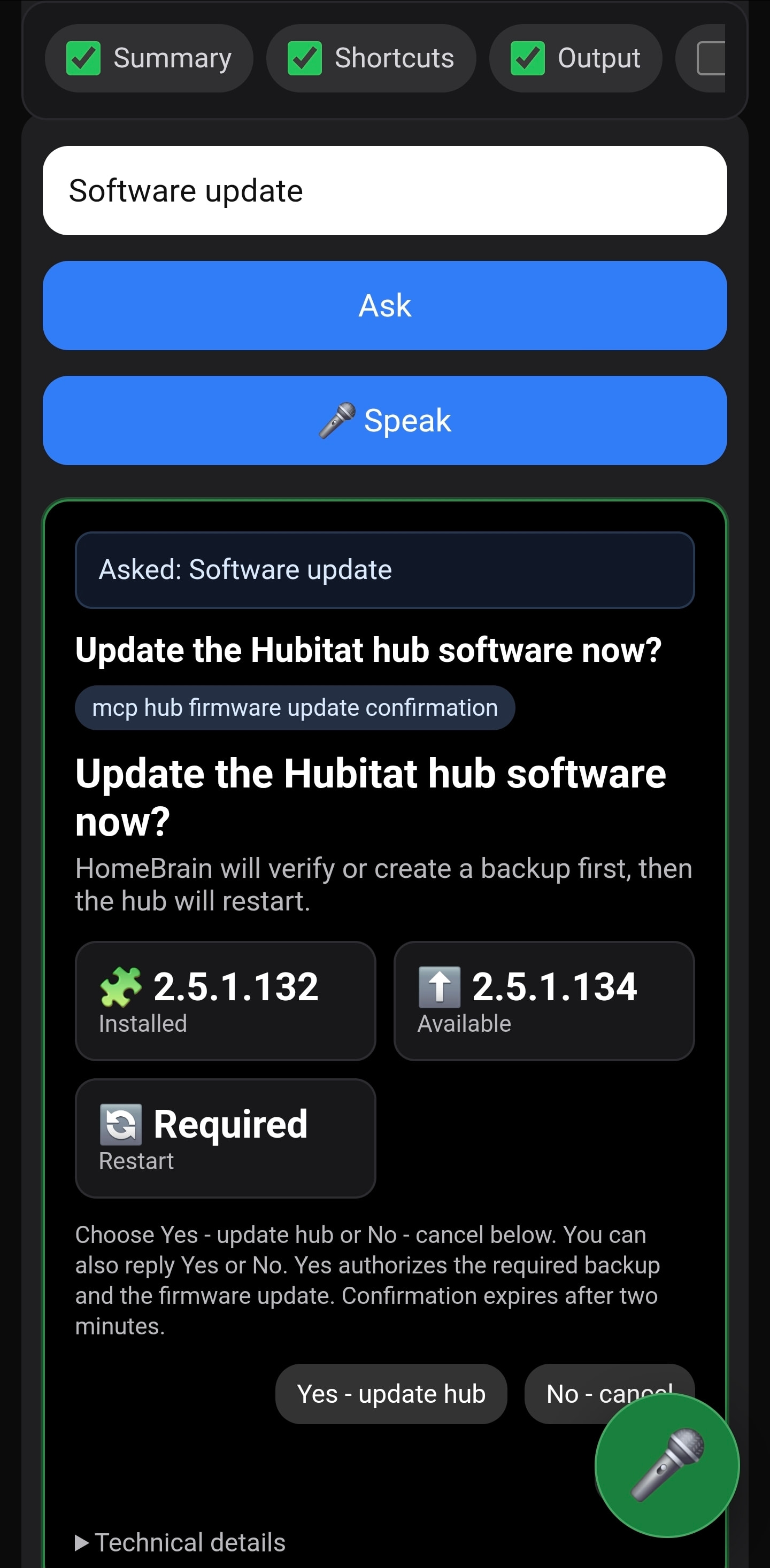

 ) I have posted a feature request with a list. List was generated and refined by Claude on my requests.