Look near the bottom of the Parent Driver code, and you’ll find a section of code ( createChildDevice() ) that uses the device names found in the sketch to figure out which child driver to use.
simple DC motor and cheap motor controller L298N and mechanical switches
I'm happy to share my code...but give me a day or so...working out the bugs
Here is the schematic
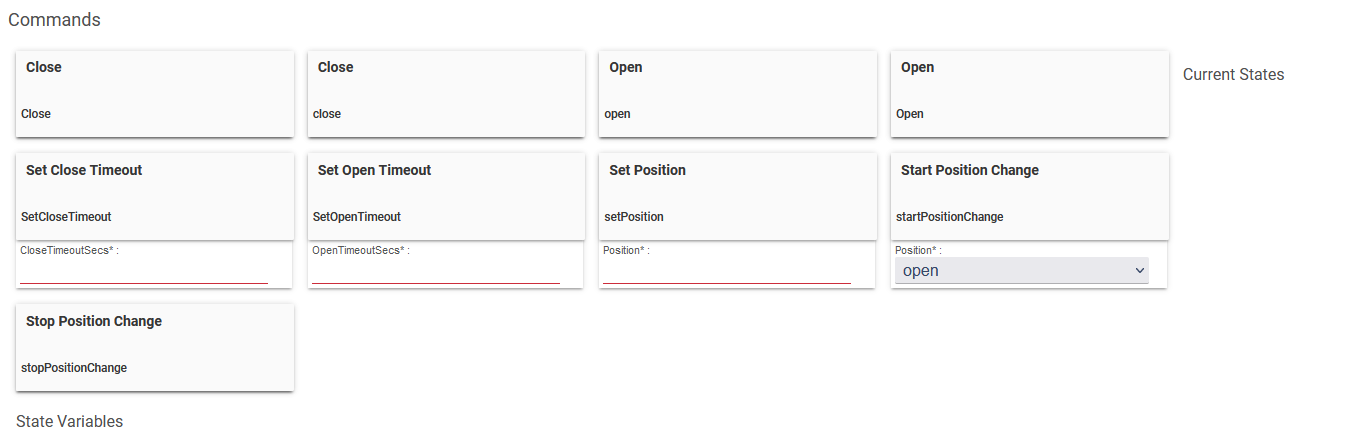
Figured out the multiple shades and got things working correctly. Was thinking it would be nice to be able to use preferences to set the up time limit and down time limit.
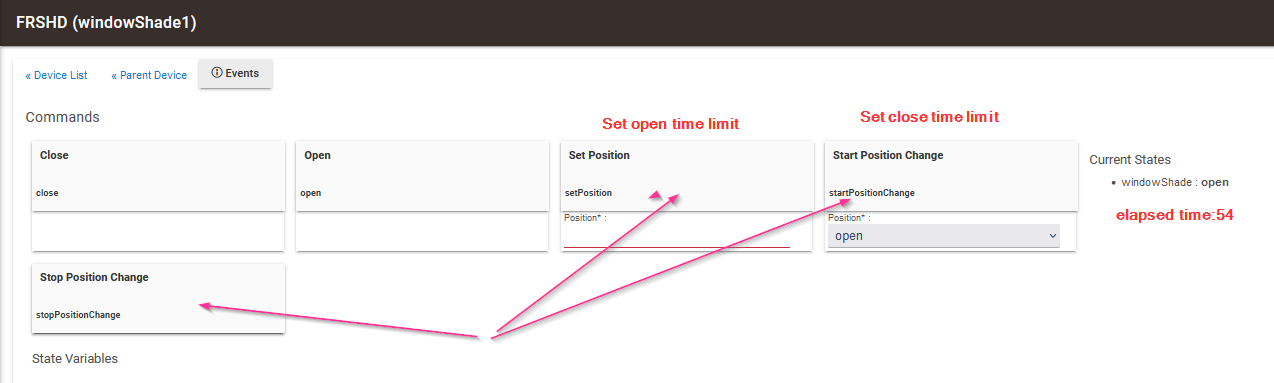
Is there a way that you can have 2 way communication on preferences....for example the arduino code set the uptime to 55 seconds and that is seen in preferences on groovy, but if I change preferences uptime value to 45 it would be sent to the arduino....There is things for Set Position which I cannot figure out where that comes from as I dont see in the groovy code...but is that 2 way communications?
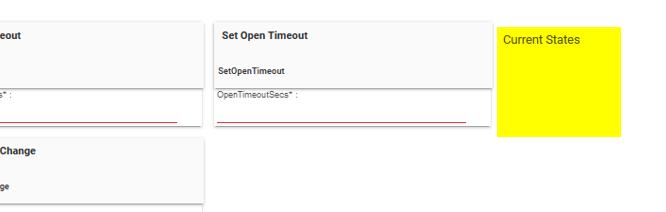
Looks like you have created some custom attributes, but did not declare them as such in your custom driver. If not declared, they are temporary. Also, they will not be visible in RM as a custom attribute.
The ST_Anything’s internal refresh happens automatically, unless disabled in constants.h as you have shown above.
For things like “timeouts” that I assume you want sent to the microcontroller, you should probably implement them as a user setting, rather than as an attribute.
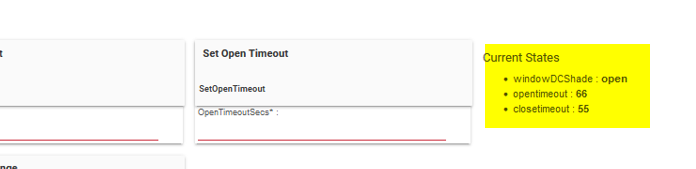
Ah...i had them as attributes but had the wrong spelling....so I put the right names
what I didn't expect is that I had to add windowDCShade also for it to be persistent
my goal was to be able to set the value BUT also get feedback from the arduino that it was changed ....
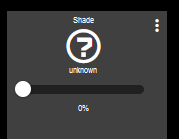
my next issue is that on the dashboard... it used to show a very cool shade and when open it would show a sunshine and then when I closed it ...the shade showed it closing
but now it shows
I have picked the shade template in the dashboard and the device has "window shade" capabiity...
so not sure what exactly ties it together
You’ll need to make sure your device driver updates the Window Shade capability’s attributes. If they are blank, then the dashboard won’t have any data to display.
OMG, thanks so much .......your experience and knowledge knows no bounds!
Yaaaa, I now have the cool icon of the shades now and everything seems to work.
Now that my shade "fits your architecture", I can now add the light sensor and motion sensor.....
Thanks sooooo much.
Completely different topic : )
Thinking of making a water sensor..with a D1 mini.. if I want it to be wall powered this is very simple..... use a contact sensor and done
If I want to make it battery powered....there is sleep modes ....a few questions
to save power can I turn off wifi until I want to talk to hub -my thought is only
once an hour to report in (maybe less) -
when transition to web
when transition to dry
Can I just make this value as high as I need for
" Max time w/o HubDuino update before setting presence to 'not present'"
Would a "contact" made up of 2 wires with a gap with water spanning the gap, be able to bring the chip out of sleep mode?
If so, you could make a water sensor for $5 excluding the battery
thanks
Tim
On a side note, did Samsung get out of the sensor business? You can't buy their water sensor or anything else
That setting only affect whether the Parent device shows as “present” or “not present”. If you don’t use this attribute for anything, then you can safely ignore it. For a device that uses Deep Sleep, I wouldn’t think the Parent’s presence status would be all that useful.
Yes, possibly. You’d have to test it.
If you try using the ESP8266’s Deep Sleep mode, you’ll basically only need to configure the “setup()” routine in the sketch. The loop() routine will never get a chance to be called, as the last statement in your setup() routine will be to put the device into deep sleep.