Having not gotten any questions about hubless ST in many months, I deleted my instance. I'd had it just sitting there for almost a year, but in a fit of clean up frenzy, I got rid of it.
I'll see if I can rewind via backups and see if I can find / resurrect it.
Actually I didn't have to rewind... I just started fresh.
I'd already disconnected the ST end during the delete. Same with the Hubitat side so I opened a new Connect to hub and picked a 'bogus' IP address.. it was 'real' in the sense it was a full IP address (not just 1) but I suspect it wouldn't matter. 127.0.0.1 would be an example. I just used a non-hub IP address, something that wouldn't respond nicely, if at all.
I picked ST as the type and got the Key. I moved that to ST and pasted it in. Couple of clicks later I was back on the Hubitat side and clicked Verify.. All good.
something's nagging at me... I need to verify something...
Update: I was worried that I might be using code that I'd modified and although it's true.. the modification is to add a debug into a Report.. so not applicable here.
The next problem I have is there are no devices on my hubless ST to bring back to Hubitat. I have plenty to send over to ST and did send one wall switch.. which worked.
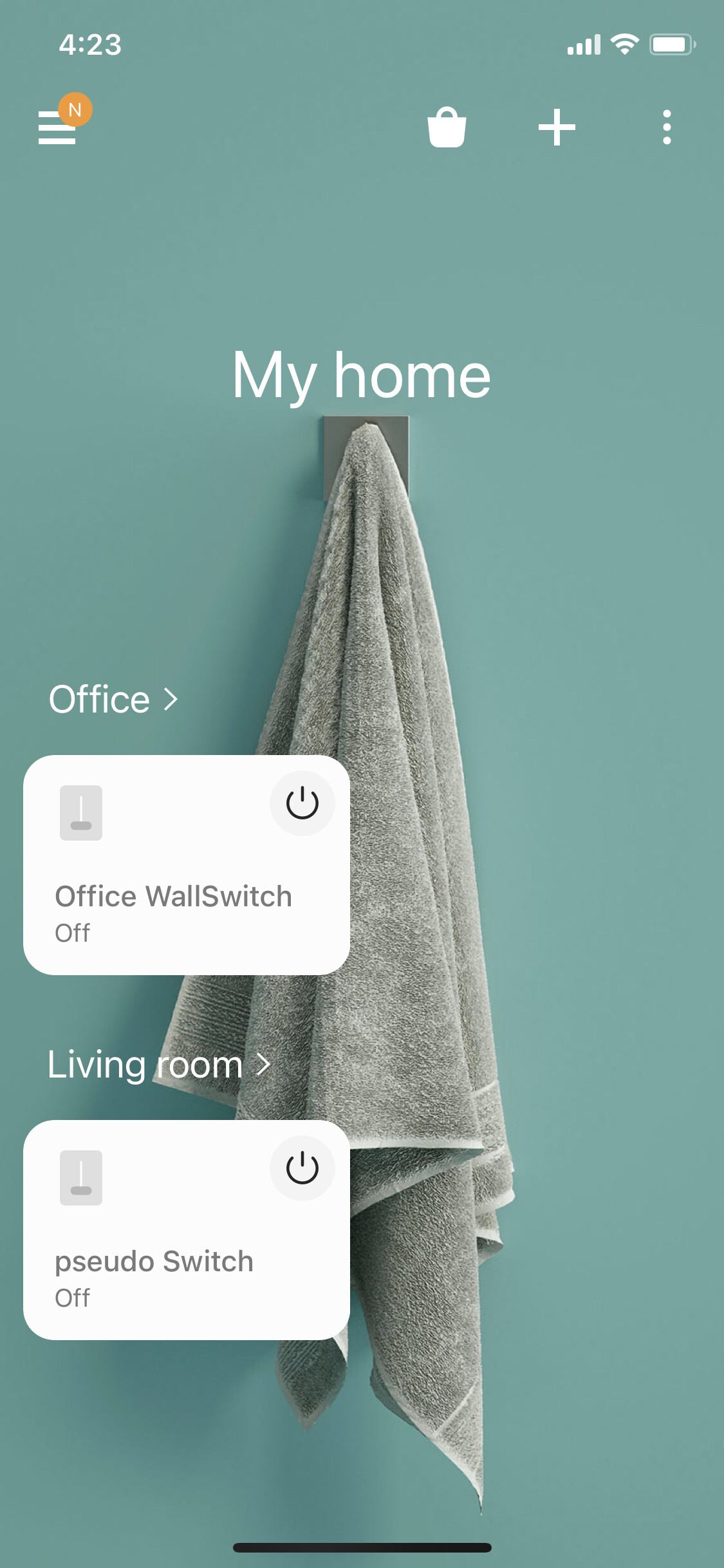
I created a Simulated Switch on ST and was able to mirror it over to Hubitat and it works exactly as expected. It's amazing how much ST I can forget in a month or so. I had to lookup how to create a virtual device
Thanks a lot for your efforts.
Just woke up (we are probably on a different part of the world) to see youe reply.
Guess I am doing something wrong and I will try to run it all from the beginning.
I have no ST knowledge to rely on so I guess my problem is in ST side.
Great news
Looked up the error message on ST side and guess what.....
Found the answer on post 3710 in this post.
Needed to add a '?' on line 1875 in the smart app code as you previously suggested.
Did that and it is now working and Hubitat is showing up as Online.
Thanks a lot
Hello, I love this app and it has worked great for me for a few months now. This week I had to change my local IP pool though and I am trying to get this reconnected without killing my devices and the automations attached to them, which is what happened when I disconnected and changed the IP and reconnected. Is there a way to do what I am looking for?
It does automatically what you can do manually, but the primary starting point is to get the hubs conversing. You will probably need to disconnect and then recreate the Keys using correct addressing. THEN you can work through the device DNIs via that feature I mentioned.
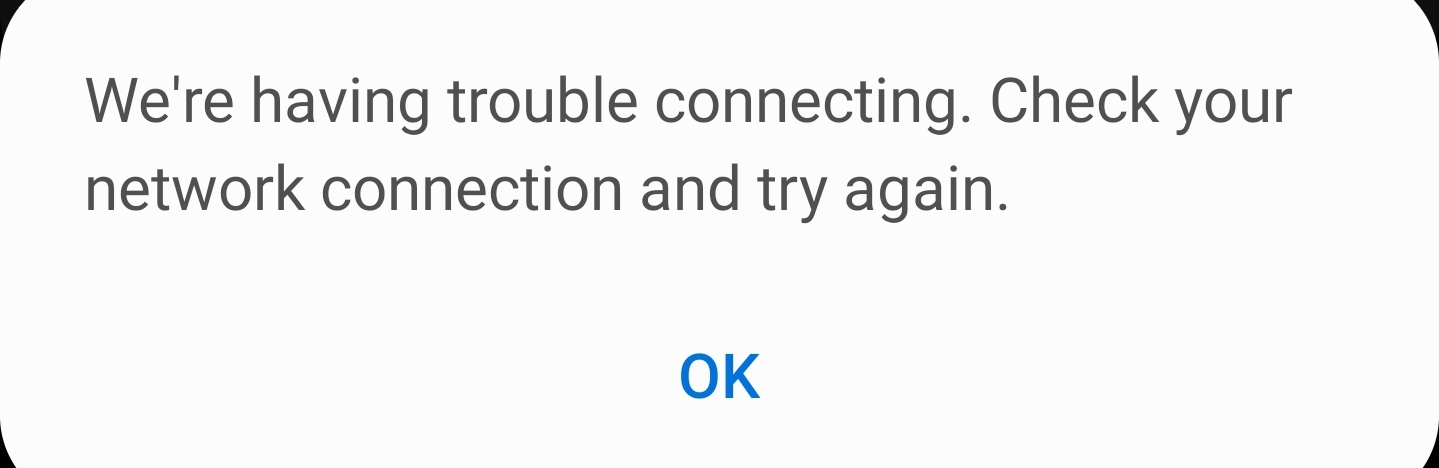
Thanks - I have tried that a few times but it doesn't seem to be working. I disconnected and reconnected again but SmartThings keeps telling me I am offline and gives the the attached error every time I try to save my settings. It seems like I have a one way connection working at the moment and I'm not sure how to get it fixed without completely removing everything, which I really don't want to do.
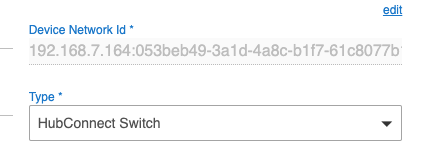
I tried changing the network ID for one of my ST devices in Hubitat to reflect the correct IP and it is working correctly now. I'm just not sure how to resolve the offline error showing in the ST end if I were to update all the network IDs in Hubitat.
I am running into issues right out of the gate. I am following these instructions which I assume applies to v2 RC2:
I follow the steps to import code for HubConnect Remote Client and I get no sort of confirmation that anything is happening after I clicked import on the link dialog window. After several miniutes I click save to see if anything happened and I get the following error:
"Unknown exception occured while saving app code"
On a sidenote when I visit hubconnect.to I get the following warning in Chrome:
Your connection is not private
Attackers might be trying to steal your information from hubconnect.to (for example, passwords, messages, or credit cards). Learn more
Chrome does not allow me to bypass this warning. The only way I was able to visit and copy the URL is by using Puffin browser. I got the same warning but it at least let me bypass it.
I installed Hubconnect today and am happy to see nearly instantaneous updates between Smartthings and Hubitat.
A couple of notes for those installing as there are errors in the instructions:
First, in the overview (and later in the detailed instructions) it mentions "Install HubConnect Remote Client and HubConnect Remote Hub driver on all remote hubs, including
SmartThings". The Hubitat Remote Hub does not get installed on ST.
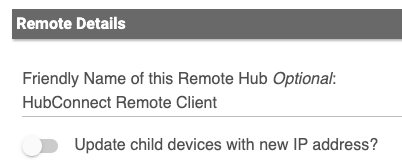
Second (this wasn't clear), under "Complete the Install" the instructions state to open the Remote Hub first. But, the first thing necessary on the Remote Hub is a code that is generated from the Server Hub. It might be easier to do this step in the phone apps so that you can copy/paste. (I was using the Web interface on a PC for HE, so I had to email myself the code to paste in the ST app).
How were you even able to import the apps from hubconnect.to (see my issue three posts above)? I could not find a github repository for v2 RC2 so did you install a different release?
This thing seems to be harder than it needs to be for me. I feel like I'm getting trolled right now.
Okay so I got the codes in both Hubitat and Smartthings but in Hubconnect Server Instance I've entered the key and clicked "Verify Connection" but it says the following:
"Remote installation is not complete. Please click the [Install] button on the remote client":
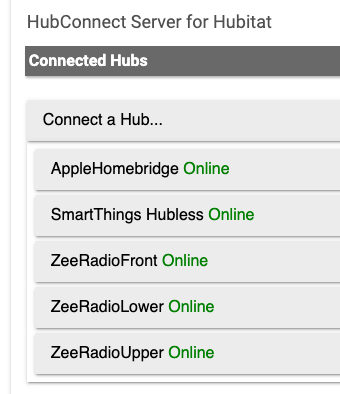
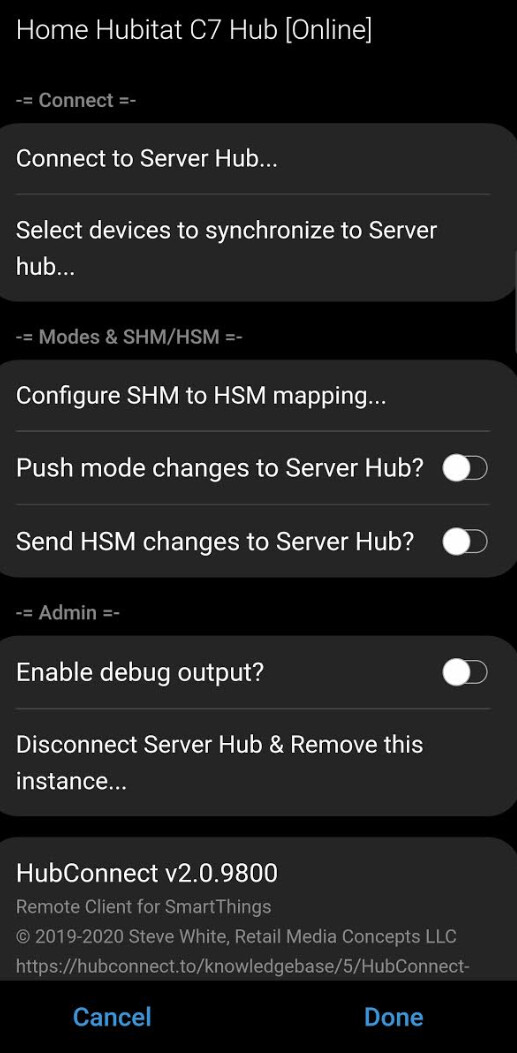
I already have the Remote Client installed in Smartthings and the Server Hub shows as "Online":
each time you dive deep enough into the Select device menus, on the way out, HubConnect sends a list of selected devices to the target hub. That hub will try and create every device.. dups are ignored but, be clear, it tries each time
If that hub tries to create a device that doesn't exist, it looks for the HubConnect driver for the device. If there's no driver, no device gets created.
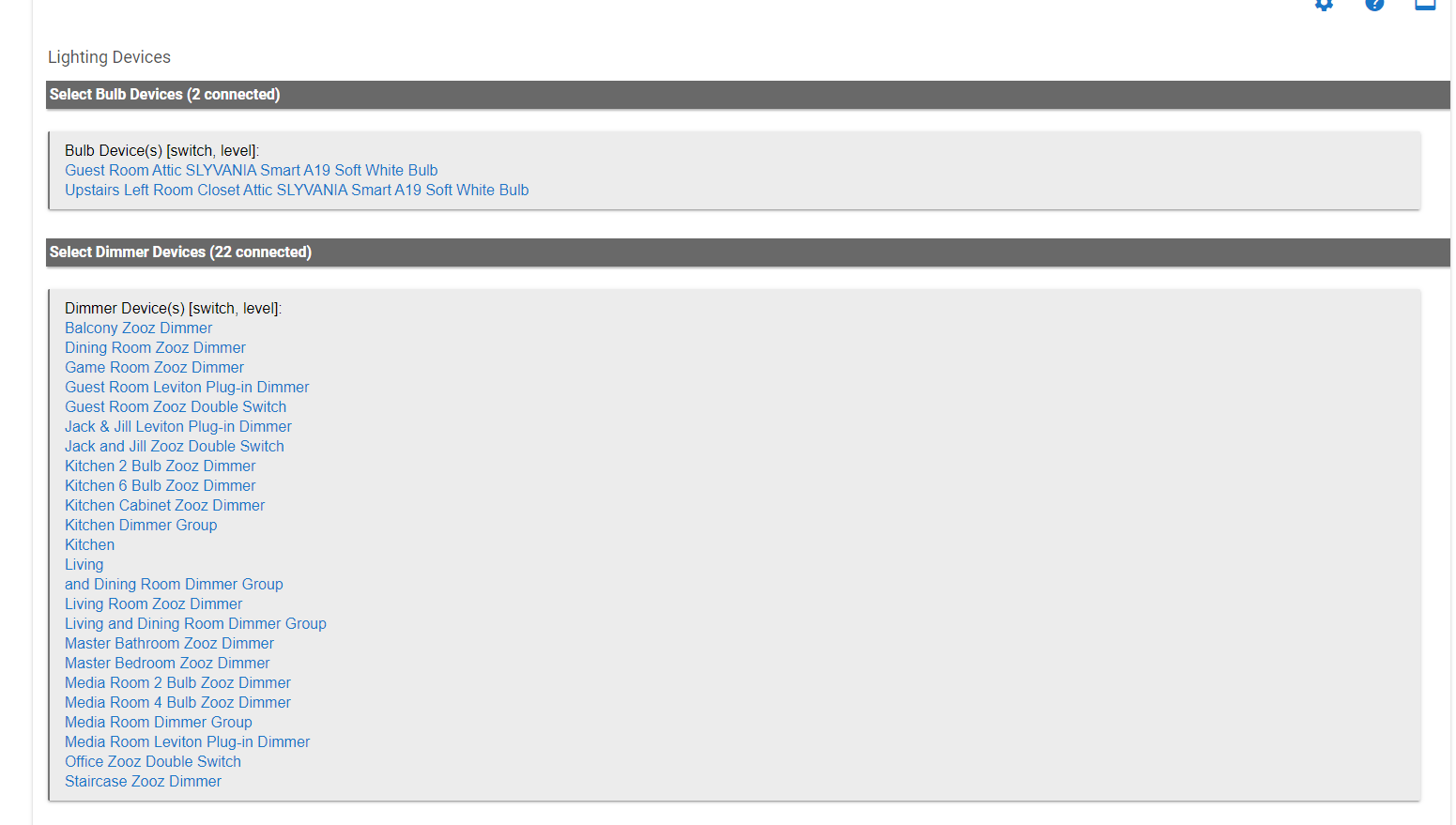
When you're selecting devices to mirror.. look at the list shown at the bottom of the page:
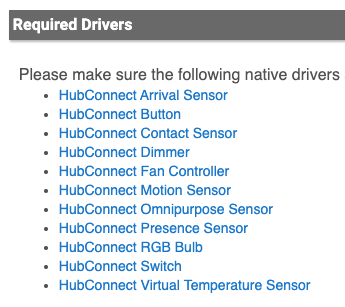
Your list will be different, of course, but if they don't exist on the "Other hub" then no device can be created. On Hubitat we have HPM to simplify the addition of the drivers. but of course there's nothing like that on ST and each driver must be individually copy/pasted in the IDE. Plus you have to determine if there's a ST specific driver (with Tiles section for Human UI) you might prefer using.
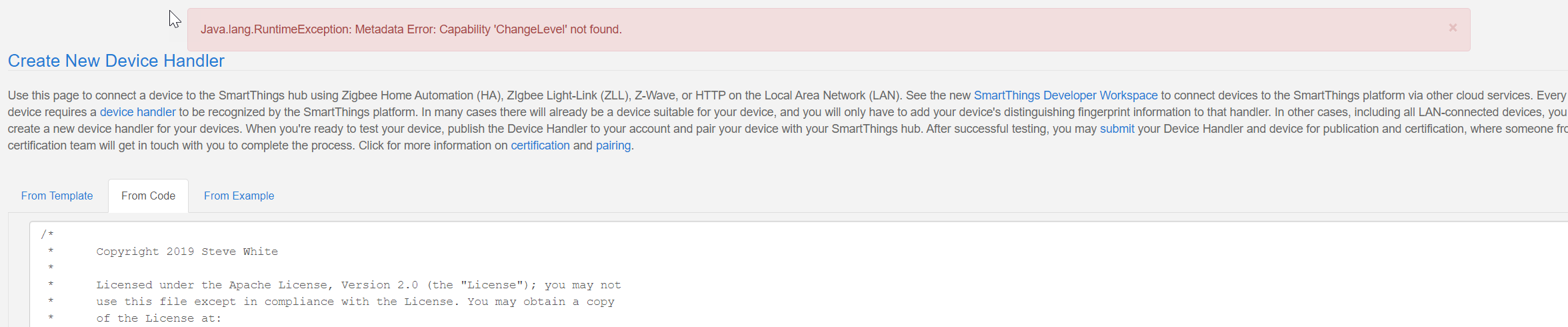
Okay, I didn't do that step so good to know. When I copy the "native drivers" code is that creating a SmartApp or Device Handler in ST? I assumed it was a Device Handler but when I copy the first one (HubConnect Bulb) and click create I get the following error:
I get a different error when I tried adding the code as a SmartApp
Edit : So I was able to successfully add HubConnect Dimmer, HubConnect RGB Bulb, and HubConnect Switch. I removed the bulbs devices and the HubConnect Bulb driver was no longer required. Now I'm able to see all the devices I added! Thank you!!
However, I still could not figure out the bulb driver issue so those devices did not get added.