[RELEASE] HomeKit Import (Local) — bring any LAN HomeKit accessory into Hubitat (no cloud, no Apple hardware, no Homebridge)

HomeKit Import pairs Hubitat directly to a Wi-Fi/LAN HomeKit (HAP) accessory, reads what it exposes, and auto-creates the matching Hubitat devices — with live updates and control. Think of it as Homebridge in reverse: instead of exporting Hubitat devices to HomeKit, it imports HomeKit accessories into Hubitat. 100% local — no cloud account, no Apple hub, no bridge, no extra hardware. It speaks HAP natively on the hub (SRP pairing, encrypted session, the lot), so the accessory talks to Hubitat exactly as it would to a HomePod/Apple TV.

How it works

  1. Install from HPM (search "HomeKit Import").

  2. Add a Virtual Device of type "HomeKit Accessory".

  3. Enter the accessory's IP and 8-digit HomeKit setup code, Save.

  4. It pairs, discovers every supported service, and creates a child device for each — a garage opener becomes a Garage Door device, a sensor becomes a sensor, a bulb becomes a dimmer. Physical changes on the device push to Hubitat in real time.

    I suggest you use DHCP reservation for said device. I’ve seen some devices losing the initial IP and grabbing another one. That will throw the Hubitat device “offline” but with DHCP reservation/static IP, that should never happen.

Supported types

Switch/Outlet, dimmable & color Lights, Locks, Garage Door openers, Window shades/blinds, Fans, Thermostats (generic), Contact/Motion/Occupancy/Temperature/Humidity/Light sensors, Battery. Each device also carries the accessory's manufacturer, model, and firmware.

What it is / isn't

  • LAN/Wi-Fi HomeKit accessories only (anything with an IP).
  • Not Bluetooth-only or Thread-only devices (the hub has no BLE/Thread radio for HAP).
  • HomeKit allows multiple controllers, so depending on the accessory this can coexist with Apple Home — it doesn't always have to replace it. (Some accessories allow only one controller; for those it's one or the other.)

Pairing / release

The accessory must be unpaired or have a free pairing slot; if it's fully paired to Apple Home and won't take another controller, reset HomeKit on it first. Built-in Unpair (clean HAP RemovePairing — frees the slot, like a Z-Wave exclude) and Forget (local-only, for a dead/offline accessory). Always Unpair before deleting the Hubitat device.

Connection modes

Persistent (default, instant event push) or On-demand poll (fallback for accessories that won't hold a session).

Status

The HAP engine and the full pair → discover → control → live-update loop are validated on real hardware (a Meross garage opener). Several types are mapped from the HomeKit spec but haven't met a real device yet — if you try one, a Dump Accessories log is gold. Unknown device? Click Dump Accessories and post the log; if it's an unmapped service type, adding it is usually quick.

Apache 2.0, as-is. You control real hardware (locks, garage doors) at your own risk.

For the manual users:

1) Library — install FIRST (Libraries Code):

https://raw.githubusercontent.com/RamSet/hubitat/main/libraries/hap-core/hap-core.groovy

2) Parent (Drivers Code):

https://raw.githubusercontent.com/RamSet/hubitat/main/drivers/homekit-accessory/homekit-accessory.groovy

3) Child drivers (Drivers Code — only the types you actually have are needed, but the parent will warn if it tries to create one you skipped):

https://raw.githubusercontent.com/RamSet/hubitat/main/drivers/homekit-switch/homekit-switch.groovy

https://raw.githubusercontent.com/RamSet/hubitat/main/drivers/homekit-light/homekit-light.groovy

https://raw.githubusercontent.com/RamSet/hubitat/main/drivers/homekit-lock/homekit-lock.groovy

https://raw.githubusercontent.com/RamSet/hubitat/main/drivers/homekit-garage-door/homekit-garage-door.groovy

https://raw.githubusercontent.com/RamSet/hubitat/main/drivers/homekit-window-shade/homekit-window-shade.groovy

https://raw.githubusercontent.com/RamSet/hubitat/main/drivers/homekit-fan/homekit-fan.groovy

https://raw.githubusercontent.com/RamSet/hubitat/main/drivers/homekit-thermostat/homekit-thermostat.groovy

https://raw.githubusercontent.com/RamSet/hubitat/main/drivers/homekit-contact-sensor/homekit-contact-sensor.groovy

https://raw.githubusercontent.com/RamSet/hubitat/main/drivers/homekit-motion-sensor/homekit-motion-sensor.groovy

https://raw.githubusercontent.com/RamSet/hubitat/main/drivers/homekit-occupancy-sensor/homekit-occupancy-sensor.groovy

https://raw.githubusercontent.com/RamSet/hubitat/main/drivers/homekit-temperature-sensor/homekit-temperature-sensor.groovy

https://raw.githubusercontent.com/RamSet/hubitat/main/drivers/homekit-humidity-sensor/homekit-humidity-sensor.groovy

https://raw.githubusercontent.com/RamSet/hubitat/main/drivers/homekit-light-sensor/homekit-light-sensor.groovy

https://raw.githubusercontent.com/RamSet/hubitat/main/drivers/homekit-battery/homekit-battery.groovy

https://raw.githubusercontent.com/RamSet/hubitat/main/drivers/homekit-generic/homekit-generic.groovy
11 Likes

Looks interesting…

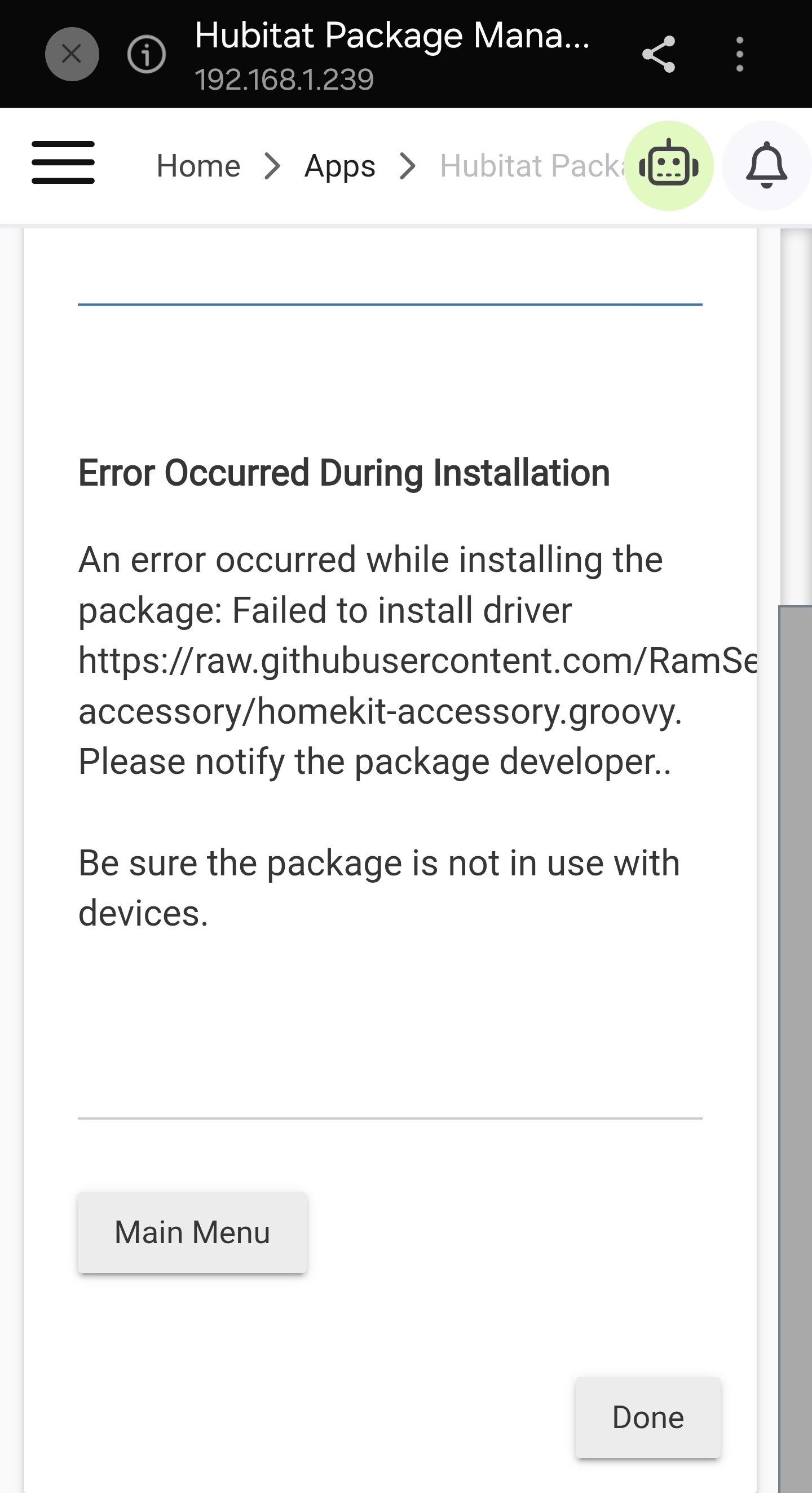
Could not install via HPM, getting the error below?

Yeah, I think HPM does not honor the libraries import.

i’m getting the same thing …

Import this manually and then it should work via HPM

https://raw.githubusercontent.com/RamSet/hubitat/main/libraries/hap-core/hap-core.groovy

You’ll have to use “repair” to get it running …

1 Like

Thanks, installed completed this time after I added the library first.

Not been able to pair the Aqara FP2 presence sensor.

Will try again tomorrow

1 Like

I’d appreciate the output of Dump Accessories from the logs. That way i’ll see what the device says …

BTW, I fixed HPM… should have RTFM ….

1 Like

Thought I would try my Bond Bridge.

Says HomeKit pairing code is 38193819 in the Bond Settings.

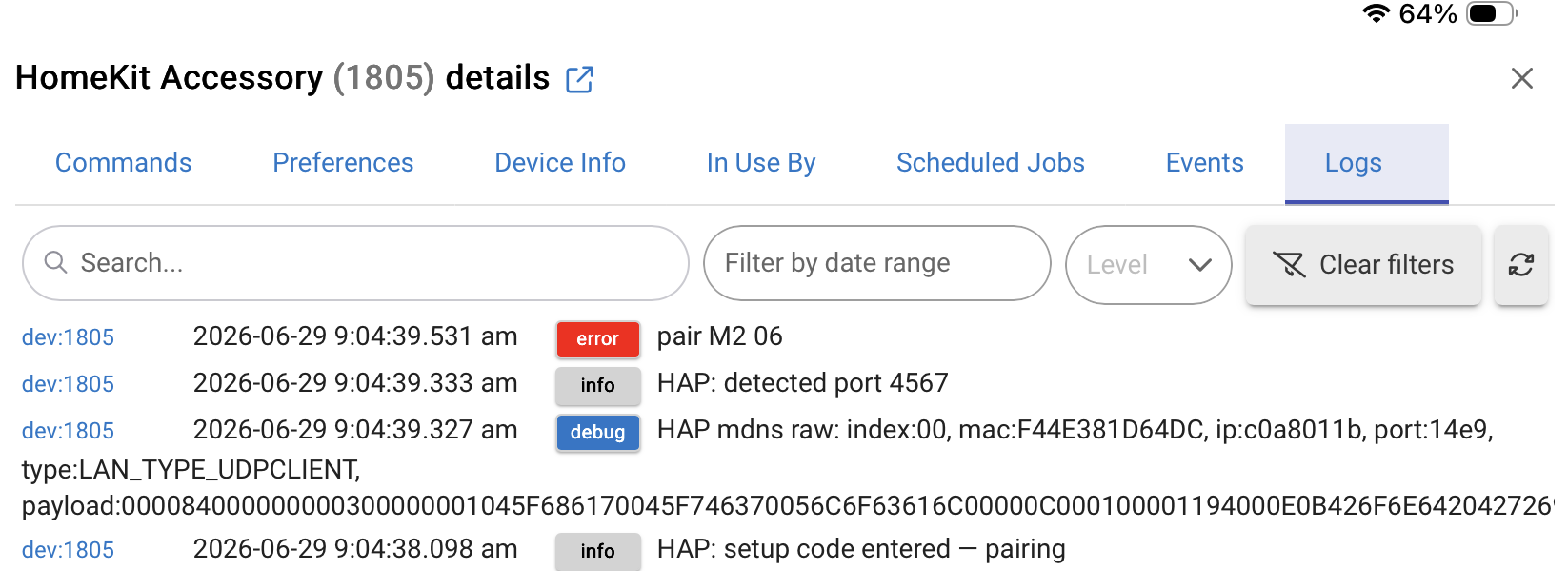
Get this:

Any thoughts?

I’m updating the code to translate the errors but M2 06, is it still paired to the home ?

Never to Home. Using Bond Integration on HE.

Here is full log line:

debug

HAP mdns raw: index:00, mac:F44E381D64DC, ip:c0a8011b, port:14e9, type:LAN_TYPE_UDPCLIENT, payload:000084000000000300000001045F686170045F746370056C6F63616C00000C000100001194000E0B426F6E6420427269646765C00CC027002100010000007800120000000011D7095A5A47483833393737C016C0270010000100001194004C0B73683D38796E4276413D3D0463693D320473663D300473233D360670763D312E310A6D643D42442D313030301469643D31363A39353A46413A30373A33323A33320466663D300463233D32C04700010001000000780004C0A8011B

It needs to be disconnected/unpaired from any previous integrations.

It has to be in “pairing mode”, as in waiting for “something” to connect to it …

Ok,will keep researching on my end.

You can update the code, it will tell you now what’s happening (in the logs).

Found this in Bond support chat room from Sept. 2024:

We are just not able to support HomeKit properly before eventually bringing in Matter. The third-party SDK that we are using for HomeKit support is now totally unmaintained, so we cannot really bring anything new there.

Bond integration works well, so will stick with it.

Was just trying out your newest drivers.

That is irrelevant for this driver. If they have the Homekit support (and they do), this driver would work. The one condition being for the pairing slot to be open (as in detached from any previous pairings).

It will expose all the hub attached devices as children.

how a homepod speaker.. would luv to get one but no apple infrastructure at home. thanks

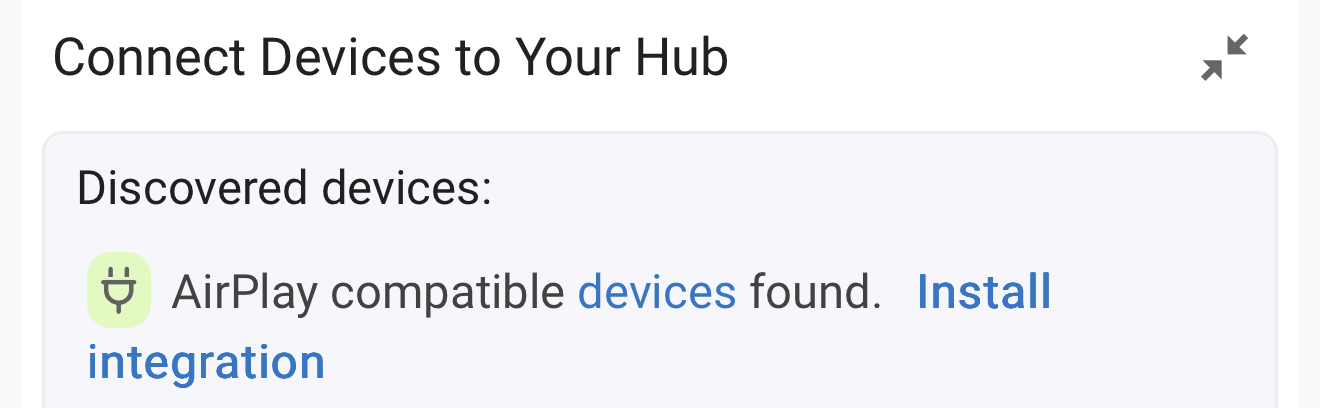
This would not integrate with HomePods; you’d use the built-in AirPlay integration instead …

Although I own seven HomePods, I wouldn’t purchase them again—better alternatives exist with varied connectivity options.

It functions well within the Apple ecosystem, though I’ve “heard” superior sound from non-Apple devices at a fraction of the cost.

You truly aren’t missing much without one.

Still, if you’d like to use a HomeKit device without infrastructure (Apple TV/HomePod), this driver works :blush:

1 Like

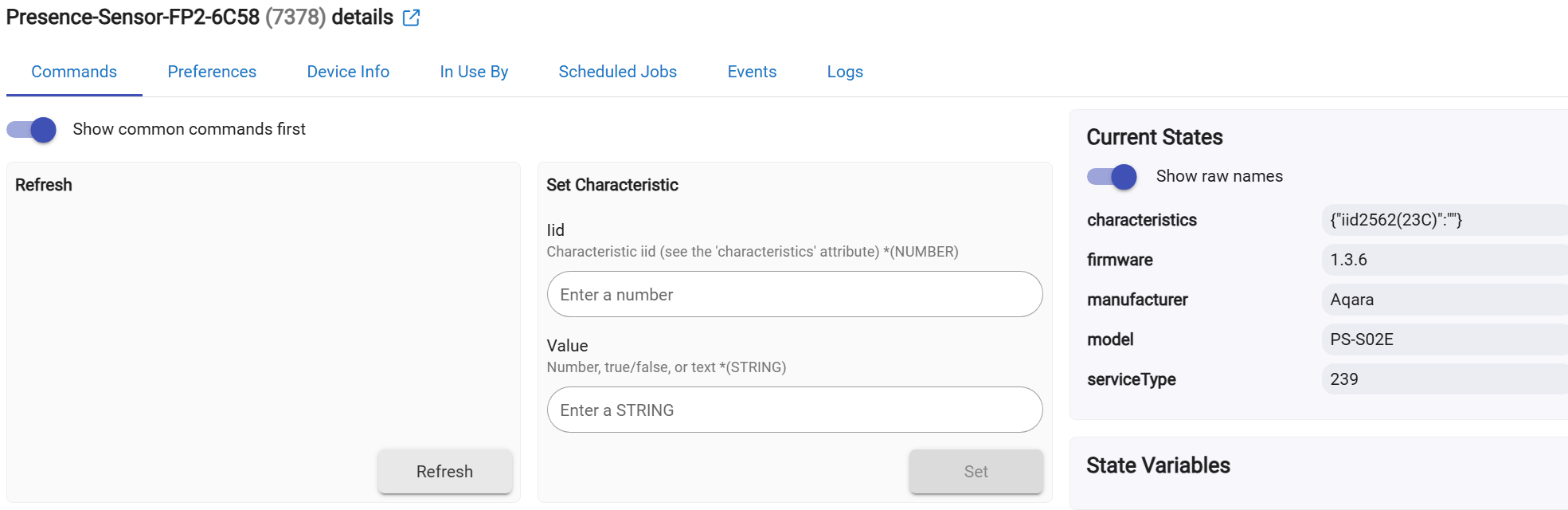
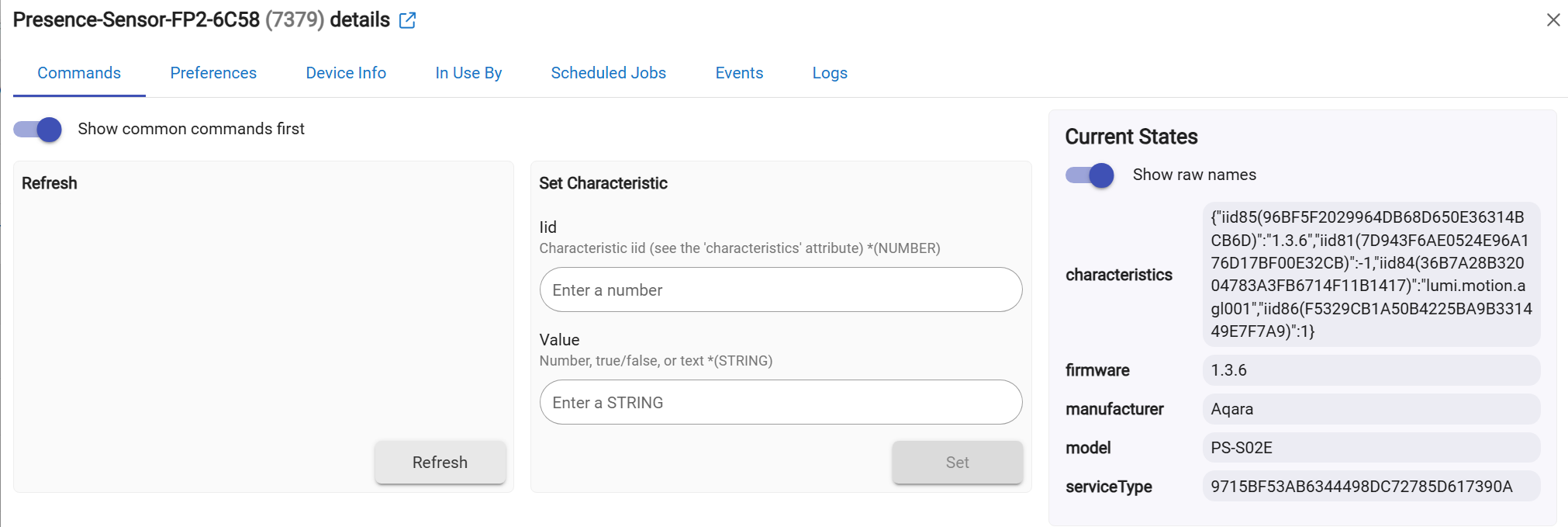
I have now managed to pair two FP2’s using updated driver (also had to reset and pair the FP2’s).

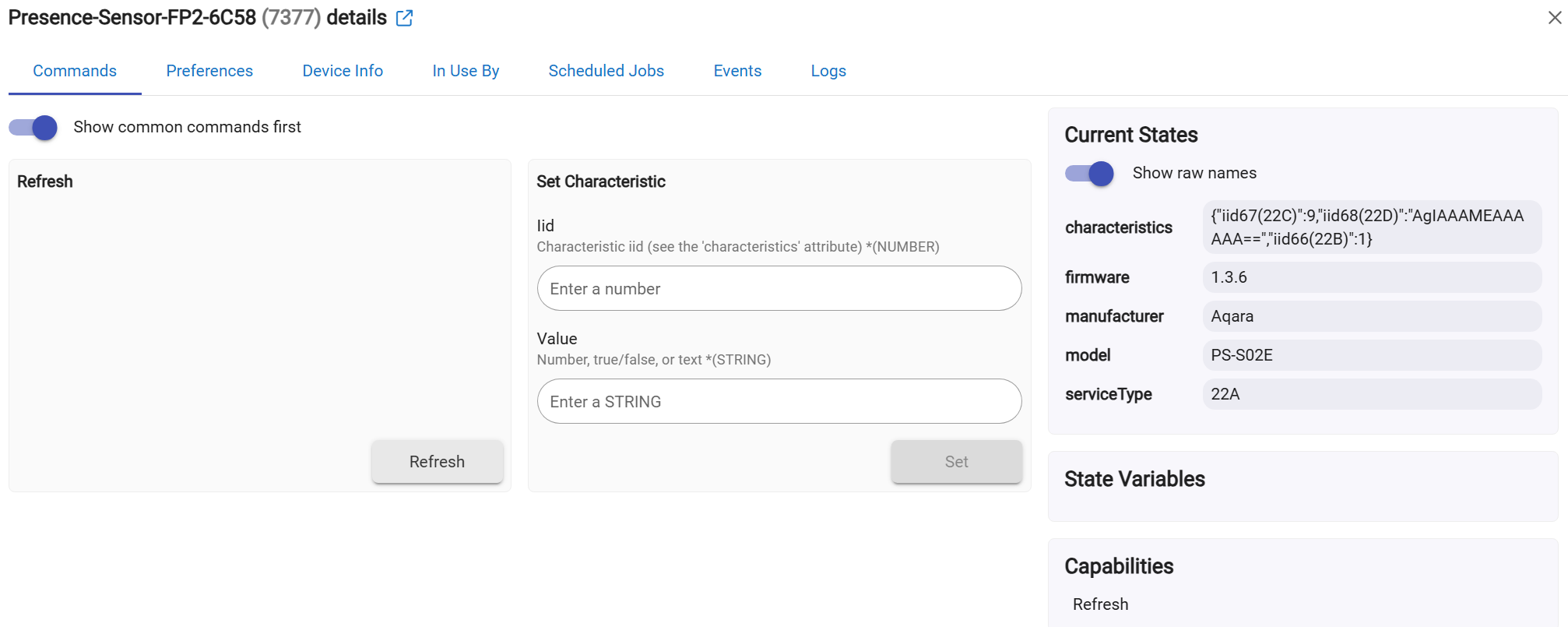
Also, several child devices seems to be picked up, but only light sensor and Presence sensor 1 are usable.

Note that the system HomeKit Controller integration only picks up motion and light sensor:

1 Like

This is working as intended — nice job getting two FP2s paired. Presence Sensor 1 and the Light Sensor are the two standard HomeKit services on the FP2, so those map to real Hubitat devices. The other children (the "?" ones) are services the FP2 exposes that aren't standard HomeKit types — note your screenshot shows the HomeKit Controller integration only picks up motion + light too, which confirms the rest are Aqara-proprietary.
Those land on the generic driver so the data isn't lost.

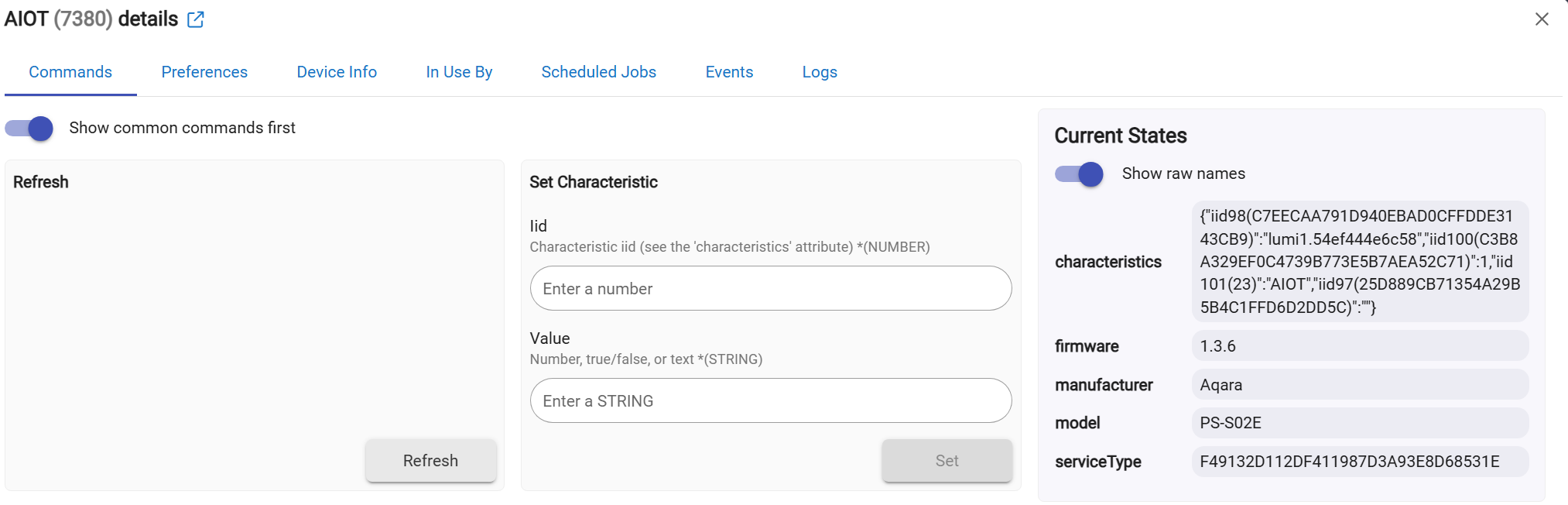
To see exactly what they are: on the FP2 parent device click Dump Accessories and paste the log here (or open each "?" child and tell me its serviceType attribute). If any turns out to be a standard HomeKit type I haven't mapped yet, I'll add it.
If they're Aqara-custom, the generic driver is the right home for them — you can still read their raw values, and write to them with Set Characteristic if you want to experiment.

The FP2's per-zone presence isn't exposed as standard HomeKit occupancy services (Aqara keeps that custom), so whole-device presence + lux is what's cleanly importable — same as every other HomeKit controller gets from it.

2 Likes

Yes, it was quite easy to pair the FP2s using your driver after some trial and error. The system integration sometimes works and sometimes does not pair or detect devices which is annoying.

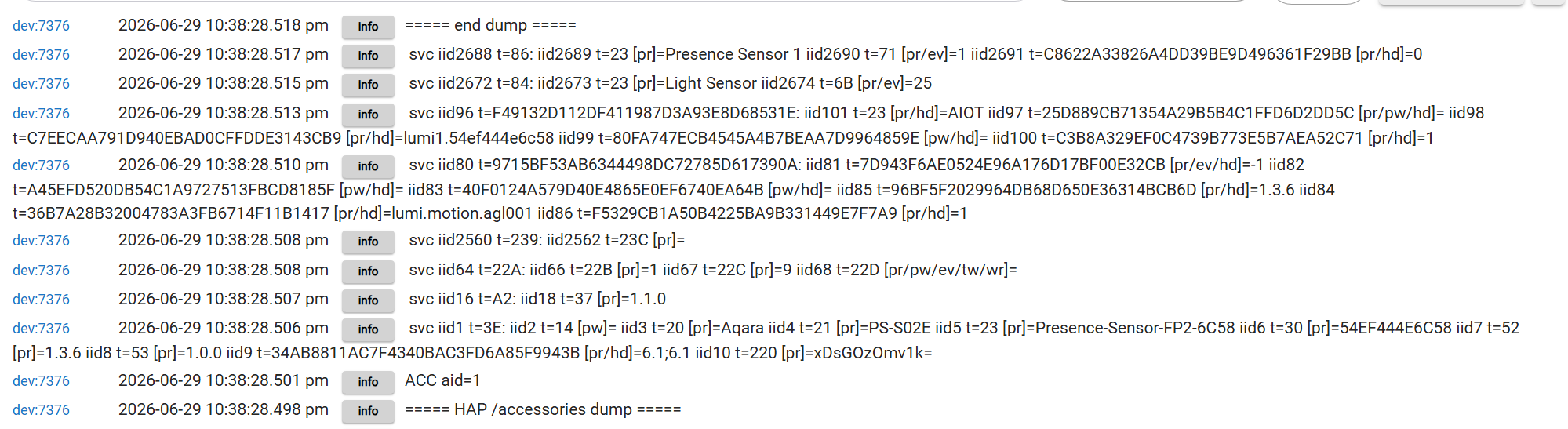
See dump log below:

dev:73762026-06-29 10:38:28.518 pminfo===== end dump =====
dev:73762026-06-29 10:38:28.517 pminfo svc iid2688 t=86: iid2689 t=23 [pr]=Presence Sensor 1 iid2690 t=71 [pr/ev]=1 iid2691 t=C8622A33826A4DD39BE9D496361F29BB [pr/hd]=0
dev:73762026-06-29 10:38:28.515 pminfo svc iid2672 t=84: iid2673 t=23 [pr]=Light Sensor iid2674 t=6B [pr/ev]=25
dev:73762026-06-29 10:38:28.513 pminfo svc iid96 t=F49132D112DF411987D3A93E8D68531E: iid101 t=23 [pr/hd]=AIOT iid97 t=25D889CB71354A29B5B4C1FFD6D2DD5C [pr/pw/hd]= iid98 t=C7EECAA791D940EBAD0CFFDDE3143CB9 [pr/hd]=lumi1.54ef444e6c58 iid99 t=80FA747ECB4545A4B7BEAA7D9964859E [pw/hd]= iid100 t=C3B8A329EF0C4739B773E5B7AEA52C71 [pr/hd]=1
dev:73762026-06-29 10:38:28.510 pminfo svc iid80 t=9715BF53AB6344498DC72785D617390A: iid81 t=7D943F6AE0524E96A176D17BF00E32CB [pr/ev/hd]=-1 iid82 t=A45EFD520DB54C1A9727513FBCD8185F [pw/hd]= iid83 t=40F0124A579D40E4865E0EF6740EA64B [pw/hd]= iid85 t=96BF5F2029964DB68D650E36314BCB6D [pr/hd]=1.3.6 iid84 t=36B7A28B32004783A3FB6714F11B1417 [pr/hd]=lumi.motion.agl001 iid86 t=F5329CB1A50B4225BA9B331449E7F7A9 [pr/hd]=1
dev:73762026-06-29 10:38:28.508 pminfo svc iid2560 t=239: iid2562 t=23C [pr]=
dev:73762026-06-29 10:38:28.508 pminfo svc iid64 t=22A: iid66 t=22B [pr]=1 iid67 t=22C [pr]=9 iid68 t=22D [pr/pw/ev/tw/wr]=
dev:73762026-06-29 10:38:28.507 pminfo svc iid16 t=A2: iid18 t=37 [pr]=1.1.0
dev:73762026-06-29 10:38:28.506 pminfo svc iid1 t=3E: iid2 t=14 [pw]= iid3 t=20 [pr]=Aqara iid4 t=21 [pr]=PS-S02E iid5 t=23 [pr]=Presence-Sensor-FP2-6C58 iid6 t=30 [pr]=54EF444E6C58 iid7 t=52 [pr]=1.3.6 iid8 t=53 [pr]=1.0.0 iid9 t=34AB8811AC7F4340BAC3FD6A85F9943B [pr/hd]=6.1;6.1 iid10 t=220 [pr]=xDsGOzOmv1k=
dev:73762026-06-29 10:38:28.501 pminfoACC aid=1
dev:73762026-06-29 10:38:28.498 pminfo===== HAP /accessories dump =====


Your dump confirms everything's working correctly. The FP2 exposes exactly two standard HomeKit services — Occupancy (→ Presence Sensor 1) and Light Sensor — and both are mapped and usable. The other four "?" children are Aqara's proprietary services (custom UUIDs / non-standard types; their characteristics literally contain lumi.motion.agl001, AIOT, the device id, etc.). No HomeKit controller maps those — which is why your HomeKit Controller integration also only shows motion + light. The generic driver just parks them so the data isn't lost; there's nothing standard to turn them into.

For per-zone presence: draw your detection regions in the Aqara Home app first. The FP2 then publishes each zone as its own HomeKit Occupancy service, and this driver will auto-create a separate "Presence Sensor" child for each (it maps every occupancy service it finds). After setting up zones, hit Rediscover on the parent. You can confirm they're exposed by checking they also appear as separate occupancy sensors in Apple Home.

(Tip: after updating to the latest version and hitting Rediscover, the "?" children rename themselves to show their HAP service type, e.g. … [HAP svc 22A], so they're easier to tell apart.)

2 Likes

After successfully installing and configuring your Ecobee HAP Thermostat driver, I had high hopes that your Homekit Import could be used to interface my Eufy Homebase3 with Hubitat to control home/away status, capture motion detection from Eufy cameras, etc. Unfortunately, Eufy no longer includes a HomeKit setup code on the bottom of the Homebase hardware, nor does the Eufy app display a HomeKit setup code when configuring the Homebase direct interface to HomeKit.

I have seen discussions on other forums that Eufy Homebase dynamically generates a setup code, presumably similar to how a Ecobee thermostat does, when using the Eufy app to activate the Homebase direct interface to HomeKit.

Does anyone know of any third party utility or diagnostic tool that could be used to display the Eufy dynamically generated setup code?