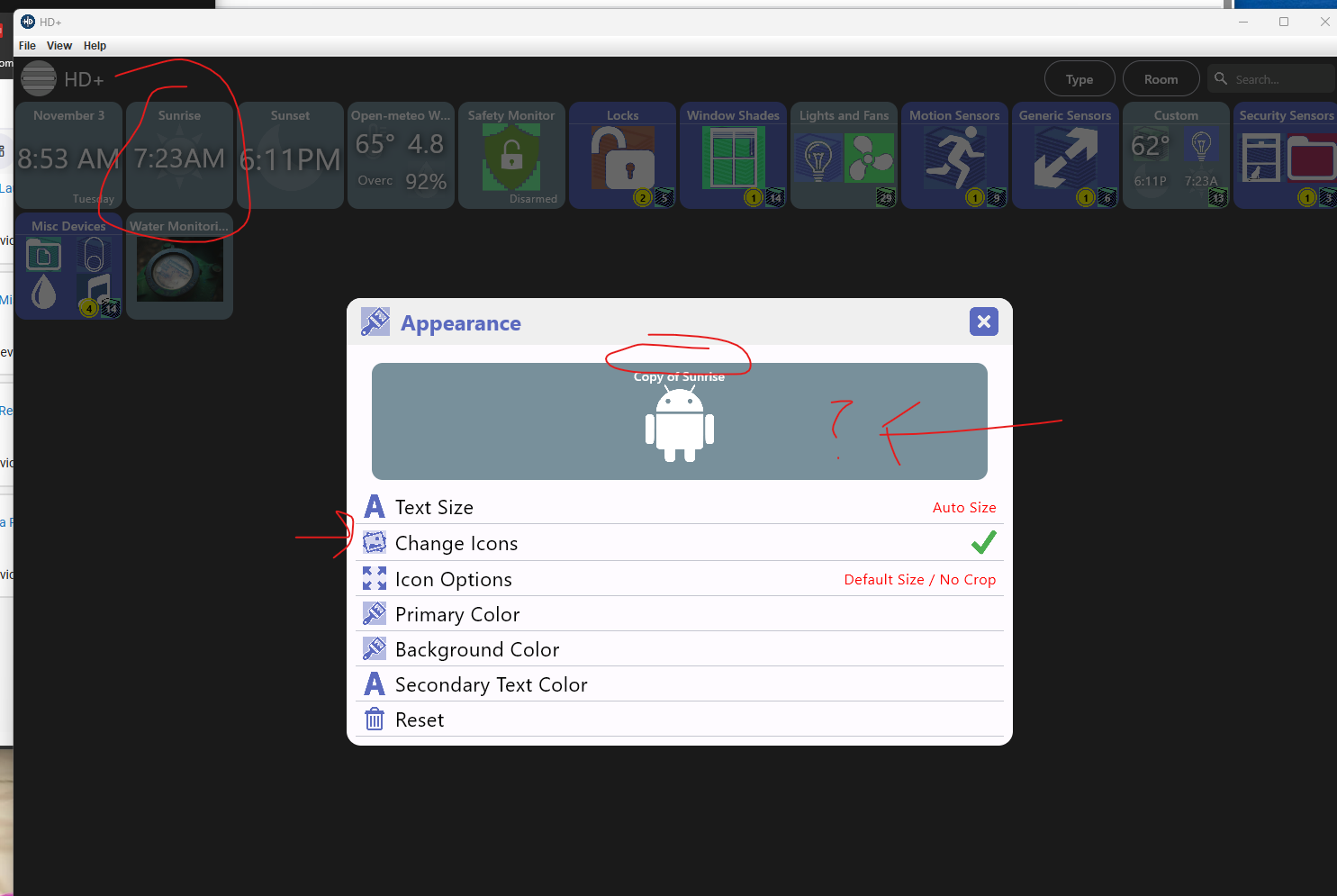
I'm trying to change the background image on my Sunrise and Sunset tiles and no matter what ICON I select the attribute no longer shows up. In the original version of HD+ I was able to change the image and the attribute still showed up.
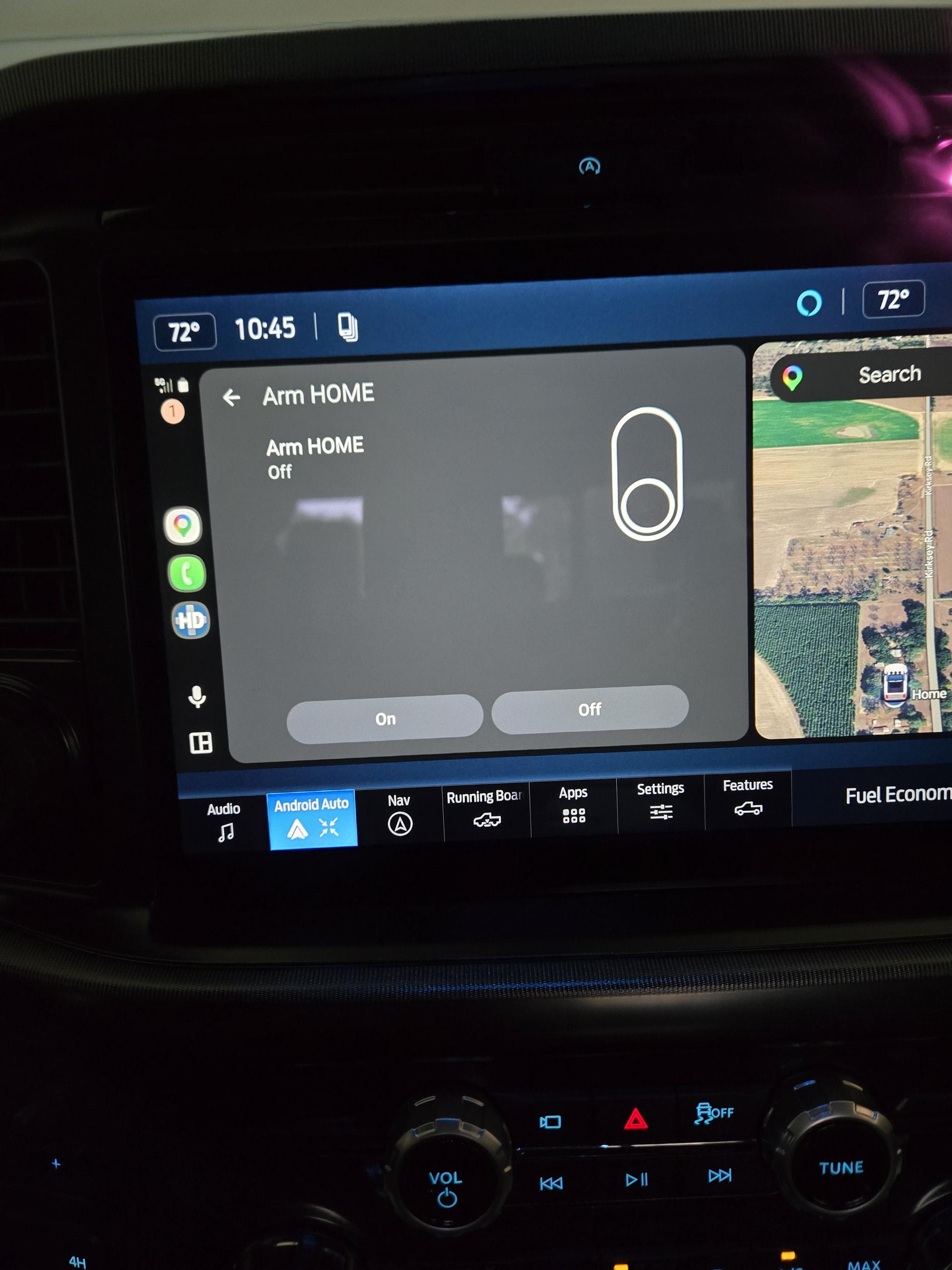
A few days ago I asked about an issue on Android Auto but I was running the legacy version of this. I have since installed this one and noticed a couple things in my truck. First is when I toggle the switch it brings me to a confirmation page. It is set as a toggle in the app.
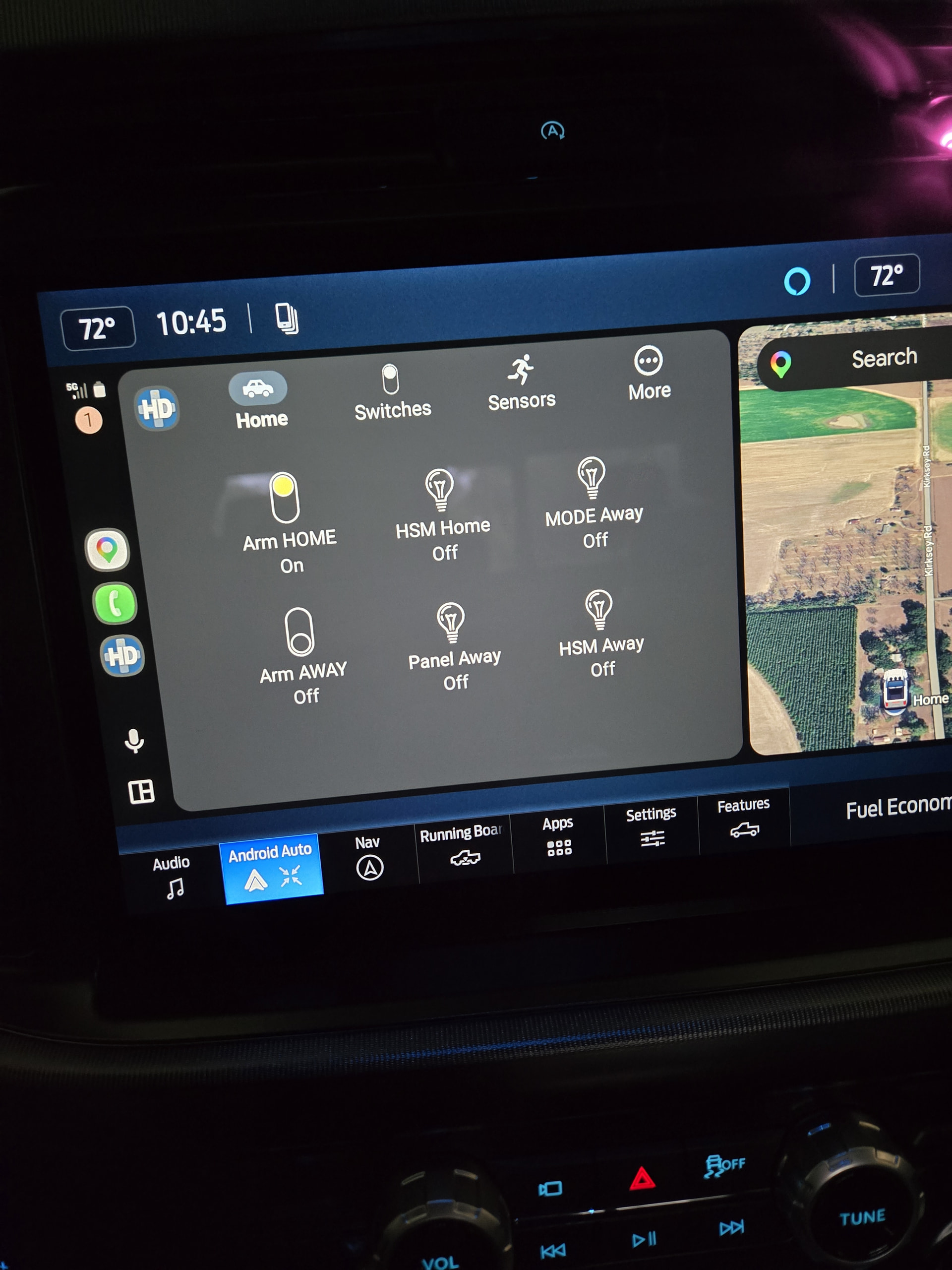
Second my status Virtual bulbs will not turn on or off unless I open the app on my phone and then they do. The 2 bulbs in the below photo should be on with the switch that is on. I found out if I leave the app open on my phone they will turn on kind of delayed.
Thanks for the feedback! I haven't done much testing of AA (my car doesn't have it) so I imagine there's several cases like this. I'll try to get both fixed or improved at least
I don't think there's any way to change the background image of a tile generally speaking. You can set a background image for the whole screen and then make your tiles semi-transparent so you can see it through the tiles. You can change the background color of a tile but the change icon option you're using is intended to change the main text/icon of the tile
Understood, what I was hoping was there was some way to change the color of the attribute value in the tile so the "Sunrise" time shows up regardless of what tile icon is selected. If that is no longer possible I'll just reset the tile back to the default Sunrise icon.
It looks like the thermostat device (Nest in HE) offers a "Temp Background" which I assume changes color when either the heat or cool kicks on. I migrated from HD+ Android and liked that effect.
It does not seem to be working in this app.
Any help would be appreciated 