Since yesterday, for some unknown reason, HD+ does not want to connect remotely to the HUB, I permanently receive "Unable to connect to server!" error. I changed API and everything worked fine for next 10-15 min, then same error again. Localy it worked OK. Restarting the HUB did not help. Any idea?
I rebooted my hub as well and it did not seem to resolve the issue. However, my issue seems to have resolved itself, or HE Staff took care of it. I can now access cloud boards and HD+ is connected.
Thanks for the feedback - I don't test the desktop app as often as I should. I do have a Mac (26.7) and the minimize button does hide the app but the menubar icon -> 'open dashboard' didn't display it again
I'll fix that and also added a Window menu item which is another standard way most Mac apps can show minimized windows
What I can't figure out yet is why the app doesn't minimize at all in your case.. questions for you:
Does minimize work in the first few seconds after a fresh launch?
Does their dashboard have any web or HTML tiles? If so, does it still fail with those tiles hidden?
Does ⌘M work when the button doesn't?
>> Local Network access on macOS
I've seen this issue before in another project of mine, FileManager+, which also uses jDeploy. I tried signing the Mac app in that app with my Apple developer certificate instead of using the one jDeploy comes with. I'm not sure if that's the fix but it's worth a shot. If you wouldn't mind - can you try running that app to see if local network access works? It's a file manager but detects local devices on the network (chromecast, android TV, wireless adb devices). If it works there I'll do the same for HD+ too
No one has stated what platform build they are on.
I posted on the beta forum yesterday about an issue I was having with lost cloud connections to the hub for 2 apps. I presume these people are not beta testers but I thought I would check.
I rolled back to the previous test version and my issues went away.
Right after a fresh launch: yes. In 2 of 2 fresh launches, clicking the yellow button 3–4 s after launch minimized the window. Later it stops working: on an instance that had been open for 19 h the click did nothing, and running hd-all.jar directly with java, 3 clicks made 23–32 s after launch all failed.
No web or HTML tiles. Just device tiles, plus Date/Time, Battery Monitor and folders.
⌘M doesn't minimize either, but there's no Window menu (the menu bar is just HD+, File, View), so nothing is bound to ⌘M. Your new Window menu should cover it. Side note: the app menu items read "About MainKt / Hide MainKt / Quit MainKt".
One more detail, in case it helps: yesterday I clicked the yellow button three times in a row and nothing happened. Today I clicked once (nothing), pressed ⌘M (nothing), then clicked again, and that time it minimized. Maybe the keypress matters, maybe it's chance; I only saw it once.
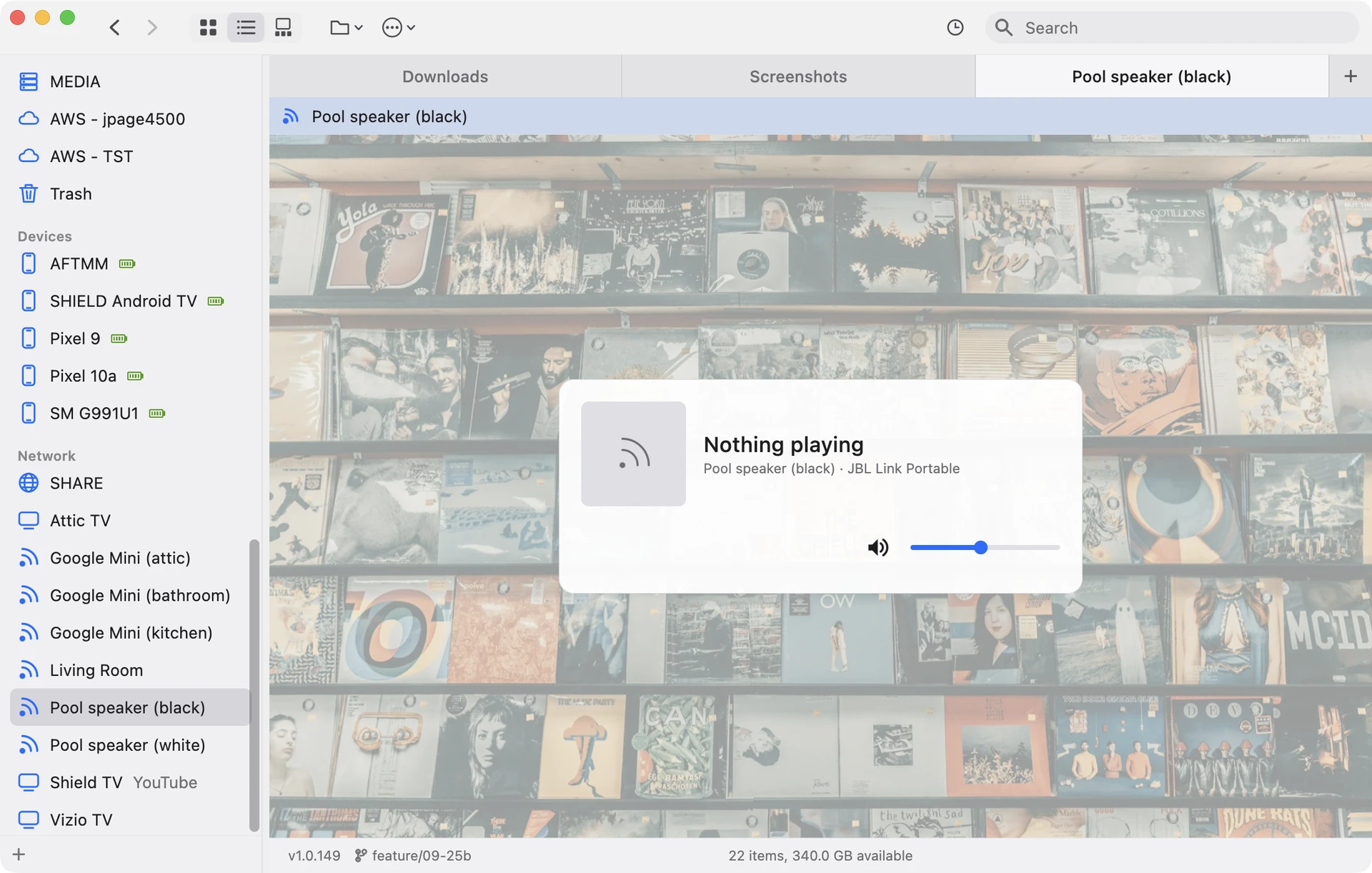
Local Network — tried FileManager+ 1.0.149
On first launch macOS showed the "Allow 'File Manager+' to find devices on local networks?" prompt, which HD+ never gets. So it works without NSLocalNetworkUsageDescription: the prompt just uses the generic macOS text ("This will allow the app to discover, connect to, and collect data from devices on your networks."). I allowed it, and macOS now has it registered as allowed. HD+'s bundle ID is still sitting at "never decided".
I haven't verified discovery itself yet: the only Chromecast device here is the living-room TV, and it was off during the test. So far the Network section is empty, and its header only appeared after I allowed access and relaunched.
Correction to my last post: my Developer ID test was a local in-place re-sign (no hardened runtime, not notarized). Your notarized build does get the prompt, so signing HD+ the same way looks promising.
In case it helps, the system log shows the chain: when the app was copied to ~/Applications, nehelper got an "apps installed" notification for com.jpage4500.fileexplorer.mainkt and cached the launcher's UUID for that bundle ID. A few seconds after launch, UserEventAgent's LocalNetwork check matched the process by PID/UUID and the prompt appeared.
The real test is a macOS update, since that's when HD+ loses access. 27.0.1 is pending here; I'll keep FileManager+ installed and let you know whether its permission survives.
Small bug: the Date/Time tile doesn't roll over at midnight. With the app open since the afternoon of 9/30, at 12:38 on Thursday 10/1 it showed "September 30 … Thursday" (weekday updated, date not). After a restart it showed "October 1".
Edit:
Quick update on FileManager+: discovery works too. With access allowed, it found my SMB server (Ubuntu) on its own and listed it under Network. So on macOS 27 your signed build gets the prompt and, once allowed, actually sees the local network. I'll still report back after the 27.0.1 update.
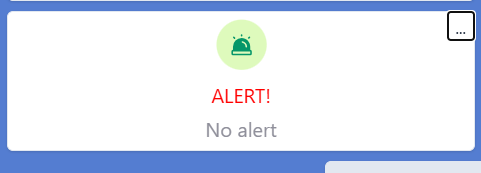
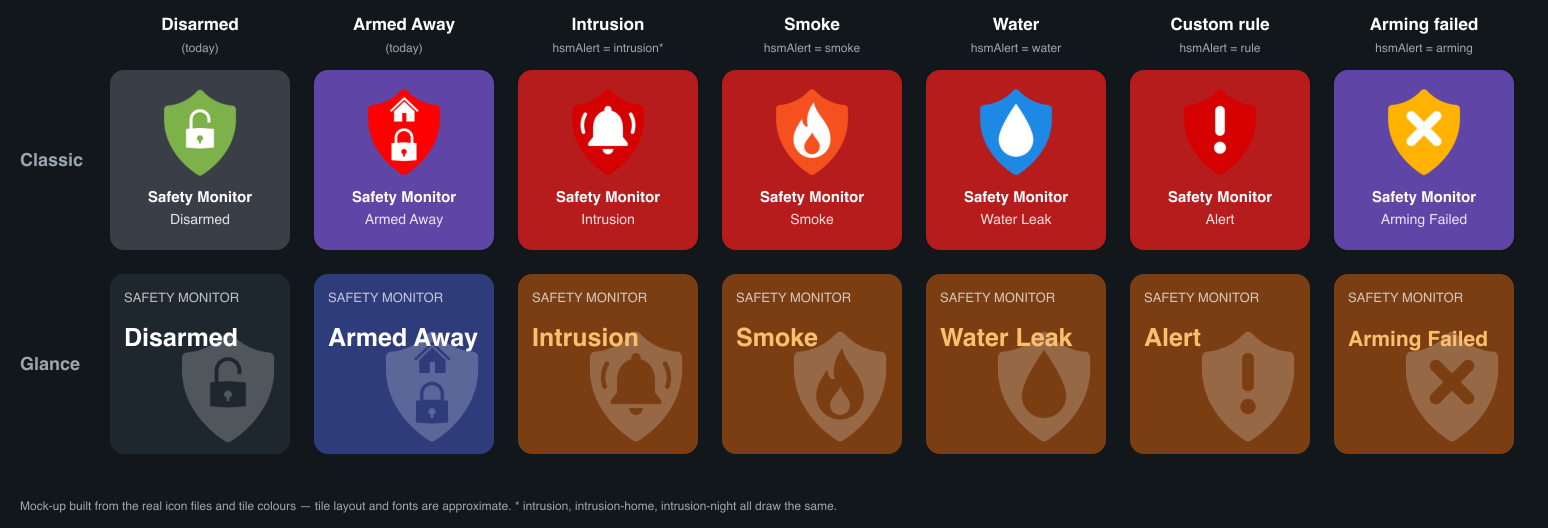
@jpage4500 is there any way to improve the Hubitat safety monitor icon to show the alert? Just noticed that via the easy dashboard they have improved so it shows more shown below.
Desktop: scroll the theme picker with the mouse wheel, arrow keys or by dragging
Desktop: fixed the window coming back smaller each time the app launched
Desktop: new Software Rendering option for a dashboard that draws blank or tiny
Desktop: Open Dashboard in the menu bar now brings back a minimized window
macOS: a signed DMG download that keeps Local Network access across macOS updates
macOS: new Window menu with Minimize (⌘M), Zoom and Bring All to Front
Date/Time: the date now rolls over at midnight instead of waiting for a restart
Mostly desktop fixes for this one.
>> Local Network access on macOS
I tried to fix this one with 2 changes: signing the app with my Apple developer key (it was signed using jDeploy key) and adding a NSLocalNetworkUsageDescription value (not sure if that's necessary but added it anyway
>> clicking the yellow button never minimizes the window
This should work now.. I also added a Window and Help menu items
Fixed
I still need to understand the root cause of this one more but there is a new desktop only setting (display -> advanced -> software rendering) which should do this without the flag
I'd need to research where that alert comes from - if it can be retrieved via MakerAPI or comes in a websocket push (local only). But, I'll see if I can figure that out. If you know though let me know and I'll look into it
EDIT: And.... Claude for the win
HSM status does appear to get sent via the websocket and can't be queried via MakerAPI. So that means it won't work in cloud mode. But, if the device can access the Hub locally it can receive HSM updates.
I haven't tested any of this yet.. but, here's what it will look like
@jpage4500 thanks for 1.0.1385! Updated here and it's running fine, talking to the hub locally.
Signed DMG: the release notes mention a signed DMG for macOS, but the 1.0.1385 release has no .dmg asset. The "Mac (Apple Silicon)" link still points to the jDeploy installer (HD+.Installer-mac-arm64-1.0.1385_26A2.tgz), which is signed by Web Lite Solutions (HRNMHC7527), not by you. FileManager+ 1.0.149 does have File.Manager+-mac-arm64-1.0.149.dmg signed with your Developer ID, so I think the DMG step was skipped for HD+. As soon as it's up I'll install it clean and report whether macOS asks for Local Network access.
Minimize: the yellow button minimized the window the first time after launch, but not after that. ⌘M from the new Window menu works. Thanks for adding it!
The script I had failed to find my signing key - I just ran it manually and I see the .dmg there now
The release notes just shows the last change though and missed a few others including the HSM changes made yesterday
Safety Monitor: the tile shows an active intrusion, smoke, water or rule alert
Safety Monitor: fixed Armed Night showing as Disarmed
I haven't had a chance yet to test those though...
>> the yellow button minimized the window the first time after launch, but not after that
I tried to reproduce this on my Mac and couldn't.. so I ended up adding some extra logging. Debug mode will have to be enabled but if you still see it can you try and let me know what the logs say?
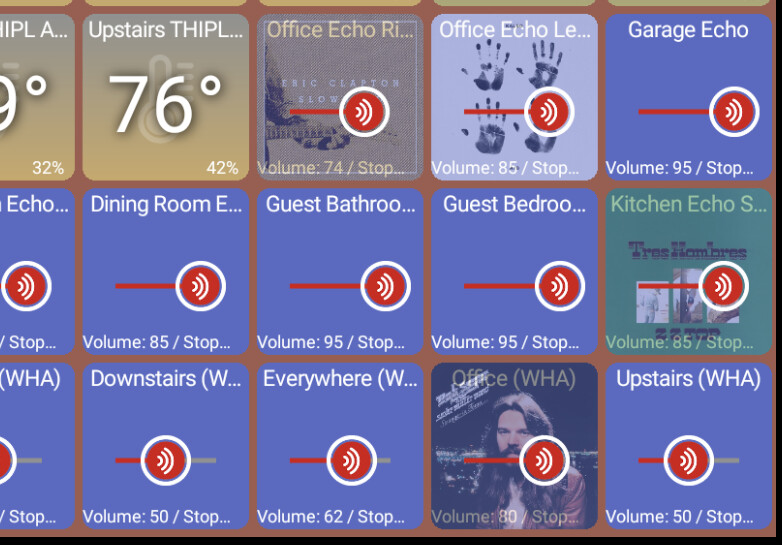
howdy @jpage4500 - I'd like to ask for a feature Request for the older HD+app which I think you know I'm all in on.
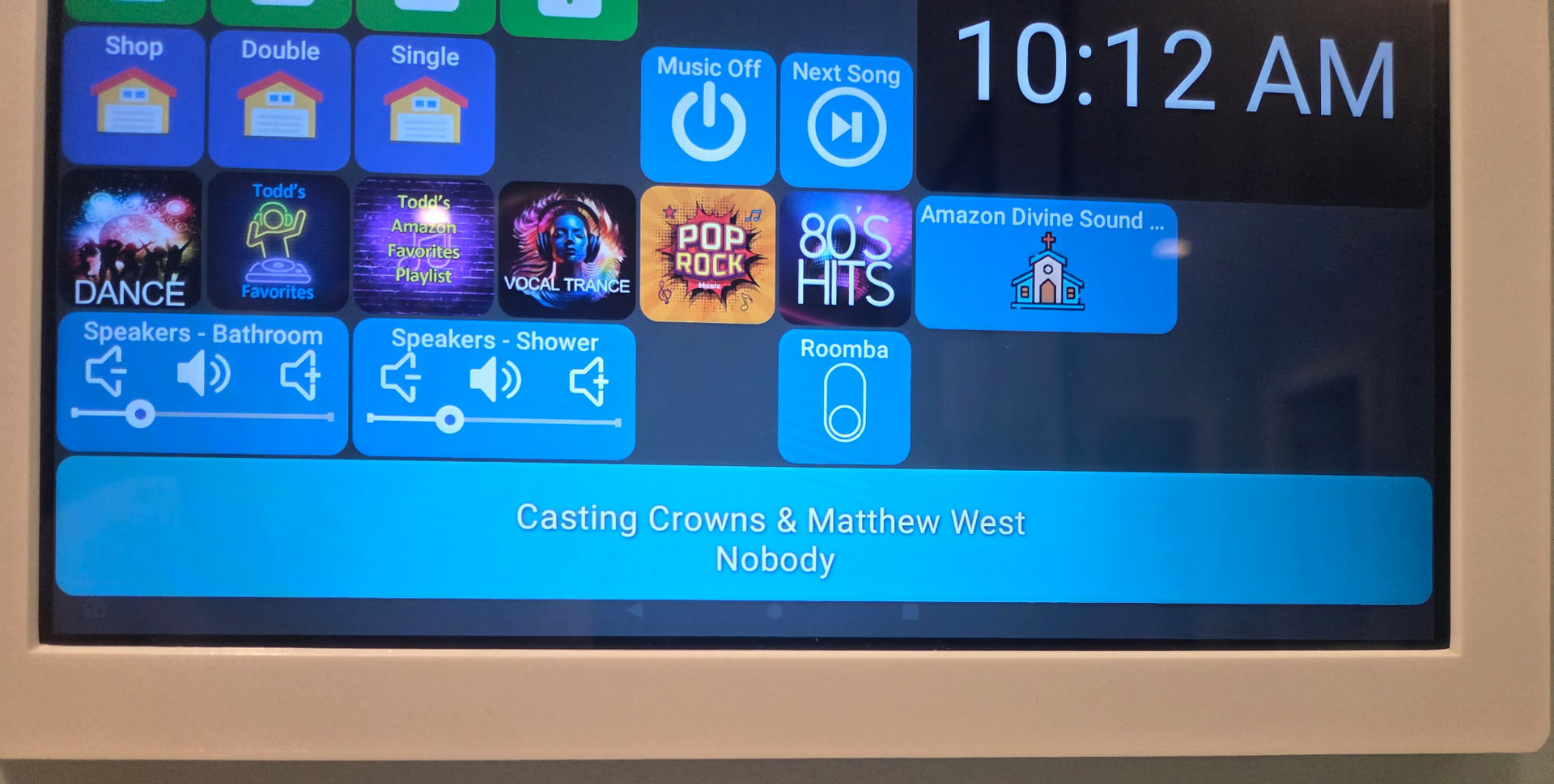
I recently rewrote my echos environment soup to nuts. One thing that has changed because of me is the Echo devices don't advertise as musicPlayer capable. I still maintain all the features of a musicPlayer but now show up only as a Speaker.
In the old days with Tonesto's echo speaks I got music player tiles - now I can only choose speaker tile. Are there any ideas on how I can get around this or easy peezy expose MusicPlayer if capability audioNotification or speechSythensis is there? I'd really love to have the music player icons back for these guys!
How easy is it, or is it possible, to use/edit the android version on a Amazon Fire HD, edit the dashboard as I desire, save it, and then use that saved dashboard in the Windows version running on a mini PC?