Hello, that would be awesome if you could release a build with the latest driver from that provider. @jpage4500
Feel free to send me an APK file and I can test or let me know if you do a full prod release and I can pick it up through the play store.
@raymond15 - I had similar issues with feeds from my Hikvision cameras. Reverting to the apk for version 1.0.2585 solves it for me. I recall Joe provided a url where I could download a specific build of HD+. It's worth keeping a copy of the apk for a build where RTSP is working for your cameras. That gives you the opportunity to test the newer versions as they're released but roll back if issues are encountered. My dashboards each have a 7 x 4 live video tile showing the drive/front door so it's noticeable when RTSP is playing up.
Good point @johnwill1.
@jpage4500 Would you be able to provide me a link to the APK for version 1.0.2585 please?
https://jpage4500.s3.amazonaws.com/hubitat-dashboard/hd-1.0.2585.apk
This URL format should work for most previous versions
After reviewing old posts, people have been asking for years to display time variables in the hub time instead of the computer or phone time. Hubitat support has never responded to those requests.
@jpage4500 would you be able to have an option to display all time, date and date/time variables in hub time?
@jpage4500 That worked, thank you!
version 1.0.2758 (beta)
- set alarm to schedule devices to be turned on/off at a given time
- fix system bar background color when not in fullscreen mode
- upgrade RTSP video driver
- thermostat: allow custom step values when adjusting setpoint (celsius only)
I added a few new features and updated most of the libraries that the app uses, including the RTSP video driver. I do want to caution anyone if you're running on an older device you might want to wait a few days before updating.. sometimes when updating libraries support breaks for older devices and I don't have enough time to test everything. But, in a few days I'll update my old Fire tablets so that should help find any issues like this.
In addition to setting a timer to turn lights (or switches) on/off after X seconds, I added an alarm option to do the same thing at some point in the future.
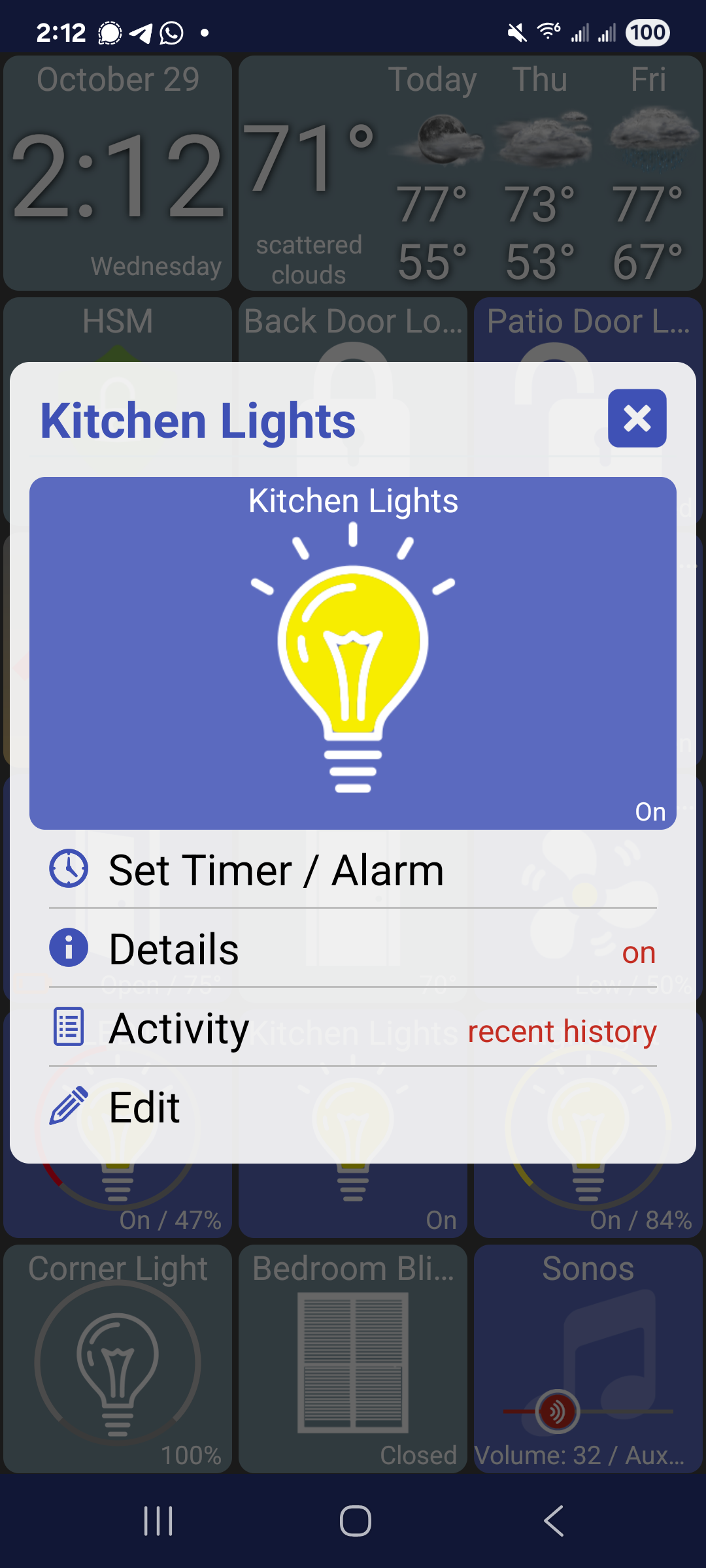
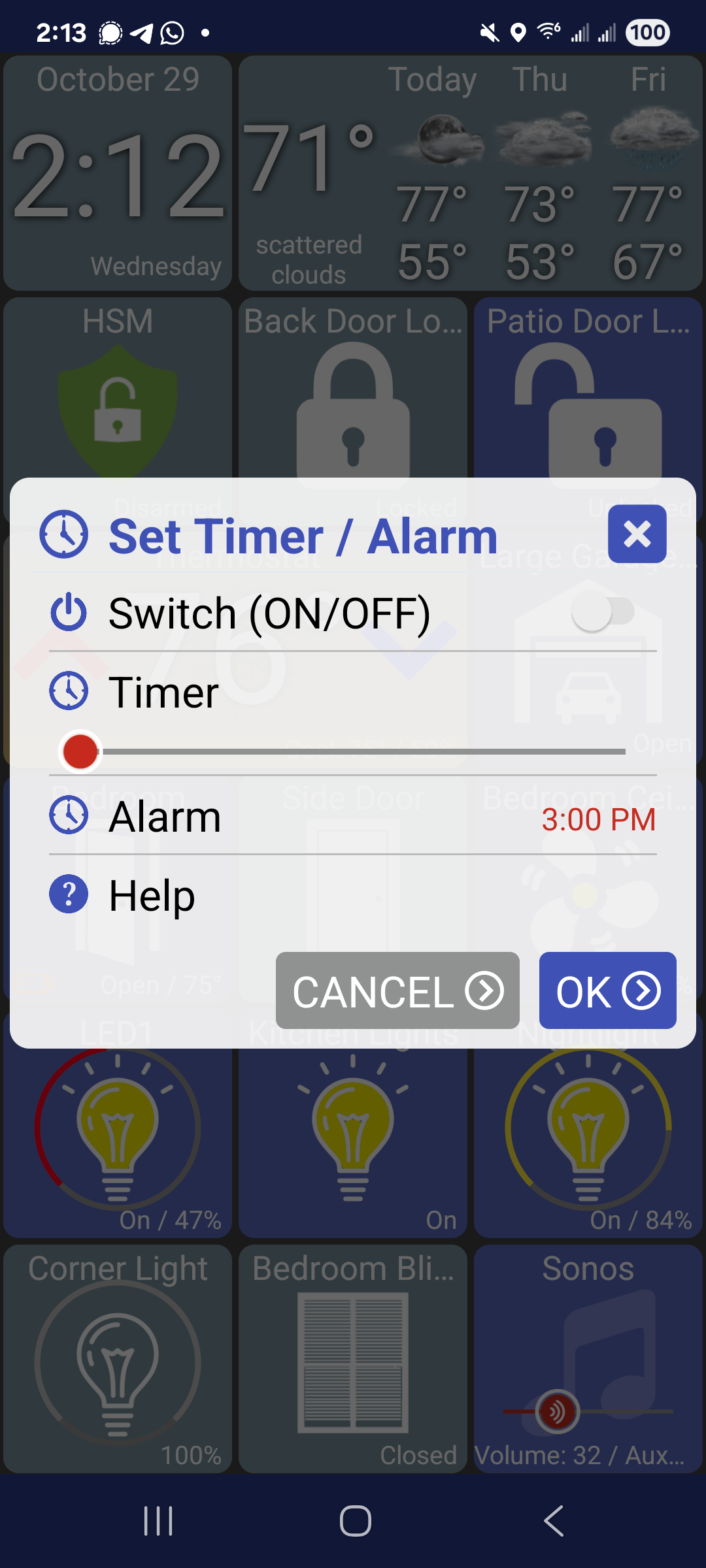
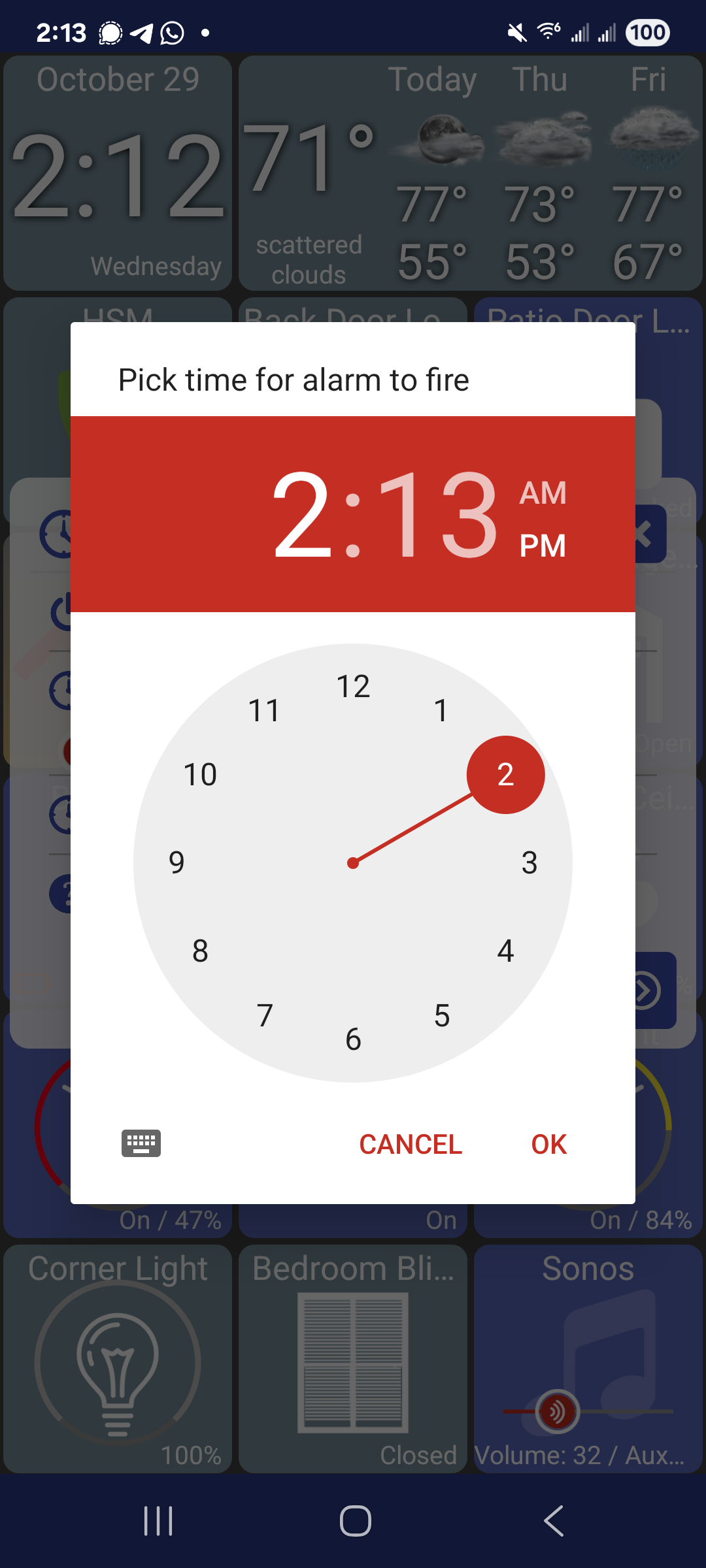
The thermostat view goes back to using +/- .5C step values by default. It can be changed though.. long-click on the thermostat and click edit -> Thermostat Step. It'll only show up if the thermostat is in Celsius.
I'd need a way to get the hub time - I know there's at least 1 or 2 drivers that would do this but nothing built-into makerAPI that I know of
Could I put the date/time into a hub variable and pass it through Maker API?
Oops, that won't work, Hubitat changes all date/time variables to local time. It stays properly in string variables. Maybe the delta from GMT will work
Please let us know if you could get it to work.
Reread Joe's post that refers to drivers with hub time zone info. Created a string Hub Variable that contains the TimeZone attribute from @thebearmay Hub Information Driver V3. It's a JSON variable. Should give Joe several ways to calculate the hub's difference with UTC.

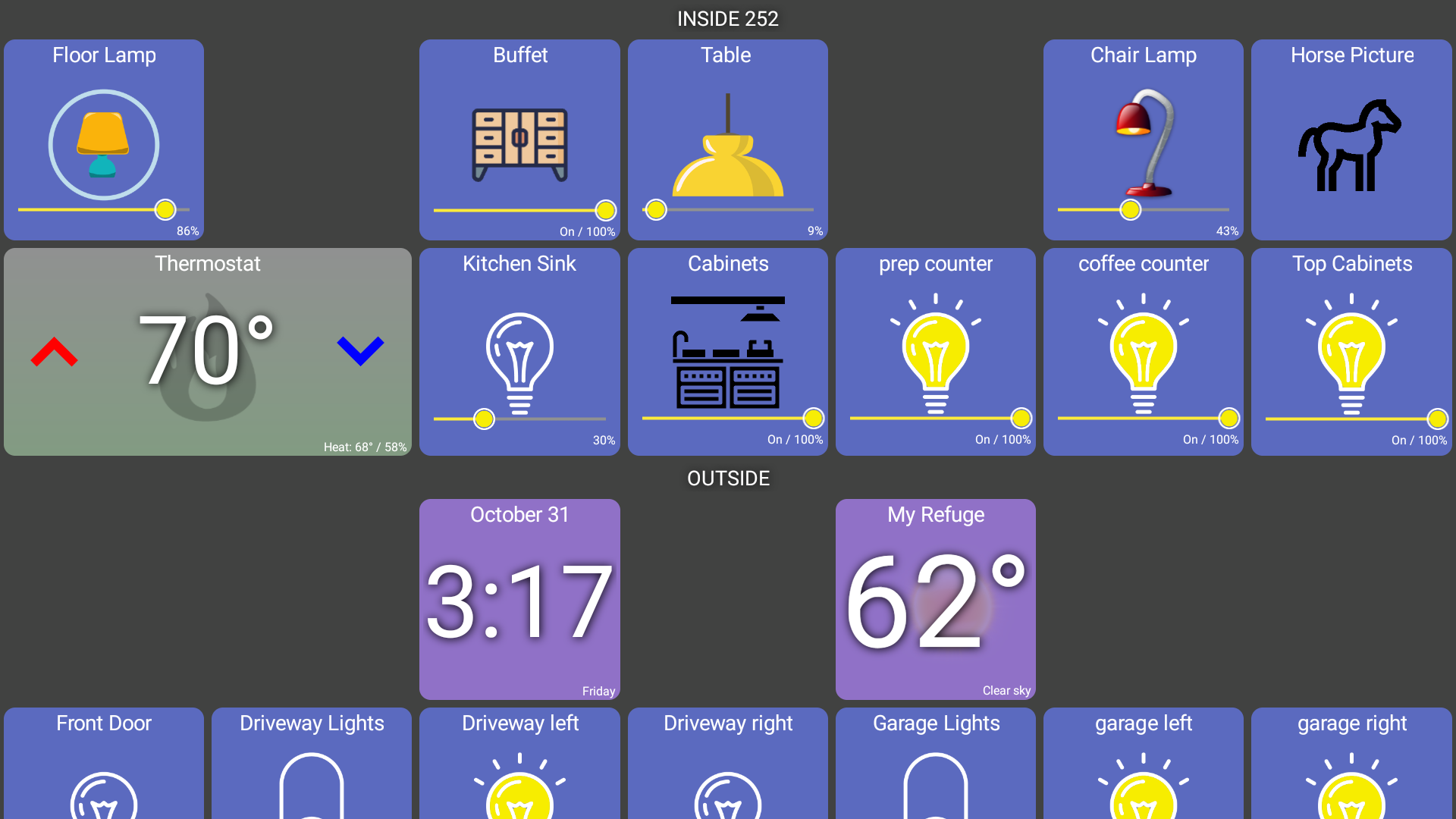
Here's ours (with the calendar redacted  ). I really like HD+ since it works well with so many Hubitat apps. TileBuilder is a great one since I love data. The "main" screen at the top is what we interact with 90% of the time. I just added everything in so I can access it if necessary by scrolling down but it makes the dashboard really busy.
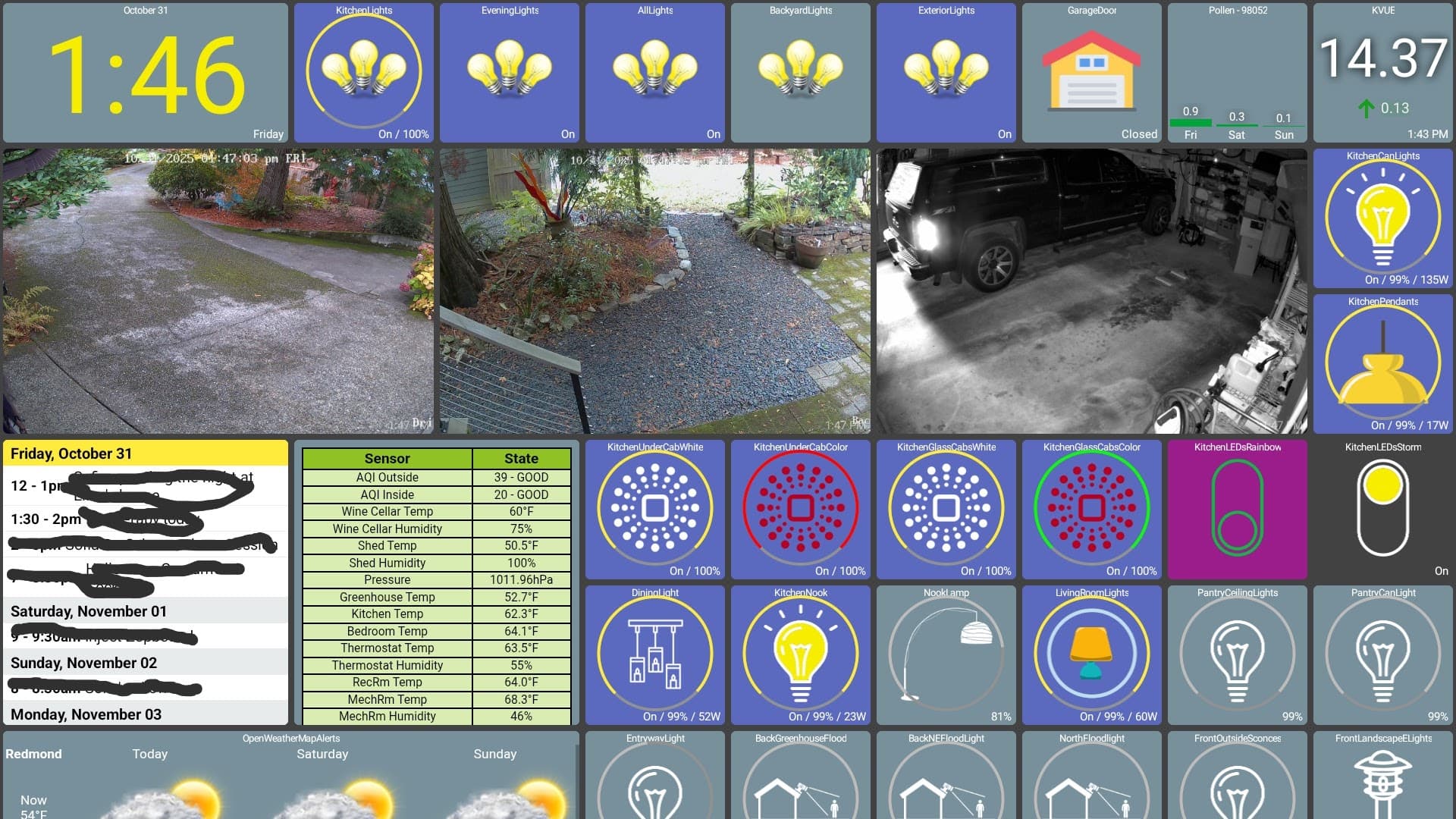
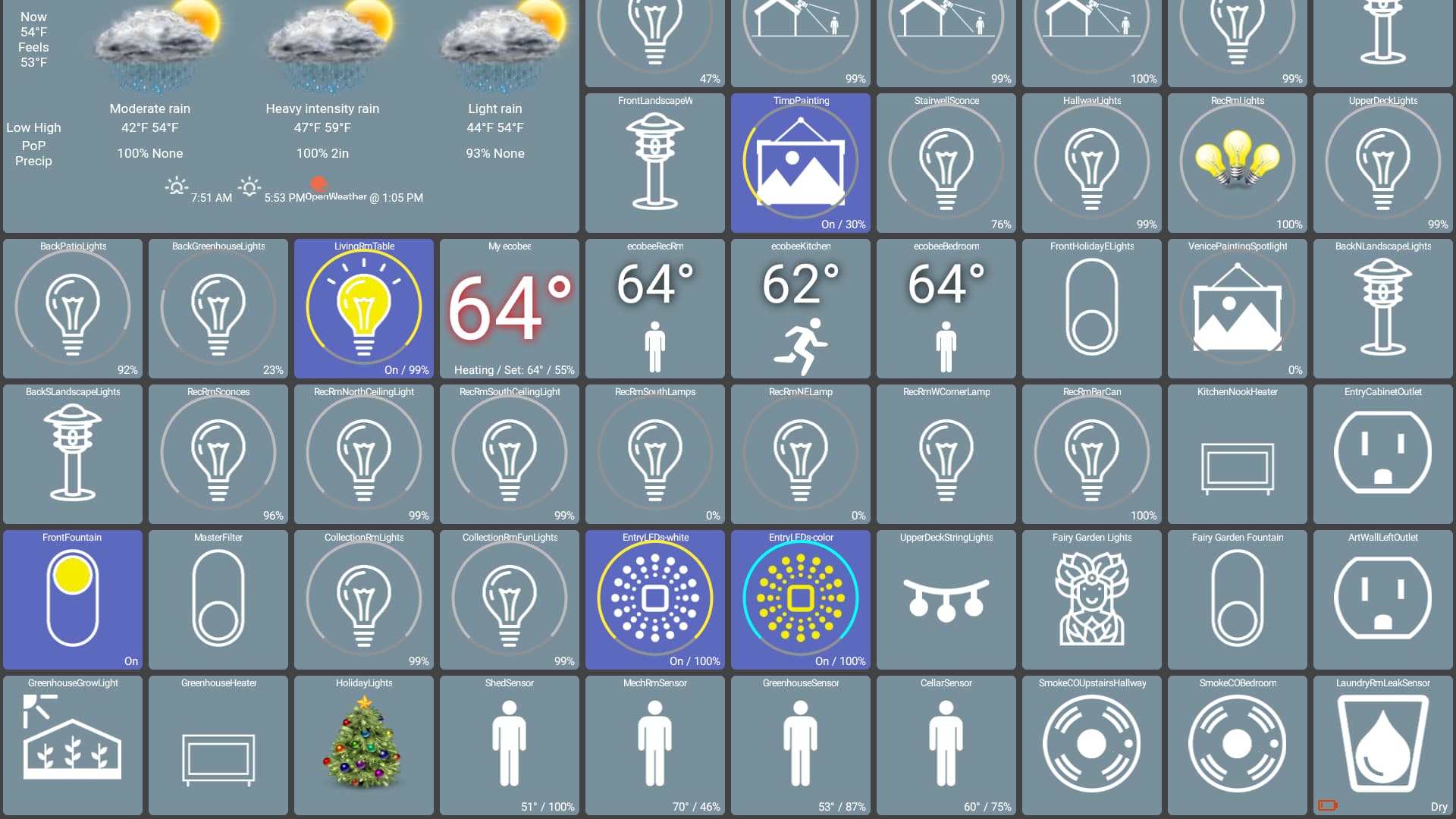
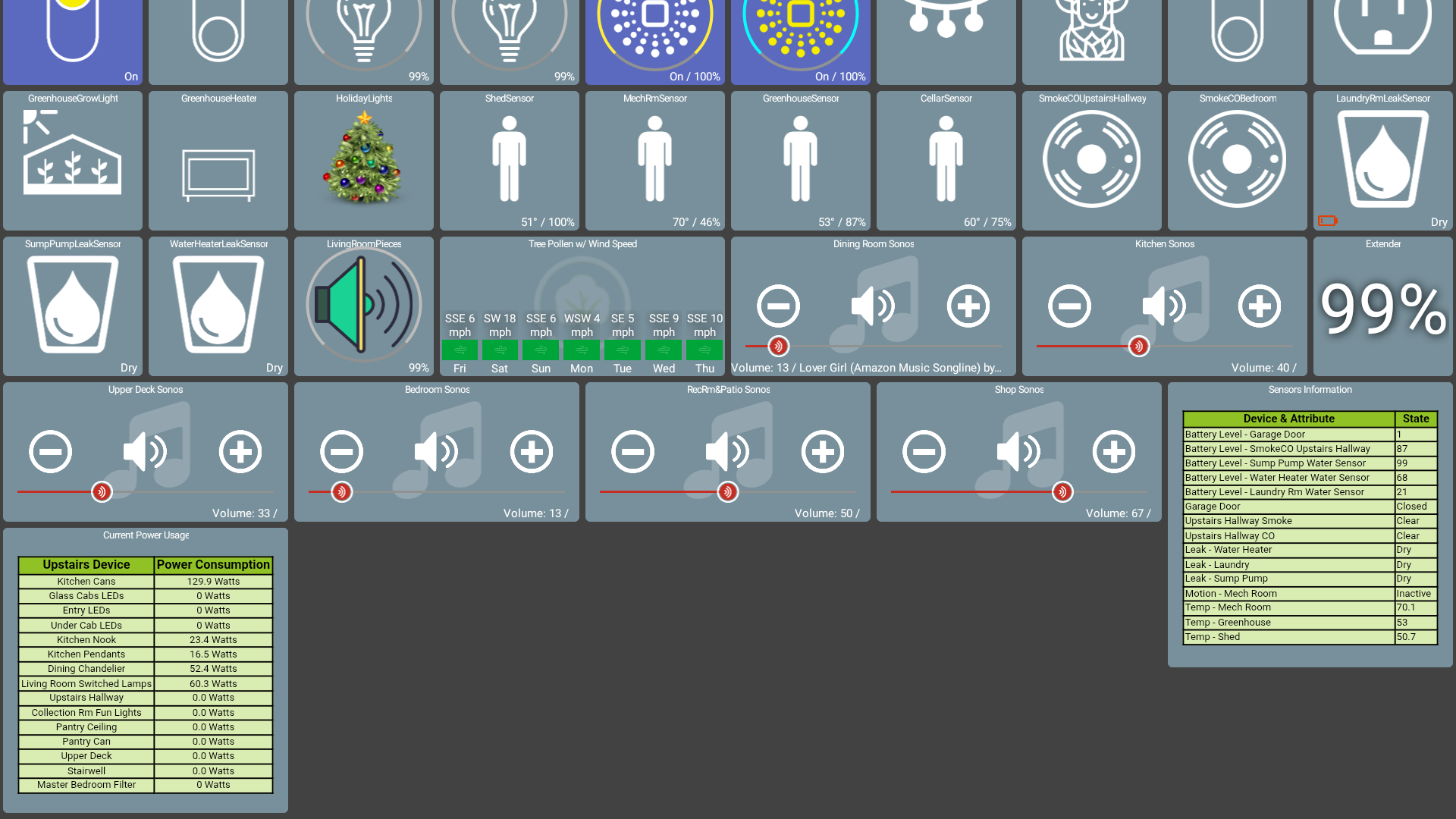
Just look through the forums. There are examples everywhere.
Here's mine, it's just for my phone, it requires a lot of folders obviously to keep it clean on a small screen. At one point I actually replaced the UI of my phone with HD+ dashboard and opened all my phone apps within it using Fully Kiosk. Since then I stopped doing that.
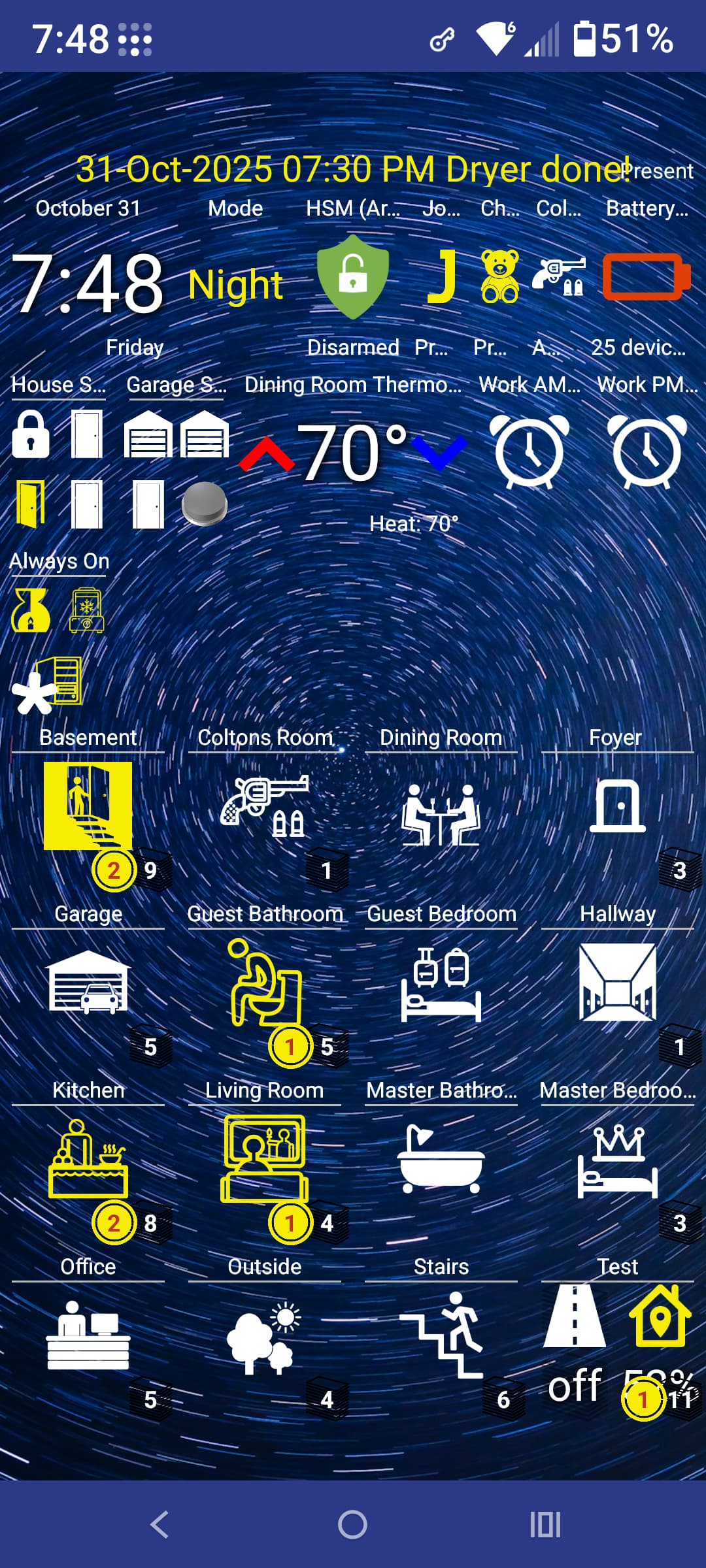
Cool side note. Using Fully Kiosk you can nearly replace the terrible UI of both Android TV boxes and Fire TVs. It's been awhile but if I remember correctly the remote "home button" is all that really held it back. If that could somehow be changed to go to the main dashboard page you could have a near perfect TV UI including your cameras and important devices on the"home screen'.
@jpage4500 Great Job on the alarm option on the times. Few things that I've noticed. First, it doesn't save the time you selected. It keeps reverting to the current time, kind of. The second part is the current time that it defaults to is one hour later then me, so Eastern std time.
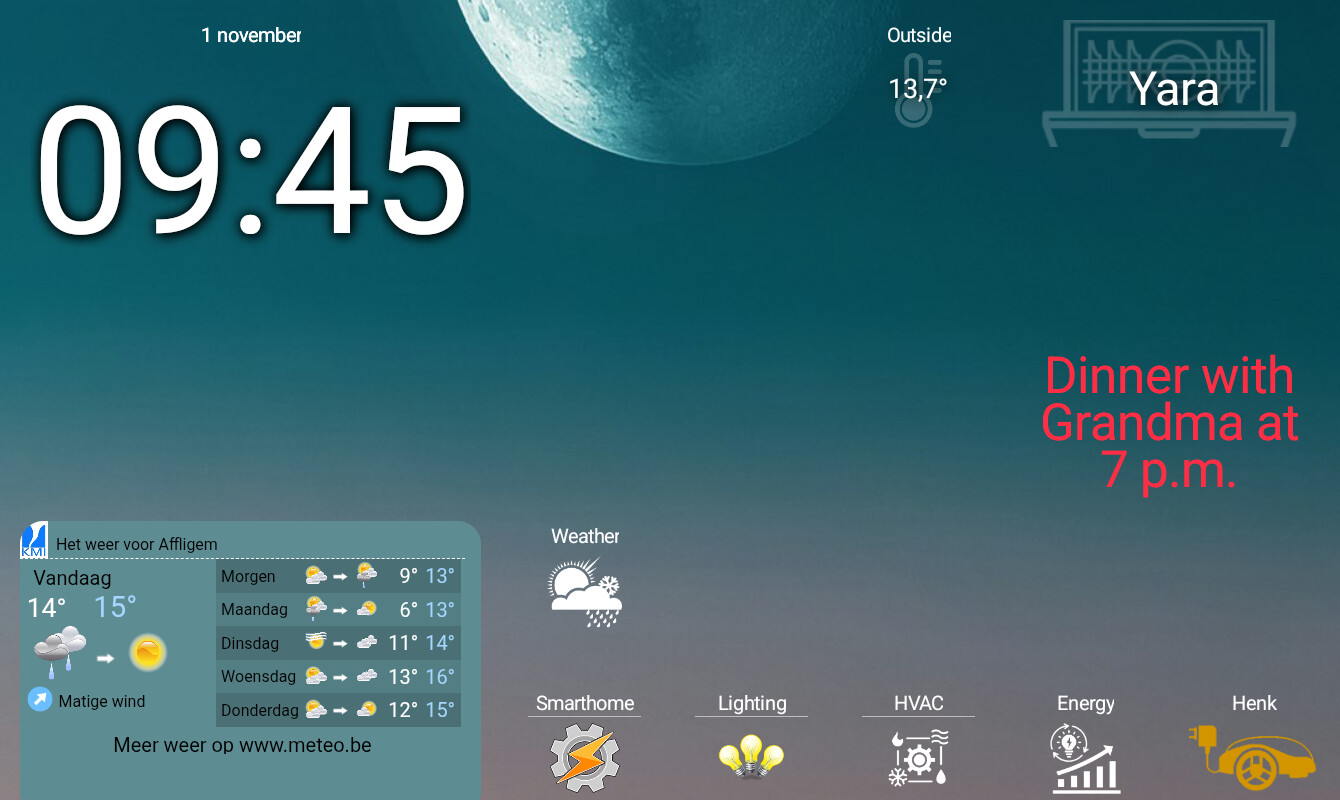
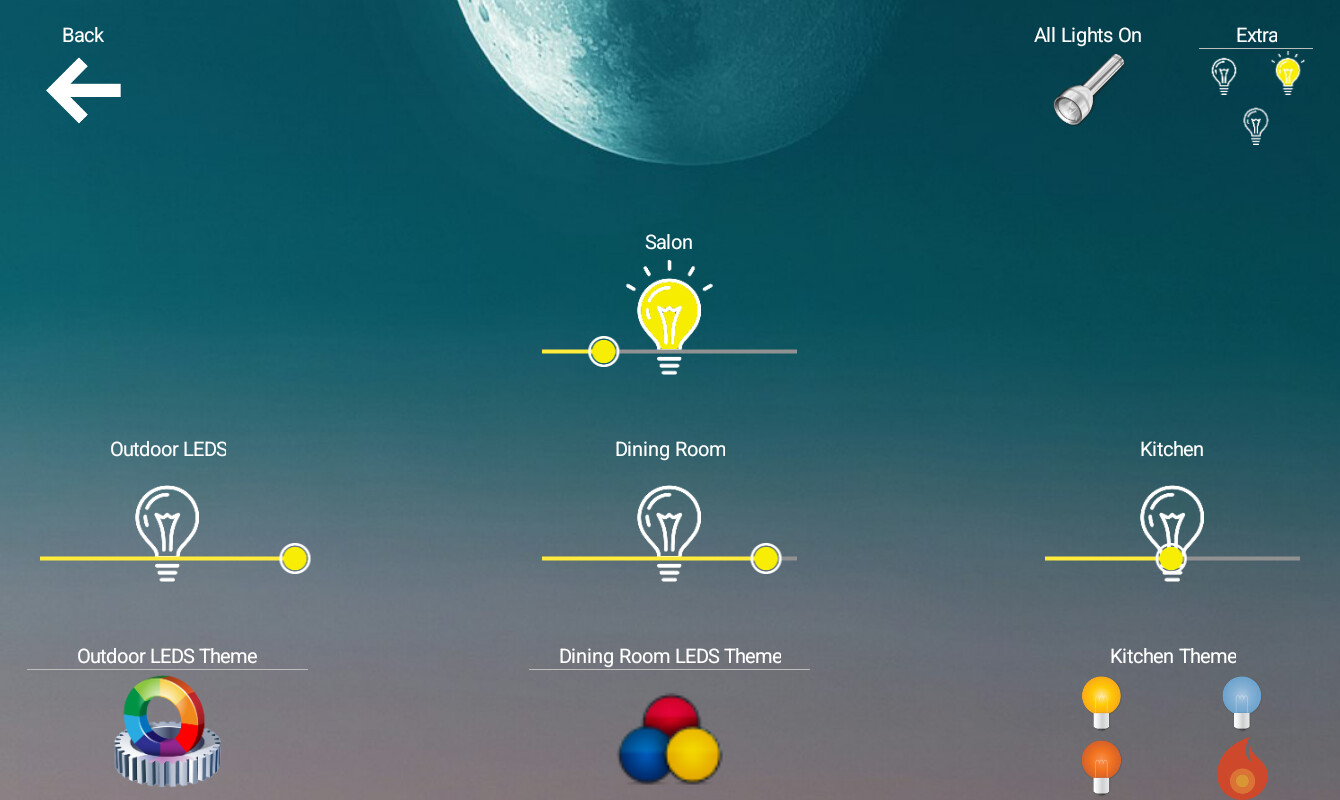
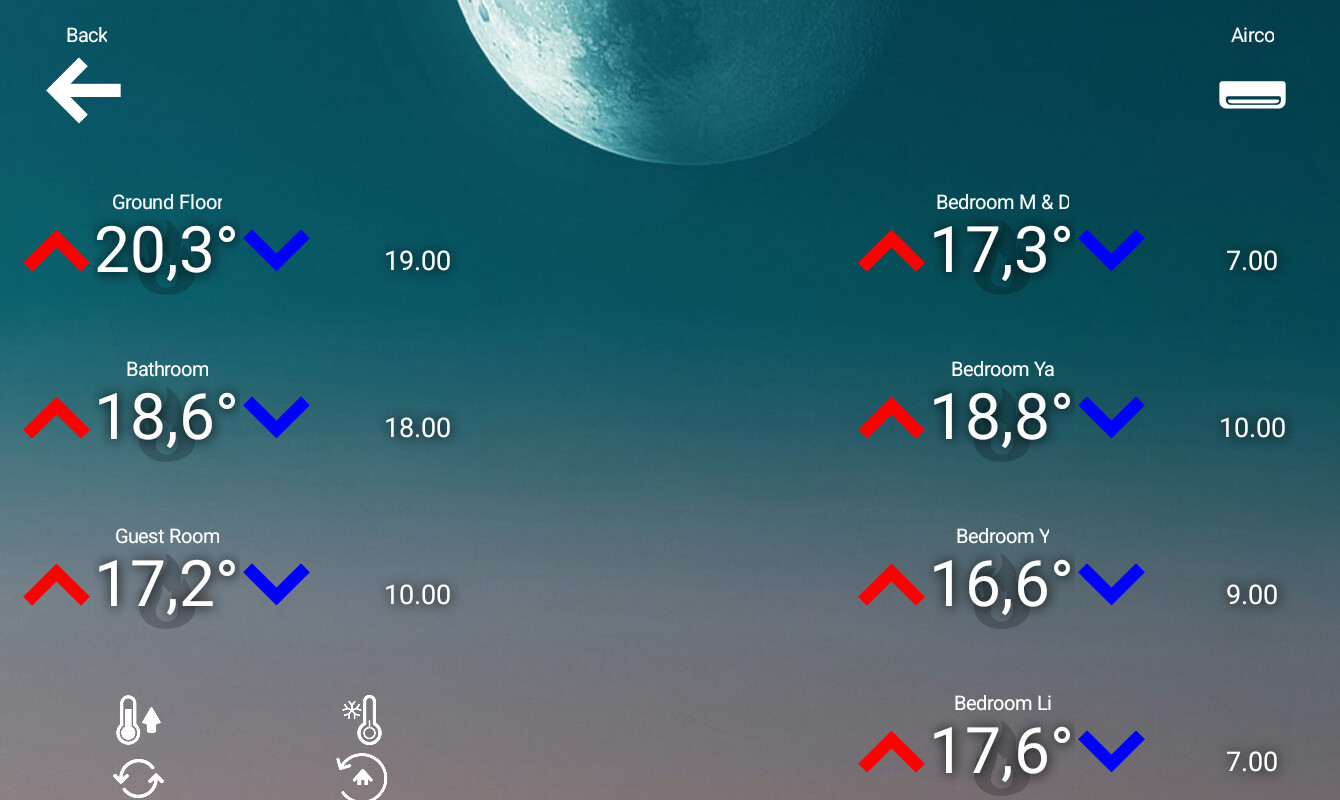
You can find dashboards here Show off your dashboards. Not all of them are HD+, but some good examples.
I would love to do a dashboard of my home layout like this, but I don't want all of that information available to anyone who might get a look at this screen.
