Thank you for the update.
I also wanted to mention that I noticed a similar quirk with the Thermostat tile. If you lock it and then attempt to set the mode, it initially allows interaction but then prompts for the passcode afterward. Shouldn’t the system request the passcode before allowing any changes?
I've not tried the beta changes yet, but I just wanted to note that HD+ currently works much better for location than either (old or new) of the official Hubitat Android apps. It updates my presence very reliably. I hope this doesn't change!
me too 
I rely on HD+ for presence too so if anything breaks I'll know it pretty quickly and will get it fixed.
Hey @jpage4500, totally minor bug here...
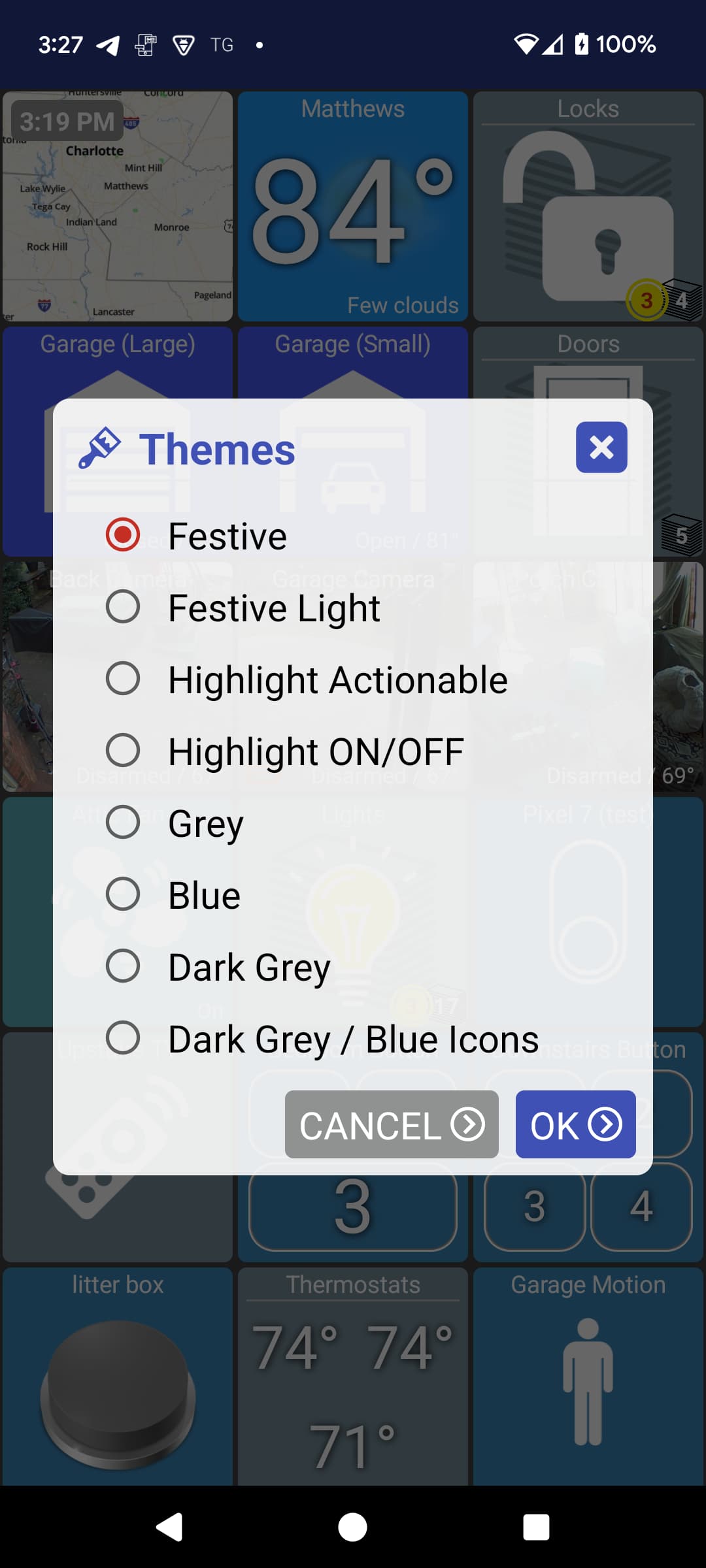
When changing themes the displayed theme (in the pull out menu) doesn't update until the app is restarted.
Any luck with this? Still hoping to use your app.
Seems to be working reliably for me on the latest version. I've used it for the last week and every time I've left the house it's armed my home
I don't think I could reproduce this one myself so I'll need some help. I changed the name text size, quit the app and after restarting it the size is the same. Let me know if I'm not doing that correctly
version 1.0.2688 (beta)
- fix crash
- add extra debug options (verbose, network logging)
- fix attaching event log to support email
- support levoit air purifier
- don't show variable dialog when read-only
- allow DateTime variable to change click action
Some smaller changes in this one including fixing attaching logs when using About -> Send Feedback.
fixed
The theme does change with each selection. It's the pull-out menu that doesn't update. Select a different theme and tap OK. Then pull out the menu again and you'll see the old theme listed as current. Again, NOT in the theme selection dialog, the pull-out menu before selecting the theme selection dialog.
Thanks!
It does it when going into a folder from the main screen and then back to the main screen. I can try to do a video of it if videos can be posted here.
Can't upload videos here, but I emailed them to you way back when I first ran into the problem...
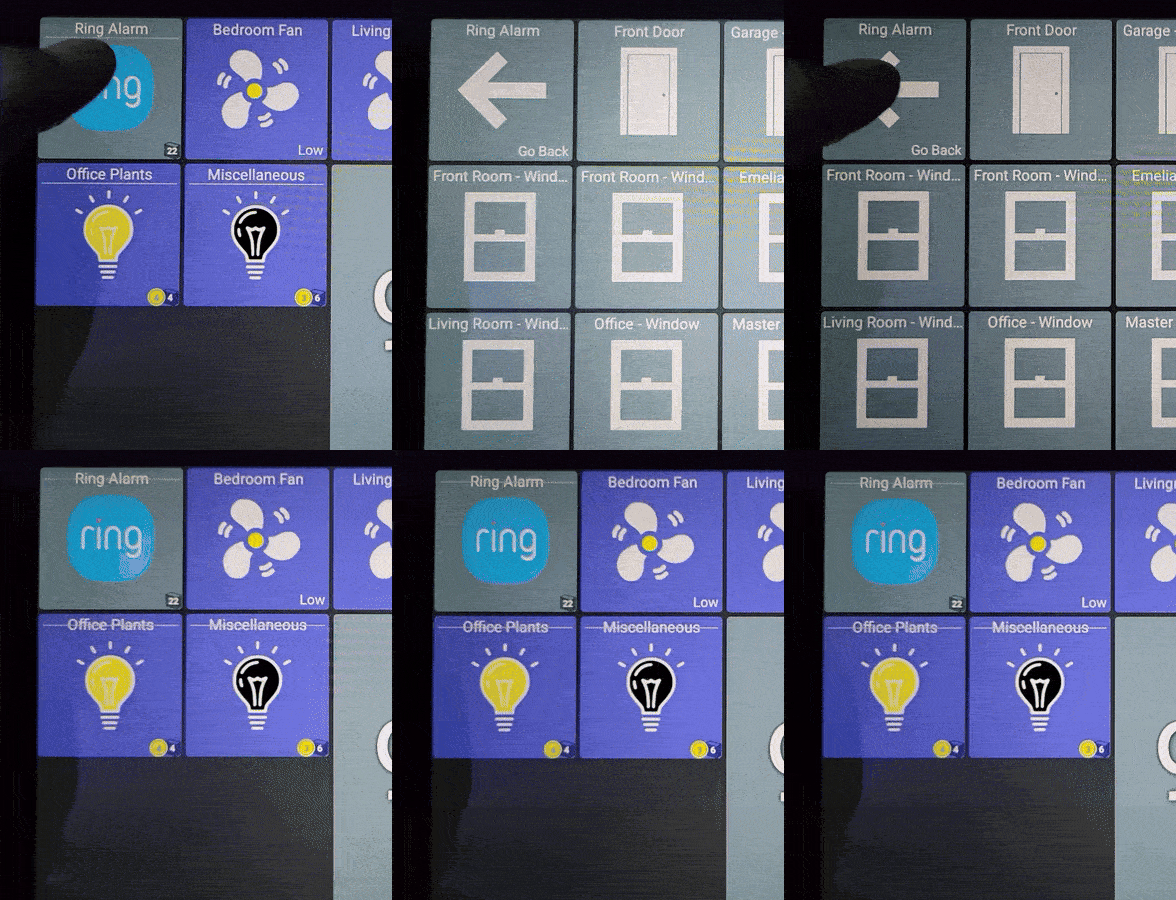
thanks - when I just looked at this again I was thinking is was an issue with text size being saved. It's the little folder divider line that is supposed to adjust to show below the folder name and isn't doing that. I used to see that all the time but did put in a fix a while back to try and fix it and haven't really seen it since. It might be certain versions of Android that do things a little differently which is why I don't see it.
What device and Android OS is this? (sorry if you said it earlier)
got it -- and yes i can reproduce now - thanks!
Samsung Tab A9+
One UI Version 6.1
Android 14, Security Patch Feb. 1, 2025
Joe,
Just circling back here, I recently got the update notice for the beta app upgrade. That solved the crash problem for me. I easily added temp backgrounds to several sensors after the upgrade without any issue.
Thanks again
There is a minor issue with version 1.0.2688. It was there before too, so I'm not sure in which version exactly it was introduced. But certainly it is not present on 1.0.2204, which unfortunately is the latest available for Amazon Fire HD devices.
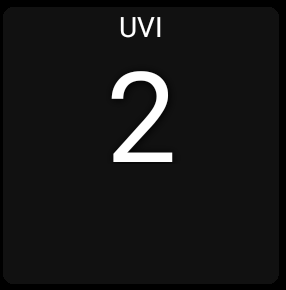
Issue: the value used to be vertically aligned to the middle, but it is now more towards the top of the tile.
This is a custom tile with a single display value.
If I try to increase the font size it gets worse (second image)
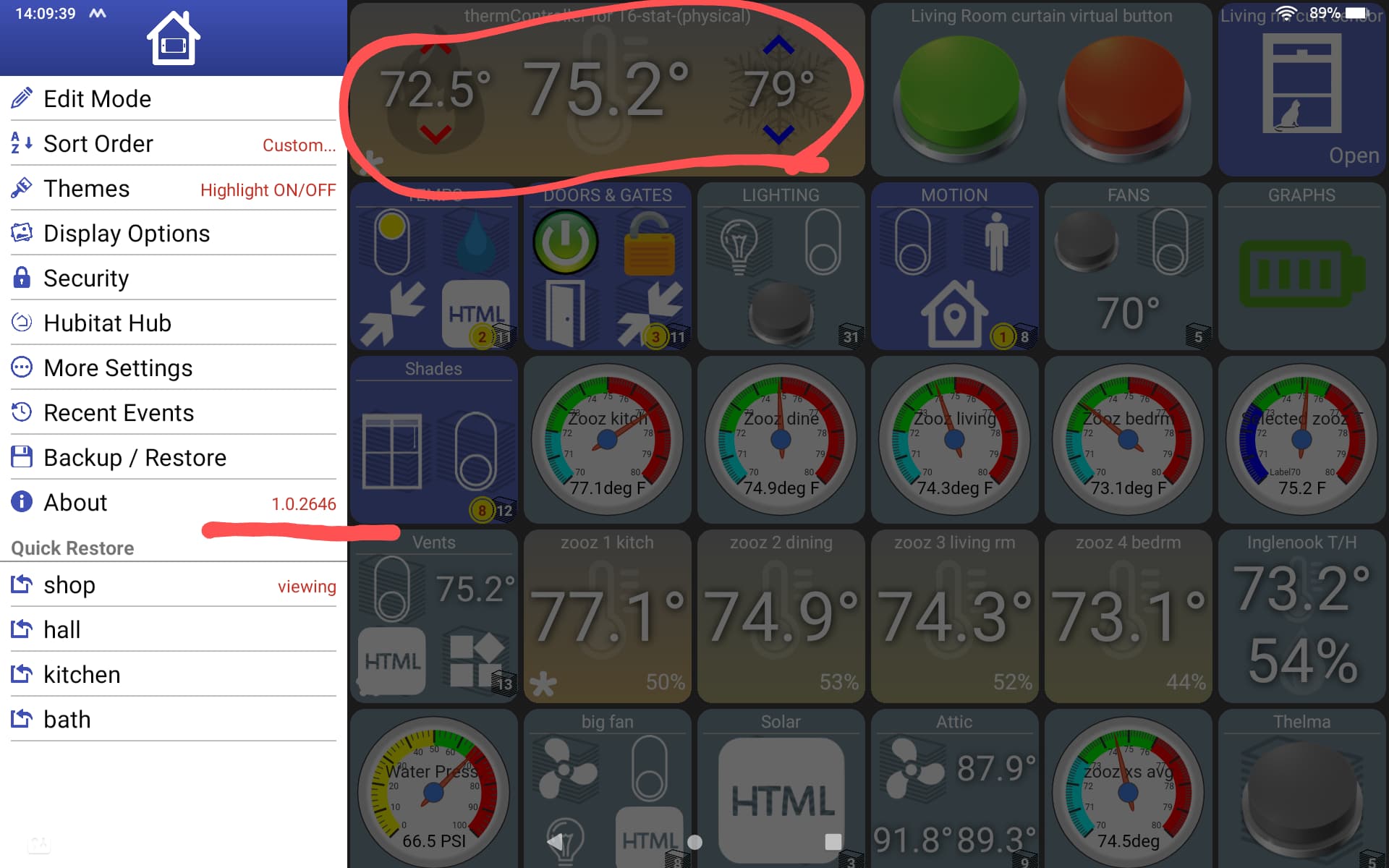
Found a bug with the thermostat tile.
Pre .2680, the tile showed heating setpoint, actual, and cooling setpoint as my screencap shows.
Post .2680 and .2688 the heating and cooling setpoints are replaced with the actual unless I am changing the setpoints.
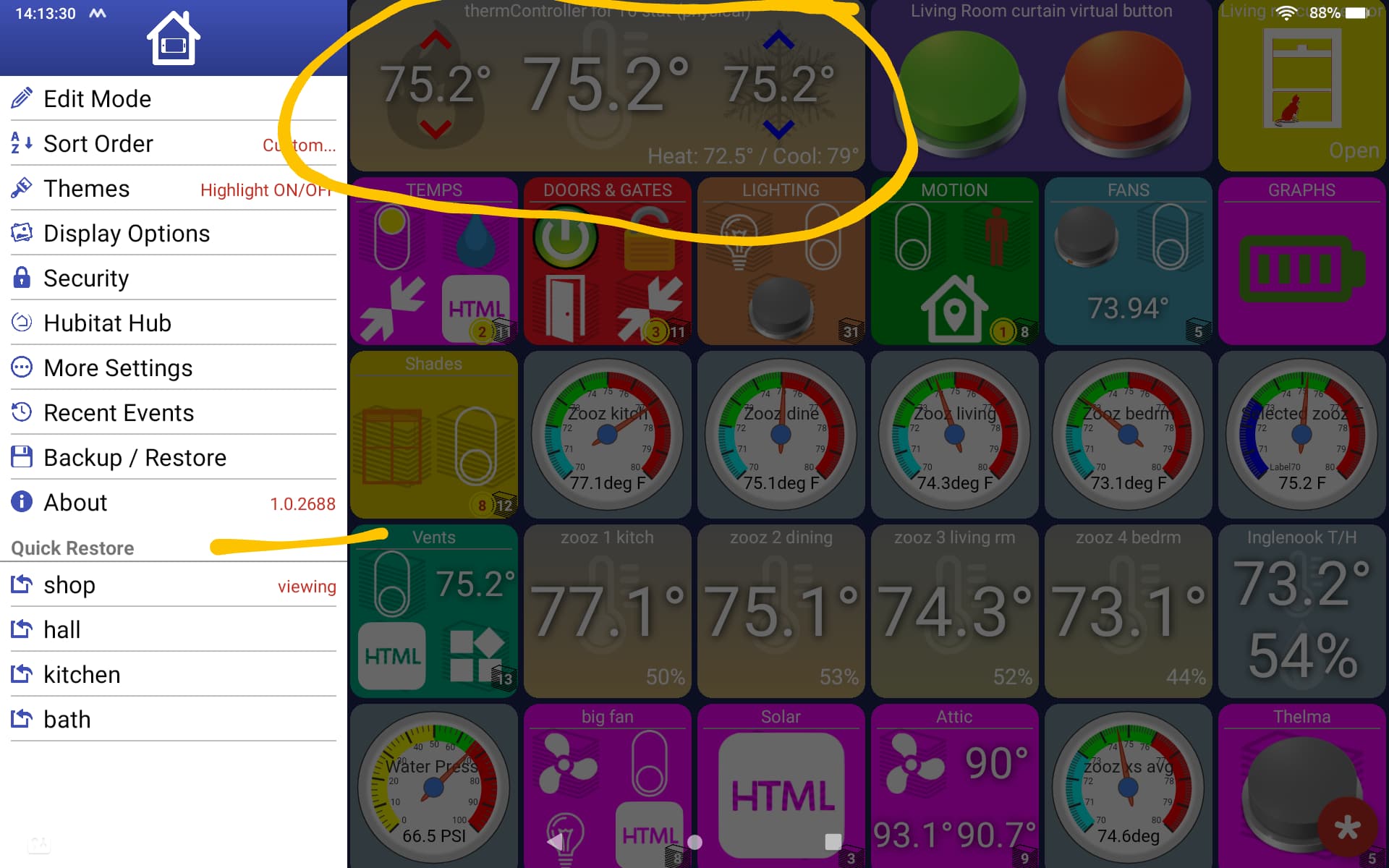
I have included screencaps of pre .2680 and post .2680 / .2688.
Is this normal for a thermostat tile now?
Thanks!