I moved to a new house where the previous owner installed Nest, so I don't have an Ecobee anymore, but it looks like @jlv was able to answer the question!
Marc
I moved to a new house where the previous owner installed Nest, so I don't have an Ecobee anymore, but it looks like @jlv was able to answer the question!
Marc
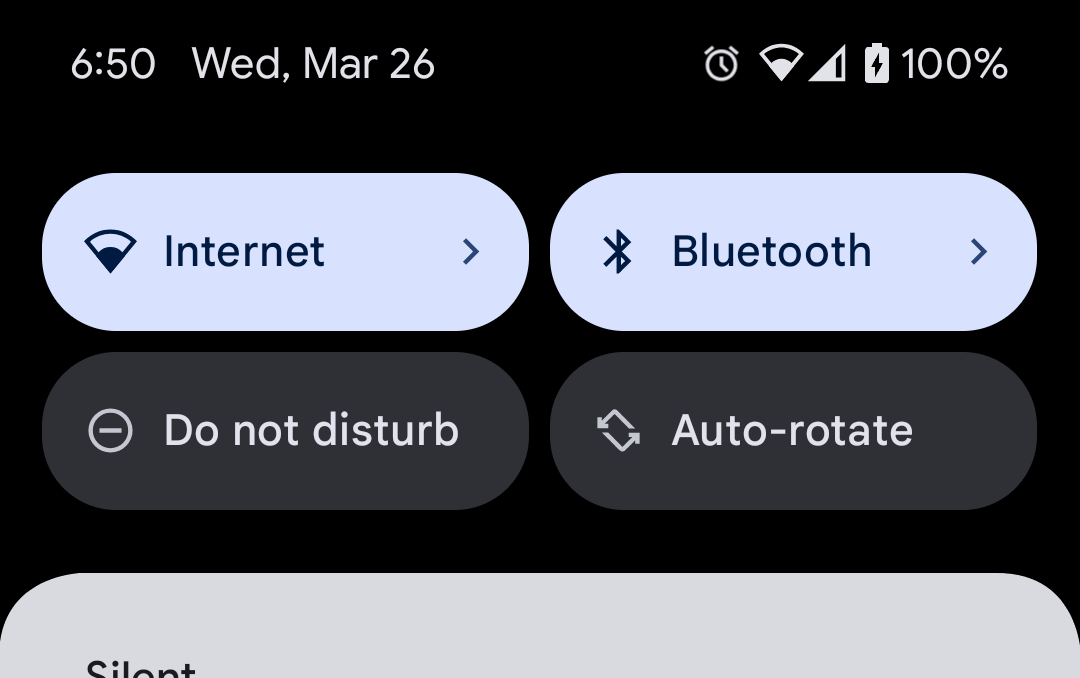
Not sure how many would find this useful but I recently learned how to add a custom quick setting tile and figured I could add it to HD+ as well.
The idea being it's a very fast way to toggle something on and off - without even unlocking your phone. So, it seems like it could work well for a light or smart home device that you control often.
@jpage4500 thought you might want to know if you don't already, but it looks like we're going to lose functionality with google photos slideshow after March 31st.
They are both running 1.0.2637
Hey @jpage4500,
Thank you so much for all the updates! I really appreciate the effort you've put into this. I have a few questions and suggestions I’d like to clarify:
Thanks again for your ongoing work—your support is greatly appreciated!
Yeah, mine is also disabled right now but please let me know if/when you use it. I'll try to remember to test it too.
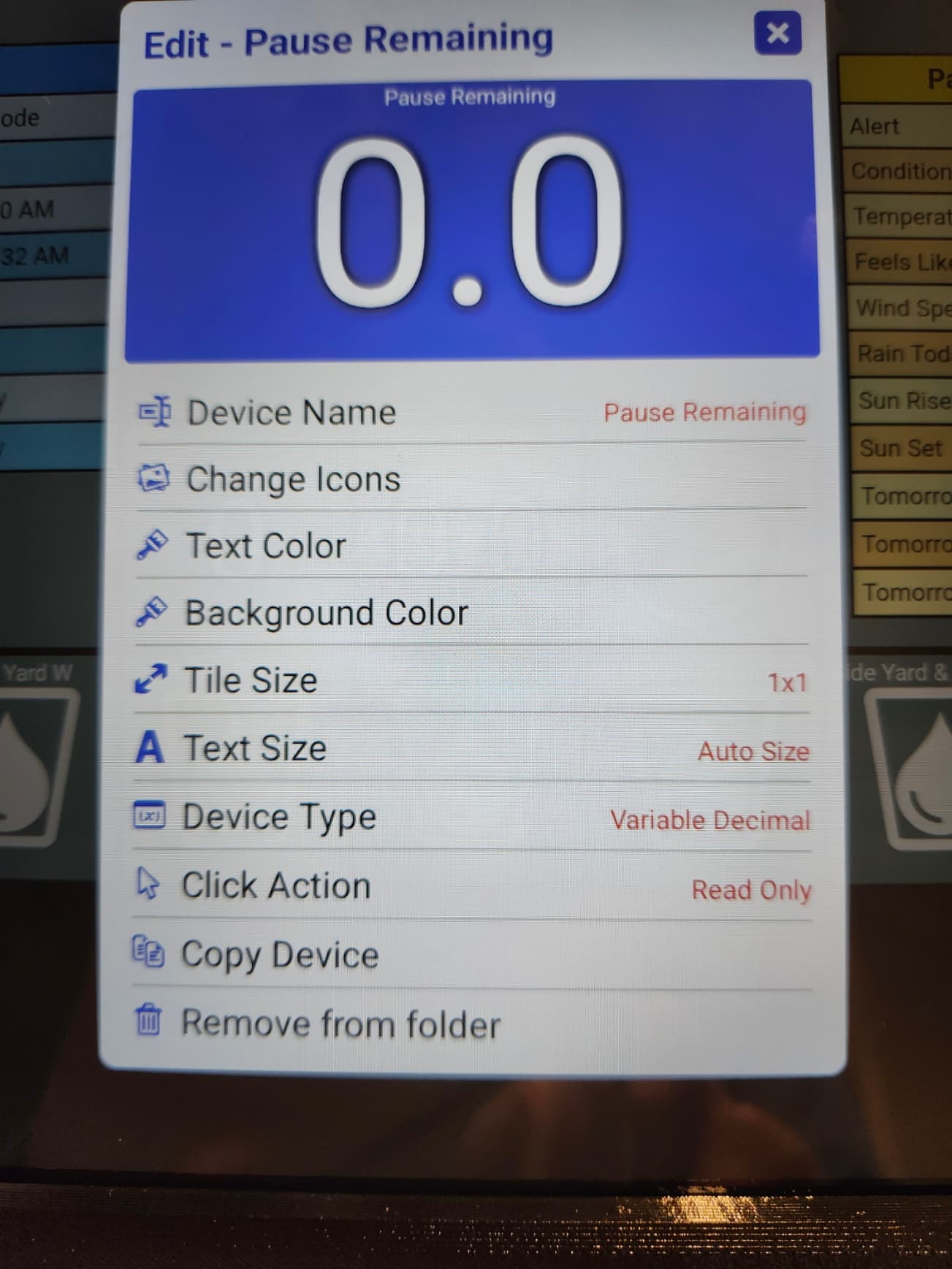
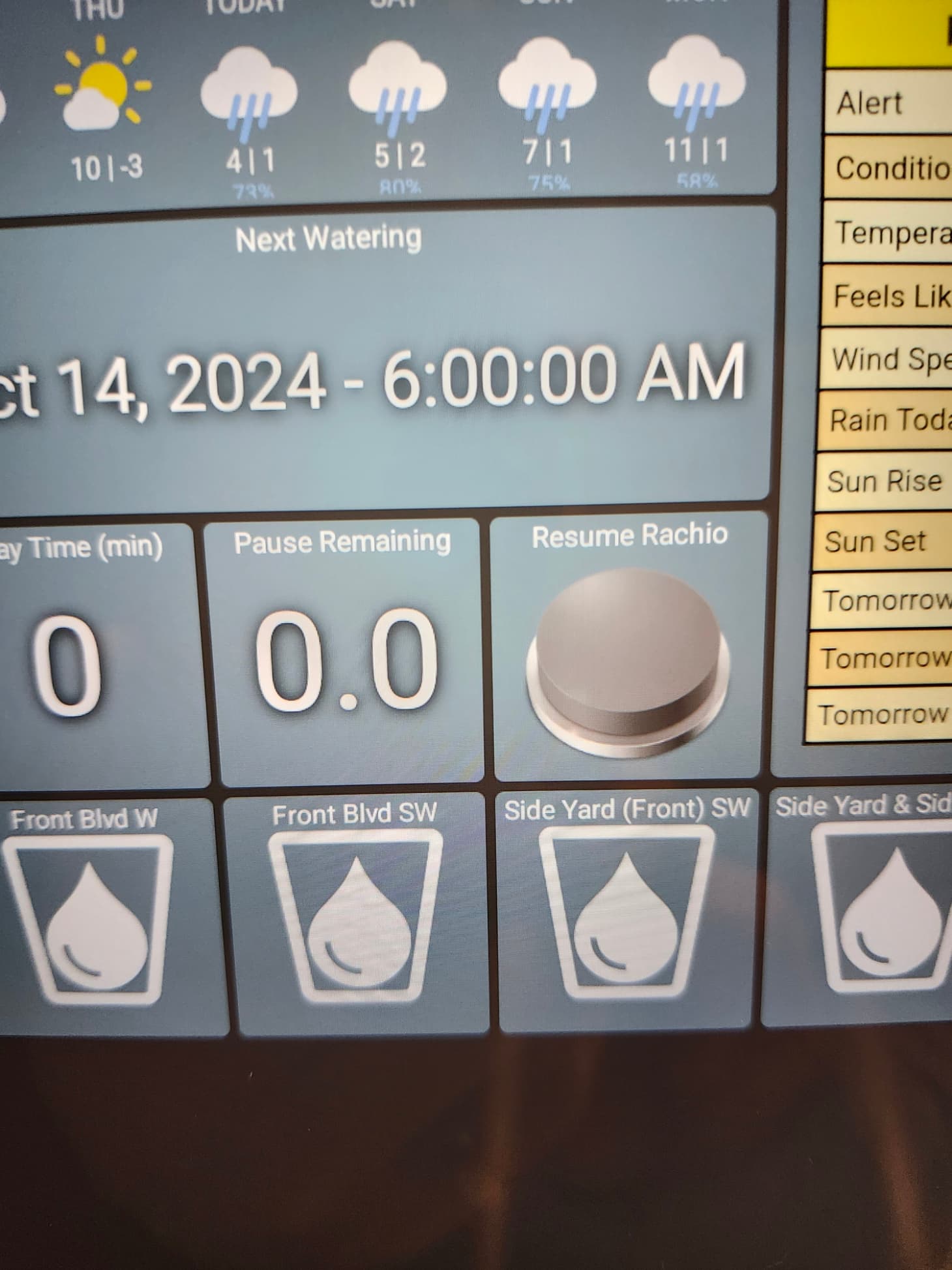
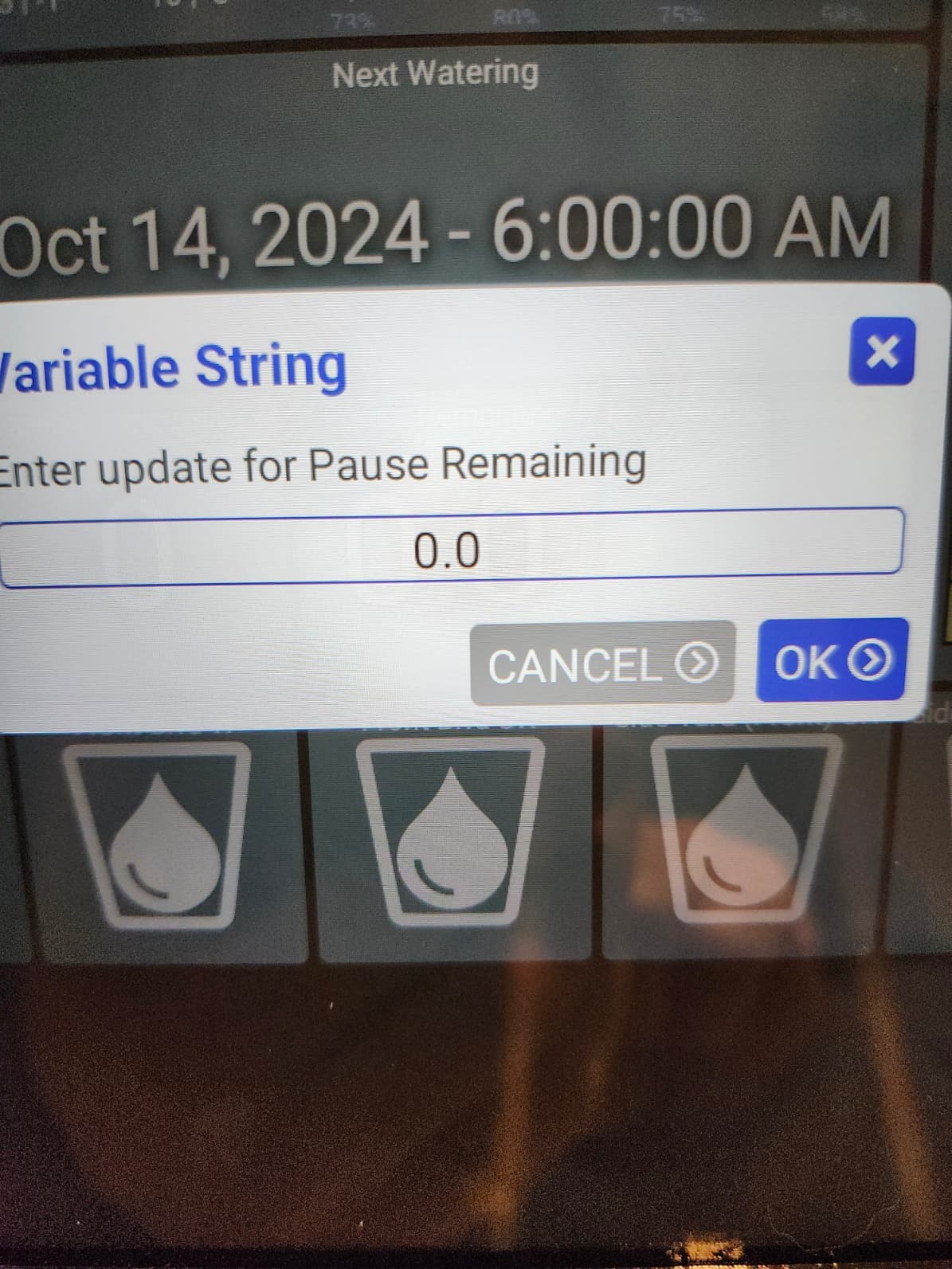
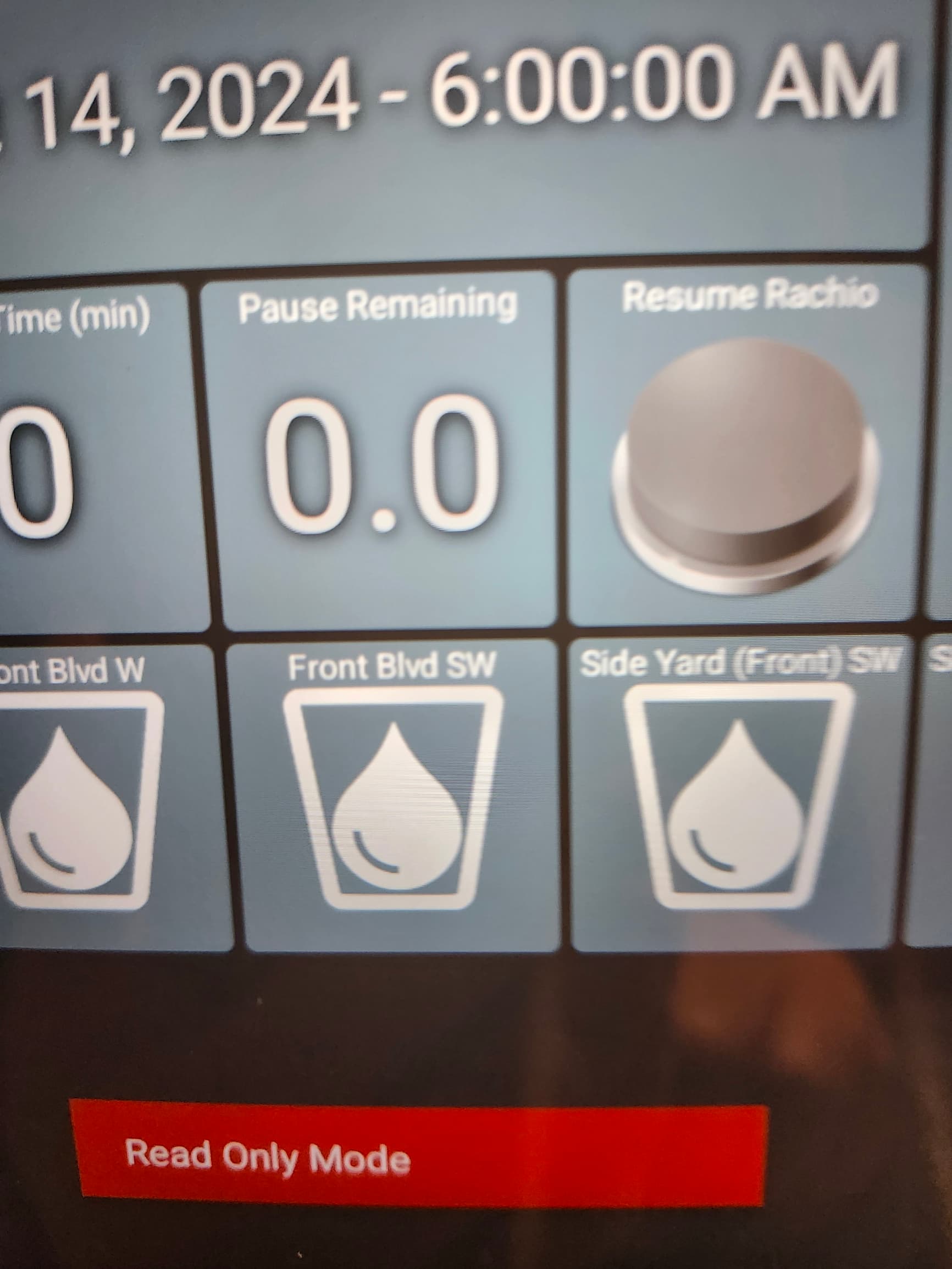
- Should it not just display read only when I select the tile? Like the Boolean varible does or is that not possible?
Yeah that makes sense.. I'll add it to my TODO
I see the problem -- it'll be fixed in next version
I found a google pollen API and got it working. It's not exactly the same as the one from pollen.com though.. instead of precise values like "7.8" instead I just get a "UPI", Universal Pollen Index from 0-5.
Anyway, I'll try to get it added as an alternative in the next few days
Would it be possible to further enhance the "wake on device activity" functionality for screensaver control?
Currently, on motion/contact/switch, screen turns on and if no more activity is received, screensaver blacks the screen after timeout period.
I'd like to see a "while" switch (virtual or physical) is on, the screen stays on and when off, screensaver blacks the screen with no timeout involved. Maybe implement that as an additional option in the screensaver menu as a "keep screen on with device" or "control screensaver with device"? Option of using contact or motion would make it more versatile but for my use case a switch would suffice.
I have a device on a dashboard that is set as device type "image" to work as a photo slideshow (like Google Photo slideshow). What I'm noticing is the image doesn't always update on the display when the img src of the html changes. If I press the tile bringing it full screen, it displays the correct pic but otherwise, it seems to be getting stuck. Reviewing device activity does show the html changing every minute according to the frequency I have set in my app.
I changed the device type to html instead of image, and it works as expected. The only problem is though, when the image refreshes, it flickers. Also, I lose the ability to bring it fullscreen and use next/prev pic functionality like the image type allows.
EDIT: after observing more closely, when set as device type HTML, the flicker is actually the initial display of the image with the asterisk indicating a change and then repainting the tile without the asterisk. No need for the asterisk IMO. Option to turn it off perhaps?
fwiw, my pollen count tile is getting data once more...
I'm sorry if I missed it, but a few months ago there was a short discussion about the ability to place a tile on HD+ that simply showed the sunrise and sunset times at the location of the server. I didn't see whether or not this feature was ever truly added. Some people had figured out some way of using hub variables and connectors to accomplish the same. I am wondering if someone could give me a short walk-through as to how to do this if the feature has not been added. If the feature has been added, I don't know where to find it or I'm running an old beta....
Thanks, Sean
If you have Hub Information Driver installed (available on HPM), you can just add tile(s) for that device and then select which attribute(s) you want to display. I have two tiles on my dashboard for the Hub Information Driver; one shows sunrise and one shows sunset.
I'm not seeing on option to change to External storage.
1.0.2646
No problem. Hub Info Device also allows you to configure a html template to show multiple attributes on a larger tile. I use that to show hub current firmware version, update version, free memory, CPU, uptime, and other attributes at a glance. Very handy.
My wife launches her recipe program from the kitchen HD+ pad dashboard. She always forgets to close that app and return to the dashboard screen. Is there any way to close any launched app after a period of time and return to the default dashboard screen?
I used to use Fully for that. Using Fully to launch HD+ and then setting a default timer to bring it to the foreground (there are options to override it the switch back if audio is present, IE watching YouTube etc). At some point something changed and I had issues with Fully refreshing the dashboard every x seconds even though it was already displayed. I've not tried it for a while with newer versions of HD+ and Fully.
I do use Fully on the master bedroom pad to keep dim and return to dim after a few seconds. It has been working for quite some time now. Good suggestion though. Will Fully automatically close an open app (her recipe app) after about 45 minutes and go back to my dashboard?
I'm not sure it will close it 'fully' (pun intended) rather it will leave it open in the app switcher but make HD+ the active app. The way I did it previously was to use the HD+ app intent as the homepage for fully. Then set an idle timer of x seconds and and use the option to return to the homepage when the idle timer expires. As said something changed where even when I was on the homepage it would reload which became an annoyance. The key thing was to always use Fully to launch HD+ - it never worked if HD+ was already running (so once set up close HD+ and Fully, launch Fully which in turn launches HD+ as the Homepage). I'll have to give it another try myself as I've a Fully license on all of my tablets.
Ditto.