HD+ caches all of the devices and their states so when it's loaded it'll restore the previous device states and then fetch the latest states. That can lead to seeing a light or switch one way and then quickly change to the latest/current version.
The alternative would be to not show anything until all of the devices are fetched or show some kind of greyed out device which makes it clear that the state (on/off) isn't yet set
Just go to the device page of the virtual switch and check the events for the switch from there. Is there an event there that corresponds to the time when you observed this behaviour in HD+?
I just observed again when i started HD+ the switch was lit, but then went unlit... And I checked the logs. Last time it was turned off was 30 minutes before and there was no new event.
So i guess it's just HD+ "catching up" or refreshing
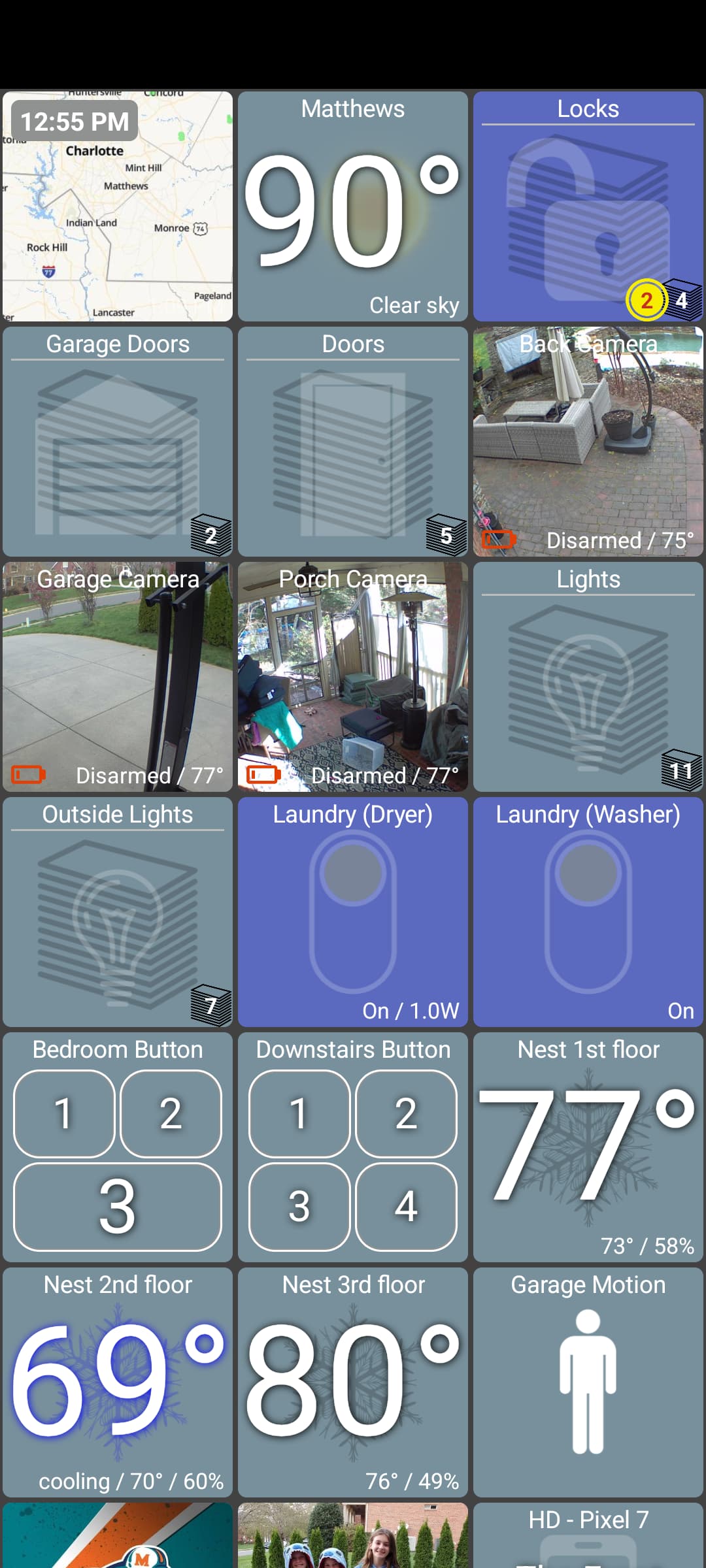
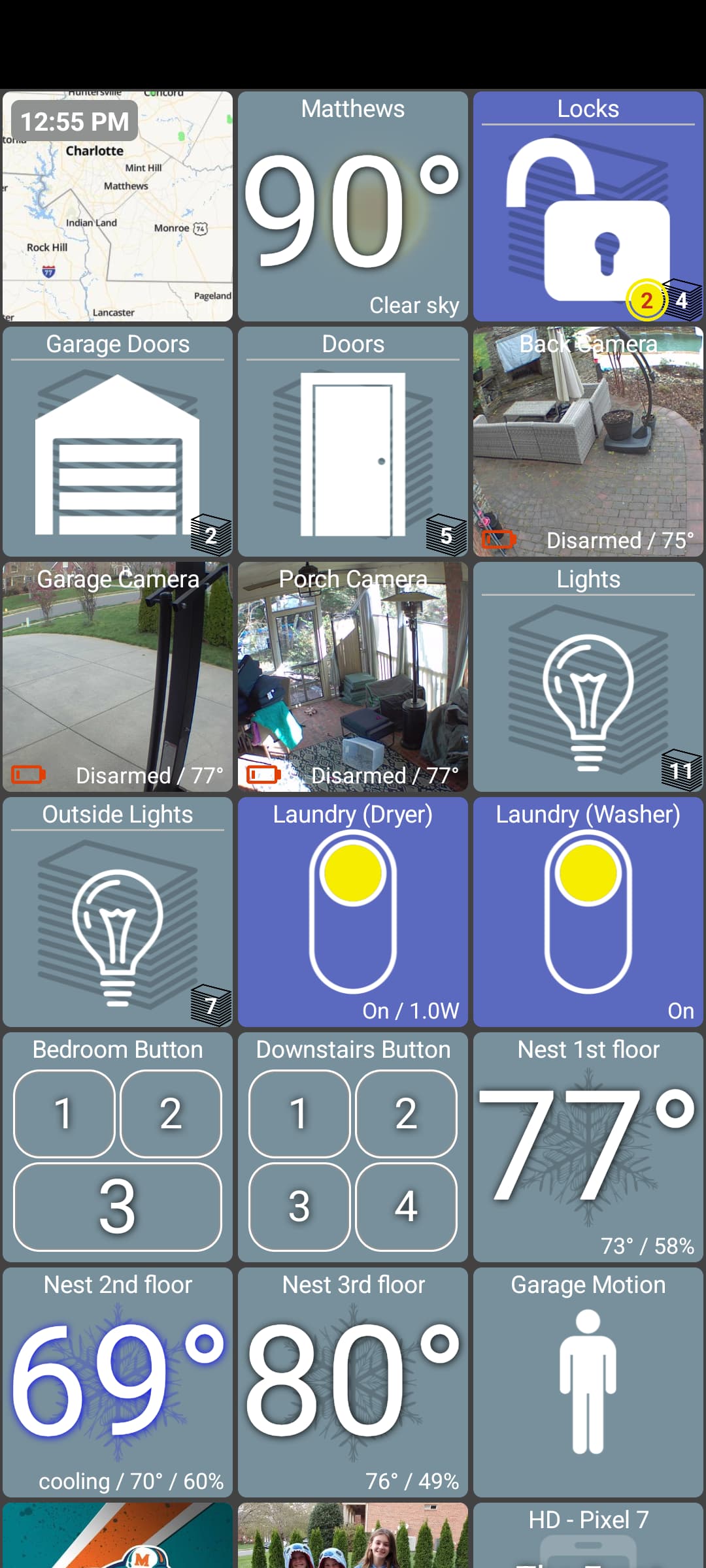
I have a possible solution for this.. before the first sync with the Hub is complete I can make the icon semi-transparent. Since I don't know the current state of the device I'm displaying the last known state.. in many times they'll be the same but no way to know for sure until that first sync is complete.
I could not show any icon or show some kind of 'loading' icon instead.. but, at least my observations are most of the time the previous state will stay the same.. and changing all of the device icons at once would be even more of a jarring thing to see.
The LEFT image shows what you'd see when starting the app and the RIGHT one would be once the app has synced with the Hub. I had to use cloud mode to even catch this as it happens very fast but obviously there can be several seconds other times too otherwise this wouldn't be noticeable anyway
Sounds like a great idea... I did in fact verify that this is what's happening was just startling me because I thought I was turning switches off unintentionally. With your proposed solution it would be much more obvious that this was not happening.
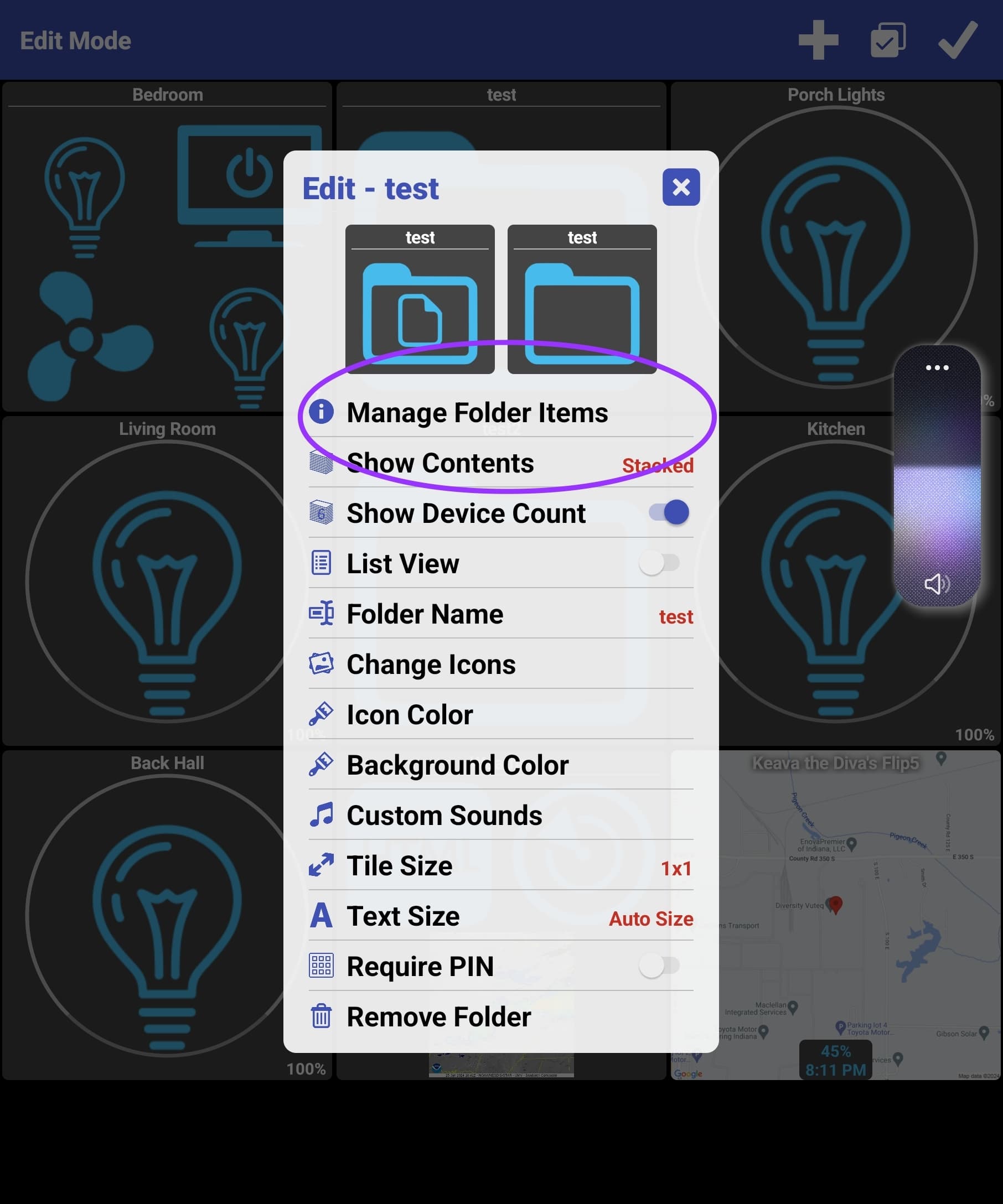
How hard would it be to add the ability to nest folders? I'd like to create a dashboard with subfolders for various switches around the house, grouped by location.
Edit: I see how to create nested folders. The feature I really want is the ability to move one already-existing folder into another.
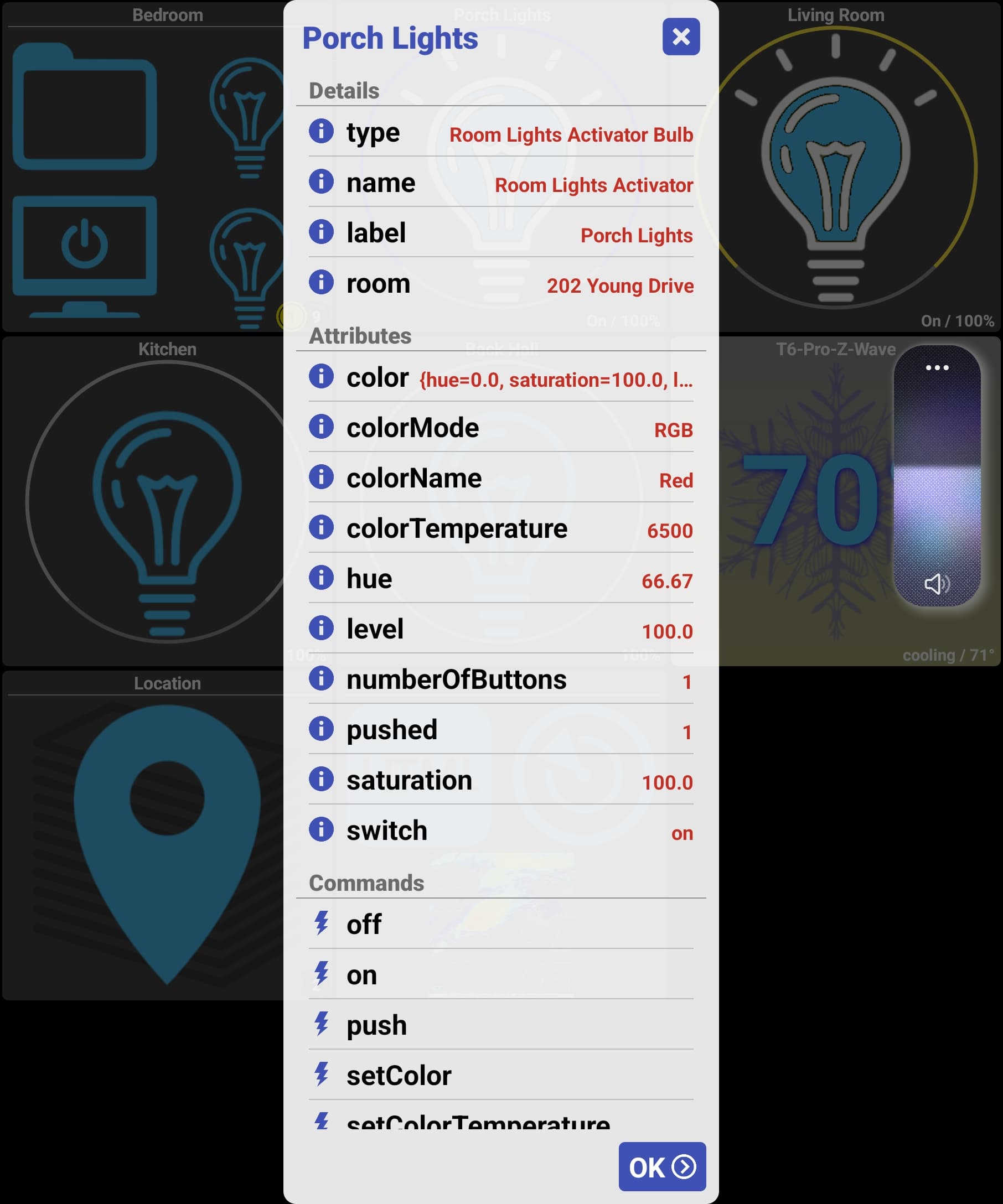
@jpage4500 Hey, should the color on the tile for a light change when the color of an RGBW bulb changes via automation. I'm not sure if it only changes when you use the dashboard to change it. If this is the way it works any chance you could change it. It would be nice to be able to see if my color animations are running from the dashboard. Thanks.