version 1.0.2436 (beta)
- allow android auto devices to be toggled w/out prompt
- allow brightness to be entered directly
- always disable Presence and Location Tracking after a restore
- calendar can get multiple URL's from new HD+ device driver
- add Disable Feature to location and presence tracking
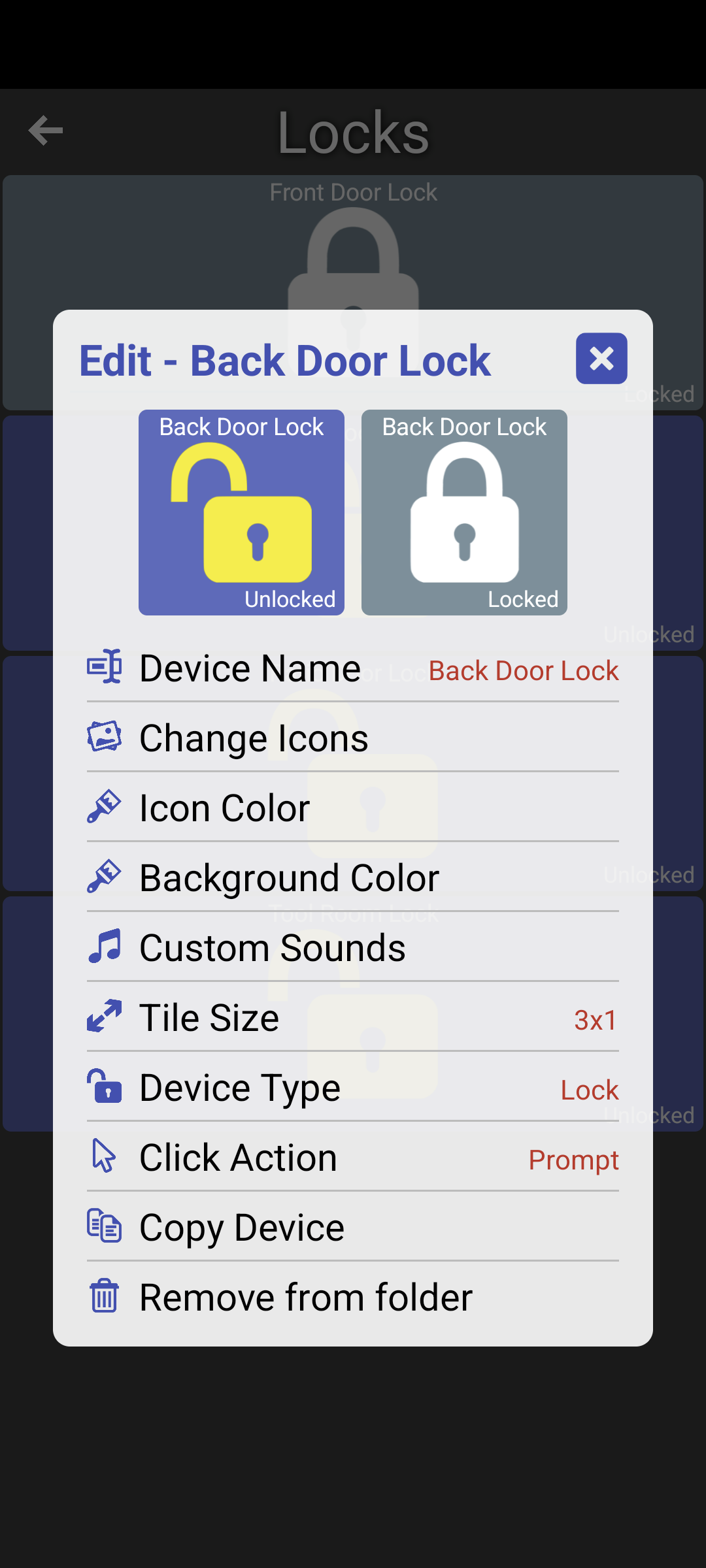
For Android Auto users, you can now toggle a device directly - bypassing the On/Off prompt. It follows the same logic the app uses which is by default Lights/Switches will toggle and most other devices will prompt you. To change this,
- Edit any device you want to change (long-press -> Edit) and select Click Action
- select option (ie: Toggle)
- select where you want to apply this change to.. for example just this device or ALL locks


I added a way to directly enter the brightness for a light (see this post)
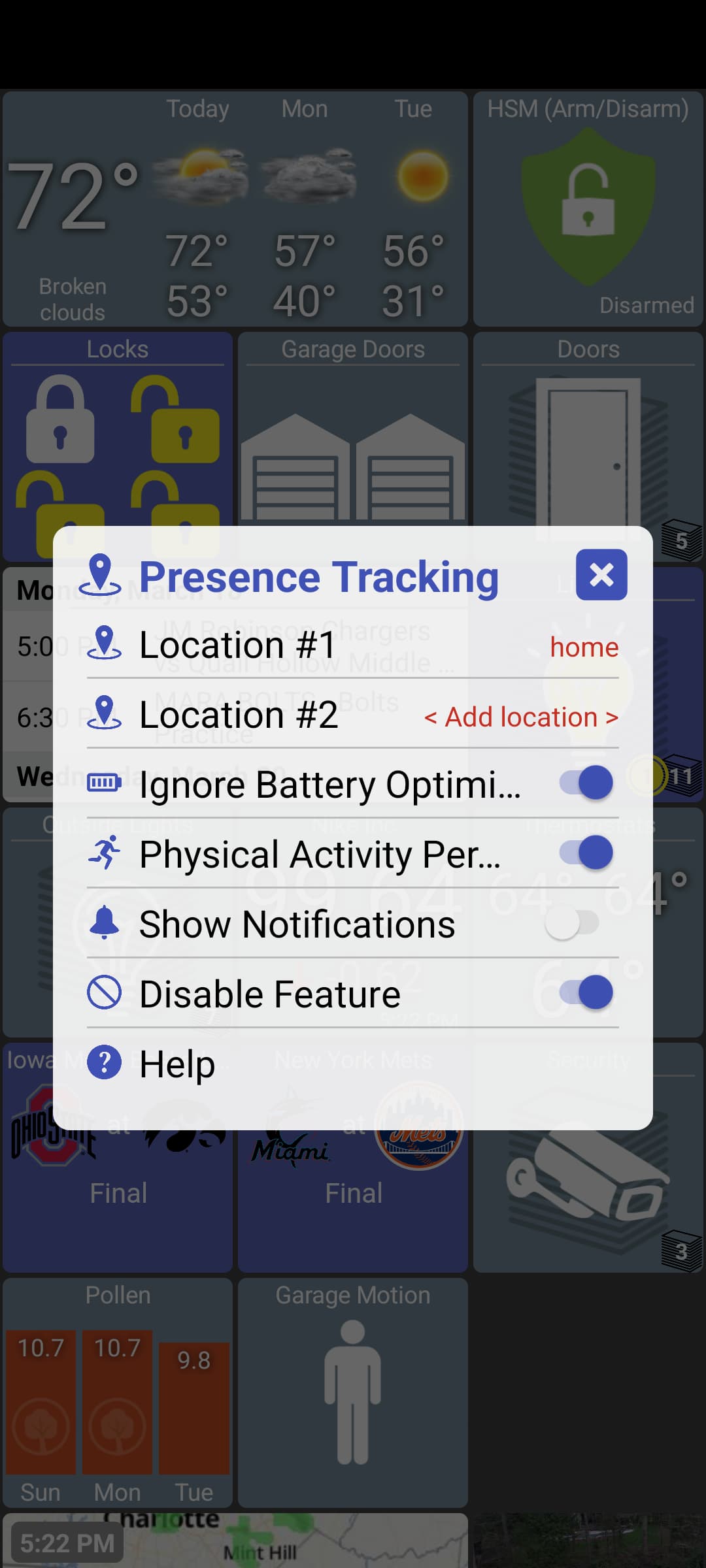
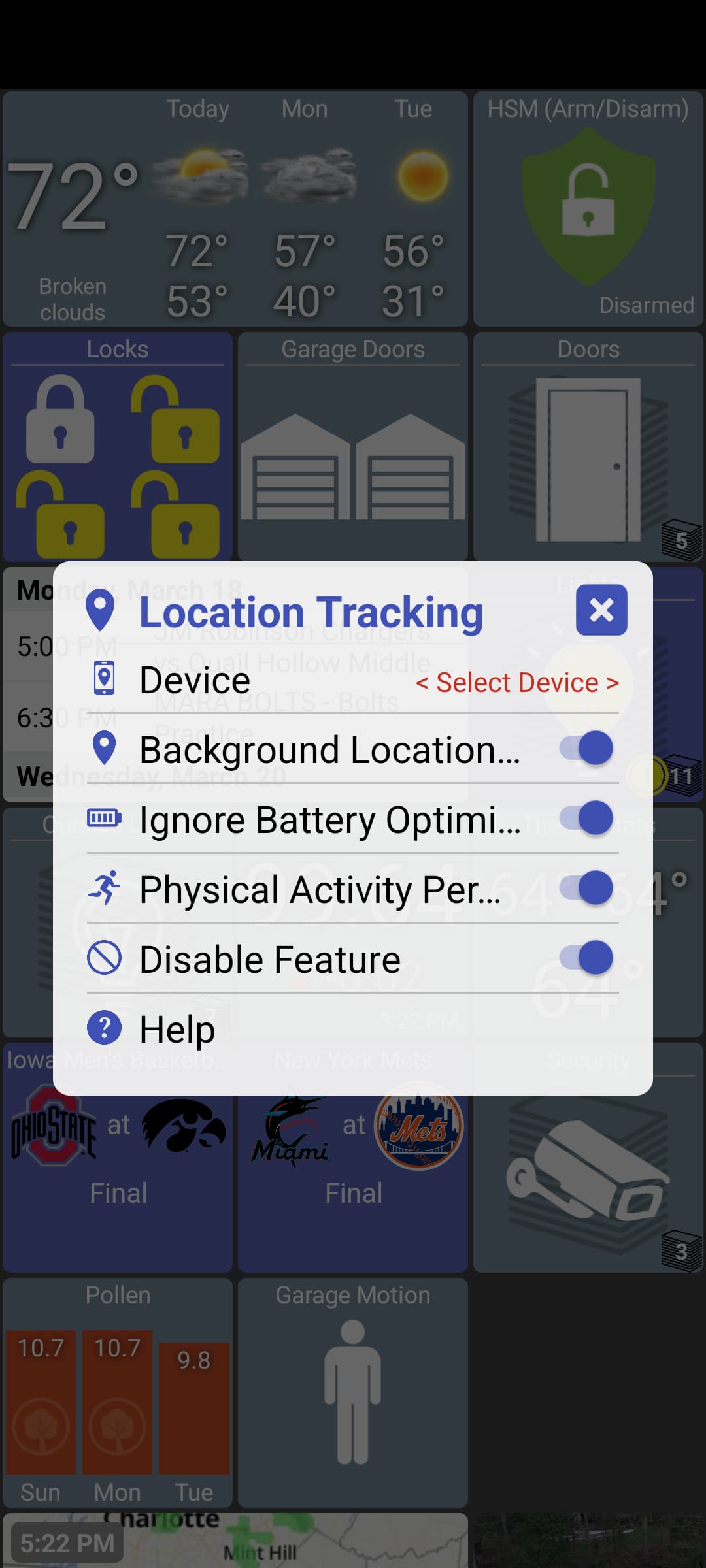
I also added a "Disable Feature" setting to both Presence Tracking and Location Tracking settings as a way to quickly disable monitor or send location/presence data to the Hub.
With this, when you do a Restore from a backup, both of these features will be disabled. I did this because it can be a little confusing when using a single backup with multiple phones and both of these features are really tied to a specific phone. You'll just have to remember to re-enable these features after a Restore (I do show a little message about it just in case)
Lastly, I've been using an HD+ Tile Hubitat driver for displaying multiple calendars. I found out that the max string size you can set in a Hubitat driver is 255 characters and I wanted to combine multiple iCal URL's which went over that. So, I updated the HD+ Tile driver and the app to support multiple URL fields for this.

