Glad it's working again for you too. They appear to have cleared the log-jam generally. BTW, the charge for free-loaders is $50 for me, and $50 for @fritz, or one free minor in-office procedure to be named in the future. 
That is a hidden label that is applied to all of my emails vs social and promotions. When you login to the gmail web interface do you not see these tabs?
There is a setting you can turn off to remove this from your query. The idea with this is so it doesn’t find the same email over and over again. It also limits the query to a specific time period.

Indeed, I do not have this label. I had to manually create this label and make a filter so that my emails would have it. But it doesn't work. I have to do the query without LABEL: Personal
There is a setting you can turn off to remove this from your query. The idea with this is so it doesn’t find the same email over and over again. It also limits the query to a specific time period.
Ok, if I check UNREAD label under the Matched Email Label this will remove the UNREAD label right? After that, the email will not be found because my query search only for "UNREAD" email, am I correct?
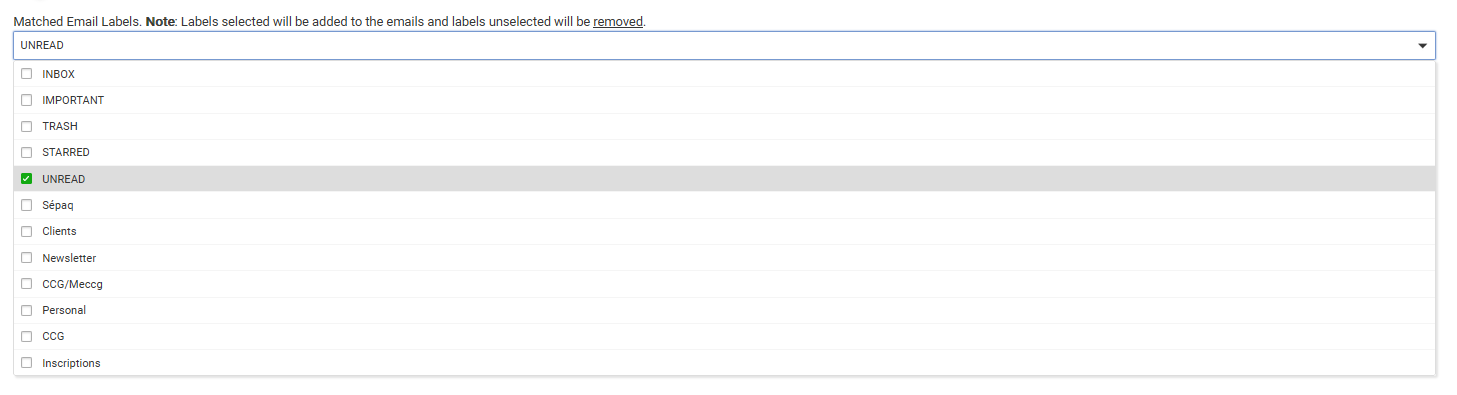
Correct
@ritchierich, and about the PERSONAL label that doesn't work. Is there a way to remove it from the query?
Sorry been traveling on business. For now just comment out line 850 in the GCal Search Trigger app.
1 Like
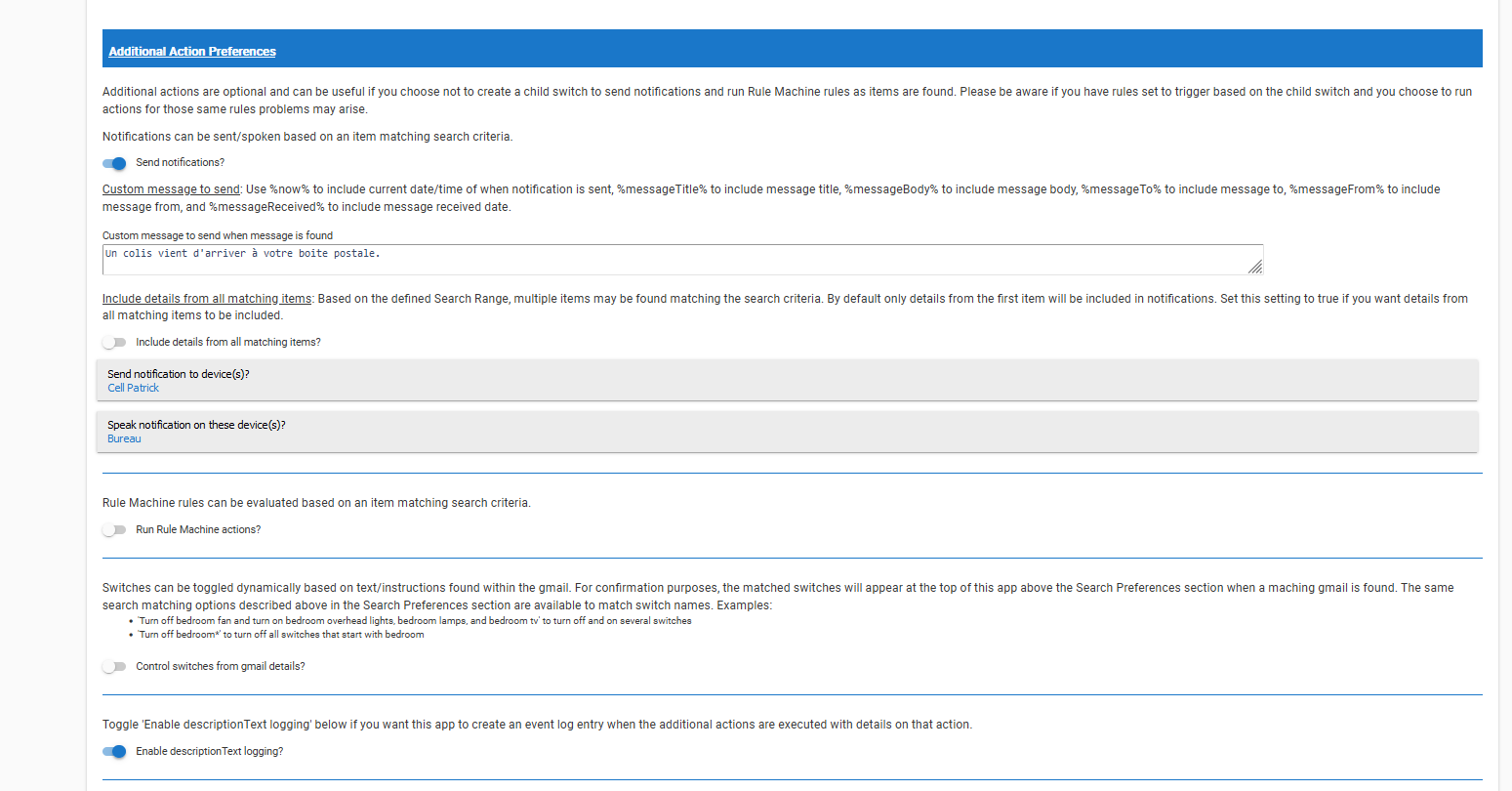
ok, now the query is working. One last thing, I have set up to be notified on my smartphone as well as a text to speech message on one of my google home mini. However nothing triggers, but the 3 emails found remain with the label "UNREAD".
Any idea what I'm doing wrong?
v3.5.5 has been posted to Github and HPM:
- Fixed info logging in the child GCal Switch where it defaulted to using the device name and not label. If a device label is set it will use it instead.
- Removed PERSONAL label from Gmail search. Thought this was a default label but after working with @pgagne I realized it is not so removed it.
- Added better instructions for Gmail searches and changed a few default values when adding new Gmail search triggers
2 Likes
@pgagne Please update to v3.5.5 as this completely removes the PERSONAL label from the search criteria.
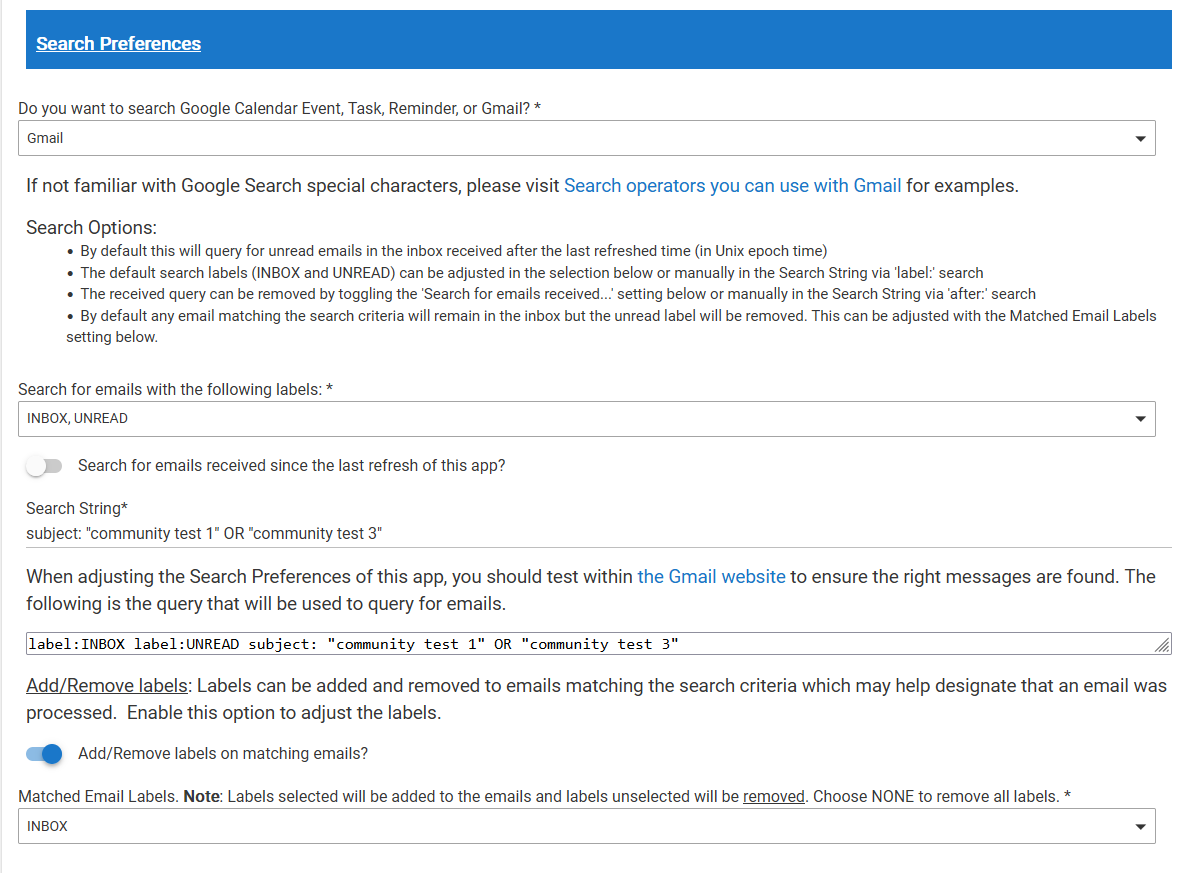
I tried reproducing this on my development hub and cannot. I added new instruction text and also changed a few default values for new Gmail searches. Looking at the screenshots you posted I believe the issue might be the face that your "Search for emails with the following labels" and "Matched Email Labels" are both set to UNREAD. This means that emails found with the UNREAD label are never updated to remove that label so the search trigger will find the same emails over and over again.
I added a new "NONE" special label that you should choose in the Matched Email Labels setting if you want to completely remove all labels from found emails. This will remove UNREAD as example and the emails will now only appear of you click All Mail. If you want these to remain in your inbox select INBOX.
Please let me know your test results after upgrading to v3.5.5 as I am hoping this solves the issue.
1 Like
@ritchierich , We are making progress! Now the emails have their labels removed. However, I do not receive any notification. Either via the application on my cell phone or via text to speech on my google home mini.
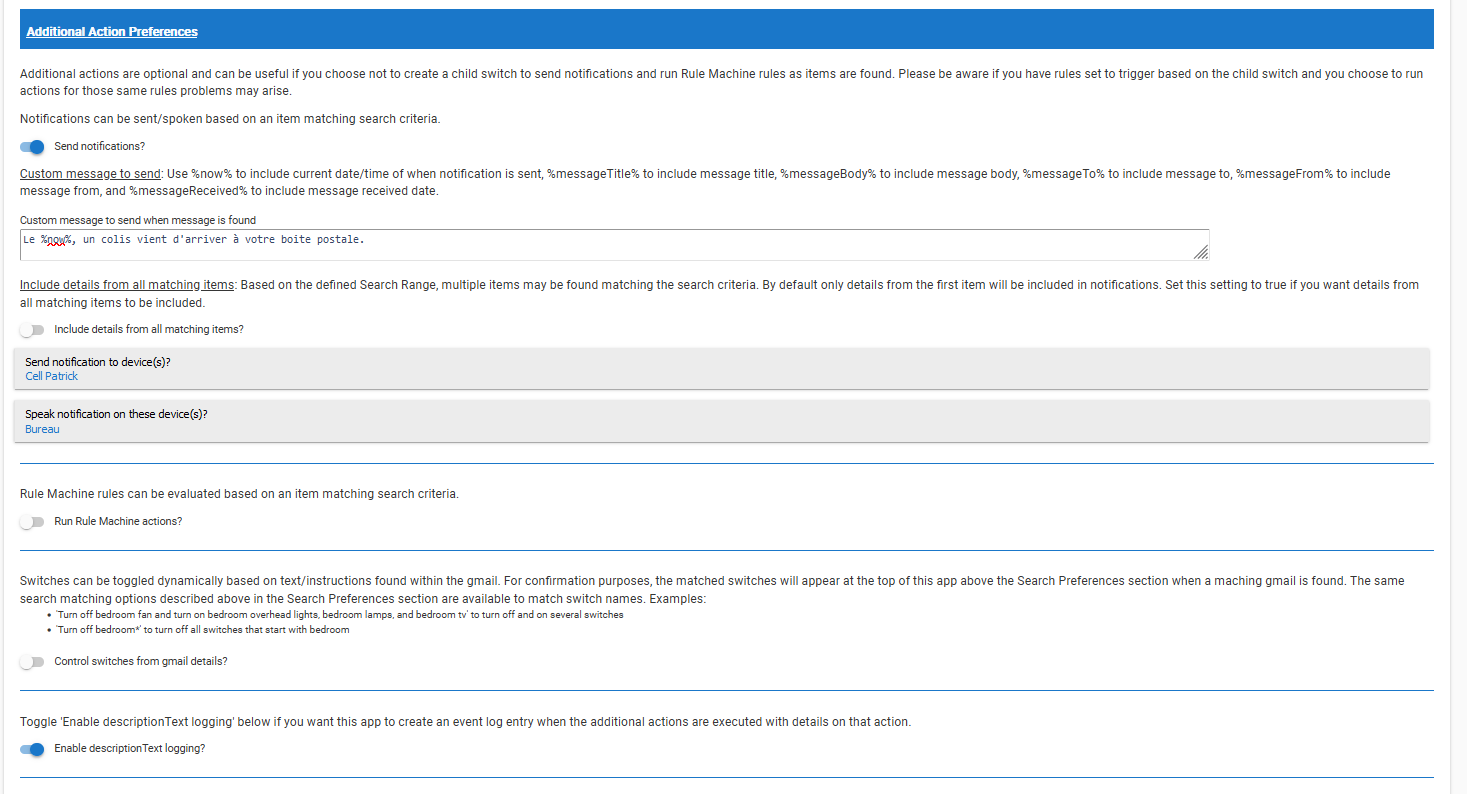
@pgagne great to hear the labels are now updating correctly. I am struggling to reproduce the issue you are experiencing.
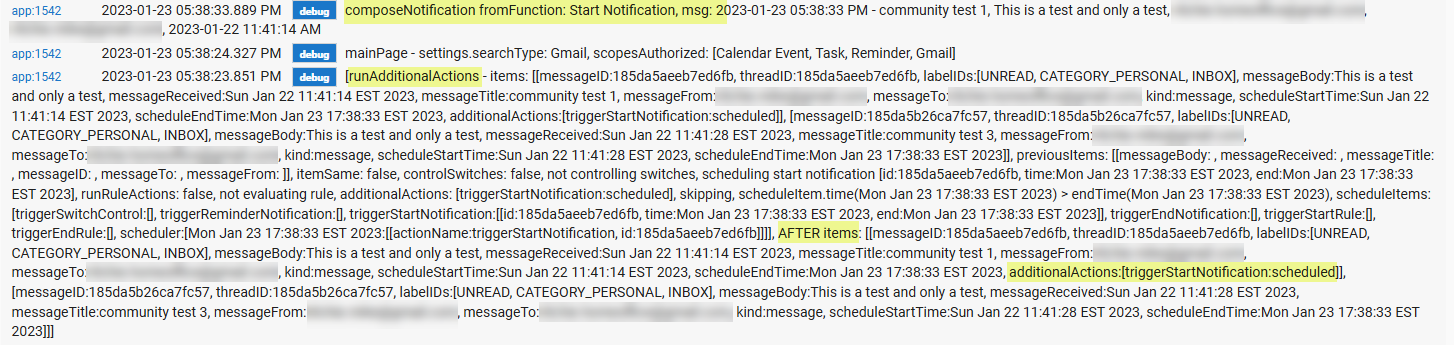
I would suggest the following:
- Queue up some test emails in your Gmail inbox that match the search criteria.
- Open Logs in a separate browser or tab
- Opening your search trigger app, scroll to the bottom, and Enable debug logging and click Done.
- Clicking Done automatically invokes an immediate search so you should have debug logs shortly and can validate the emails within Gmail were updated.
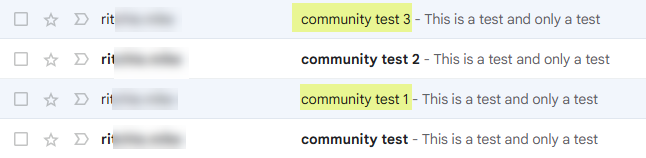
4 Test Emails in Inbox
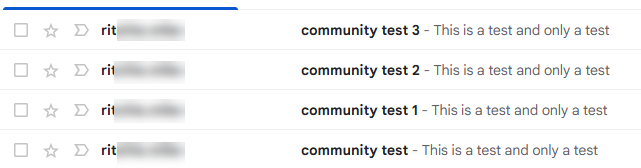

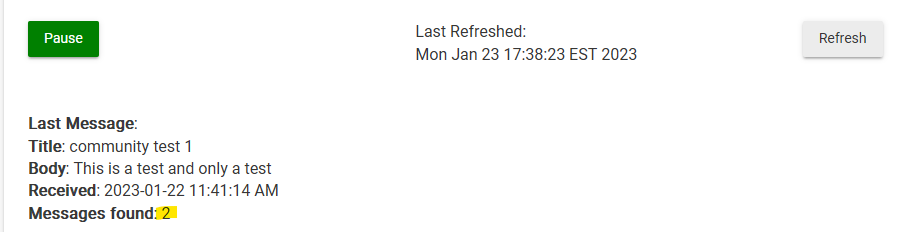
Clicking the refresh button will find the two emails
Also marks the two messages read:
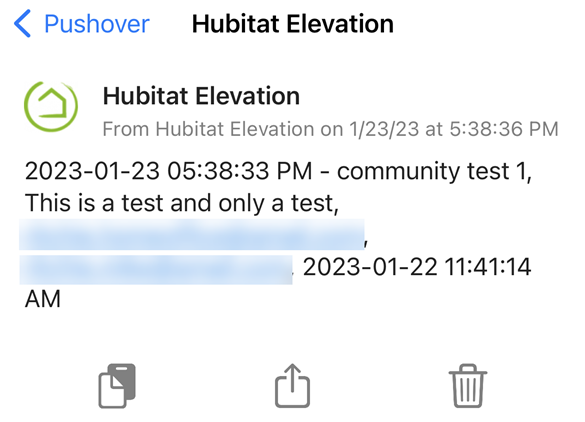
Received Pushover notification:
I think you may want to try using "Category" rather than "Label". The documented way is category. "Label" works for me when I don't have a "Personal" label defined. If I define a Personal label then the search results are nothing as I've not tagged any messages Personal. There must be some soft alias behind the scenes.
Thanks will look into that for a future release. In the latest release I ended up removing the Personal filter all together.
I did some tests last night, if I disable the TTS I now get the notification! TTS is not working for me. However, I think the problem is with my setup and not with your application. I'll dig into it and get back to you when I figure it out. I want to thank you for your support and availability. To be continued.
1 Like
Everything is working fine now! I have to re-pair Google home account with HE to fix the TTS notification.
Great to hear you got this working! Curious are there any errors in your log from the GCal apps? If yes I can try to prevent the whole thing from blowing up so at least your SMS/Push notifications work.
You are the first community member that has posted about using the Gmail search capability. Please let me know if there are things that could be added or improved for this functionality.
The only error I got in my log is this one:
app:3522023-01-23 07:10:11.763 AMerrorjava.lang.NullPointerException: Cannot invoke method getTime() on null object on line 905 (method poll)
As for possible improvements, I have one but it is not specific to Gmail search. If it would be possible to rename the name of the tasks in the app. Currently the name of my task corresponds to the string of the query.

And for the record, I now use this feature to get a voice notification when a package arrives at my mailbox.
For those with Alexa, this feature is native when there is an Amazon order being delivered. I wanted to have the same thing but better. With your application, I can include all the delivery services that send me an email notification when a package is delivered (Canada Post, UPS, Amazon, Purolator, FedEx, DHL) simply by adjusting the search for each service.
1 Like
What is app 352? Is that the GCal Search Trigger? I ask because the error line number mentioned doesn't correspond to the code.
Good suggestion but good news is that feature exists today. You are right that the default name of the app is based on the search string but when creating new search triggers or even on existing search triggers, scroll to the very bottom of the app and you will see the App Preferences section where you can "name this child app".
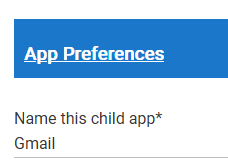
Click done and it will reflect in the list.
Very cool. I have a Zigbee contact sensor on my mailbox that notifies me and 8 close neighbors that mail has arrived. Mail delivery has been so inconsistent and comes anytime between 11 and 8 PM and I grew tired of checking the mailbox. But good idea on the package delivery because I do get emails from Amazon, UPS and others when a delivery of a package has been made.
1 Like
This matche my Gmail search task
Hum please keep an eye on your logs and let me know if this error persists.

