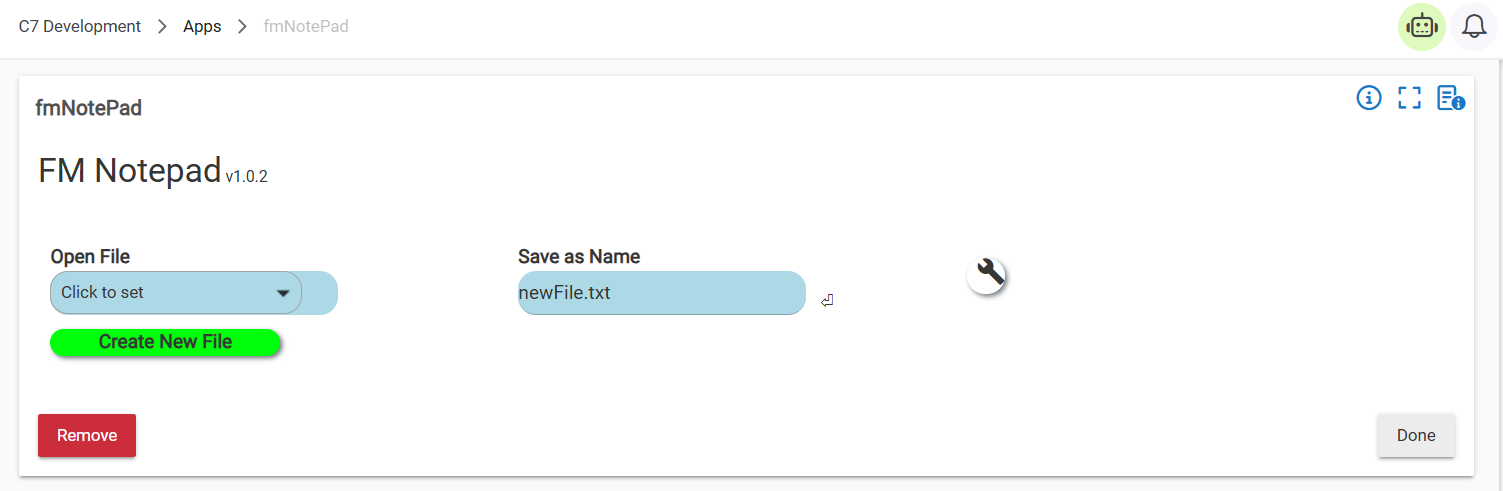
This is a small utility app that allows for the editting and creation of small text files inside of File Manager without requiring that they be uploaded/download from/to another device.
Pressing the Create New File button at this screen will create a 1 byte file under the Save as Name in the File Manager and then bring it up for editing.
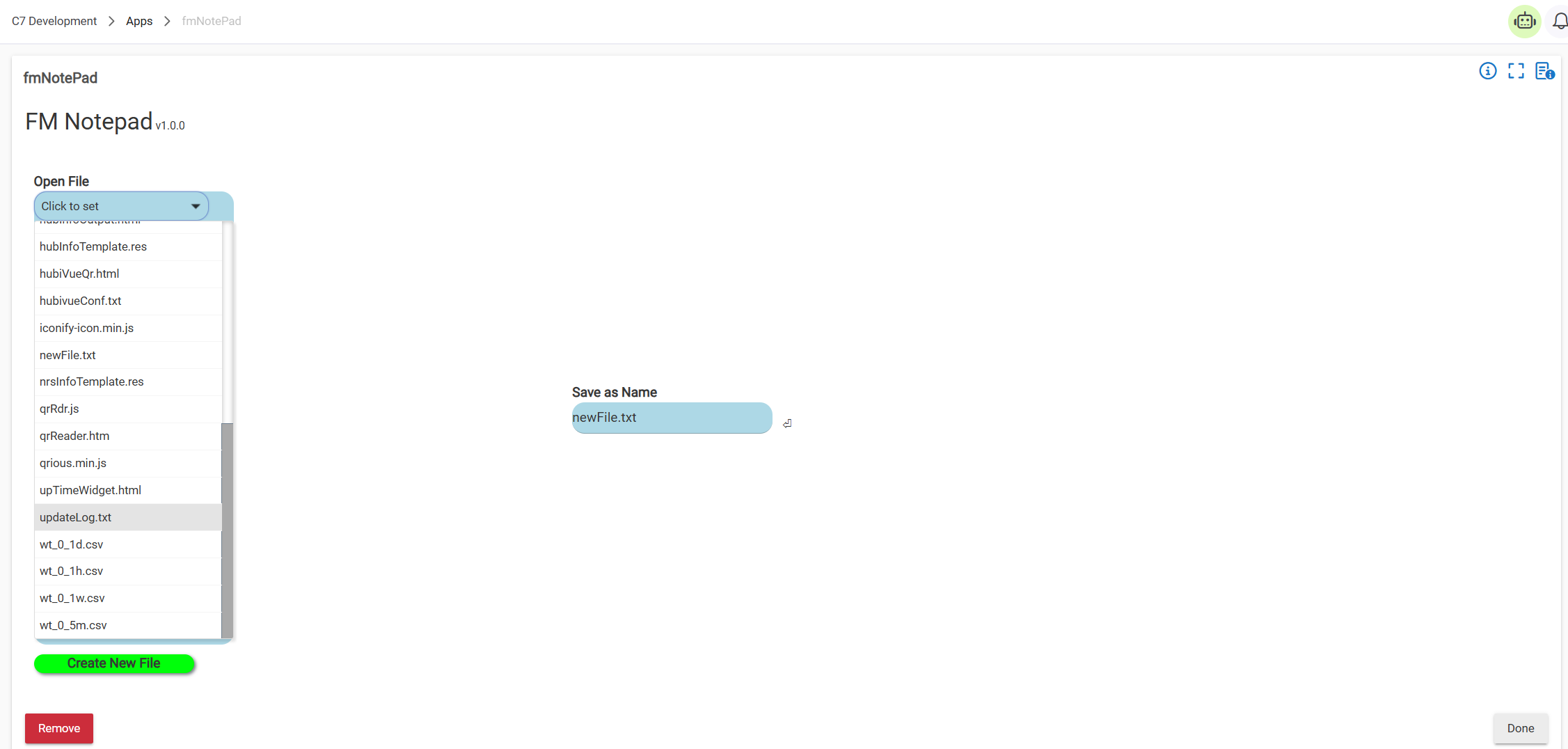
If you wish to edit an existing file click the Open File button and you will be presented a sorted list of all files in File Manager
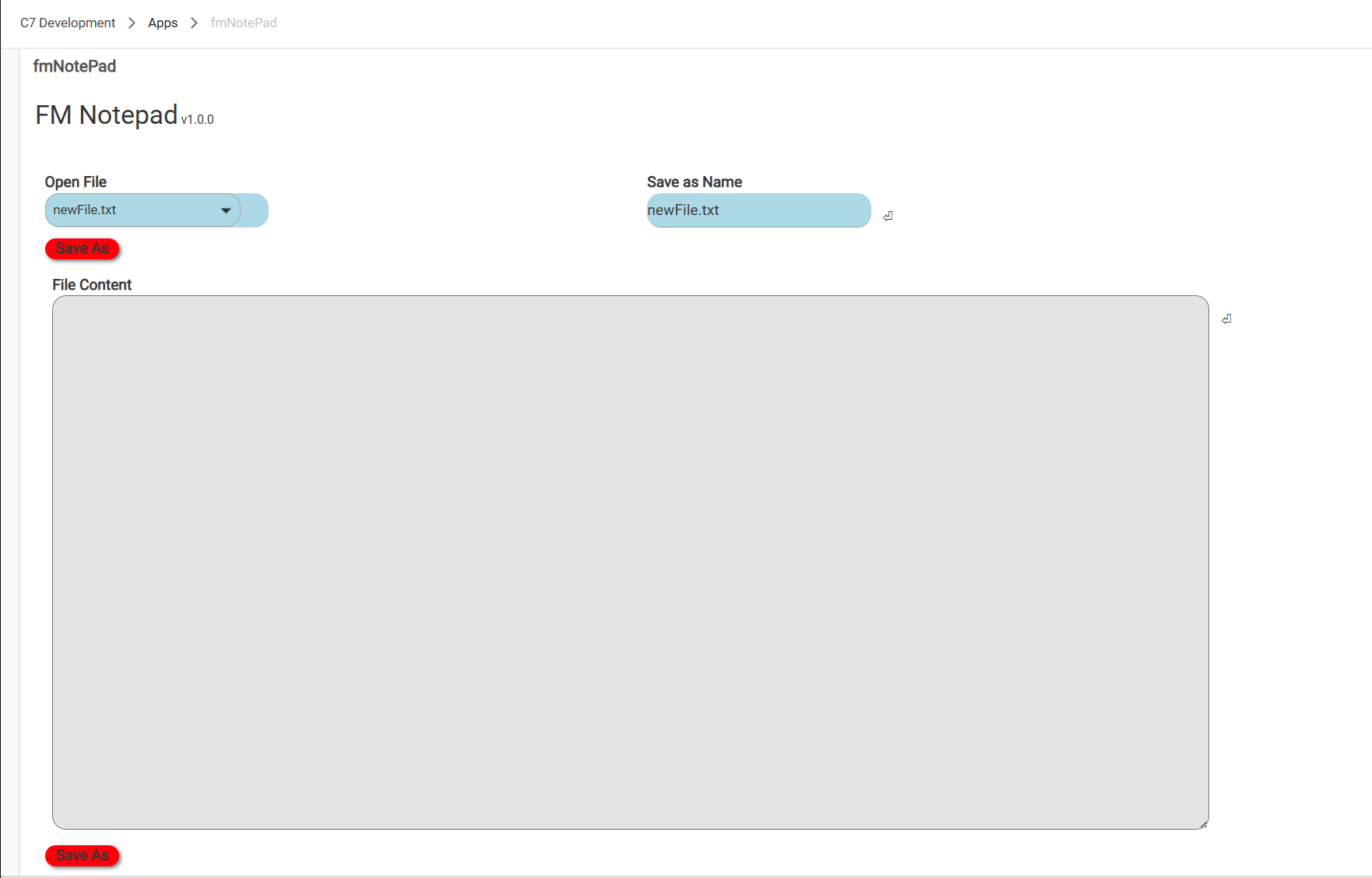
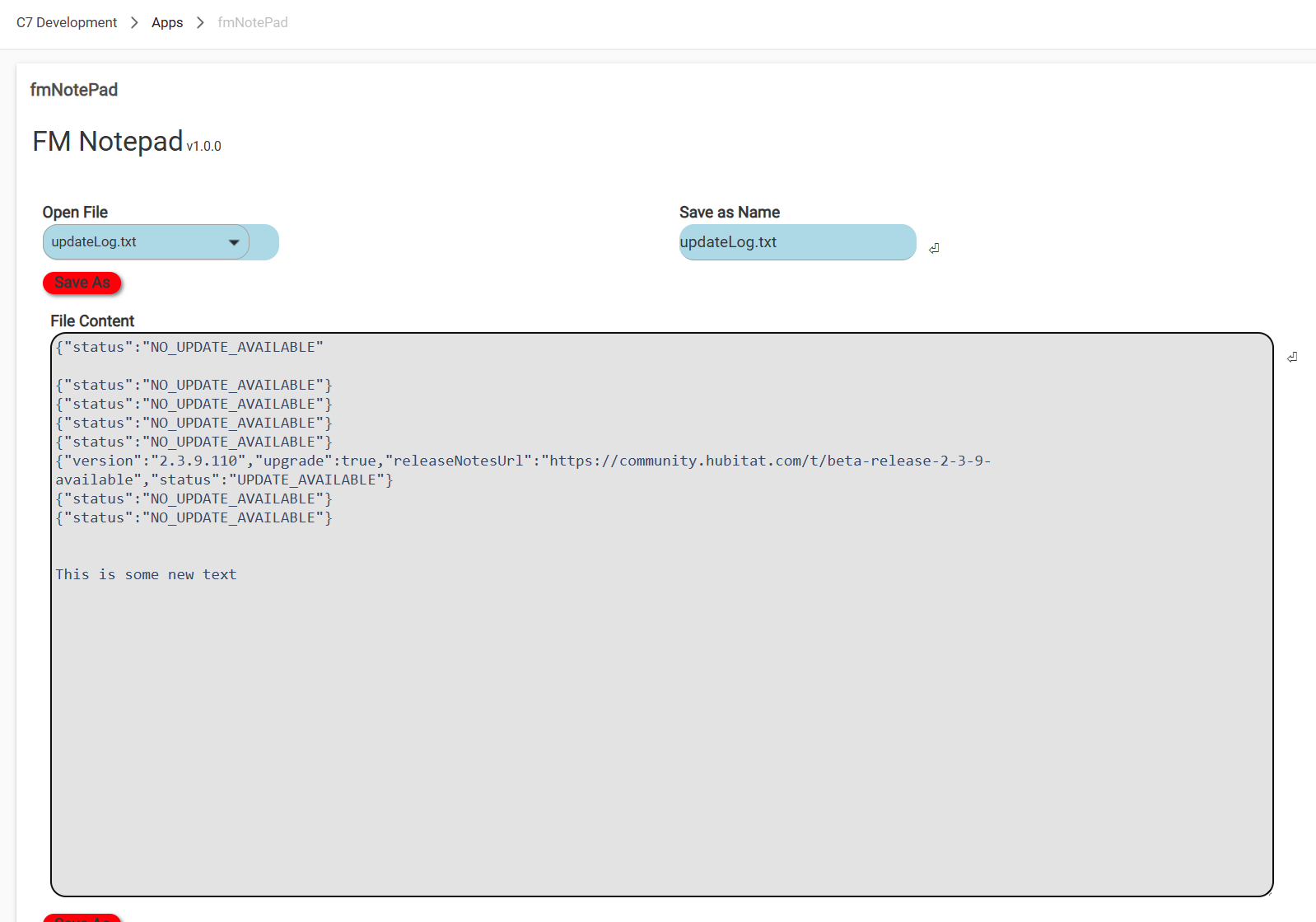
Selecting a file will bring its contents into the resizable textarea for editting
Note that you can open a file and save it under another name by changing the
Save as Name.
App is available in HPM or at https://raw.githubusercontent.com/thebearmay/hubitat/refs/heads/main/apps/fmNotepad.groovy if you want to install manually.
Glad you created this. I find if you do not save and click done it pops an unexpected error.
Thanks, I'll take a look at that.
Note: May take a minute to track as it doesn't log the error, and if you refresh it loads correctly...
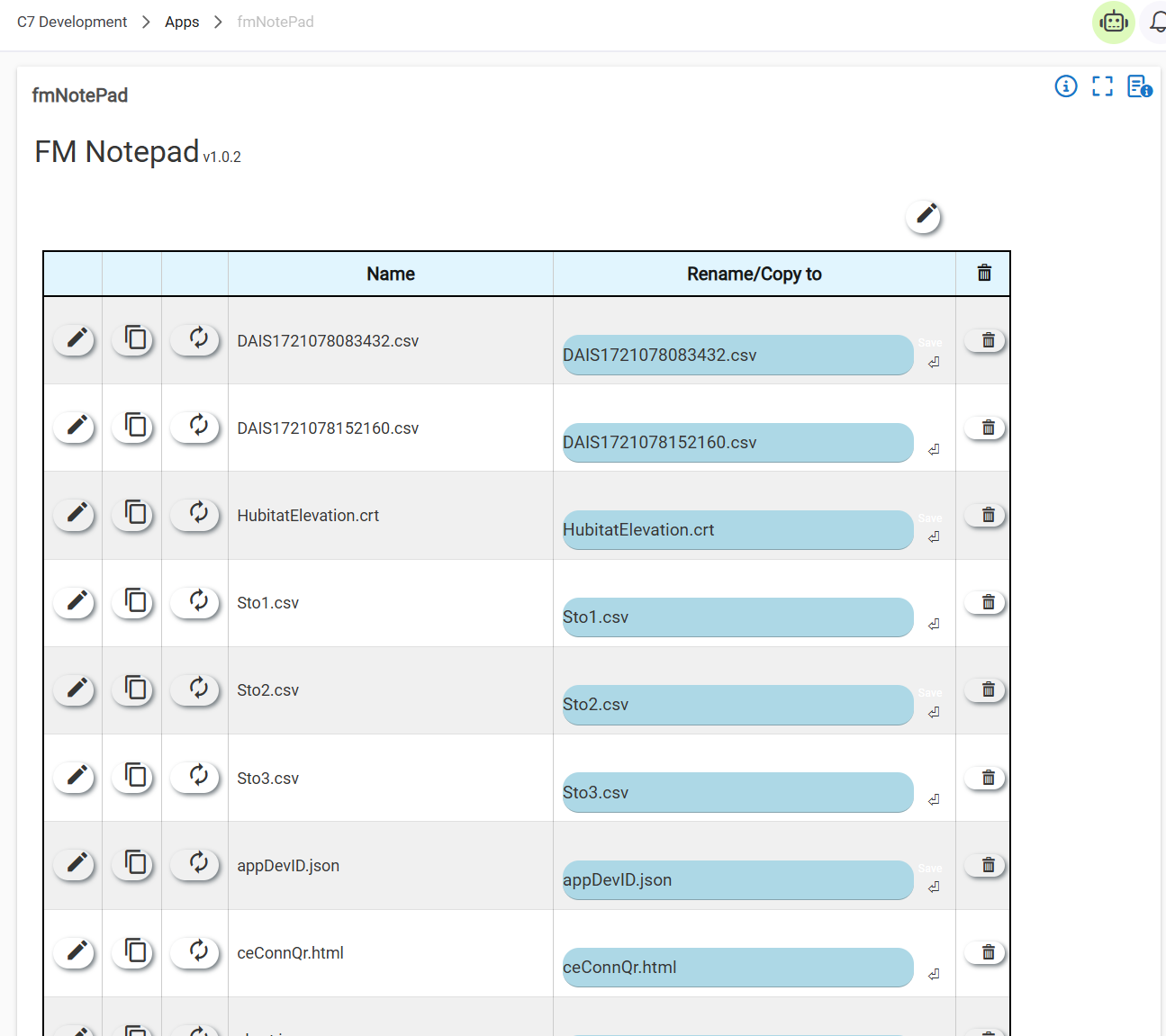
Added a "utilities" page to the app. This page adds the ability to copy, rename, or delete files from the File Manager without leaving the app.
If you want this page to be the default first page there is a switch at the bottom you can turn on and it will always open on this page.
I've tried the new utilities and defaulted to open on this page. The 'done' button works without error. When entering the edit mode and pressing 'done' without saving, the same unexpected error happens. There are times I would want to view the contents of a file without saving changes or making changes. For me, there is a need to edit files and just view the contents, appreciate the app. thx
My guess is that I missed something with the textarea component and interfacing it to the hub. Reviewing it now.
Edit: Found it! I had an unmatched </div> v1.0.3 is up with the fix.
The error is gone! Appreciate all the effort.
Just a thought, currently the 'done' button takes you out of the app. Is there a way to edit/view multiple files without going completely out off the app and going back in again to do the next file? If not - not a problem.
Just use the Open File pull down to select the next file. It will erase the textarea and load in the new content.