The icons are from the Hubitat community repo on GitHub. I think they were originally made for the OpenWeather integration
Thanks, I had to laugh. I enabled the enhanced icons and it looked great until snow cleared and we were left with wind and 0 degrees, Blowing leaves brings to mind a crisp fall afternoon.
1 Like
I agree, there is a mismatch there. It’s a shame there’s no easy way to implement seasons for this. 
I’ll dig into it when I have time and see if there are any non-seasonal options.
Related question. I have a dashboard link tile to all of my weather info. I'd like to use a URL to display the current weather icon on that link tile. That would have to come directly from the source that updates the weather underground device tile because it is dynamic and changes. The link from the device Forecast Today icon is for the currently displayed icon. The link changes when the icon is changed.
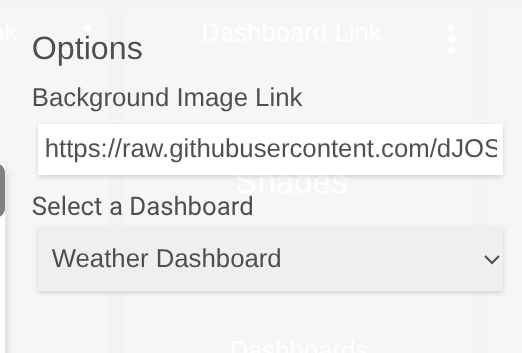
All the images are hosted on my GitHub repository. The WU device calls them based on a weather code from WU that matches the numbering of the images.
There’s an HTML icon tile for each day that is updated, but I’m not sure how you could use this as a background.
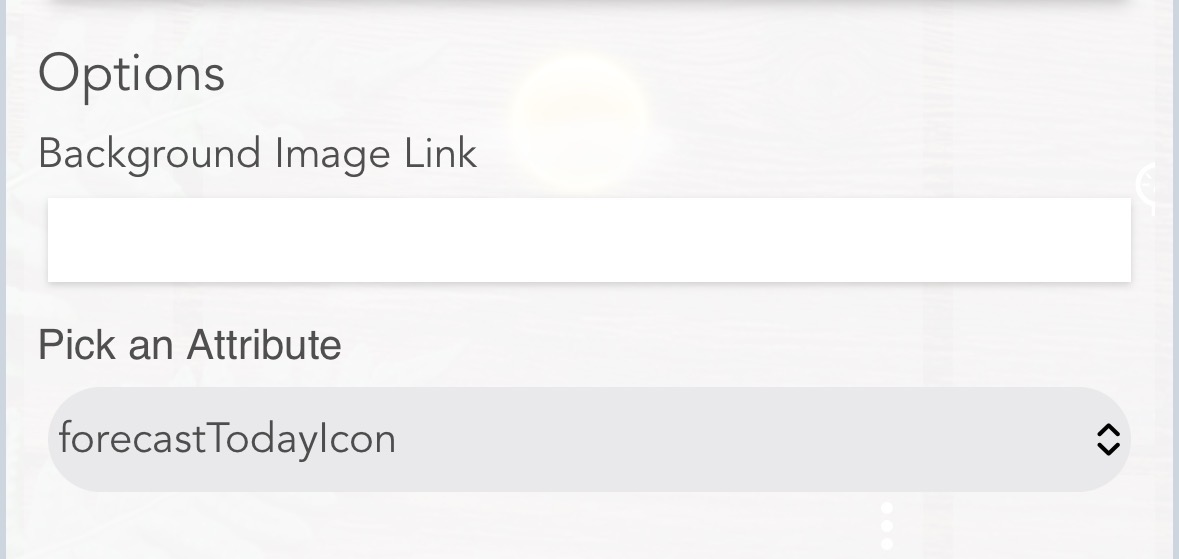
That updates the Forecast Today icon URL to whichever icon image is appropriate for the day. Would there be a way to create an icon image copy with a static URL that provides an image that is auto updated to the current Forecast Today icon?
Not easily, no. The device driver would need to pull the correct file down to the hub, delete the old one, and the rename the new one.
I don’t think it’s worth the effort TBH.
Error. "Invalid response structure from WU". This has been working. Any idea if there is a change at weather underground or if it is a temporary glitch on their end? My weather station account seems normal in all other respects.

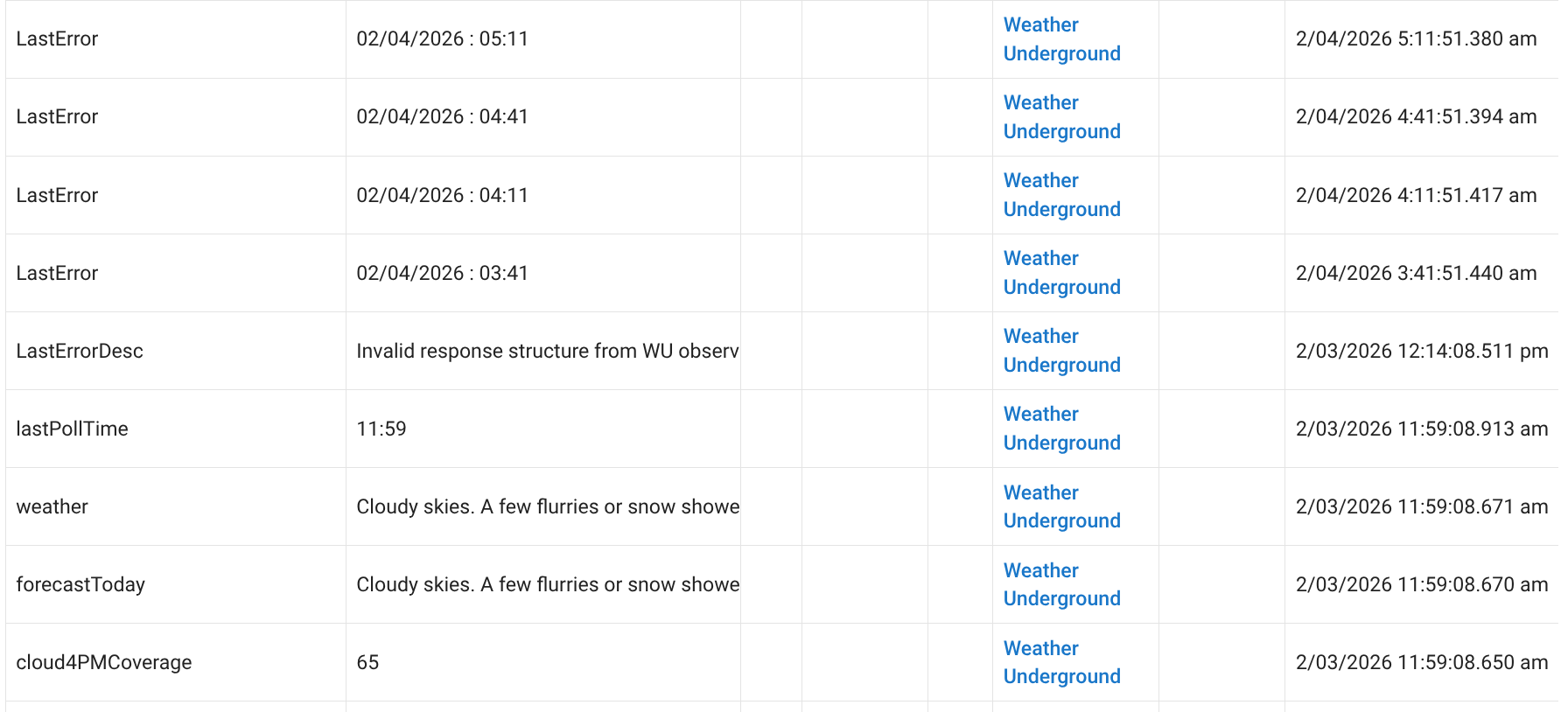
I see these every now and again myself, it’s at the WU end.
1 Like
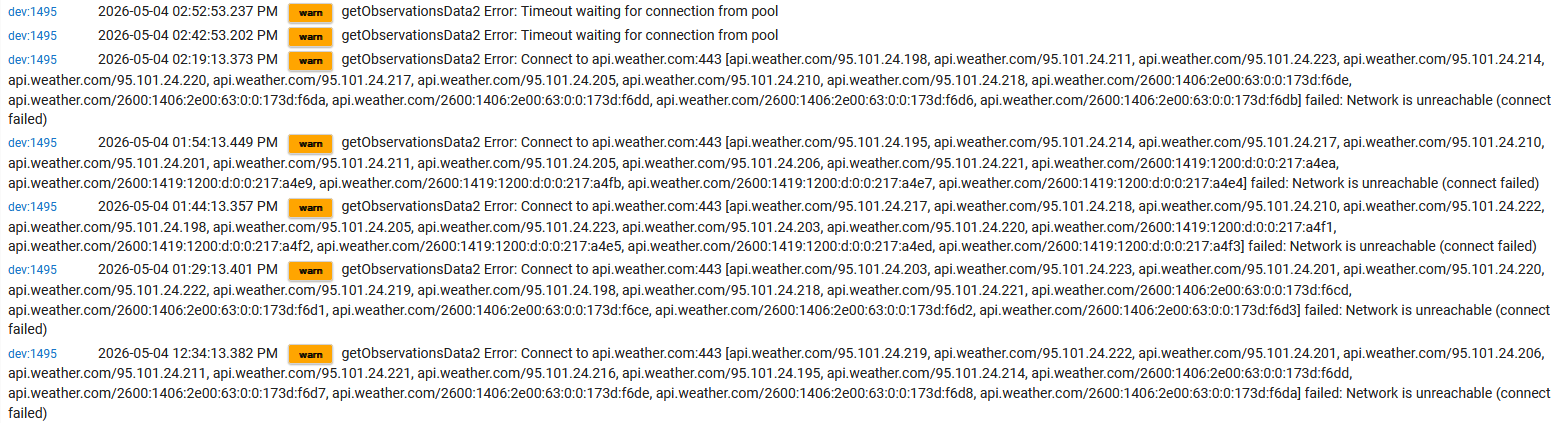
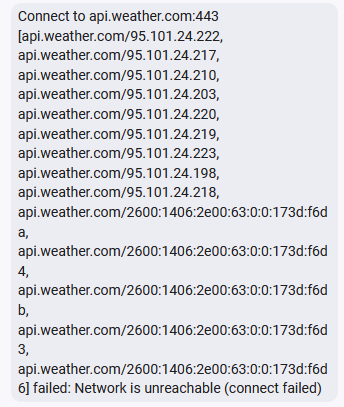
So your code is calling api.weather.com and all these 95.101.24.x addresses are returned?
My router is blocking them because they are in Argentina.
The lookup from my desktop produces different results:
C:\>nslookup api.weather.com
Server:  UnKnown
Address:  172.64.36.1

Non-authoritative answer:
Name:    a2049.dscapi7.akamai.net
Addresses:  2600:1406:2e00:63::173d:f6ca
          2600:1406:2e00:63::173d:f6c4
          2600:1406:2e00:63::173d:f6cb
          2600:1406:2e00:63::173d:f6c5
          2600:1406:2e00:63::173d:f6c6
          23.44.229.229
          23.44.229.225
          23.44.229.205
          23.44.229.200
          23.44.229.231
          23.44.229.201
          23.44.229.228
          23.44.229.224
          23.44.229.203
Aliases:  api.weather.com
          api.sun.weather.com
          api.weather.com.edgesuite.net
Are you using a hard-coded DNS server or the DNS server the hub provides?
Im not hard coding it, the DNS is being provided by the Hub, which should be coming from your router but I just discovered the default is google and Cloudflare.
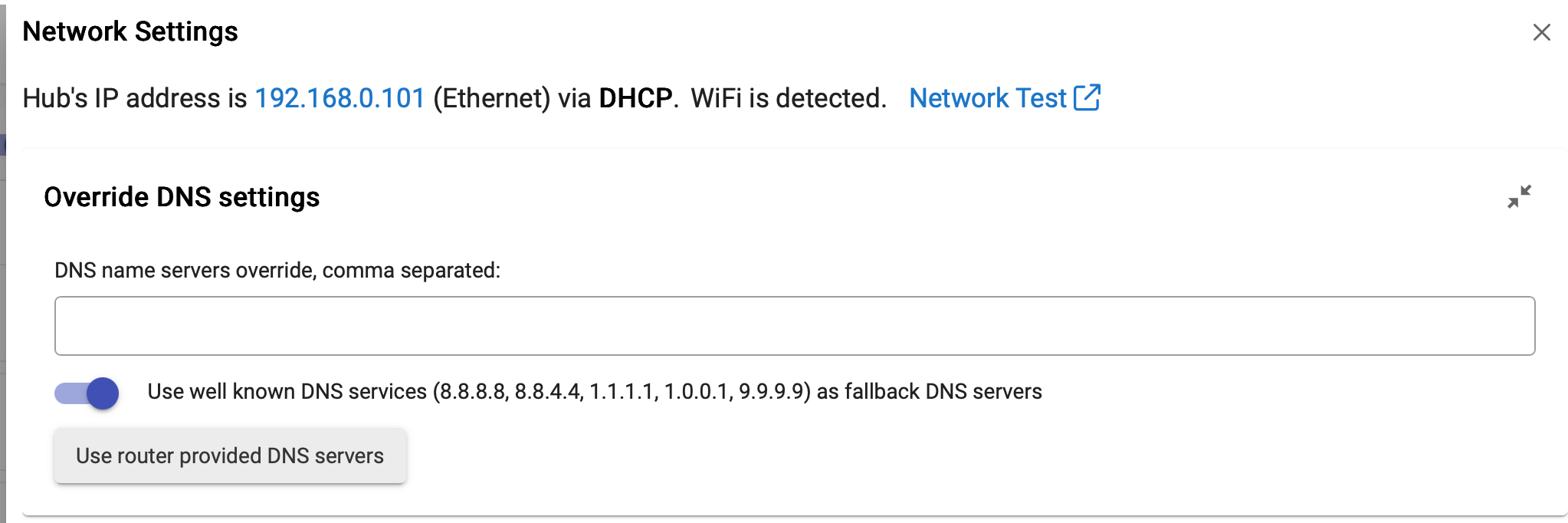
Thanks, I found a discrepancy between my hub and desktop DNS settings.
Also, Google (8.8.8.8) and/or Quad (9.9.9.9) unnecessarily return out-of-country results (like the addresses from Argentina above) while Cloudflare appears to more geographically sensible.
1 Like